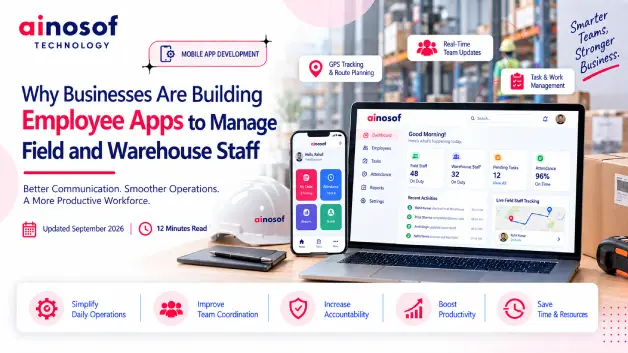

Why Businesses Are Building Employee Apps to Manage Field and Warehouse Staff
 Tarun Rajput


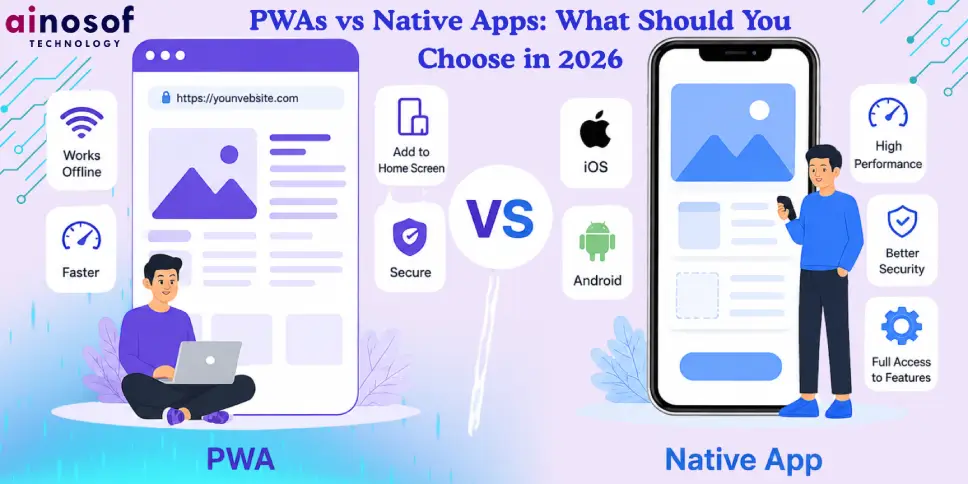
A few years ago, the answer was simple: if you wanted performance and features, go native; if you wanted reach and cost savings, go PWA. In 2026, that line has blurred dramatically. The Web Platform now supports Push Notifications across all major browsers, background sync, file system access, Bluetooth, USB, NFC, and even AR capabilities. Meanwhile, Apple has been compelled by regulatory pressure in the EU to open its ecosystem further, making PWAs more viable on iOS than ever.
At the same time, native development has matured with React Native 0.80, Flutter 4, and SwiftUI/Compose reaching new levels of productivity. Cross-platform native toolkits now deliver near-identical performance to fully native code, making "native" a more accessible choice for startups.
A Progressive Web App is a website that behaves like a native application. It can be installed on a home screen, works offline, sends push notifications, and loads near-instantly thanks to service workers and smart caching strategies.
A native app whether fully native (Swift/Kotlin) or cross-platform native (Flutter/React Native) — runs compiled code directly on the device. It integrates tightly with the operating system and hardware.
1. E-commerce & Retail
PWAs have dominated this space since Flipkart's pioneering PWA doubled conversions back in the day. In 2026, brands like Shopify-powered stores, food delivery aggregators, and fashion marketplaces run primarily as PWAs. The combination of fast load times, offline browsing of product catalogs, and zero install friction makes PWA the default choice here.
2. Fintech & Banking
This remains native territory for flagship apps. Biometric authentication, hardware-backed key storage, device fingerprinting, and regulatory compliance requirements all push toward native. However, many banks run companion PWAs for quick balance checks and branch locators.
3. Health & Fitness
Native wins for anything that integrates with HealthKit or Google Health Connect — step counts, heart rate, sleep tracking, workout detection. PWAs work well for diet trackers, mental wellness apps with primarily content-driven experiences, and telehealth consultation portals.
4. SaaS & Productivity
PWAs are overwhelmingly the choice for SaaS products. Notion, Linear, Figma (partially), and hundreds of other productivity tools invest heavily in their web-first, installable PWA experience. The advantage of instant updates and cross-device sync is simply too great.
At Ainosof Technology, we believe the right choice in 2026 depends on your business goals. PWAs are ideal for faster reach, lower cost, and seamless accessibility, while Native Apps remain the best fit for high-performance, hardware-intensive experiences. Choosing the right approach — or a mix of both — ensures better user experience, scalability, and long-term growth.
Ques: Can a PWA replace a native app completely in 2026?
Ans: For a large majority of apps — yes, a PWA can fully replace native. Content platforms, e-commerce stores, SaaS tools, social feeds, news apps, and productivity applications all run excellently as PWAs in 2026. However, if your app relies on deep hardware APIs like ARKit, HealthKit, advanced biometrics, or real-time 3D rendering, native still holds advantages. Think about your core features and check against the Web Platform API availability before committing.
Ques: Are PWAs now supported properly on iPhone/iOS?
Ans: Significantly more than before. Following EU regulatory pressure under the Digital Markets Act, Apple has allowed third-party browser engines on iOS, meaning Chrome and Firefox can now run their own rendering engines on iPhones within the EU. This unlocks PWA capabilities like push notifications, richer storage APIs, and better background sync that were previously blocked by Safari's WebKit restriction. Outside the EU, Safari has also improved substantially through 2024–2025, though some gaps remain compared to Chrome on Android.
Ques: Is it cheaper to build a PWA than a native app?
Ans: Generally, yes — by a significant margin. A PWA requires one codebase that runs everywhere, whereas a native approach requires either separate iOS and Android teams or investment in cross-platform frameworks (React Native, Flutter) with their own learning curves. Industry estimates in 2026 put PWA development at 40–60% the cost of building equivalent dual-native apps. Maintenance savings compound over time too, since every update only needs to be deployed once.
Ques: Do PWAs show up in the App Store?
Ans: Not by default. PWAs are distributed via URLs and installed directly from the browser. However, tools like PWABuilder from Microsoft allow you to package your PWA into an app store submission for both Google Play and the Microsoft Store, and partially for Apple's App Store. This lets you gain App Store presence while keeping a single web codebase. That said, Apple's review process still applies and some PWA capabilities may be more restricted in this wrapper format.
Ques: Can PWAs work offline like native apps?
Ans: Yes — this is one of the defining features of a PWA. Service workers allow developers to cache assets, API responses, and even entire app shells, enabling full offline functionality. Applications like Google Maps (PWA mode), Spotify Web, and various e-reader apps work completely offline once installed. The sophistication of offline support depends on how well the developer implements the service worker caching strategies, but the technology is fully capable of matching native offline experiences for most categories.
Ques: Which performs better for users: PWA or Native?
Ans: For typical UI interactions, scrolling, forms, and media — modern PWAs are indistinguishable from native apps in performance for most users on mid-range and high-end devices. The gap appears primarily in GPU-intensive use cases (3D games, AR, video editing) and cold-start boot times on older low-end hardware. Native apps also have an edge for complex background operations. If your app doesn't fall into these categories, you won't notice a meaningful difference in practice.
Ques: What about React Native or Flutter — are these "native" or something else?
Ans: React Native and Flutter occupy a middle ground often called "cross-platform native." They compile to native components and run on the device's native runtime (not in a browser), so they access the same APIs as fully native Swift/Kotlin apps. Performance is near-native for the vast majority of use cases. They are distinct from PWAs — you still distribute through app stores and maintain a non-web codebase. However, they let one team (often with web skills) target both iOS and Android, reducing cost compared to fully separate native teams.
Ques: How does Ainosof Technology approach this choice for clients?
Ans: At Ainosof, we follow a structured product strategy review before recommending an approach. We map your core user journeys, identify which platform APIs you genuinely need, analyze your target audience's device and browser demographics, and model the total cost of ownership for each path. For early-stage products, we almost always recommend a high-quality PWA first. For products with clear hardware dependency or established product-market fit, we design a native or hybrid strategy. Our goal is always to match technical investment to business outcomes — never to over-engineer.
Ques: Will PWAs ever fully replace native apps?
Ans: Likely not entirely, but the gap will keep narrowing. Native apps will retain advantages in areas requiring the deepest hardware and OS integration — especially on Apple's tightly controlled platform. However, as Web APIs continue expanding through the W3C and Project Fugu, the set of use cases where native is truly necessary will shrink. We predict that by 2028, fewer than 15% of new digital products will require native-only capabilities. The pragmatic question isn't "which will win" but "which is right for your specific use case right now.
 What is LLM SEO and Why Is It Becoming Important for Business Visibility in 2026?
03 Aug, 2026
What is LLM SEO and Why Is It Becoming Important for Business Visibility in 2026?
03 Aug, 2026
 ERP Software Cost in India 2026: What Businesses Should Budget For
24 Sep, 2026
ERP Software Cost in India 2026: What Businesses Should Budget For
24 Sep, 2026
 Why Colleges and Universities Need ERP Software to Manage Admissions, Fees and Operations
23 Sep, 2026
Why Colleges and Universities Need ERP Software to Manage Admissions, Fees and Operations
23 Sep, 2026
 How ERP Software Solves Inventory and Production Chaos for Electronics Manufacturers
22 Sep, 2026
How ERP Software Solves Inventory and Production Chaos for Electronics Manufacturers
22 Sep, 2026
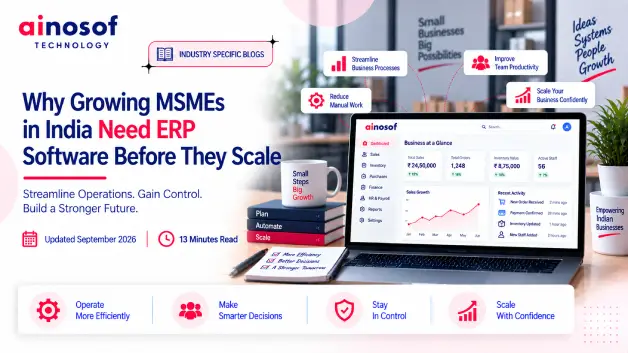 Why Growing MSMEs in India Need ERP Software Before They Scale
21 Sep, 2026
Why Growing MSMEs in India Need ERP Software Before They Scale
21 Sep, 2026
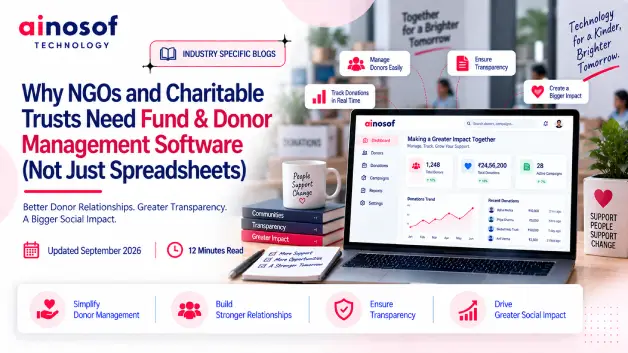 Why NGOs and Charitable Trusts Need Fund & Donor Management Software (Not Just Spreadsheets)
19 Sep, 2026
Why NGOs and Charitable Trusts Need Fund & Donor Management Software (Not Just Spreadsheets)
19 Sep, 2026
Comment with an expert and get our answer.
Comment with an expert and get our answer.
Explore more insights related to this topic and discover useful perspectives, ideas and strategies from our latest articles.