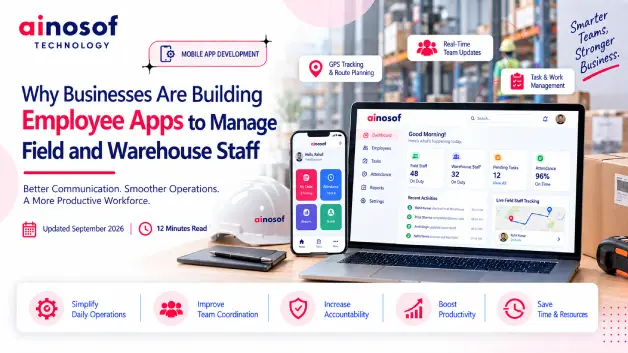
Why Businesses Are Building Employee Apps to Manage Field and Warehouse Staff
 Tarun Rajput


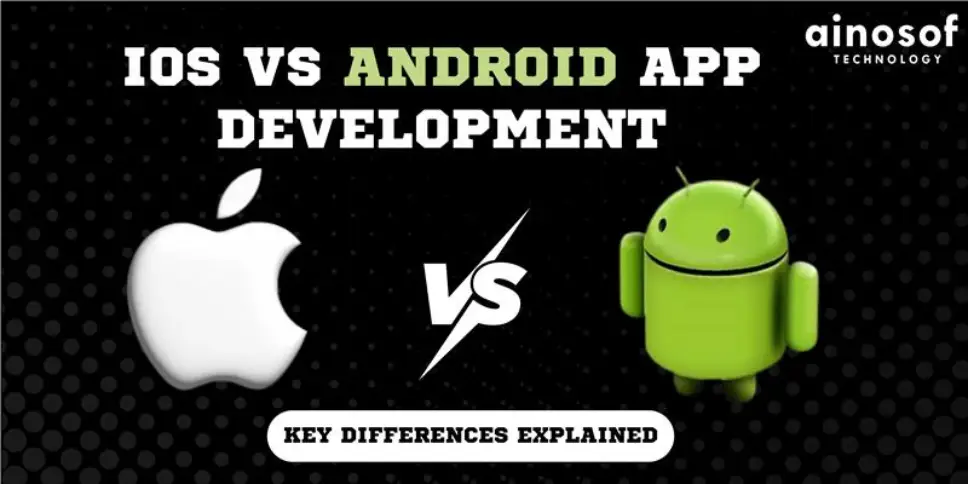
The iOS and Android platforms happen to be the two major ones in the world of mobile app development. Each of them comes with its unique characteristics, development environments, and audiences. If you want to build an app, the important thing is first to understand the main differences in iOS and Android development. This blog post will delve into the essential aspects of each platform to give you an idea of which suits your project better.
When you start thinking about developing a mobile application, one of the first decisions you'll face is whether to build for iOS, Android, or both. Both platforms have billions of active users worldwide and each offers distinct advantages and challenges. Understanding the core differences in how they function, how apps are developed, and what users expect can help guide your decision-making process. From development tools to user interface (UI) guidelines, every element differs between iOS and Android, which makes choosing the right platform a key consideration.
What is iOS / What is Android?
iOS is the operating system created by Apple Inc. specifically for its products, such as iPhones, iPads, and iPods. iOS is well-known for its flawless interaction with Apple's ecosystem and for providing a polished, consistent user experience. Apple smartphones are known for their high-end hardware, therefore iOS is a popular platform for premium apps and high-performance experiences.
Android, on the other hand, is Google's open-source mobile operating system. It is used on a wide range of devices from many manufacturers, including Samsung, Google, Xiaomi, and Huawei. Android's open-source nature provides a great deal of flexibility and customization choices for both developers and users. With its large market share, Android serves a diverse range of consumers across various device kinds and price points.
UI/UX design is a very important factor in app development, and iOS and Android have some very different approaches in design philosophy and guidelines.
The difference in design guidelines often results in a noticeable contrast between iOS and Android apps in terms of navigation patterns, icons, and overall aesthetics.
The reason being, the development environments and languages utilized for iOS and Android differ, making it one of the most critical differences between both platforms.
When it comes to security and maintenance, iOS and Android take different approaches:
Testing and debugging are crucial steps in the app development process, and both iOS and Android have their own set of challenges:
The choice between iOS and Android app development depends on a number of factors: the target audience, budget, and long-term goals, for example. iOS offers an easy, secure development process with a high-end user base, whereas Android is more flexible, customizable, and can reach larger markets all over the world. In the end, it all comes to understanding the differences in development environments, UI/UX guides, security, and needs for maintenance to make your decision more informed. Whichever you choose-IOS, Android, or both-each has special opportunities to reach your audience effectively.
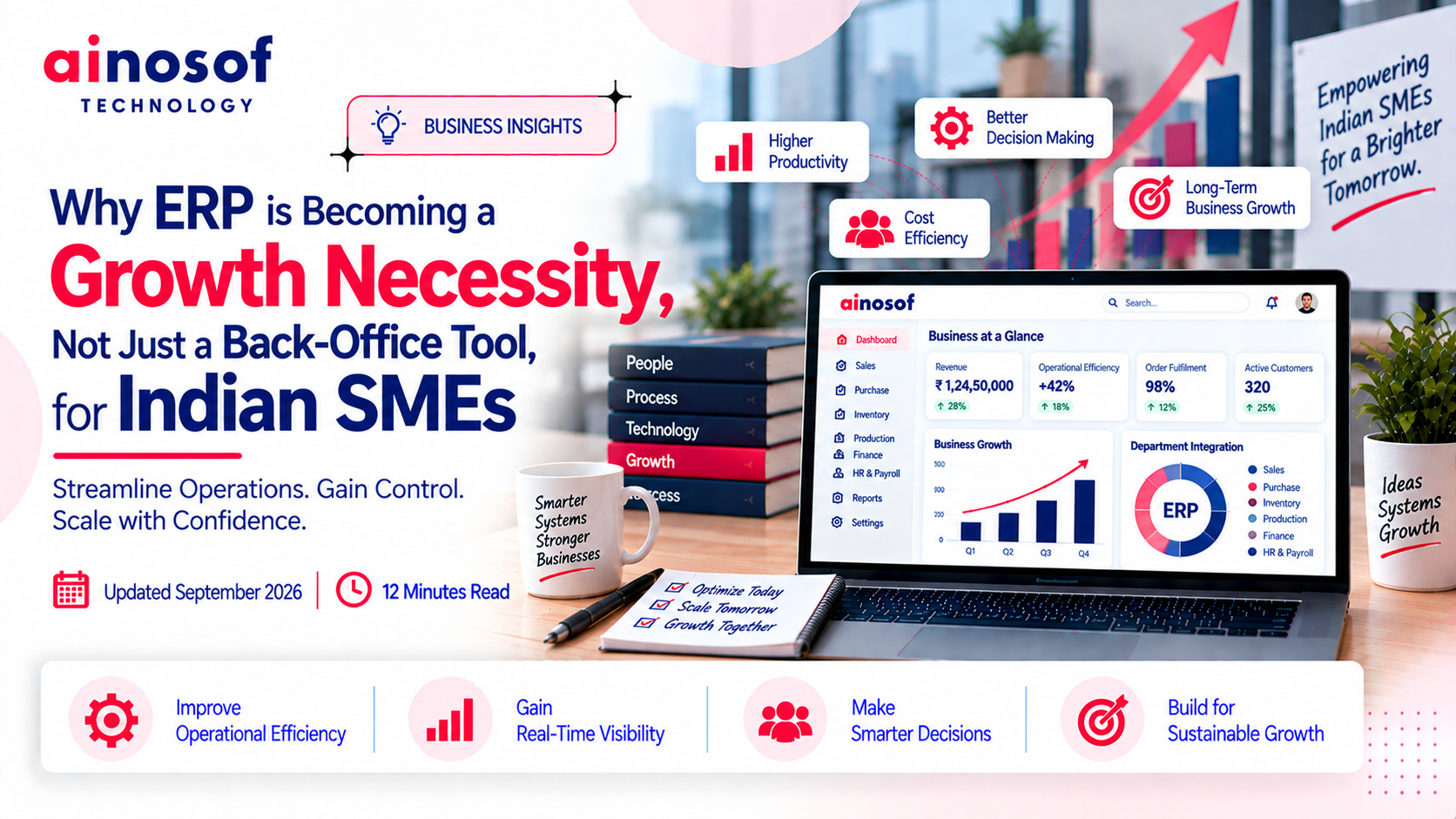 Why ERP is Becoming a Growth Necessity, Not Just a Back-Office Tool, for Indian SMEs
29 Sep, 2026
Why ERP is Becoming a Growth Necessity, Not Just a Back-Office Tool, for Indian SMEs
29 Sep, 2026
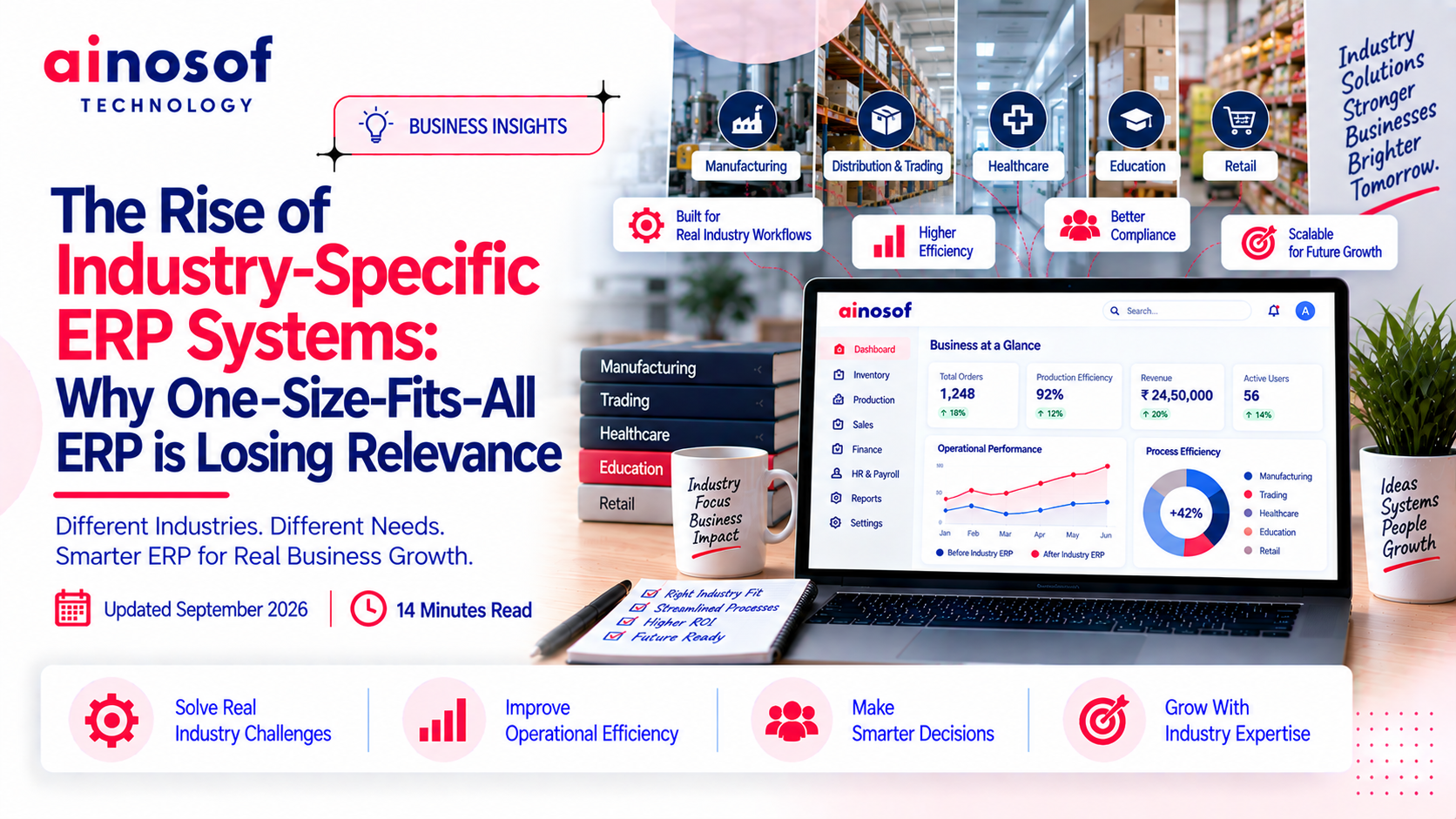 The Rise of Industry-Specific ERP Systems: Why One-Size-Fits-All ERP is Losing Relevance
28 Sep, 2026
The Rise of Industry-Specific ERP Systems: Why One-Size-Fits-All ERP is Losing Relevance
28 Sep, 2026
 How ERP Implementation Helped a Manufacturing Business Cut Inventory Errors by Half
26 Sep, 2026
How ERP Implementation Helped a Manufacturing Business Cut Inventory Errors by Half
26 Sep, 2026
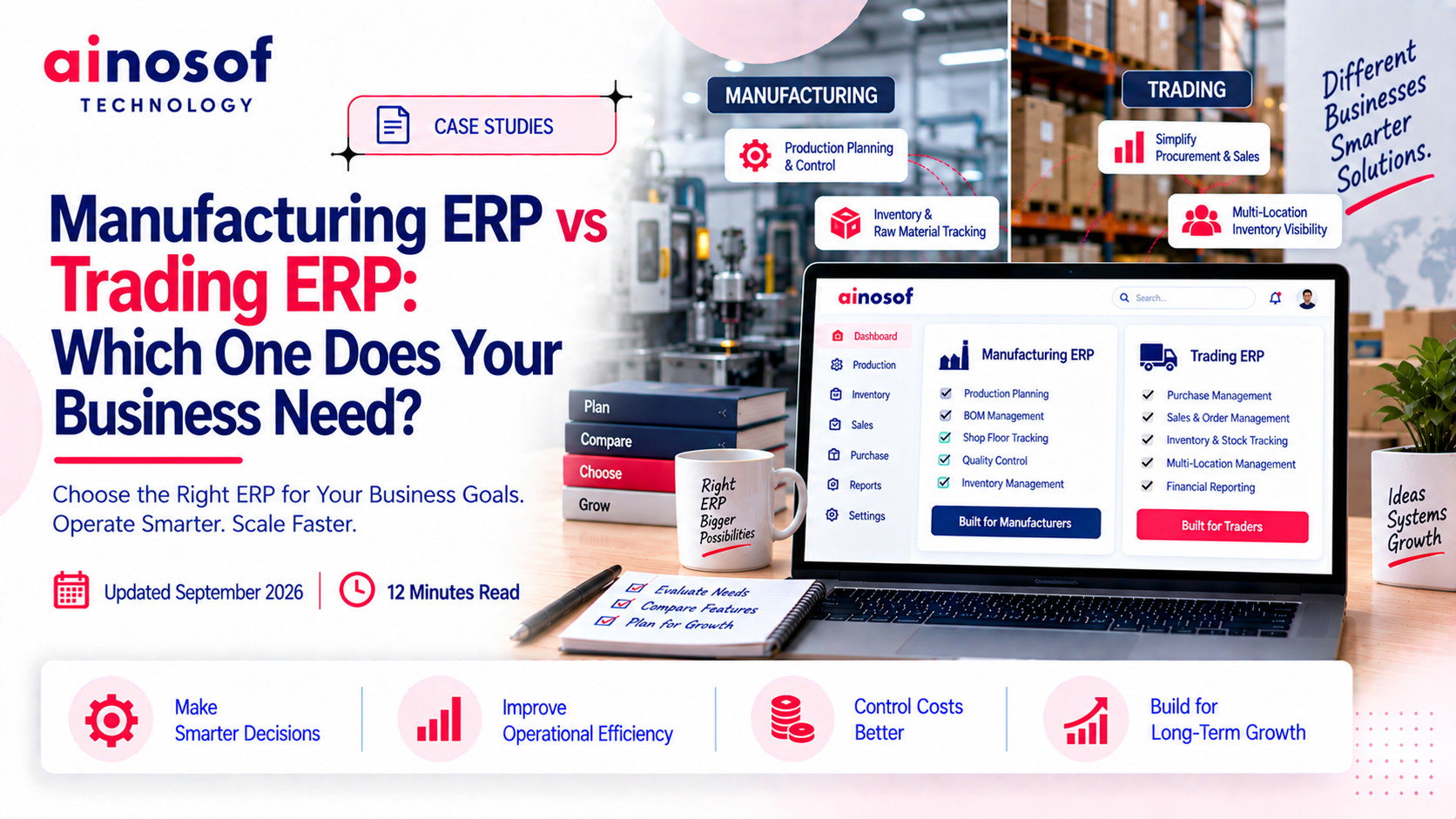 Manufacturing ERP vs Trading ERP: Which One Does Your Business Need?
25 Sep, 2026
Manufacturing ERP vs Trading ERP: Which One Does Your Business Need?
25 Sep, 2026
 What is LLM SEO and Why Is It Becoming Important for Business Visibility in 2026?
03 Aug, 2026
What is LLM SEO and Why Is It Becoming Important for Business Visibility in 2026?
03 Aug, 2026
 ERP Software Cost in India 2026: What Businesses Should Budget For
24 Sep, 2026
ERP Software Cost in India 2026: What Businesses Should Budget For
24 Sep, 2026
Comment with an expert and get our answer.
Comment with an expert and get our answer.
Explore more insights related to this topic and discover useful perspectives, ideas and strategies from our latest articles.