Why Colleges and Universities Need ERP Software to Manage Admissions, Fees and Operations
 Iram
Iram


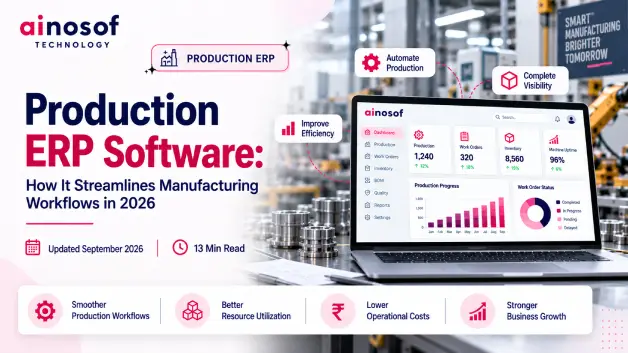
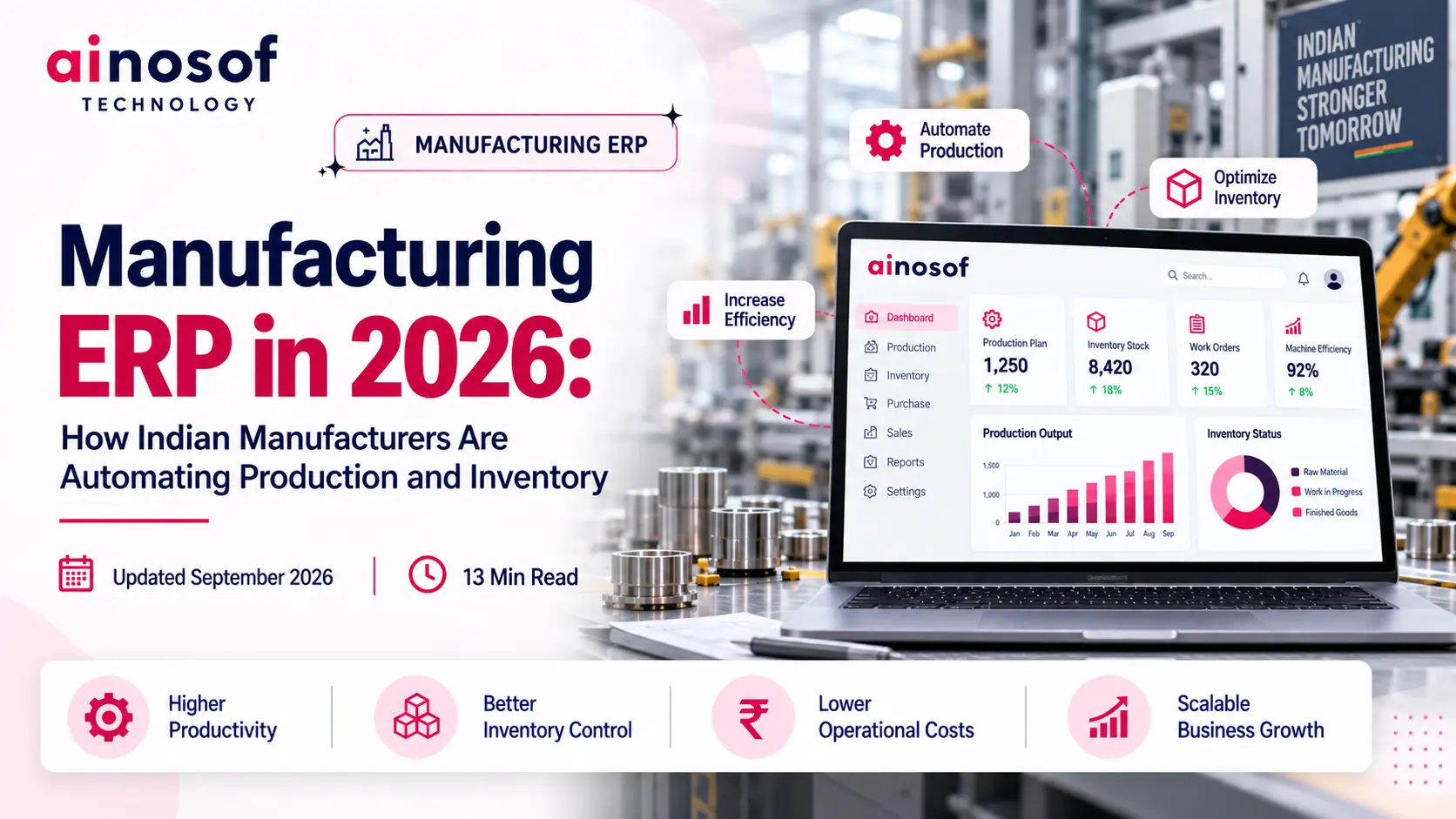
Manufacturing operations become harder to control as production grows. More orders bring more production planning, raw materials, work orders, inventory movements, purchasing activities, and reporting. When these processes are handled through spreadsheets, registers, calls, or disconnected software, even routine decisions can take longer.
The bigger business problem is not production itself. It is the gap between the teams responsible for making production happen. Production may not know the latest material position. Purchase teams may not have clear visibility into changing production requirements. Warehouse teams may maintain separate stock records. Management may have to collect information before making a decision.
This is where Production ERP Software becomes useful. It connects production activities with the information that other departments depend on, creating a more coordinated workflow from planning to completion.
For manufacturers, the objective should not be automation for the sake of automation. The real goal is to reduce unnecessary manual work, improve production visibility, control materials better, and help managers make faster decisions.
A solution provider such as Ainosof Technology can approach ERP development around these actual business workflows, helping manufacturers consider production, inventory, purchasing, reporting, and other connected processes rather than treating ERP as a collection of isolated modules.
This article explains how Production ERP can streamline manufacturing workflows, where it can create the most value, and what manufacturers should evaluate before choosing an ERP solution.
A small production operation can often manage information through spreadsheets and direct communication. As the business grows, the same approach becomes difficult to control.
More products, orders, materials, production stages, employees, and suppliers mean more information moving between teams. If these processes remain disconnected, manufacturers can face delays, duplicate data entry, material shortages, production bottlenecks, and poor visibility.
Manufacturing involves several connected activities. A production order may require material checking, purchasing, warehouse coordination, work-order creation, production execution, and finished-goods updates.
When each activity is handled separately, employees have to repeatedly share information.
For example, production may ask the warehouse whether a material is available. If it is unavailable, the purchase team may need to check pending orders. Production then waits for another update before finalizing the schedule.
This creates unnecessary communication between departments.
A Production ERP system can connect these activities so relevant information moves through the workflow instead of being manually passed from one person to another.
The result is better coordination and less time spent chasing updates.
Production managers need to know what is planned, running, delayed, completed, or waiting for materials.
When this information is spread across different records, management may discover a problem only after it has already affected production.
For example, an order may appear to be on schedule until the production team discovers that an important raw material is unavailable.
With ERP, production status, material information, work orders, and inventory records can be connected.
This gives management a clearer operational view and helps them act before small issues become larger delays.
The real value of Production ERP Software comes from connecting activities that already depend on one another.
Production planning creates material requirements. Material availability affects production schedules. Work orders organize execution. Production completion affects inventory. Management then needs this information for reporting and decisions.
When these activities are connected, manufacturers can manage production as one workflow rather than a collection of separate tasks.
A production plan is useful only when the business can arrange the resources required to execute it.
Production ERP can connect production planning with material requirements and inventory information. This helps planners check whether the required raw materials are available before production begins.
For example, if a manufacturer plans to produce a specific quantity of finished goods, the system can help identify the materials required and compare those requirements with available stock or pending purchases.
The workflow can become:
Production Plan → Material Requirement → Inventory Check → Purchase Requirement → Production
This reduces the need to manually compare production plans with inventory records.
It also gives purchase and production teams a clearer understanding of what is required and when.
Production planning tells the business what needs to be produced. Work orders help turn that plan into actual production activities.
A work order can contain information such as the product, quantity, required materials, production stage, assigned activity, and current status.
This becomes especially useful when a product moves through multiple stages.
For example, production may involve:
Cutting → Machining → Assembly → Quality Check → Packaging
Instead of tracking each stage through separate registers or messages, a connected ERP workflow can provide better visibility into the status of the work order.
This helps supervisors understand what is pending and helps management identify production delays without collecting manual updates from every stage.
Production depends on several departments working together.
Purchasing needs to understand material requirements. Inventory teams need to know material movement. Production needs accurate stock information. Warehouse teams need visibility into completed goods. Management needs the overall picture.
Production ERP connects these activities through shared operational information.
A typical connected workflow may look like:
Purchase → Inventory → Production → Finished Goods → Warehouse → Reporting
This reduces repeated data entry and gives different teams access to information relevant to their responsibilities.
The business gains a more reliable flow of information from one production stage to the next.
Manufacturers do not need to automate every process immediately. The better approach is to identify workflows where manual work is creating the greatest operational problem.
For most production businesses, this includes production planning, material coordination, work orders, production tracking, inventory management, and reporting.
Production scheduling depends on several changing factors, including customer orders, available materials, current work orders, production capacity, and delivery requirements.
Without connected information, planners may have to check several spreadsheets or ask different departments for updates before changing a schedule.
Production ERP brings relevant information together so planners can make scheduling decisions with better visibility.
For example, before assigning a new production order, the planner can review material availability and existing production commitments.
This can help reduce scheduling decisions based on incomplete information.
ERP does not replace the production manager's judgment. Instead, it gives the manager better information for deciding what should be produced, when it should be produced, and what could prevent the schedule from being completed.
Material availability directly affects production continuity.
Too little inventory can stop production, while excessive inventory can lock working capital into materials that are not immediately required.
A connected Inventory ERP can link production requirements with inventory records, material consumption, purchases, and finished goods.
This gives teams better visibility into:
For example, if a material required for a new production order is already committed to another order, the business can identify the issue before production begins.
This helps manufacturers improve inventory control while reducing avoidable production interruptions.
Production information becomes valuable when management can use it to make decisions quickly.
A connected ERP can bring production status, inventory information, work orders, and operational data into reports and dashboards.
Management can then review questions such as:
The purpose of Reports & Dashboards is not to create more reports. It is to reduce the time between a production problem appearing and management becoming aware of it.
Choosing an ERP should begin with the manufacturer's workflow rather than a long list of software features.
A system may offer many modules, but if it does not match the way a factory actually plans, produces, stores, and reports, employees may continue depending on spreadsheets and manual processes.
Manufacturers should therefore evaluate workflow fit, customization, scalability, integrations, implementation, and total investment.
This should be one of the first questions asked during ERP evaluation.
Instead of asking only whether the system has a production module, manufacturers should test a real business workflow.
For example:
Production Requirement → Production Planning → Material Requirement → Inventory Check → Purchase → Work Order → Production → Finished Goods → Reporting
The manufacturer should check how many steps can happen inside the ERP and where employees would still need external spreadsheets or manual records.
The system should also be tested against real situations such as:
A Production ERP is useful when it supports the actual production process rather than forcing employees to change practical workflows simply to fit the software.
Manufacturing businesses rarely remain the same size for long. New products, additional users, warehouses, locations, customers, and production requirements can change the software needs of the business.
Manufacturers should therefore check whether the ERP can scale with the business.
They should also evaluate whether it can integrate with systems already being used for:
Customization should be considered carefully.
If a manufacturer has a genuinely unique production workflow, customized ERP development may provide a better fit. This is where an experienced provider such as Ainosof Technology can help businesses evaluate whether a requirement actually needs customization or can be handled through an existing ERP workflow.
Unnecessary customization, however, can increase development cost, implementation time, maintenance requirements, and future upgrade complexity.
The right approach is to customize where the business requirement is important and use standard workflows wherever they are practical.
ERP implementation is a business process, not just a software installation.
Before implementation begins, manufacturers should understand their existing workflow and prepare the information the new system will use.
Important preparation areas include:
Data cleaning is especially important.
If the same raw material has different names or units across multiple spreadsheets, moving that information directly into the ERP can create new problems instead of solving old ones.
Manufacturers should also decide whether they need a complete rollout or a phased implementation.
Employee training matters as well. A new ERP solution can only improve operations when employees actually use the system as part of their daily workflow.
Before implementing Production ERP Software, manufacturers should confirm that the business is prepared for a connected system.
This preparation helps manufacturers avoid using ERP simply as another place to store unorganized information.
Before selecting an ERP provider, manufacturers should test the system against real business requirements.
A good ERP vendor should be able to explain not only what the software can do, but also how it will work within the manufacturer's existing business process.
Production ERP is one part of a larger digital manufacturing ecosystem.
Once a manufacturer has identified its production requirements, it can evaluate how other business processes can connect with the same operational data.
Areas such as Manufacturing ERP, Inventory ERP, Purchase ERP, Production Planning, Warehouse Management, Reports & Dashboards, Workflow Automation, and Business Process Automation can help create a broader connected workflow.
For businesses with specific operational requirements, ERP Software Development or Custom Business Applications can also be considered when standard software does not provide the required workflow.
The next step is to identify which processes should be connected first and where automation can create the greatest business value.
A manufacturer may begin with production planning and inventory, then connect purchasing, warehouse operations, sales, accounts, reporting, or other workflows as requirements grow.
This is also where working with an ERP development partner such as Ainosof Technology can be useful when the business needs a solution designed around its specific workflow rather than a one-size-fits-all setup.
The technology decision should follow the business process.
When manufacturers understand their workflow first, they are more likely to invest in software that improves operations rather than simply adding another system to manage.
As manufacturing operations grow, disconnected production planning, inventory, purchasing, work orders, and reporting can create delays, repeated manual work, material shortages, and limited operational visibility.
Production ERP Software can bring these activities into a connected workflow, allowing production requirements to work more closely with materials, inventory, purchasing, work orders, warehouse operations, and reporting.
The biggest value comes from better coordination. Production teams can work with clearer information. Inventory teams can understand material requirements. Purchase teams can respond to production needs. Management can make decisions using more current operational information.
But manufacturers should not choose an ERP simply because it offers more features.
The better approach is to understand the existing manufacturing workflow, identify the biggest operational gaps, and then evaluate an ERP based on workflow fit, scalability, customization, integration, implementation, and total investment.
For businesses that need a solution aligned with their specific operations, Ainosof Technology can be considered for ERP software development and customization based on actual business requirements.
The right Production ERP should make manufacturing easier to control today while providing a practical foundation for future growth.
Manufacturers usually have practical questions before investing in Production ERP Software. The answers depend on the company's size, workflow complexity, production requirements, budget, and implementation readiness.
Yes. Small and medium-sized manufacturers can use Production ERP to connect production planning, materials, work orders, inventory, and reporting.
The important factor is choosing an ERP that matches the company's current workflow and future requirements without adding unnecessary complexity.
Yes. Production ERP can connect production orders, material requirements, inventory availability, and scheduling information.
This gives production planners better visibility when deciding what needs to be produced, when it should be scheduled, and whether the required materials are available.
Yes. A connected ERP can link raw materials, inventory, material consumption, production requirements, and finished goods.
This helps manufacturers identify potential shortages earlier and maintain better control over inventory used during production.
Yes. ERP can track work orders, production stages, quantities, pending activities, and completion status.
Managers can therefore get a clearer view of production progress without depending entirely on manual updates from different departments.
It depends on the actual manufacturing workflow.
Standard ERP can work well when the business process closely matches the system. Customized Production ERP may be more suitable when the manufacturer has unique production stages, calculations, approvals, reports, or integrations.
Customization should solve a genuine business requirement rather than simply add more software complexity.
Manufacturers should document their production workflow, work-order process, material requirements, inventory process, reporting needs, user responsibilities, integrations, and customization requirements.
Existing business data should also be reviewed and cleaned before migration.
Better preparation can reduce implementation problems and make employee adoption easier.
There is no fixed price for Production ERP.
The overall investment can depend on the number of users, required ERP modules, customization, integrations, data migration, implementation, training, and ongoing support.
Manufacturers should evaluate the total ERP investment instead of comparing only the initial software price.
Implementation time depends on the size and complexity of the manufacturing operation.
Customization, integrations, data migration, number of users, locations, and the number of workflows being automated can all affect the timeline.
A phased implementation can sometimes make the transition easier by allowing the business to introduce the ERP in manageable stages.
 Why Manual Attendance Tracking Is Costing Your Business Time and Money
09 Oct, 2026
Why Manual Attendance Tracking Is Costing Your Business Time and Money
09 Oct, 2026
 How to Build a Client Portal That Improves Customer Experience and Reduces Support Load
08 Oct, 2026
How to Build a Client Portal That Improves Customer Experience and Reduces Support Load
08 Oct, 2026
 What Is an MIS and Why Growing Businesses Can't Scale Without One
07 Oct, 2026
What Is an MIS and Why Growing Businesses Can't Scale Without One
07 Oct, 2026
 Billing Software: How It Helps Businesses Eliminate Invoice Errors and Delays
06 Oct, 2026
Billing Software: How It Helps Businesses Eliminate Invoice Errors and Delays
06 Oct, 2026
 How to Choose the Right HRMS Software for Your Growing Team
05 Oct, 2026
How to Choose the Right HRMS Software for Your Growing Team
05 Oct, 2026
 Custom Software vs Off-the-Shelf Software: Which Is Right for Your Business in 2026?
03 Oct, 2026
Custom Software vs Off-the-Shelf Software: Which Is Right for Your Business in 2026?
03 Oct, 2026
Comment with an expert and get our answer.
Comment with an expert and get our answer.
Explore more insights related to this topic and discover useful perspectives, ideas and strategies from our latest articles.