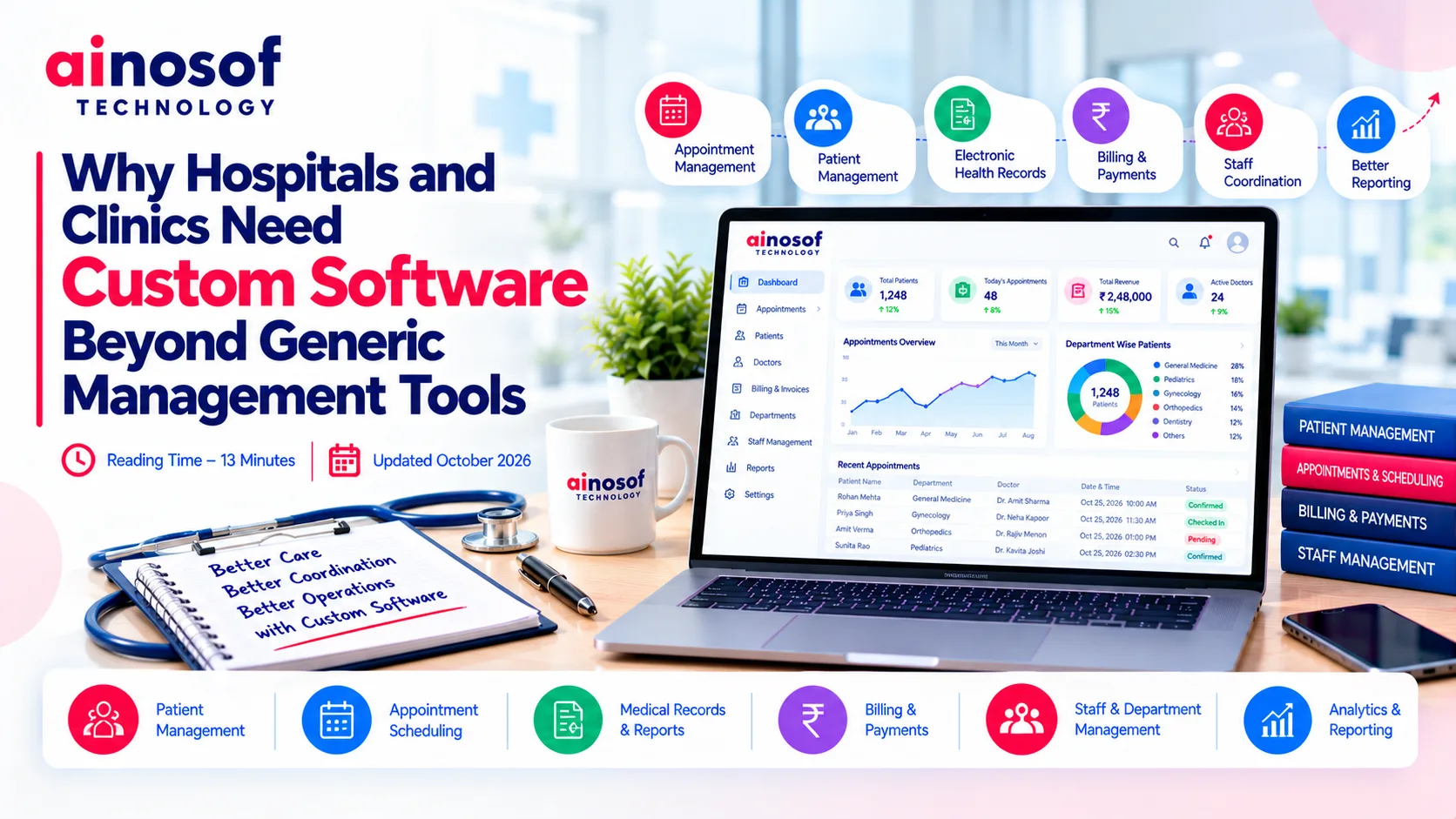
Why Hospitals and Clinics Need Custom Software Beyond Generic Management Tools
 Iram
Iram


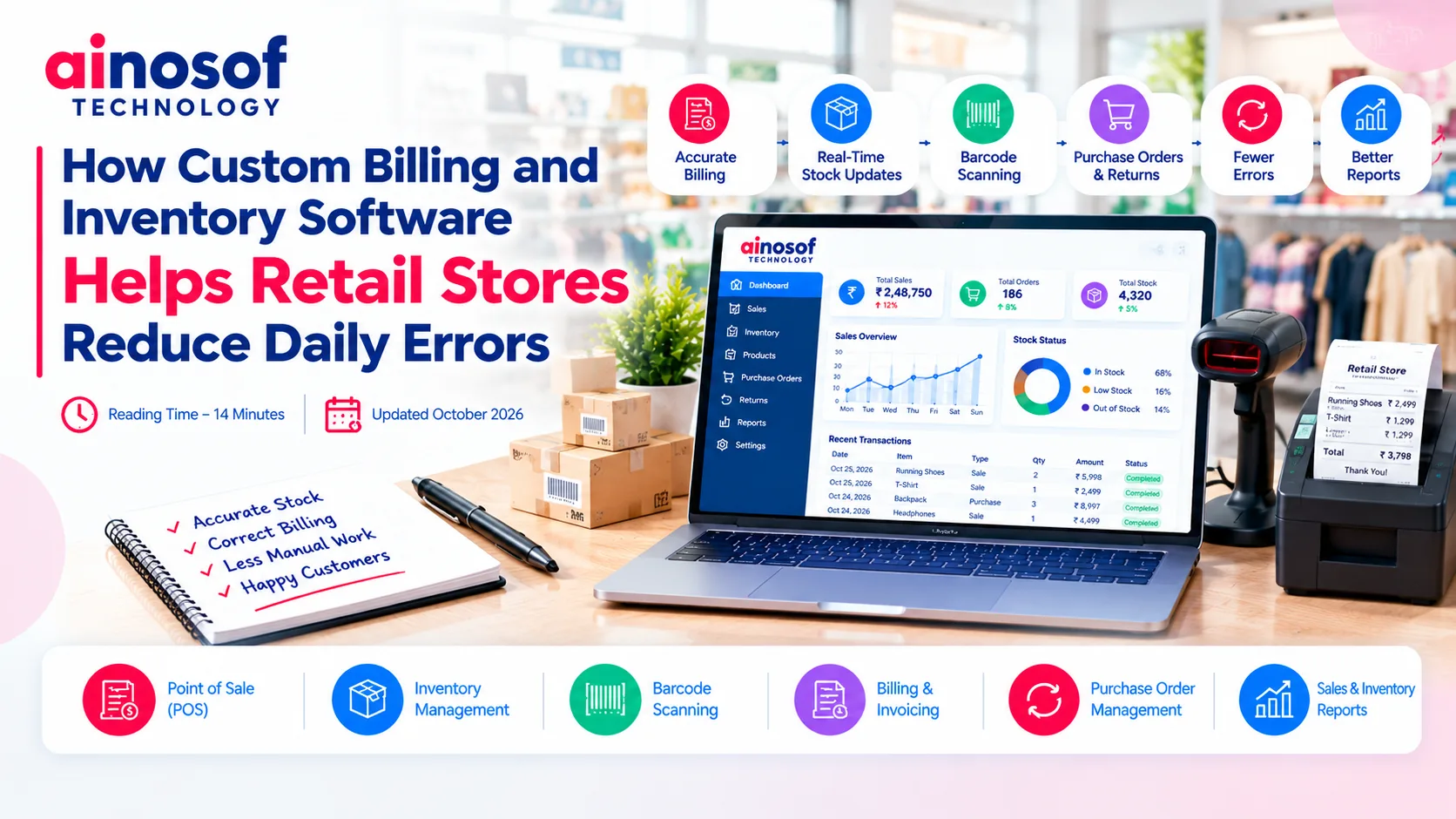
A retail store can lose time and money through small mistakes that happen repeatedly throughout the day. A cashier enters the wrong price, a product is sold but its stock record is not updated, or a purchase order is prepared using outdated inventory figures. Individually, these errors may appear minor. Over time, they can lead to stock mismatches, incorrect sales reports, unnecessary purchases, and frustrated customers.
These problems become more difficult to manage when billing and inventory records are maintained separately. Employees may need to enter the same information into multiple systems, check stock manually, or correct discrepancies at the end of the day.
For growing retailers, the solution is not simply to digitize billing or maintain a computerized stock list. It is to connect both processes so that sales, stock movements, and business records remain consistent.
Custom billing and inventory software can help achieve this by organizing workflows around the store's actual requirements. However, not every retailer needs a custom-built solution. Understanding where errors originate and which processes need improvement helps business owners choose the right technology without spending unnecessarily.
Retail operations involve a continuous flow of transactions. Products arrive, stock quantities change, customers make purchases, returns are processed, and new orders must be prepared. When these activities depend on disconnected records or repeated manual entry, mistakes become more likely.
One common problem occurs when billing and inventory records do not update together. A cashier may complete a sale, but the stock register may remain unchanged until someone updates it manually. If another employee checks availability before that update, the recorded quantity may be incorrect.
Billing mistakes can create similar difficulties. Incorrect product prices, duplicate entries, missed discounts, or inaccurate quantities may require invoice corrections. If the billing record is not reflected properly in inventory and sales reports, the business may struggle to determine what was actually sold.
These errors can affect several areas of a retail business:
For example, a store that records a product return in its billing system but does not update inventory correctly may report an inaccurate stock balance. The issue is not necessarily the return itself; it is the gap between the transaction and the corresponding stock movement.
Reliable software should help connect these activities, maintain transaction records, and make discrepancies easier to identify. It cannot eliminate every human error, but it can reduce avoidable mistakes caused by duplicate data entry and disconnected processes.
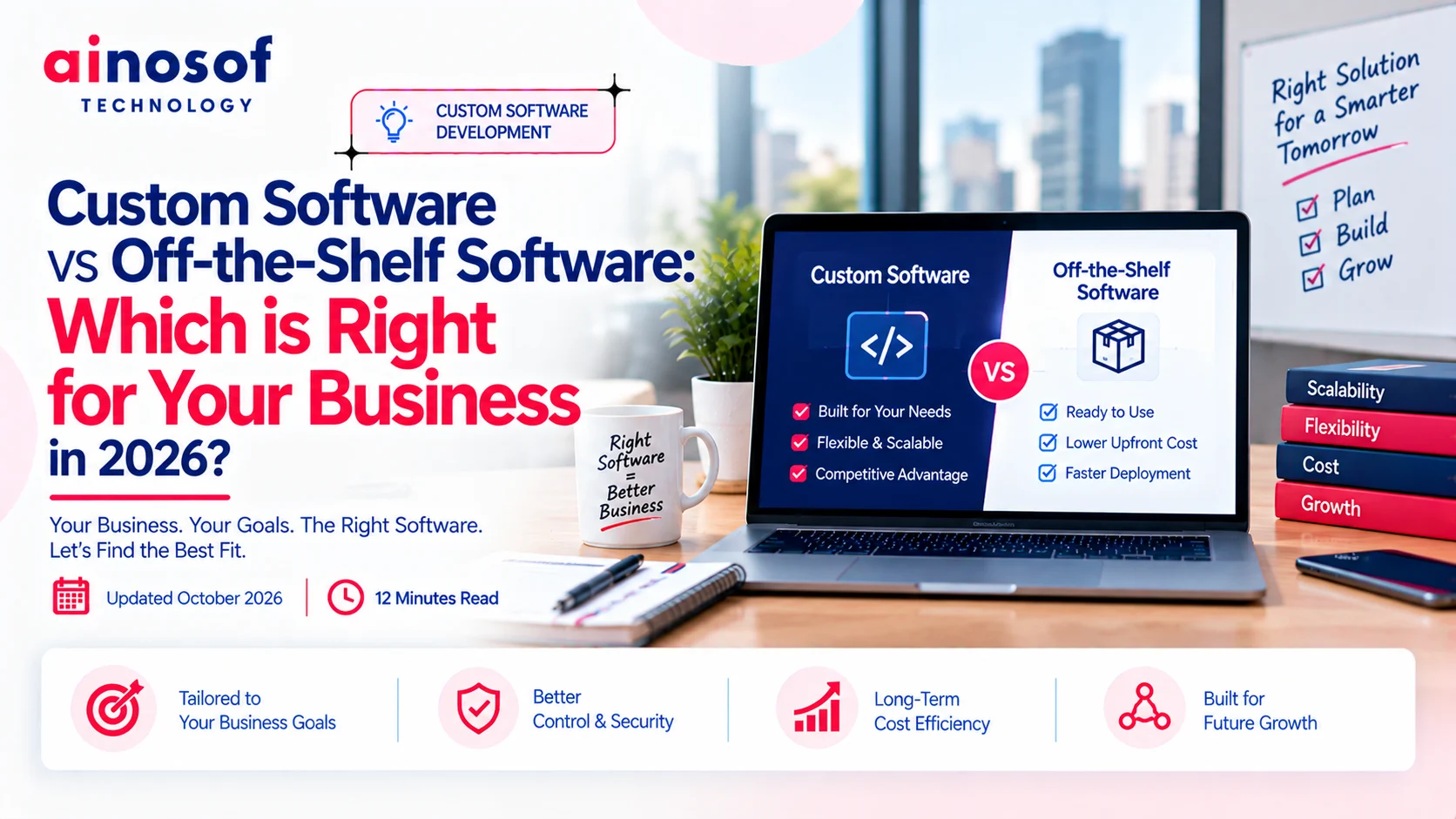
Ready-made retail software can work well for many businesses. A small shop with straightforward pricing, a manageable product range, and one location may not need a customized system.
Limitations can emerge when the store introduces more complex requirements, such as multiple outlets, different pricing rules, specialized product attributes, approval workflows, or reporting across branches. Employees may start relying on spreadsheets and manual adjustments because the standard software does not handle a particular process conveniently.
Before replacing an existing tool, retailers should identify the exact limitation. A configuration change, additional module, or integration may resolve the problem without requiring new software.
Custom development becomes worth evaluating when important business workflows remain unsupported, errors continue despite process improvements, or the store needs its billing and inventory systems to work together in a specific way.
The value of connected software lies in maintaining consistent information as transactions occur. When billing, stock movements, and reporting are linked properly, employees have fewer opportunities to enter the same information repeatedly or rely on outdated records.
An integrated system can update relevant inventory records when a sale is completed, record stock received from suppliers, and track approved returns or adjustments. The exact workflow depends on the software design and the store's operating procedures.
For instance, when a cashier scans a product barcode and completes a sale, the system can record the transaction and update the available stock quantity. Authorized staff can then check the latest recorded quantity without waiting for a separate manual update.
A well-designed Inventory Management Software solution may support several useful processes:
|
Retail activity |
How connected software can help |
|
Product billing |
Apply configured product prices, quantities, taxes, and discounts. |
|
Stock updates |
Record inventory changes associated with sales and other stock movements. |
|
Purchase receiving |
Update stock records when incoming goods are verified and recorded. |
|
Returns and exchanges |
Maintain corresponding transaction and inventory records. |
|
Reorder planning |
Help identify products that have reached defined reorder thresholds. |
|
Sales reporting |
Provide reports based on recorded transactions and stock movements. |
These processes can reduce manual work, but accuracy still depends on proper setup and disciplined usage. Product records must be maintained correctly, staff need appropriate training, and physical stock counts may still be necessary to identify theft, damage, unrecorded movements, or other discrepancies.
Retailers should also consider access permissions and transaction history. If every employee can change prices or adjust stock without controls, automation alone will not protect the business from errors. Role-based permissions and an audit trail can help managers understand what changed and who authorized it.
The aim is to create a dependable process in which every relevant transaction has a corresponding record and exceptions can be investigated quickly.
Custom software may be appropriate when a retailer's operating model requires capabilities that available products cannot provide efficiently.
For example, a business operating several outlets may need centralized stock visibility, branch-specific pricing, inter-branch transfers, and consolidated reporting. A retailer selling products with different units of measurement or specialized pricing rules may need a more tailored workflow.
By contrast, if the store mainly needs product tracking, barcode scanning, standard billing, and basic reports, an established retail solution may be more cost-effective.
The choice should be based on the complexity of the business, not the number of features a vendor offers.
Retailers should first list their recurring errors, estimate the time spent correcting them, and determine which software capabilities would prevent or reduce those problems. Custom development should follow a clear business case rather than a desire to build something unique.
Choosing software requires retailers to look beyond the billing screen. The solution must support the way products are purchased, received, sold, returned, counted, and reordered.
A system that handles checkout well but makes stock reconciliation difficult may not solve the underlying problem.
For smaller retailers, simplicity and reliability are particularly important. Employees should be able to learn routine tasks quickly, while owners should be able to review sales and stock information without preparing multiple reports manually.
When evaluating inventory software for small business, consider whether the system supports:
The best feature set depends on the store. A grocery shop may prioritize fast checkout and unit-based inventory, while a clothing retailer may need size and colour variations. An electronics retailer may require serial numbers or warranty-related records.
Businesses should also examine how the system handles exceptional situations, including cancelled bills, partial returns, damaged products, and stock transfers. These workflows often reveal whether software will work reliably under real retail conditions.
The initial purchase or development cost is only one part of the investment. Retailers should consider implementation, hardware compatibility, employee training, support, maintenance, and any recurring subscription charges.
A practical comparison should cover the following:
|
Evaluation factor |
What retailers should check |
|
Initial cost |
Licensing, customization, setup, and implementation charges |
|
Integration |
Compatibility with accounting, payment, barcode, or other required systems |
|
Ease of use |
Whether employees can complete routine transactions efficiently |
|
Reporting |
Whether sales and stock reports answer the owner's key questions |
|
Scalability |
Whether the solution can support more products, users, or outlets |
|
Support |
Availability of troubleshooting, updates, and ongoing maintenance |
A retailer planning to expand should consider whether the software can accommodate future requirements without requiring a complete replacement. However, buying an overly complex system for a small store can increase costs and make daily work harder.
For businesses whose requirements cannot be met adequately by standard products, a custom solution may provide more control over workflows and integrations. Inventory management software for small business should still be selected according to practical needs, available budget, and the level of support the business can sustain.
Ainosof Technology can be considered when evaluating custom software development options for retail operations. Before selecting any development partner, retailers should document their billing process, inventory requirements, reporting needs, and expected integrations. This makes it easier to compare proposals based on business value rather than feature lists alone.
Reducing retail errors often requires more than improving billing alone. Businesses may also benefit from reviewing their wider software systems, including custom software development, ERP solutions, and business process automation.
Explore relevant Ainosof Technology services and resources to identify technology options that fit your store's operational needs and future plans.
Daily billing mistakes and inventory mismatches are often symptoms of disconnected processes rather than isolated employee errors. When sales, stock updates, purchasing, and reporting rely on separate records, retailers spend valuable time checking information and correcting avoidable discrepancies.
Connected billing and inventory software can help maintain consistent transaction records, reduce repetitive data entry, and give business owners better visibility into stock and sales. Custom development can offer additional value when a retailer has specific requirements that ready-made tools cannot support effectively.
Before investing, identify the errors that occur most often, assess the limitations of the current system, and compare the total cost of each practical option. The right solution is not necessarily the most complex one. It is the one that helps the business maintain accurate records, serve customers efficiently, and manage daily operations with greater confidence.
Inventory Management Software helps maintain structured records of stock receipts, sales, returns, and adjustments. When integrated with billing, it can update relevant stock quantities as transactions are recorded, reducing duplicate data entry and delays. Accurate setup, staff training, and periodic physical stock checks remain important.
Yes, billing software with integrated inventory functionality can update recorded stock quantities after a completed sale. The accuracy of those updates depends on correct product mapping, transaction handling, and system configuration. Retailers should verify how the software handles cancellations, returns, exchanges, and other adjustments.
Yes. Many small retail businesses can benefit from software that combines billing, stock tracking, purchase records, and sales reports. The right solution should match the shop's product range, transaction volume, budget, and operating requirements without adding unnecessary complexity.
Ready-made inventory software offers standard features designed for a broad range of businesses. Custom software is developed or adapted to support specific workflows, pricing rules, integrations, or reporting requirements. Ready-made tools are often sufficient for straightforward retail operations, while customization may help when important requirements cannot be handled effectively by existing products.
Retailers can improve accuracy by connecting billing with inventory records, maintaining consistent product information, using barcodes where appropriate, setting employee permissions, and recording returns and adjustments promptly. Regular physical stock counts and exception reports can help identify discrepancies that automated transactions alone may not prevent.
Useful features may include product records, stock tracking, purchase management, sales billing, returns handling, low-stock alerts, reporting, user permissions, and backups. Businesses should prioritize the features needed for their specific products and workflows instead of choosing software based only on the size of its feature list.
A retailer should consider custom software when recurring errors stem from workflow limitations that existing tools cannot address adequately. This may include specialized pricing rules, multi-outlet coordination, complex product tracking, or unique reporting requirements. The expected operational improvement should justify the development and maintenance costs.
Yes, depending on its capabilities. A suitable system can support centralized product records, outlet-level stock tracking, transfers, and consolidated reporting. Retailers should confirm that the solution supports their required branch permissions, pricing arrangements, and stock-transfer processes before implementation.
 Why Hospitals and Clinics Need Custom Software Beyond Generic Management Tools
21 Oct, 2026
Why Hospitals and Clinics Need Custom Software Beyond Generic Management Tools
21 Oct, 2026
 Why Businesses Are Moving From Web Portals to Custom Mobile Apps for Internal Teams
20 Oct, 2026
Why Businesses Are Moving From Web Portals to Custom Mobile Apps for Internal Teams
20 Oct, 2026
 Why Growing Ecommerce Brands Eventually Need Custom Software Beyond Shopify
19 Oct, 2026
Why Growing Ecommerce Brands Eventually Need Custom Software Beyond Shopify
19 Oct, 2026
 How Custom Learning Platforms Are Replacing Generic LMS Software for Institutes
17 Oct, 2026
How Custom Learning Platforms Are Replacing Generic LMS Software for Institutes
17 Oct, 2026
 Why Custom Software Companies Need Strong Branding to Win Enterprise Clients
16 Oct, 2026
Why Custom Software Companies Need Strong Branding to Win Enterprise Clients
16 Oct, 2026
 How a CRM System Complements Custom Business Software for Better Sales Visibility
15 Oct, 2026
How a CRM System Complements Custom Business Software for Better Sales Visibility
15 Oct, 2026
Comment with an expert and get our answer.
Comment with an expert and get our answer.
Continue exploring with related articles, practical guides and insights covering similar subjects. Discover more information, useful perspectives and ideas to help you learn about the topics that matter to your business.