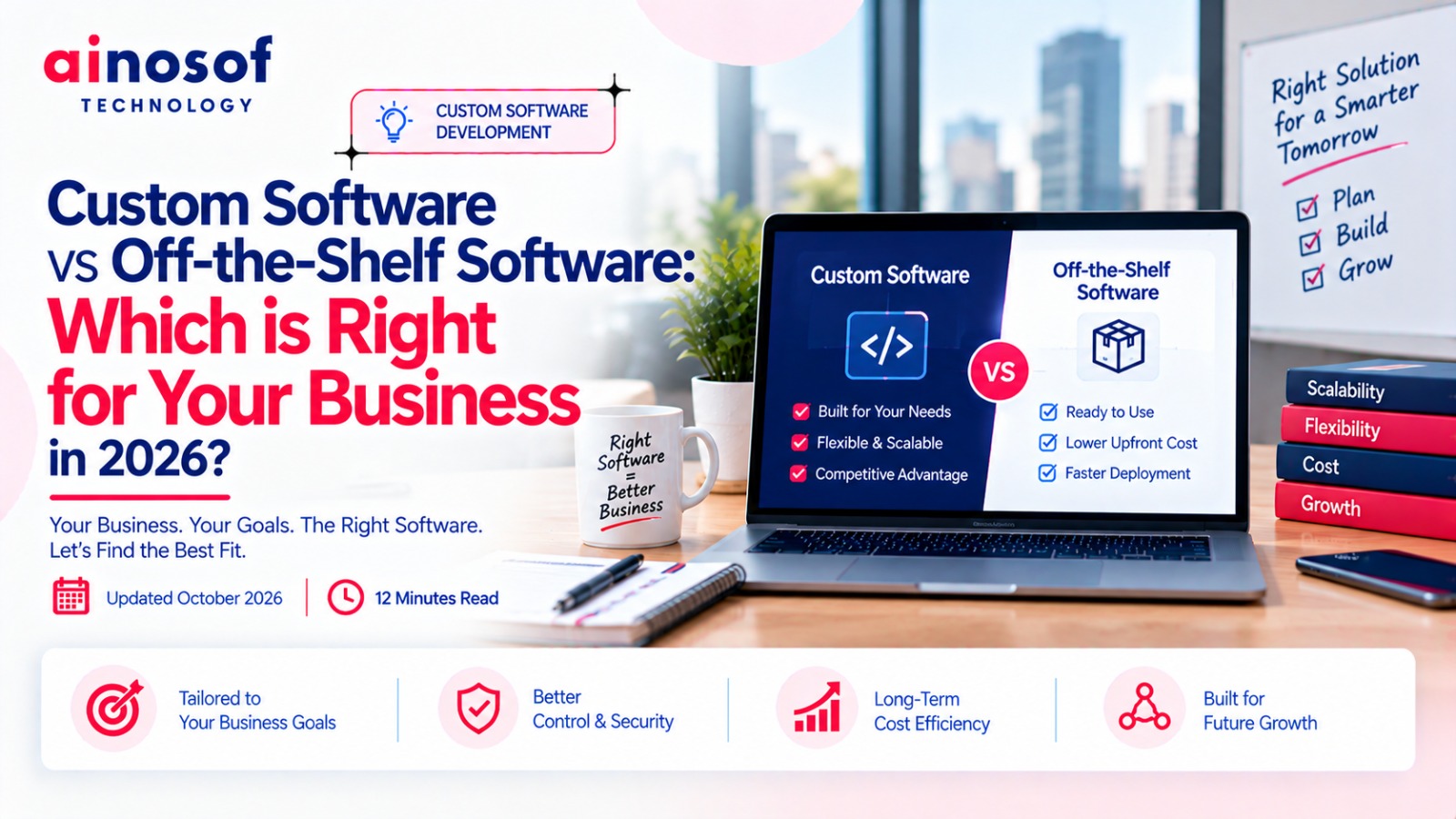
Custom Software vs Off-the-Shelf Software: Which Is Right for Your Business in 2026?
 Iram
Iram


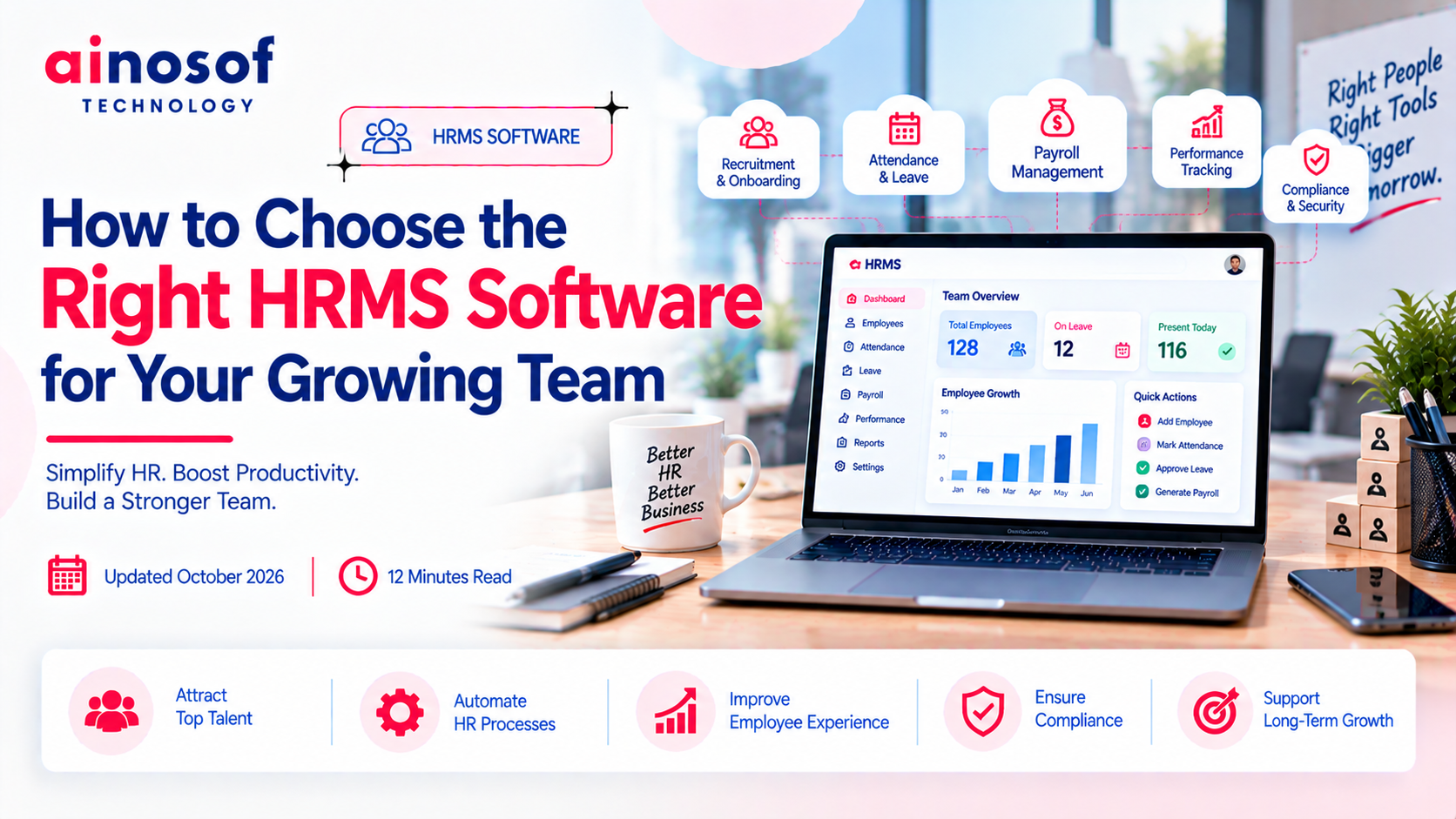
As a business grows, managing a team becomes more complex than simply hiring employees and assigning responsibilities. Attendance records, leave approvals, payroll coordination, employee documentation, and HR reporting all require time and coordination. What works for a team of 10 employees may become difficult to manage when the workforce expands to 50 or 100 people.
The real challenge is not just handling more employee data. It is ensuring that HR processes remain accurate, organized, and efficient as the business grows. When teams depend on spreadsheets, manual updates, and disconnected applications, administrative work increases, reporting becomes slower, and HR professionals have less time to focus on employee performance and workforce planning.
Choosing the wrong HR Management Software can create another problem. A basic system may not support future requirements, while an unnecessarily complex solution can increase costs without improving daily operations. Businesses therefore need to evaluate software based on their actual HR challenges, existing systems, budget, and expected workforce growth.
This guide explains how to choose the right HR Management Software for a growing team, which capabilities deserve priority, how to compare the best HR software solutions, and when customized software may be worth considering. The goal is to help you make a practical investment decision that supports your HR operations today and as your business expands.
As a business grows, managing a team becomes more complex than simply hiring employees and assigning responsibilities. Attendance records, leave approvals, payroll coordination, employee documentation, and HR reporting all require time and coordination. What works for a team of 10 employees may become difficult to manage when the workforce expands to 50 or 100 people.
The real challenge is not just handling more employee data. It is ensuring that HR processes remain accurate, organized, and efficient as the business grows. When teams depend on spreadsheets, manual updates, and disconnected applications, administrative work increases, reporting becomes slower, and HR professionals have less time to focus on employee performance and workforce planning.
Choosing the wrong HR Management Software can create another problem. A basic system may not support future requirements, while an unnecessarily complex solution can increase costs without improving daily operations. Businesses therefore need to evaluate software based on their actual HR challenges, existing systems, budget, and expected workforce growth.
This guide explains how to choose the right HR Management Software for a growing team, which capabilities deserve priority, how to compare the best HR software solutions, and when customized software may be worth considering. The goal is to help you make a practical investment decision that supports your HR operations today and as your business expands.
When a business has only a few employees, HR administration may be manageable through spreadsheets, email, and separate applications. As the workforce expands, however, the number of employee records, leave requests, attendance entries, and payroll-related tasks increases.
The problem is not necessarily that the existing process has stopped working. It is that the time, coordination, and effort required to maintain it may be growing faster than the team itself.
Businesses should reconsider their HR management systems when administrative work begins affecting accuracy, employee experience, or management decisions.
Several HR activities become harder to coordinate as a company grows.
These issues can create additional work for both HR professionals and employees. Managers may also lack timely information when making staffing and workforce-planning decisions.
The appropriate response depends on where the problem occurs. If only one process is inefficient, improving that process may be sufficient. If several HR activities depend on disconnected information, an integrated HR Management Software solution may be worth evaluating.
Start by reviewing how HR work is currently completed rather than immediately comparing software products.
Document the recurring tasks performed by HR staff, employees, managers, and finance teams. For each process, identify how often it occurs, how much time it takes, which systems it uses, and where errors or delays appear.
For example, if HR staff spend several hours every month reconciling attendance records before payroll processing, investigate whether the problem comes from manual attendance entry, missing approvals, or disconnected systems.
Measure a few practical indicators:
These measurements establish a baseline against which future improvements can be evaluated.
Not every repetitive task needs a new software platform. Some problems can be solved through clearer policies, better process ownership, or improved configuration of existing tools. HR automation should address a demonstrated operational need rather than introduce technology for its own sake.
Once the business has identified its HR challenges, the next step is to translate them into specific software requirements.
The best HR software for one organization may not be suitable for another. A small service business may primarily need employee records, attendance, leave management, and payroll coordination. A larger organization may require multiple approval levels, branch-wise reporting, role-based permissions, and integrations with finance or ERP systems.
A useful evaluation starts with essential requirements, separates them from optional capabilities, and compares shortlisted solutions against the same criteria.
Prioritize capabilities according to the problems your business needs to solve.
|
HR requirement |
What to evaluate |
Business reason |
|
Employee information |
Centralized records and document management |
Reduces scattered and inconsistent employee data |
|
Attendance management |
Attendance capture, correction requests, and reporting |
Reduces manual reconciliation |
|
Leave management |
Leave policies, balances, approvals, and records |
Improves visibility and approval coordination |
|
Payroll coordination |
Compatibility with payroll processes and attendance data |
Helps reduce discrepancies during payroll preparation |
|
Employee self-service |
Access to personal details, leave balances, and requests |
Reduces routine queries to HR |
|
Recruitment and onboarding |
Candidate tracking, document collection, and joining workflows |
Organizes hiring and employee onboarding |
|
HR reporting |
Headcount, attendance, leave, and workforce reports |
Supports operational decisions |
|
Access controls |
Role-based permissions and activity records |
Helps protect confidential employee information |
|
Integrations |
Connectivity with payroll, accounting, ERP, or other systems |
Reduces duplicate data entry |
Not every business needs all these capabilities from day one. A growing company should identify which functions are essential now and which may become necessary as its workforce expands.
Also check how each capability works in practice. A product may advertise attendance management, for example, but the actual process for correcting missed punches or handling shift changes may not match your policies.
Where payroll is concerned, verify whether the product supports the required payroll workflow directly or integrates with a separate payroll system. Do not assume that every HRMS includes complete payroll functionality.
Compare shortlisted products using a consistent evaluation matrix rather than relying on feature lists or demonstrations alone.
1. Scalability: Determine whether the software can support additional employees, locations, departments, and approval structures. Review how pricing changes as user numbers increase.
2. Integration: Check whether the solution can exchange information with the systems your business already uses. Verify which integrations are available, whether additional fees apply, and whether any data transfers require manual intervention.
3. Usability: Ask HR staff, managers, and employees to test the workflows relevant to their roles. A system that is difficult to use may create resistance and reduce adoption.
4. Reporting: Confirm that the software can produce the reports management needs without excessive manual adjustments.
5. Security: Evaluate user permissions, authentication controls, data handling, backup arrangements, and the provider's security documentation.
6. Total cost: Consider subscription or licence fees, implementation, data migration, employee training, integrations, support, and future expansion.
A simple weighted scoring system can make the decision more objective. Assign greater weight to requirements that directly affect business operations, then score each shortlisted product against those requirements.
For example, a company struggling with attendance reconciliation should give that workflow greater importance than an optional feature it may rarely use.
The best HR software solutions are not necessarily those with the longest feature lists. They are the ones that meet the business's important requirements at a sustainable cost.
Standard HR software is generally sufficient when your business follows common HR processes and the product supports the necessary policies, approval structures, reports, and integrations.
Customization becomes worth investigating when standard products cannot accommodate important business requirements without expensive workarounds.
Consider standard software when:
Consider customization when:
Customization does not automatically mean building an entire HRMS from scratch. Depending on the problem, configuring an existing product, integrating separate systems, or developing a limited custom module may be more practical.
Ainosof Technology can be considered when a business is evaluating custom software development for specialized workflows or integration requirements. The decision should begin with a clear understanding of the problem and whether existing products can solve it economically.
Selecting an HRMS is not complete when the software appears to have the right capabilities. The business must also understand how the system will be implemented, how employee information will be protected, and what ongoing support will be available.
A product that looks suitable during a demonstration may create difficulties if data migration is complicated, employees cannot use it easily, or essential integrations are unavailable.
Before making a commitment, evaluate the practical requirements of implementation and long-term operation.
Evaluate four areas before approving the investment.
Implementation and data migration
Confirm how existing employee records, attendance histories, leave balances, and documents will be transferred. Establish who is responsible for checking the migrated data and resolving discrepancies.
Ask the provider about the expected implementation timeline, configuration requirements, training, and support during the transition. If possible, test the migration process with a limited dataset before moving all employee records.
Data security and access
HR systems contain sensitive information, including employee contact details, employment records, compensation information, and other confidential data.
Review:
Where applicable, confirm that the provider can support your organization's obligations under relevant Indian data protection and employment requirements. Do not assume that a software product automatically makes your business compliant.
Support and maintenance
Check how the provider handles technical problems, product updates, system downtime, and user queries. Confirm support availability, escalation procedures, and any service-level commitments in the contract.
Also determine whether additional assistance, integrations, or future configuration changes incur separate charges.
Total cost of ownership
Prepare a realistic estimate that includes:
|
Cost component |
What to verify |
|
Software subscription or licence |
Pricing basis and renewal terms |
|
Implementation |
Configuration and setup charges |
|
Data migration |
Transfer, cleaning, and validation costs |
|
Training |
HR, manager, and employee onboarding |
|
Integrations |
Setup fees and recurring charges |
|
Support |
Included services and additional support costs |
|
Expansion |
Pricing for additional employees, locations, or modules |
Compare the expected costs over a suitable period, such as three years, rather than considering only the initial quotation.
A provider should be able to explain how its product will work within your business, not simply demonstrate its available features.
Ask the following questions before making your decision:
Request a demonstration based on realistic business scenarios. For example, ask the provider to show how a leave request moves from an employee to a manager, how attendance corrections are approved, and how the resulting records appear in HR reports.
A scenario-based demonstration is more useful than a general presentation because it reveals whether the software can handle the work your team performs every day.
Improving HR operations may also reveal opportunities to connect employee management with other business systems. The next step is to identify which processes need better integration, automation, or software support.
Explore these related areas to evaluate your next investment:
Ainosof Technology can help businesses evaluate software development and integration requirements when standard solutions do not adequately support their operational needs.
The objective is to build a connected, manageable technology environment without introducing unnecessary complexity or expense.
Choosing the right HR Management Software requires a clear understanding of how your HR operations work today and what they will need as your business grows.
A standard HRMS may be sufficient when your requirements are straightforward and existing products support your workflows. When specialized policies, integrations, or reporting requirements create persistent limitations, customization may deserve consideration.
Before committing, document your HR challenges, prioritize essential capabilities, compare the best HR software solutions against consistent criteria, and evaluate implementation, security, support, and long-term costs.
For businesses considering a custom software development company, the starting point should be the operational problem—not the assumption that a new system is always necessary. Ainosof Technology can be part of that evaluation when tailored HR software or integration is required.
Ultimately, the right HR Management Software is the solution that helps your team manage employee operations more reliably today while remaining practical, secure, and sustainable as the business expands.
Q1. What is HR Management Software, and when should a business adopt it?
HR Management Software helps businesses organize employee information and manage HR processes through a centralized system. A business should consider adopting it when manual administration, disconnected records, attendance tracking, leave approvals, or HR reporting become difficult to manage reliably. The decision should depend on operational needs rather than employee count alone.
Start by identifying your current HR bottlenecks and documenting essential requirements. Compare shortlisted products for attendance and leave management, employee records, reporting, integrations, usability, security, implementation support, and total cost. Test important workflows before making a final decision.
Depending on the product, HRMS software can help automate leave requests, approval workflows, attendance reporting, employee onboarding, document management, employee self-service, and routine HR reports. Payroll processing and recruitment capabilities vary by product, so confirm which functions are included and which require separate software or integrations.
Many HRMS products support integrations with payroll, attendance devices, accounting platforms, or other business applications. Compatibility depends on the specific products and available integration methods. Before purchasing, verify whether the required integration is supported, whether additional fees apply, and how data accuracy will be maintained.
Customization may be appropriate when standard products cannot support critical HR policies, specialized approval workflows, business-specific reports, or required system integrations. Before building a custom solution, evaluate whether configuring existing software or adding an integration can solve the problem at a lower cost.
The cost depends on the pricing model, number of employees, selected modules, implementation requirements, integrations, and support arrangements. Some providers charge recurring subscription fees, while others use different licensing or service models. Compare the complete cost of ownership, including setup, training, migration, and future expansion, before selecting a solution.
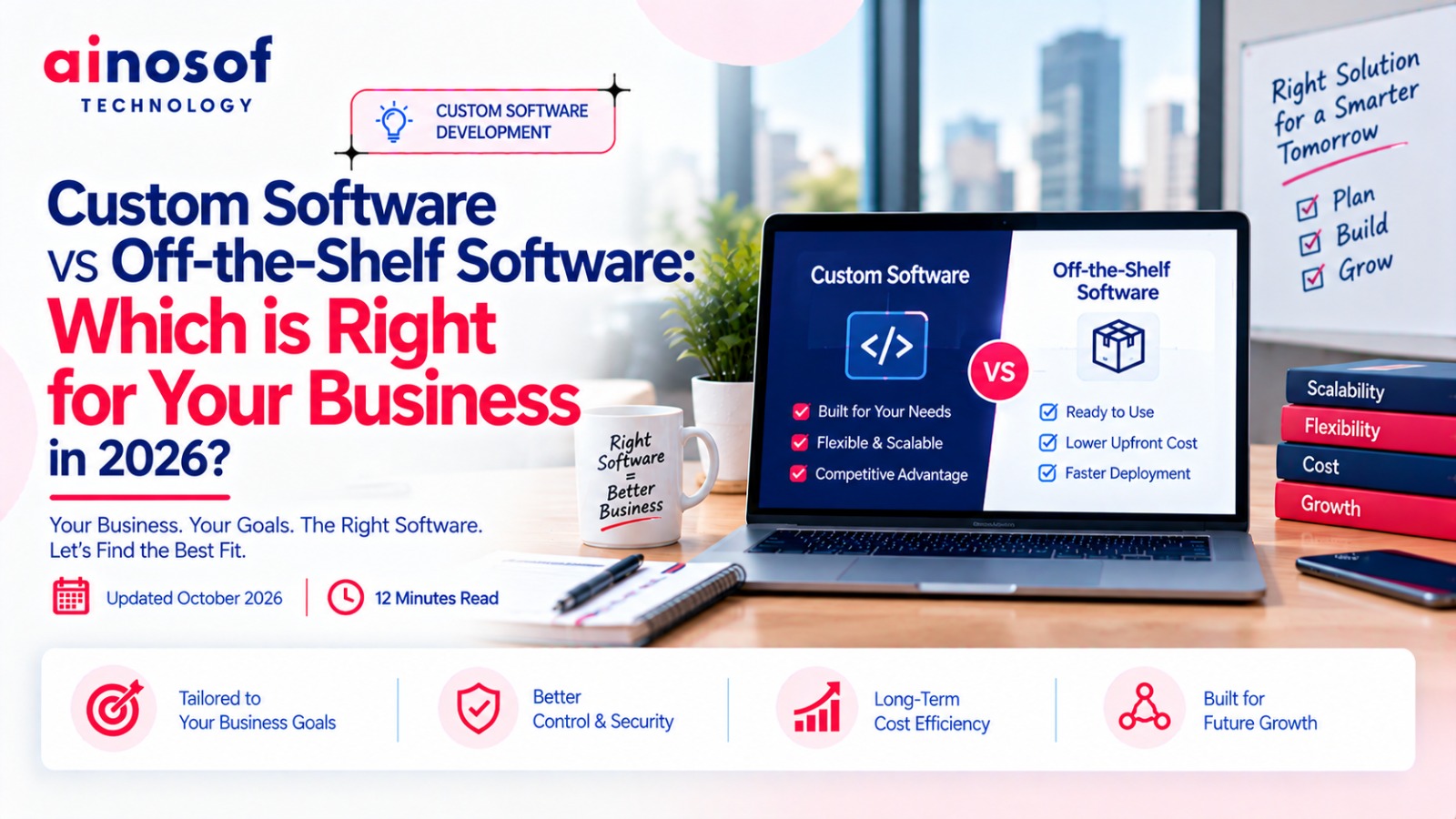 Custom Software vs Off-the-Shelf Software: Which Is Right for Your Business in 2026?
03 Oct, 2026
Custom Software vs Off-the-Shelf Software: Which Is Right for Your Business in 2026?
03 Oct, 2026
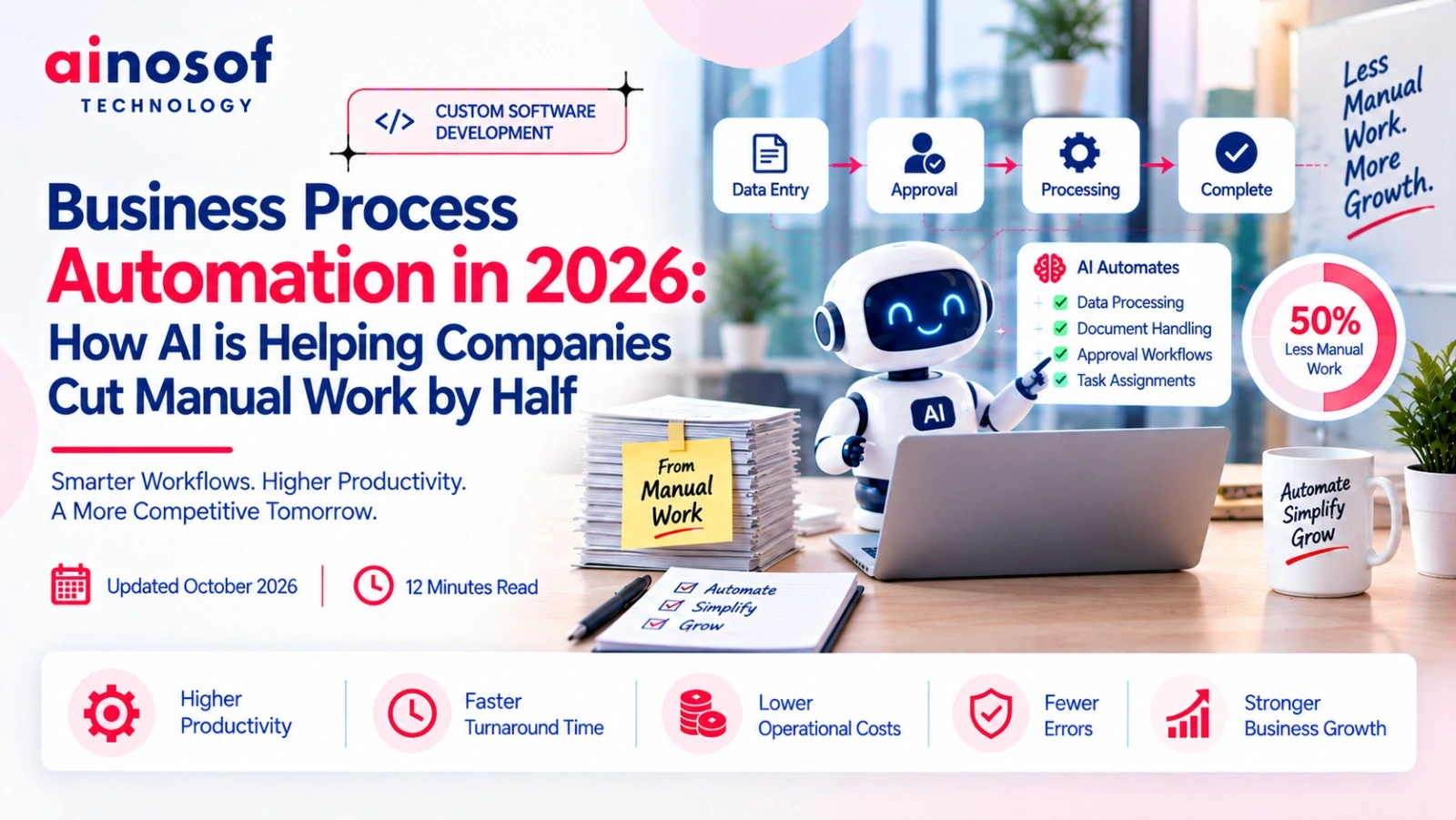 Business Process Automation in 2026: How AI is Helping Companies Cut Manual Work by Half
01 Oct, 2026
Business Process Automation in 2026: How AI is Helping Companies Cut Manual Work by Half
01 Oct, 2026
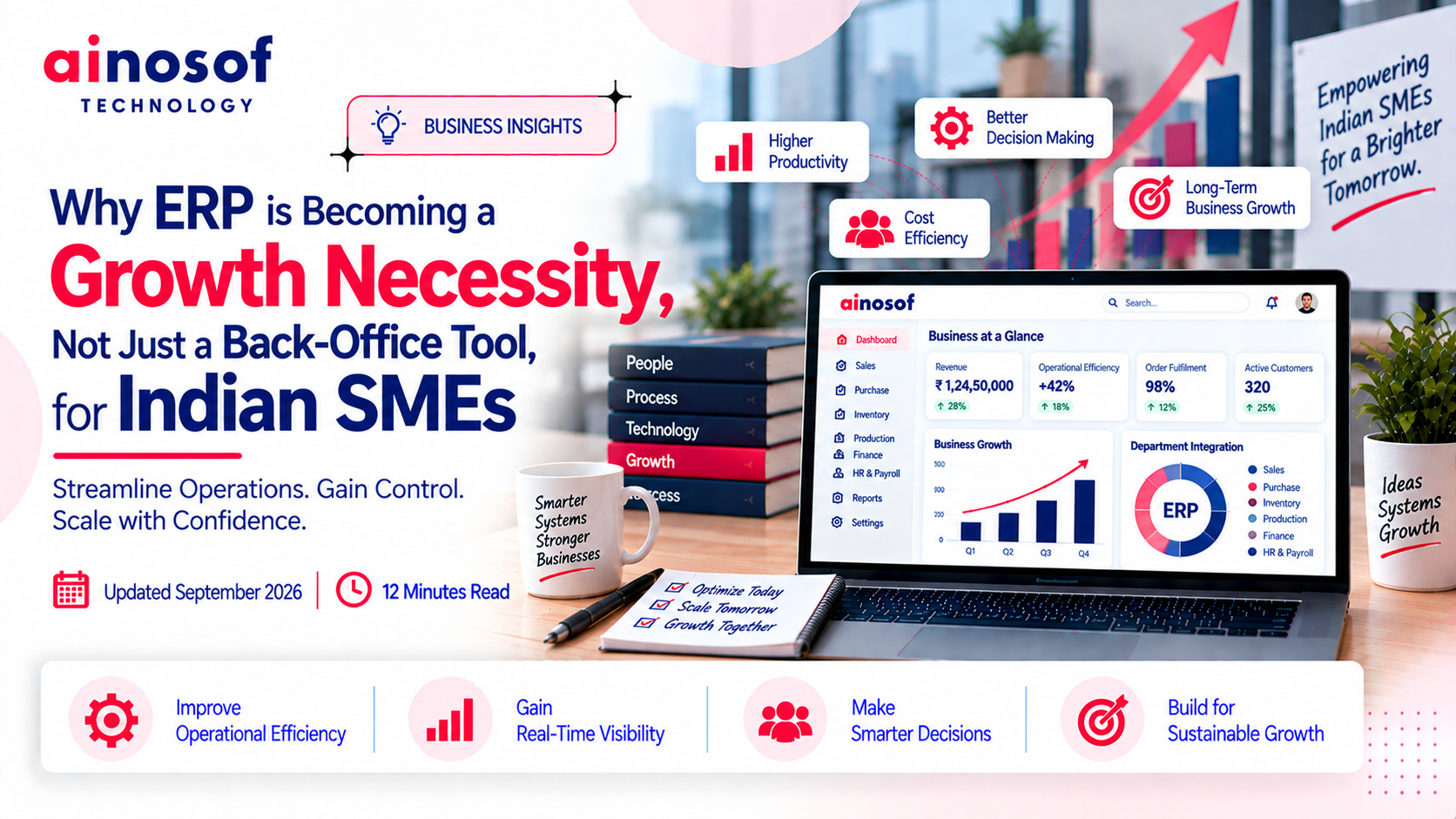 Why ERP is Becoming a Growth Necessity, Not Just a Back-Office Tool, for Indian SMEs
29 Sep, 2026
Why ERP is Becoming a Growth Necessity, Not Just a Back-Office Tool, for Indian SMEs
29 Sep, 2026
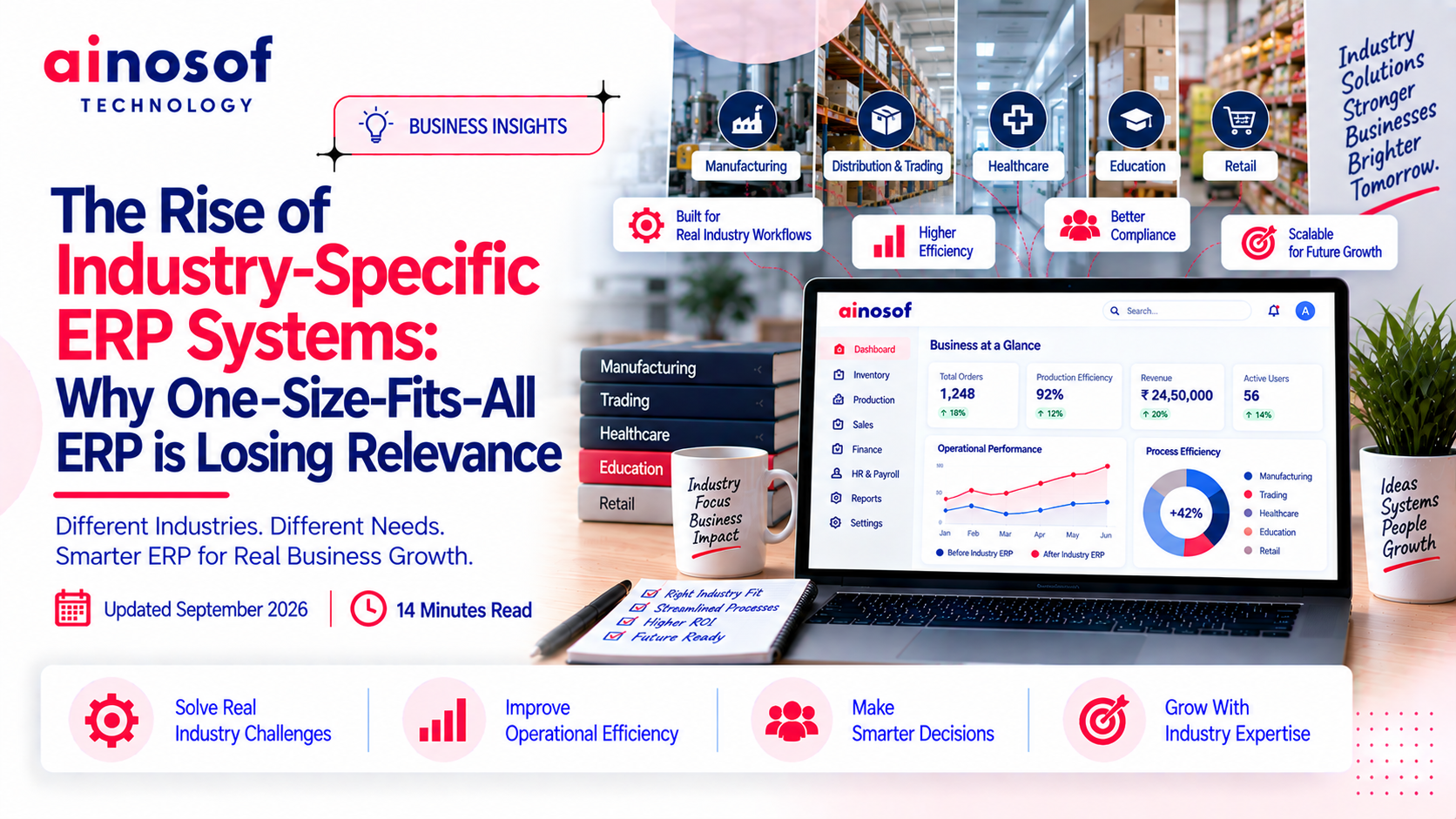 The Rise of Industry-Specific ERP Systems: Why One-Size-Fits-All ERP is Losing Relevance
28 Sep, 2026
The Rise of Industry-Specific ERP Systems: Why One-Size-Fits-All ERP is Losing Relevance
28 Sep, 2026
 How ERP Implementation Helped a Manufacturing Business Cut Inventory Errors by Half
26 Sep, 2026
How ERP Implementation Helped a Manufacturing Business Cut Inventory Errors by Half
26 Sep, 2026
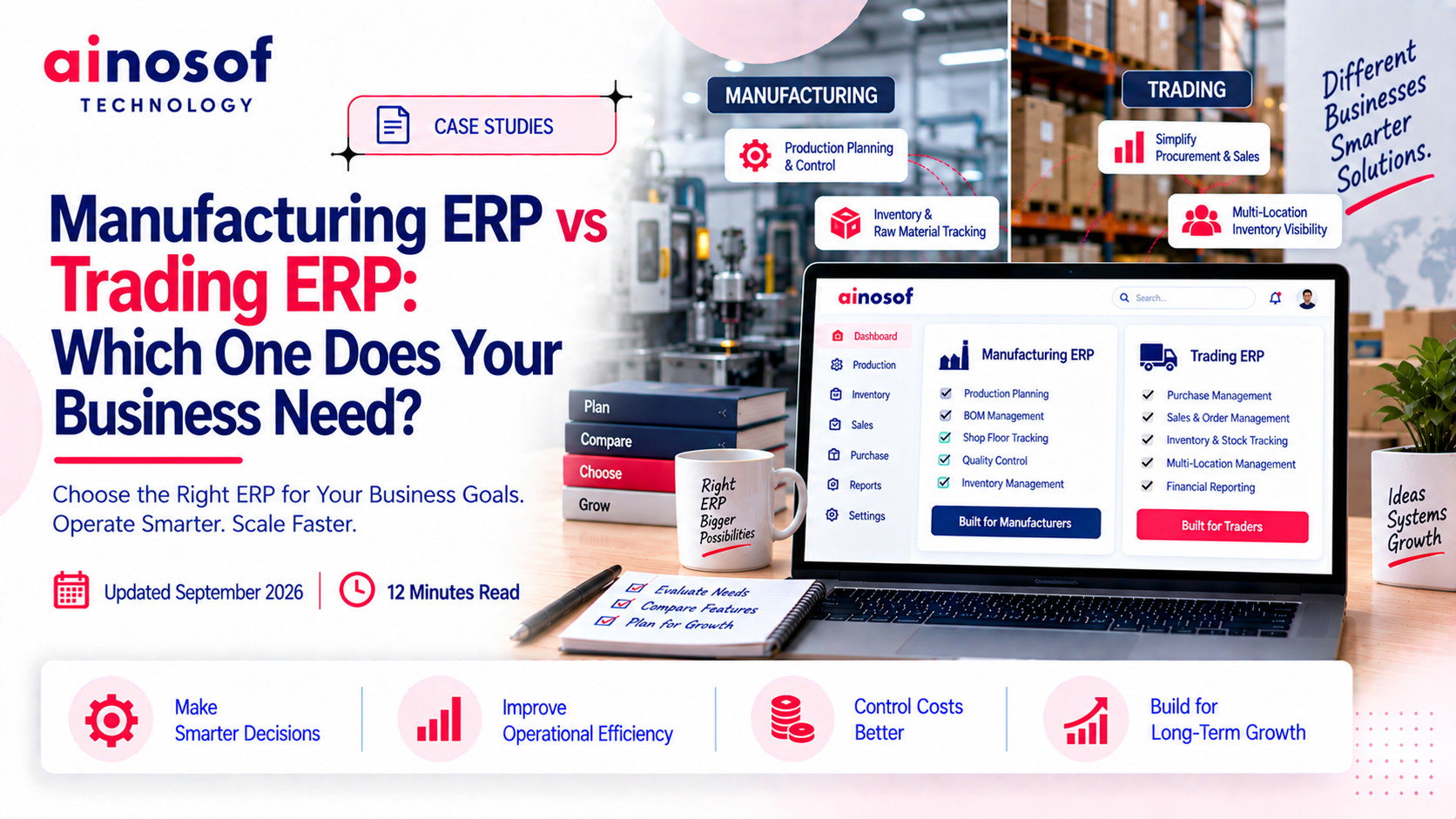 Manufacturing ERP vs Trading ERP: Which One Does Your Business Need?
25 Sep, 2026
Manufacturing ERP vs Trading ERP: Which One Does Your Business Need?
25 Sep, 2026
Comment with an expert and get our answer.
Comment with an expert and get our answer.
Explore more insights related to this topic and discover useful perspectives, ideas and strategies from our latest articles.