

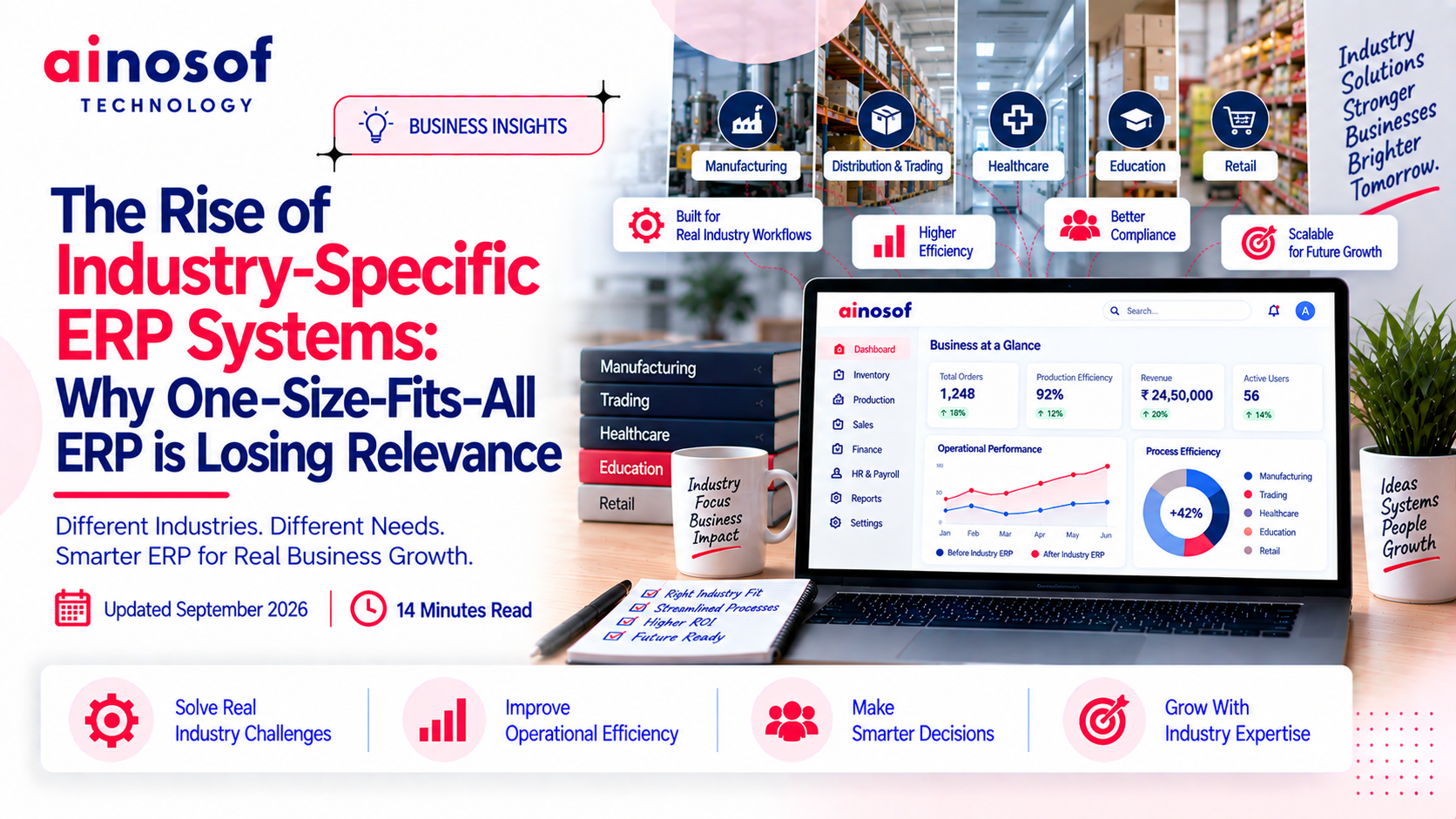
The Rise of Industry-Specific ERP Systems: Why One-Size-Fits-All ERP is Losing Relevance

Introduction
For many businesses, ERP decisions become difficult when the software starts shaping the way the business operates instead of supporting the way it already works. A company may have established approval processes, industry-specific reporting, specialized inventory requirements, or workflows that simply do not fit neatly into a standard ERP structure.
At first, adapting to a generic system may seem reasonable. Teams create workarounds, add spreadsheets, request custom changes, or accept extra manual steps. But as the business grows, these small compromises can become expensive. More customization can mean more maintenance, more complex upgrades, and greater dependence on a system that was never designed around the business's actual workflow.
This is why the conversation around industry-specific ERP systems 2026 is becoming more important. The question is no longer simply whether an ERP has enough features. Businesses increasingly need to consider whether the system fits their industry, processes, reporting requirements, integrations, and future plans.
In this article, we will examine where generic ERP starts creating friction, why vertical ERP solutions are gaining attention, and how customized ERP vs generic ERP should be evaluated. Most importantly, you will learn how to decide between generic, vertical, and customized ERP without creating unnecessary complexity for your business.
Why Generic ERP Starts Becoming Difficult as Business Processes Get More Specialized
An ERP system can work well when a business follows relatively standard processes. The challenge begins when the company's daily operations depend on workflows that are specific to its industry, products, customers, compliance requirements, or internal approval structure. At that point, the business may start adjusting its processes around the ERP instead of using the ERP to support its operations.
Where do generic ERP workflows clash with industry-specific processes?
Generic ERP systems are designed to support common business activities such as accounting, purchasing, sales, inventory, and reporting. That broad approach can be useful, but it does not mean every industry handles these activities in the same way.
A manufacturing company may need production planning, material consumption, batch tracking, quality checks, and machine-related processes. A healthcare organization may require patient-related workflows, treatment records, billing structures, and specialized reporting. A distributor may need complex stock movement, dealer pricing, credit management, and territory-based sales processes.
The problem appears when the ERP's standard workflow does not match the way the business actually operates.
For example, if a manufacturing business needs several production approval stages but the ERP supports only a basic purchase-to-stock process, employees may start maintaining separate spreadsheets or asking developers to modify the workflow.
This creates a gap between what the ERP expects and what the business actually needs.
That gap is one reason industry-specific ERP systems 2026 are receiving more attention. The discussion is shifting from the number of ERP features to the quality of the fit between the system and the business process.
Why do businesses create manual workarounds around their ERP?
When an ERP does not handle a required process naturally, employees still need to complete the work. They usually find another way.
A team may maintain an Excel file for a special report, use email for an approval that the ERP does not support properly, or keep a separate register for information that does not fit the standard system.
One workaround may not seem serious. The problem comes when several workarounds accumulate.
A typical process can then look like this:
ERP entry → Excel update → email approval → manual verification → ERP update
Instead of removing manual effort, the ERP becomes another step in the process.
These workarounds also create information gaps. When the same information exists in multiple places, employees have to determine which record is current. Management may then spend time reconciling information instead of using it for decisions.
For example, a company might use its ERP for inventory but maintain a separate spreadsheet for industry-specific stock classifications. If the ERP quantity changes but the spreadsheet does not, the business now has two versions of the same information.
The issue is therefore not simply that employees are using spreadsheets. It is that the ERP is no longer the single reliable source of operational information.
When does ERP customization become a business problem?
Customization is not automatically a problem. In many cases, it is a practical way to make an ERP fit an important business requirement.
The problem starts when customization becomes the solution to almost every process mismatch.
Suppose a business keeps modifying a generic ERP to handle specialized approvals, reports, inventory rules, pricing logic, production workflows, and customer processes. Over time, the company may have a heavily modified system that is difficult to understand and maintain.
Every future ERP upgrade can then require additional testing. A change made for one department may affect another workflow. New employees may need training on processes that are unique to that particular ERP configuration.
There can also be a growing dependency on the people or vendor who originally developed the customizations.
This is where the question of customized ERP vs generic ERP becomes more meaningful. The decision should not be based on whether customization is good or bad. It should be based on whether the customization solves a genuinely important business requirement without creating disproportionate long-term complexity.
A useful rule is simple:
Customize where the business has a meaningful competitive or operational requirement. Standardize where the process does not need to be different.
That balance can prevent customization from becoming a permanent maintenance burden.
Which processes actually need industry-specific treatment?
Not every ERP process needs to be industry-specific.
Basic accounting, employee records, standard purchasing, general expense management, and other common activities may work well with standardized workflows. Trying to customize every part of an ERP can add unnecessary complexity.
Industry-specific treatment becomes more valuable where the process directly affects how the business creates, delivers, tracks, or reports its products and services.
These may include:
- Production and manufacturing workflows
- Industry-specific inventory structures
- Quality and compliance processes
- Specialized costing
- Project or job-based operations
- Industry-specific pricing
- Specialized approval workflows
- Regulatory reporting
- Customer or vendor processes unique to the industry
For example, two companies may both manage inventory, but a manufacturer may need material consumption and production-stage tracking while a distributor may focus more heavily on warehouse movement and dealer-level pricing.
The important question is not, “Does this industry need a special ERP?”
It is:
“Which parts of this business genuinely operate differently from standard business processes?”
That question gives management a much better starting point for ERP selection.
Why Industry-Specific ERP Systems Are Gaining Relevance in 2026
The growing interest in industry-specific ERP is connected to a broader change in how businesses evaluate enterprise software. Companies are becoming more aware that an ERP implementation affects daily operations for years, not just the initial software purchase.
When a system fits the business process more naturally, employees have fewer reasons to work outside the system. When the fit is poor, customization and workarounds can gradually increase the cost and complexity of running the ERP.
What makes a vertical ERP solution different from generic ERP?
A vertical ERP solution is designed around the processes and requirements of a particular industry or business segment rather than trying to serve every industry with the same basic workflow.
The difference is mainly in the starting point.
A generic ERP may begin with broad business functions and then provide configuration or customization options for different industries. A vertical ERP begins with a deeper understanding of a specific industry's processes.
For example, a manufacturing-focused ERP may already account for production planning, material requirements, shop-floor processes, inventory consumption, quality workflows, and manufacturing-related reporting.
That does not mean every business using a vertical ERP will work exactly the same way. It means the system may require fewer changes to support processes that are already common within that industry.
The practical advantage is better starting-point alignment.
A business still needs to evaluate whether the particular vertical ERP actually matches its processes. Industry branding alone does not guarantee a good fit.
Which specialized workflows benefit most from industry-focused ERP?
Industry-focused ERP becomes particularly useful when a business has workflows that are difficult to represent through generic processes.
Manufacturing is a clear example. Production planning, bills of materials, material consumption, work orders, quality checks, and finished-goods movement can be tightly connected.
Healthcare organizations may have specialized patient, treatment, billing, and operational workflows. Construction businesses may require project costing, contractor management, site-level expenses, and material tracking. Education businesses may have student, fee, examination, and institutional reporting processes.
In each case, the value comes from connecting processes that are naturally related within that industry.
The same principle applies to vertical ERP solutions in other sectors. The more an organization's daily operations depend on specialized workflows, the more important process alignment becomes during ERP selection.
Why are businesses becoming less willing to redesign their processes around software?
Changing a business process is sometimes necessary. But changing a process simply because the ERP cannot support the existing workflow can create unnecessary disruption.
Established businesses often have years of operational knowledge built into their processes. Employees know how orders are approved, how materials are handled, how customers are served, and how management reviews information.
Some processes may also exist because of customer requirements, industry regulations, contractual obligations, or operational realities.
For example, a manufacturer should not automatically remove an established quality-check stage simply because its ERP does not support that stage conveniently.
This does not mean every existing process should remain unchanged. ERP implementation is also an opportunity to remove inefficient practices.
The better approach is to separate necessary business processes from outdated habits.
If a process creates real business value, the ERP should ideally support it. If a process exists only because “this is how we have always done it,” it may be a candidate for improvement.
That distinction helps businesses avoid both extremes: forcing every process into the ERP and customizing the ERP for every old process.
What should businesses expect from an industry-specific ERP in 2026?
Businesses should expect more than an ERP with industry terminology added to its interface.
A useful industry-specific ERP should demonstrate an understanding of the workflows that matter to the target industry.
Businesses should evaluate whether the system can support:
- Industry-specific workflows
- Relevant reporting
- Required integrations
- Industry-related inventory or costing
- Role-based approvals
- Operational visibility
- Scalable processes
- Data consistency across departments
They should also examine how easily the system can accommodate legitimate differences between companies in the same industry.
For example, two manufacturing businesses may both need production management, but one may operate make-to-stock while another works mainly on make-to-order production. An industry-specific ERP should provide the relevant foundation without assuming that every company operates identically.
In 2026, the expectation should therefore be industry relevance without unnecessary rigidity.
Customized ERP vs Generic ERP: Which Approach Fits the Business?
There is no single ERP model that fits every business. A company with standard processes may gain more from a conventional ERP than from building a highly customized platform. Another business may have workflows so specialized that forcing them into a generic system creates more problems than it solves.
The right decision depends on process complexity, industry requirements, customization needs, budget, implementation capability, and long-term plans.
When does a generic ERP make sense?
Generic ERP can make sense when a business's core processes are reasonably standard and do not require extensive industry-specific treatment.
For example, a company that mainly needs accounting, purchasing, sales, inventory, basic CRM, and standard reporting may not need a highly specialized ERP.
A generic system can also make sense when the business is willing to standardize some processes instead of preserving every existing variation.
This can reduce customization and make implementation easier to manage.
The key is to determine whether the business is changing its processes because they genuinely need improvement or because the ERP cannot support them.
If most of the business can operate effectively within standard workflows, a generic ERP may provide an appropriate balance between capability and complexity.
When is a vertical ERP solution more practical?
A vertical ERP becomes more practical when industry-specific processes are central to daily operations.
A manufacturer with complex production and inventory requirements, for example, may benefit from an ERP that already understands those workflows rather than starting with a generic system and adding multiple custom modules.
The same applies when industry-specific reporting, compliance, costing, or operational controls are important.
A vertical ERP can reduce the amount of adaptation required because the system starts closer to the business's operational reality.
However, businesses should still ask detailed questions before selecting one:
- Which industry workflows are built into the system?
- Which requirements require customization?
- How many similar businesses use it?
- How does it handle integrations?
- How are upgrades managed?
- Can the system support the company's future requirements?
The goal is not simply to choose a product labelled “industry-specific.” It is to find a system whose actual workflows match the business.
When should a business consider customized ERP development?
Customized ERP development becomes more relevant when the business has processes that are genuinely unique and strategically important.
For example, a company may have a specialized production model, unique approval structure, unusual pricing logic, or a business process that cannot be reasonably represented by available ERP products.
Customization can also make sense when the company has already evaluated standard and vertical ERP options and found that both would require extensive modifications.
But customization should begin with a clear business case.
A company should identify:
What cannot be handled effectively by the available ERP options?
Then it should determine whether developing that capability provides enough operational value to justify the additional investment and ongoing responsibility.
A custom ERP should not be selected simply because the business wants every existing process reproduced exactly as it is today.
Sometimes the better answer is to redesign the process.
How should businesses compare customization, flexibility and long-term maintenance?
A common mistake is to compare ERP systems only by what they can do on the first day.
The more important question is how the system will behave three, five, or more years later.
A customized ERP may provide greater control over workflows, but every customization can become part of the system's future maintenance requirements. A generic ERP may be easier to upgrade, but excessive workarounds can create operational costs.
A vertical ERP may provide a middle ground: industry-specific functionality with less custom development, while still allowing some configuration.
Businesses should therefore evaluate:
|
Factor |
Question to Ask |
|
Customization |
How much development is actually required? |
|
Flexibility |
Can workflows change as the business grows? |
|
Maintenance |
Who will maintain custom components? |
|
Upgrades |
Will future upgrades affect customizations? |
|
Scalability |
Can the system support additional locations, users or processes? |
|
Vendor dependency |
How dependent will the business be on one provider? |
The best choice is not necessarily the system with the most flexibility. It is the system that provides enough flexibility without creating unnecessary long-term complexity.
What does ERP really cost beyond the software price?
The software price is only one part of the ERP investment.
A realistic ERP evaluation should consider the total cost of ownership, including:
- Software licensing or subscription
- Implementation
- Configuration
- Custom development
- Data migration
- Integrations
- Employee training
- Support
- Maintenance
- Future upgrades
- Internal employee time
For example, a generic ERP may appear less expensive at the beginning. But if it requires extensive customization, separate integrations, and ongoing workarounds, the actual long-term cost may be considerably different from the initial quote.
Similarly, a customized ERP may require a larger initial investment but provide a closer fit for a business with highly specialized processes.
This is why comparing only the purchase price can produce the wrong decision.
The more useful question is:
“What will this ERP cost the business to implement, operate, maintain and change over its expected life?”
How to Choose the Right ERP Approach Without Creating Future Complexity
ERP selection should begin with the business rather than the software demonstration.
Before comparing vendors, management should understand its own workflows, identify which processes are genuinely specialized, and separate necessary requirements from processes that could be improved.
This creates a clearer basis for choosing between generic, vertical, and customized ERP.
Does the ERP match the way your teams actually work?
A good ERP should support the important parts of the business without forcing employees into unnecessary workarounds.
Before choosing a system, map the major workflows across departments.
Look at how an order moves from sales to fulfilment, how purchasing connects with inventory, how production consumes materials, how approvals happen, and how management receives reports.
Then compare those workflows with the ERP's actual process.
A software demonstration can look impressive while still failing to represent everyday operations. Businesses should therefore test the ERP against real business scenarios, not only ask whether a feature exists.
For example, instead of asking, “Does the ERP support inventory?”
ask:
“Show us how this ERP handles the exact inventory process our warehouse follows.”
That difference can reveal process gaps much earlier.
How much of the business workflow genuinely needs customization?
Not every difference between the business and the ERP justifies custom development.
A useful assessment divides requirements into three groups:
Must have: Processes that are essential to operations, compliance, customers, or competitive advantage.
Should have: Processes that improve efficiency but may have an acceptable standard alternative.
Nice to have: Preferences that are convenient but do not justify significant customization.
This simple classification can prevent businesses from turning every preference into a development project.
For example, a company may require a specialized production workflow but may not need a completely customized invoice screen.
The goal is to preserve what makes the business operationally effective while standardizing what does not need to be different.
Can the ERP handle required integrations, reporting and future growth?
ERP should not be evaluated as an isolated application.
Businesses often depend on other systems for payments, e-commerce, CRM, payroll, logistics, manufacturing equipment, customer portals, or reporting.
If the ERP cannot exchange information reliably with these systems, employees may have to continue transferring data manually.
The same question applies to growth.
A business should consider whether the ERP can support:
- Additional users
- Multiple locations
- New product lines
- New departments
- Higher transaction volumes
- Additional integrations
- More complex reporting
An ERP that fits today's business but creates major limitations two years later can become another source of operational complexity.
This is why scalability and integration fit should be evaluated alongside current functionality.
What implementation risks should be evaluated before choosing an ERP?
The ERP product is only one part of implementation success.
Businesses should also evaluate the risks surrounding the project.
These can include:
- Poor-quality legacy data
- Unclear processes
- Excessive customization
- Weak employee training
- Inadequate testing
- Integration failures
- Unclear project ownership
- Poor communication between teams
- Dependence on undocumented custom development
For example, an ERP may technically support a required workflow, but if employees are not trained properly or the business data is inconsistent, the implementation can still struggle.
The vendor's implementation methodology therefore matters as much as the software itself.
A business should ask how requirements will be documented, how data will be migrated, how testing will happen, who will provide training, and what support will exist after launch.
Who will maintain and evolve the ERP as the business changes?
ERP is not a one-time technology purchase.
Business processes change. New regulations appear. Companies add locations, products, customers, integrations, and employees. The ERP must evolve with those changes.
This becomes particularly important when customization is involved.
Before choosing a customized or heavily configured system, management should understand:
- Who owns the custom development?
- Who maintains the code?
- How are upgrades handled?
- How quickly can new changes be introduced?
- What happens if the original development team is no longer available?
- How is technical documentation maintained?
A system can be highly customized today and still become difficult to manage later if its development and maintenance model is unclear.
The strongest ERP decision is therefore not simply the one that fits the business today. It is the one that provides a sustainable balance between process fit, flexibility, cost, scalability, and maintainability.
Continue Your Business Development Journey
Choosing an ERP is only one part of improving how a business operates. Once the right ERP approach has been identified, the next step is to examine implementation, integration, customization, data migration, and long-term support.
Businesses evaluating industry-specific ERP systems, vertical ERP solutions, or custom ERP development should begin with their operational requirements and then match those requirements with the right technology approach.
A practical ERP decision starts by understanding where the current system creates friction and what the business needs to improve over the next several years.
Conclusion
The rise of industry-specific ERP systems 2026 does not mean that generic ERP has stopped being useful. It means businesses are becoming more careful about the relationship between their software and the way they actually operate.
A generic ERP can be a sensible choice when processes are relatively standard. A vertical ERP solution can make more sense when industry-specific workflows are central to operations. And customized ERP can be appropriate when a business has genuinely unique requirements that existing systems cannot handle effectively.
The important decision is not to choose the most specialized system available. It is to find the right balance between process fit, customization, cost, scalability, integration, and long-term maintenance.
For Ainosof Technology, this is also the starting point for approaching ERP development: understand the business first, identify what the software needs to solve, and then determine how much should be standardized, configured, or customized.
The right ERP should not force a business to become something it is not. It should give the business a stronger system for the way it needs to operate and grow.
-
 How ERP Implementation Helped a Manufacturing Business Cut Inventory Errors by Half
26 Sep, 2026
How ERP Implementation Helped a Manufacturing Business Cut Inventory Errors by Half
26 Sep, 2026
-
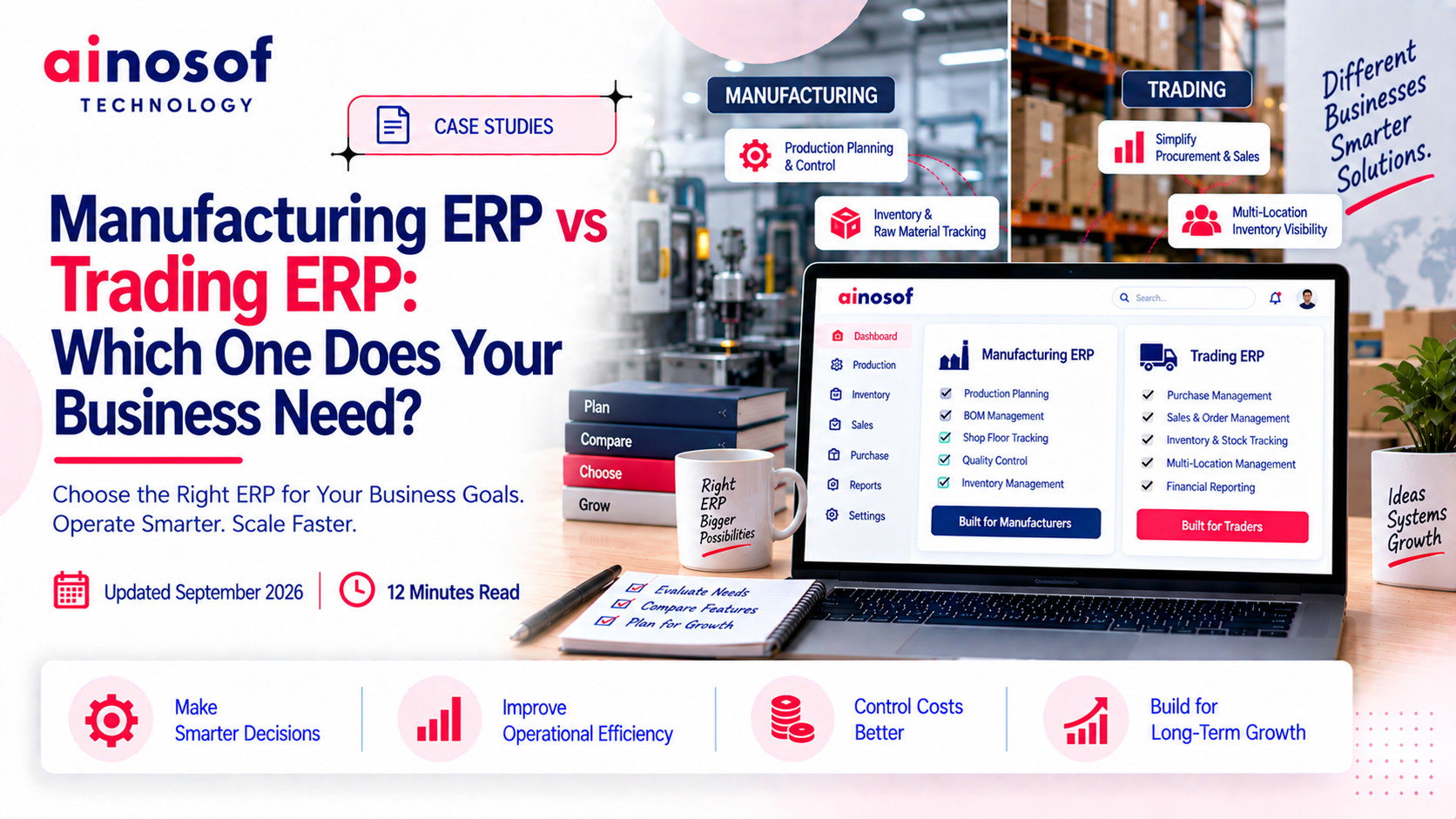 Manufacturing ERP vs Trading ERP: Which One Does Your Business Need?
25 Sep, 2026
Manufacturing ERP vs Trading ERP: Which One Does Your Business Need?
25 Sep, 2026
-
 What is LLM SEO and Why Is It Becoming Important for Business Visibility in 2026?
03 Aug, 2026
What is LLM SEO and Why Is It Becoming Important for Business Visibility in 2026?
03 Aug, 2026
-
 ERP Software Cost in India 2026: What Businesses Should Budget For
24 Sep, 2026
ERP Software Cost in India 2026: What Businesses Should Budget For
24 Sep, 2026
-
 Why Colleges and Universities Need ERP Software to Manage Admissions, Fees and Operations
23 Sep, 2026
Why Colleges and Universities Need ERP Software to Manage Admissions, Fees and Operations
23 Sep, 2026
-
 How ERP Software Solves Inventory and Production Chaos for Electronics Manufacturers
22 Sep, 2026
How ERP Software Solves Inventory and Production Chaos for Electronics Manufacturers
22 Sep, 2026
Still have some doubts?
Comment with an expert and get our answer.