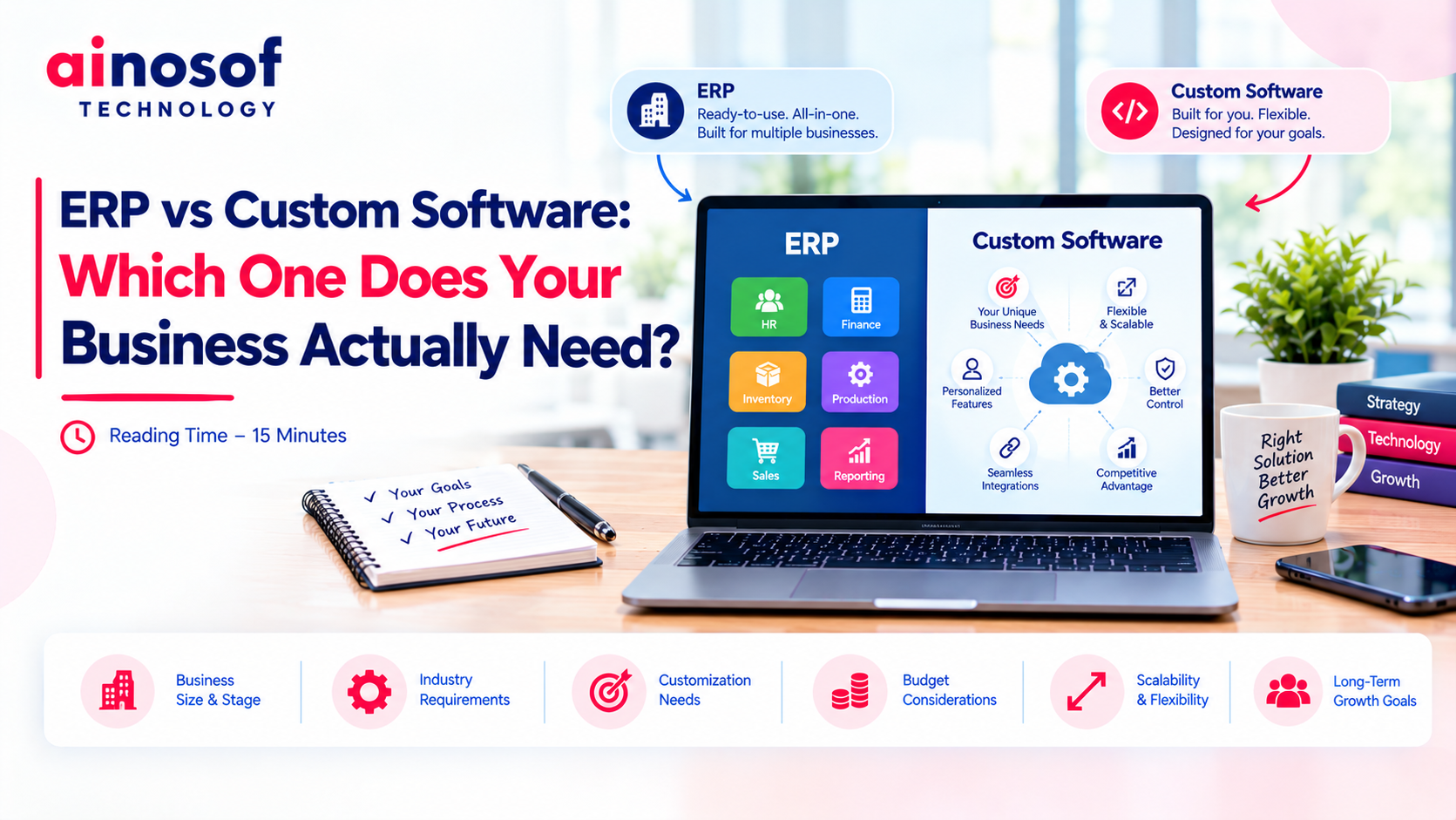
ERP vs Custom Software: Which One Does Your Business Actually Need?
 Iram
Iram


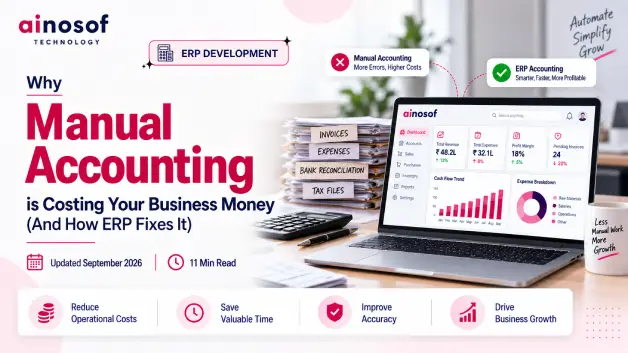
As a business grows, financial transactions grow with it. More sales, purchases, invoices, payments, expenses, and inventory movements mean more information for the finance team to record and verify. What feels manageable at a smaller scale can gradually turn into hours of repetitive accounting work every month.
The problem is not only the time spent entering numbers. Manual processes can require employees to re-enter information, match transactions, reconcile records, correct mistakes, prepare reports, and follow up for missing details. When these activities happen repeatedly, the business pays for them through employee time, avoidable errors, delayed reporting, and slower financial decisions.
There is also a less visible cost. When management has to wait for updated financial information, decisions about cash flow, purchasing, expenses, sales performance, and inventory may be based on older numbers. A small accounting delay can therefore create a much larger operational impact.
As transaction volumes increase, simply asking the finance team to handle more manual work is rarely a sustainable solution. Businesses need to understand where the workload is coming from and whether connected technology can remove the repetitive steps behind it.
This is where Accounting ERP becomes relevant. By connecting accounting with sales, purchases, inventory, payments, and reporting, ERP can reduce repeated data entry and provide more timely financial information. Ainosof Technology approaches ERP development around actual business workflows, which is particularly useful when accounting needs to work closely with other operational processes.
In this article, we will look at where manual accounting quietly increases business costs, how ERP removes repetitive accounting work, how connected financial information improves business control, and how to decide whether Accounting ERP is worth the investment.
Manual accounting does not always look expensive on paper. The real cost appears through the hours spent entering data, checking transactions, reconciling records, correcting mistakes, and preparing reports.
As transaction volume grows, these activities become recurring operational costs. The finance team may spend more time maintaining information and less time helping management understand what the numbers actually mean.
Finance teams often enter similar information across invoices, payment records, bank statements, expense sheets, sales records, and accounting systems.
For example, a sales transaction may first be recorded by the sales team and then entered again by the accounts team. Later, the finance team may need to verify the same transaction during reconciliation.
This creates duplicate data entry and repeated checking.
The cost is not limited to employee salaries. It is also the opportunity cost of using skilled finance employees for work that could be streamlined through business process automation.
As transaction volumes increase, the same process becomes even more time-consuming. A finance team that could previously manage the workload comfortably may eventually spend a significant part of its working day maintaining records rather than analysing them.
The practical question is therefore not just how many employees are handling accounts, but how much of their time is being consumed by repetitive work.
Manual accounting creates more opportunities for incorrect entries, missing transactions, duplicate records, and reconciliation differences.
Finding and correcting these issues takes additional time. More importantly, delayed corrections can delay financial reports.
For example, if sales, purchase, and payment records are not reconciled on time, management may not have a clear picture of outstanding payments or the company's current cash position.
This can affect decisions about expenses, purchasing, collections, inventory, and cash flow.
Consider a business that believes it has sufficient cash because several customer invoices have been raised. If those invoices have not been collected yet, the reported sales position may look healthy while the actual cash position remains tight.
The same problem can occur with purchases and inventory. If financial records are updated later than operational records, management may make decisions using information that no longer reflects the current business situation.
Accurate accounting is therefore not only a finance requirement. It directly supports better and faster business decisions.
The purpose of accounting automation is not simply to replace spreadsheets. It is to reduce the number of times employees have to enter, transfer, check, and reconcile the same information.
An ERP connects accounting with the business activities that create financial transactions, allowing information to move through the workflow more efficiently.
A connected ERP can allow information created during one business activity to flow into the relevant accounting process.
For example, when a sales transaction is recorded, the related financial information can become available to the accounting workflow instead of requiring the accounts team to recreate the same entry manually.
The same principle can apply to purchases, expenses, inventory movements, invoices, and payments.
This reduces duplicate entry and allows finance teams to spend less time transferring information between systems.
Imagine a business processing hundreds of sales transactions every month. If every transaction has to be manually copied from sales records into accounting records, the business is paying employees to perform the same administrative task repeatedly.
With an integrated ERP workflow, much of this information can move through the connected system automatically.
The biggest efficiency gain comes from entering information once and using it across connected processes.
Invoices and payments are closely connected, but businesses using separate systems may still track them independently.
ERP can connect sales invoices, purchase invoices, payments, receivables, payables, and related transactions within a common financial workflow.
For example, when an invoice is created, the accounting team can track its status and later connect the corresponding payment to that transaction.
This gives finance teams better visibility into what has been billed, what has been paid, and what is still outstanding.
Instead of maintaining separate records and manually matching every transaction, the business can manage the information through a connected process.
This becomes especially useful when a company has multiple departments generating financial transactions. Sales may create invoices, purchasing may create supplier obligations, and inventory may create stock-related financial activity.
A connected ERP brings these activities closer together, reducing the need for employees to manually move information between departments.
Reconciliation can consume considerable time when finance teams have to manually compare bank records, invoices, payments, and accounting entries.
ERP can help organize these records and reduce the amount of manual comparison required.
The same applies to recurring reports. Instead of collecting information from multiple files every month, finance teams can generate reports from the data already maintained within the ERP.
For example, management may need regular information about receivables, payables, expenses, sales, cash position, or outstanding payments.
Without connected reporting, employees may need to collect information from different sources, verify it, combine it, and then prepare the final report.
With an integrated system, the underlying information is already connected.
This reduces the finance workload and improves reporting speed and consistency.
The objective is not to remove the finance team from the process. It is to allow finance professionals to spend more time reviewing financial information and less time preparing and correcting it.
Reducing manual work is only one part of the value of ERP.
The bigger business advantage comes when accounting information is connected with other operations and becomes available for faster financial control and decision-making.
Cash-flow decisions depend on knowing what money is coming in, what needs to be paid, and when those transactions are expected to happen.
When financial information is updated manually, management may have to wait for the finance team to prepare the latest figures.
A connected ERP can provide more timely visibility into receivables, payables, expenses, invoices, and payments.
For example, if outstanding customer payments are clearly visible, management can make better decisions about collections and upcoming expenses.
A business may have strong sales but still face cash-flow pressure because customers are taking longer to pay. If management can see this information quickly, it can take action earlier rather than discovering the problem after cash becomes tight.
Better financial visibility therefore helps businesses manage cash before a shortage becomes an urgent problem.
Accounting does not operate separately from sales, purchasing, or inventory.
A sale creates revenue and receivables. A purchase creates expenses or payables. Inventory movements can affect stock value and financial records.
When these processes are connected through ERP, management gets a broader view of how operational activity affects the financial position of the business.
For example, a company may see strong sales but still face cash-flow pressure because customer payments are delayed. Connecting sales, receivables, and accounting makes this difference easier to identify.
Similarly, increasing purchases may improve stock availability but also increase financial commitments. When purchase, inventory, and accounting information are connected, management can see the wider impact before making another purchasing decision.
This is why ERP integration can provide more value than using accounting software in isolation.
Management should not have to wait for multiple teams to collect information before answering basic financial questions.
Connected accounting data can help management understand sales performance, purchasing costs, outstanding payments, expenses, inventory position, and cash flow more quickly.
For example, if management is considering a large purchase, current financial information can help them assess whether the business has sufficient cash and what other payments are due.
The same information can support decisions about hiring, purchasing, customer credit, inventory levels, expense control, and business expansion.
The objective is not simply faster reporting. It is faster and better-informed decision-making.
When accounting information is connected with everyday business activity, finance becomes more than a record-keeping function. It becomes a source of information that helps management control the business.
Accounting ERP should not be treated as an investment simply because the business is growing. The better question is whether the cost of manual accounting is already higher than the cost of improving the process.
Businesses should look at the time spent on repetitive work, the frequency of errors, reporting delays, reconciliation workload, and the effect of disconnected financial information on business decisions.
Start by measuring the work your finance team is already doing manually.
Look at how much time is spent on data entry, invoice processing, payment tracking, reconciliation, report preparation, and correcting accounting errors.
For example, if employees spend several hours every week transferring information between sales records, spreadsheets, bank statements, and accounting systems, that workload has a measurable business cost.
The same applies when management regularly waits for updated financial reports or when accounting corrections delay other activities.
Businesses can review:
If these costs continue increasing with business growth, ERP automation may be financially justified.
The right decision is not simply whether the business can afford ERP. It is whether the business can afford to continue paying the hidden cost of manual accounting.
Not every business needs a heavily customized ERP.
A standard ERP solution may be enough when the company's accounting processes are relatively straightforward and already follow common workflows for invoicing, payments, purchases, reconciliation, and reporting.
Customization becomes more relevant when the business has specific workflows that standard processes cannot handle efficiently.
For example, a company may require custom approval workflows, industry-specific accounting processes, specialized reports, or unique connections between sales, inventory, purchasing, and finance.
The important point is to understand the actual workflow before deciding.
Businesses should first identify which accounting processes are common and which ones are unique. This helps avoid unnecessary customization while ensuring important business requirements are not forced into an unsuitable system.
A company working with an ERP Software Development provider such as Ainosof Technology can first map its actual processes and then determine where standard functionality is sufficient and where customization creates genuine business value.
The goal should be fit, not maximum customization.
ERP implementation becomes easier when the business understands its current accounting workflow before selecting or configuring the system.
Start by reviewing how financial information currently moves through the business.
Identify where sales information is created, how invoices are generated, how payments are recorded, how purchases reach accounts, how inventory affects financial records, and how reports are prepared.
Businesses should also prepare:
This preparation gives the ERP implementation team a clearer picture of what needs to change.
It also helps businesses avoid a common mistake: simply transferring an inefficient manual process into new software.
A successful ERP implementation should improve the workflow itself, not just digitize the existing paperwork.
Once a business understands where accounting work is being lost, the next step is to look at the wider processes connected to finance.
Accounting rarely works alone. Sales, purchases, inventory, payments, reporting, and operational workflows all contribute to the financial information management eventually uses.
Businesses should evaluate whether accounting automation needs to be connected with other operational systems.
For example, a company may discover that its biggest accounting workload comes from manually transferring information from sales, purchasing, or inventory records. In that situation, improving accounting alone may not solve the underlying problem.
This is where businesses can explore areas such as ERP Solutions, Business Process Automation, Workflow Automation, Sales ERP, Purchase ERP, Inventory Management Software, and Reports & Dashboards.
For businesses with unique processes, Custom Software Development may also be worth evaluating when standard systems cannot properly support the required workflow.
Businesses should also consider whether ERP Implementation Services are required for data migration, workflow configuration, employee training, testing, and rollout.
The next decision should therefore focus on the complete business process rather than accounting in isolation.
A connected approach can help businesses reduce repeated work across departments and create better control over the information management needs to run the business.
Manual accounting can cost a business far more than the visible finance workload suggests.
The hidden costs come from repeated data entry, reconciliation, corrections, delayed reports, disconnected information, and management waiting for accurate financial data. As transaction volumes increase, these problems can become increasingly expensive.
ERP can address these issues by connecting accounting with sales, purchases, inventory, invoices, payments, reconciliation, and reporting. The value is not simply faster accounting. It is the reduction of repetitive work and the improvement of financial visibility across the business.
However, ERP should be selected based on actual business requirements. Before investing, businesses should measure their current accounting workload, identify process gaps, determine where automation can create measurable value, and decide whether standard ERP or customization is appropriate.
The most important question is simple:
What is manual accounting already costing your business, and how much of that cost can a connected ERP system remove?
Manual accounting involves recording, transferring, checking, reconciling, and reporting financial information through processes that require significant human effort, often using spreadsheets, separate systems, or manual data entry.
For example, employees may manually enter sales, purchase, invoice, and payment information into different records before reconciling them.
Manual accounting increases costs through employee time, repeated data entry, reconciliation work, corrections, reporting delays, and avoidable errors.
The cost becomes more significant as transaction volumes increase because the finance team has to process more information without necessarily improving process efficiency.
Yes. ERP can automate or streamline processes such as financial data entry, invoicing, payment tracking, reconciliation, and reporting.
The level of automation depends on how the ERP is configured and how well it connects with the company's actual business workflows.
ERP can reduce errors by limiting duplicate data entry and allowing information to flow between connected business processes.
However, ERP does not automatically eliminate every accounting error. Data quality, system configuration, user access, and proper implementation still matter.
Yes. One of the main advantages of an integrated ERP system is connecting sales, purchases, inventory, payments, and accounting within a common workflow.
This helps financial information move more efficiently between departments and gives management better visibility into business activity.
Accounting ERP can be suitable for small businesses when manual accounting is already creating significant workload, reporting delays, or coordination problems.
The business should first evaluate its transaction volume, accounting workload, growth plans, and need for connected processes before deciding.
Yes. Accounting ERP can be customized when a business has specific workflows, approval requirements, reports, integrations, or industry-specific processes that standard functionality cannot support effectively.
However, customization should be based on a genuine business requirement rather than adding complexity unnecessarily.
Accounting ERP cost depends on factors such as business size, number of users, required modules, customization, integrations, data migration, implementation, training, and ongoing support.
Instead of looking only at the software price, businesses should compare the total investment with the time, errors, delays, and operational costs they expect to reduce.
 Why Custom Software Companies Need Strong Branding to Win Enterprise Clients
16 Oct, 2026
Why Custom Software Companies Need Strong Branding to Win Enterprise Clients
16 Oct, 2026
 How a CRM System Complements Custom Business Software for Better Sales Visibility
15 Oct, 2026
How a CRM System Complements Custom Business Software for Better Sales Visibility
15 Oct, 2026
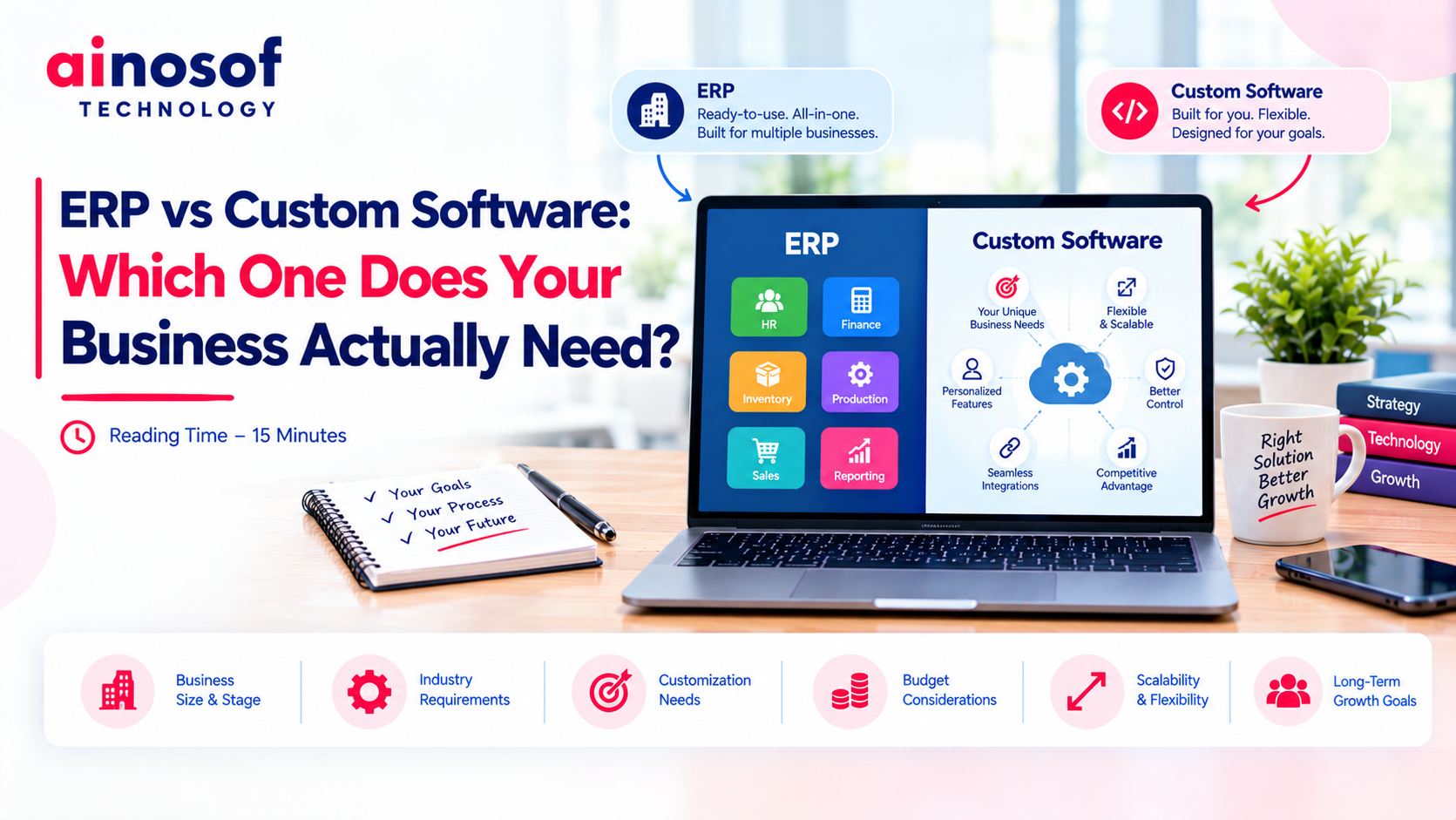 ERP vs Custom Software: Which One Does Your Business Actually Need?
14 Oct, 2026
ERP vs Custom Software: Which One Does Your Business Actually Need?
14 Oct, 2026
 How to Build an SEO Strategy for a B2B SaaS or Software Company
13 Oct, 2026
How to Build an SEO Strategy for a B2B SaaS or Software Company
13 Oct, 2026
 Why Your Business Website Should Integrate With Your Internal Software Systems
12 Oct, 2026
Why Your Business Website Should Integrate With Your Internal Software Systems
12 Oct, 2026
 How AI Agents Are Becoming Part of Custom Business Software in 2026
10 Oct, 2026
How AI Agents Are Becoming Part of Custom Business Software in 2026
10 Oct, 2026
Comment with an expert and get our answer.
Comment with an expert and get our answer.
Explore more insights related to this topic and discover useful perspectives, ideas and strategies from our latest articles.