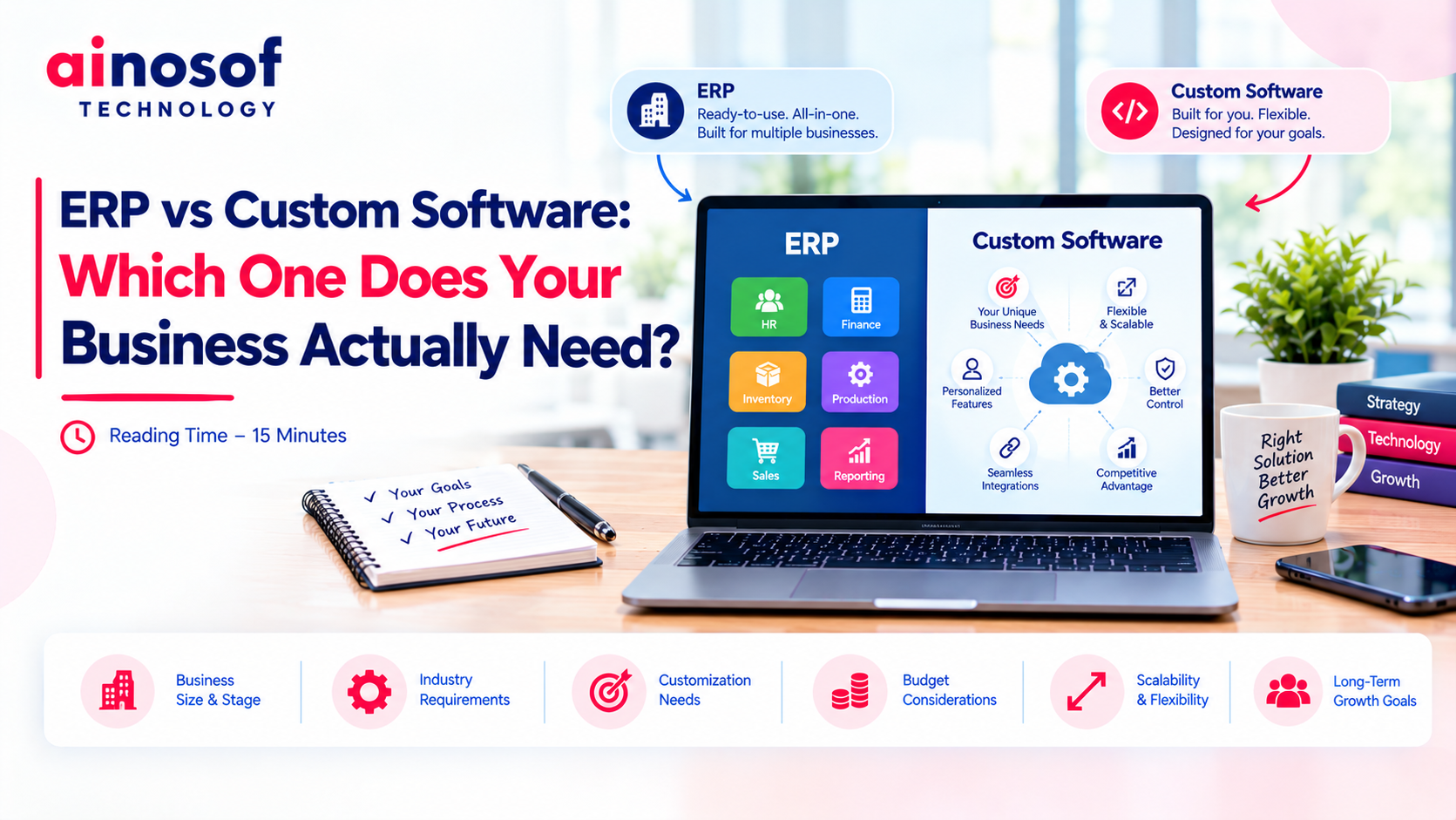
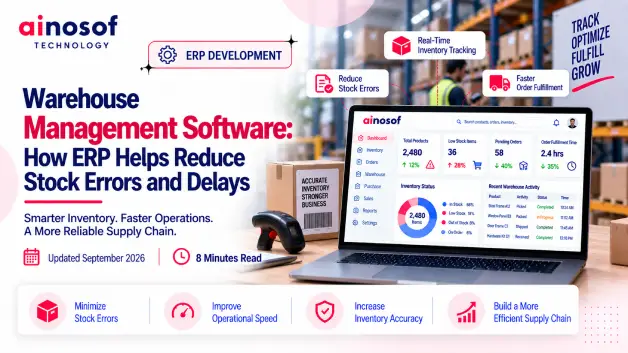
ERP vs Custom Software: Which One Does Your Business Actually Need?
 Iram
Iram


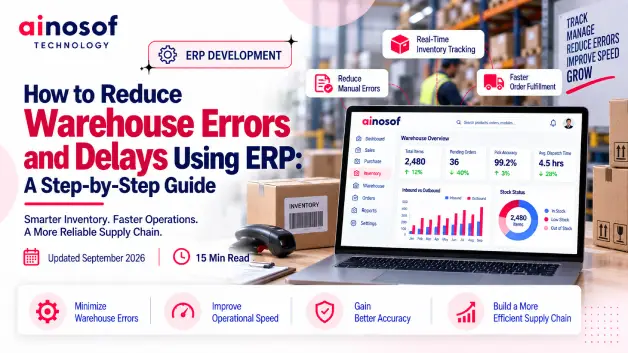
Warehouse problems rarely stay inside the warehouse. A wrong stock entry can lead to an incorrect order promise, a picking mistake can delay dispatch, and a small inventory mismatch can create confusion across sales, purchasing, and operations. When these issues happen repeatedly, businesses lose more than stock accuracy—they lose time, productivity, customer trust, and control over daily operations.
The challenge is that many warehouse errors are not caused by one careless employee or one inefficient process. They often come from disconnected systems, manual data entry, outdated inventory information, unclear workflows, and a lack of real-time visibility. Adding more manual checks may reduce some mistakes temporarily, but it rarely solves the underlying operational problem.
This is where ERP becomes a strategic consideration. When warehouse processes are connected with purchasing, sales, inventory, and dispatch, businesses can create stronger controls around how stock enters, moves through, and leaves the warehouse. But simply installing an ERP system does not guarantee better warehouse performance. The real value comes from configuring it around the actual problems and workflows of the business.
This guide will show you how to reduce warehouse errors with ERP, where to begin, which processes to improve first, how to prepare your warehouse data, how to use automation and scanning effectively, and which KPIs can help determine whether the changes are actually reducing errors and delays.
Before using ERP to fix warehouse problems, a business needs to understand where those problems actually begin. If the wrong item is entered during receiving, incorrectly stored, picked without verification, or dispatched using outdated information, the error can move through several departments before anyone notices it.
This is why businesses should not treat every warehouse mistake as an ERP problem. Some errors come from people, some from unclear processes, some from inaccurate data, and others from disconnected systems. Identifying the real cause first makes it much easier to decide what ERP should actually fix.
The highest number of warehouse errors usually appears around activities where information is entered, checked, or transferred manually.
Common problem areas include:
For example, suppose a warehouse receives 100 units but an employee records only 90 in the system. The business may still have 100 units physically available, but the ERP or inventory record shows only 90. Later, the sales team may assume that only 90 are available and delay an order unnecessarily.
The important point is that warehouse accuracy is a chain. A small mistake at one stage can create larger problems further down the workflow.
A business should therefore identify the warehouse activities with the highest error frequency and highest business impact before deciding what to automate or control through ERP.
A useful warehouse diagnosis starts by asking four simple questions: Who is making the mistake? How is the work being performed? Is the information accurate? Does the system support the process?
If employees repeatedly enter incorrect quantities even when the process is clear, the problem may involve training, workload, or user behaviour.
If different employees perform the same task in different ways, the problem is more likely to be a process issue. For example, one employee may verify stock before dispatch while another may skip the check.
If the item master contains duplicate SKUs, incorrect units, outdated prices, or inconsistent product names, the problem is related to data quality.
If accurate information exists but warehouse employees cannot access it when they need it, the business may have a system or integration problem.
A simple diagnostic approach can look like this:
|
Problem Pattern |
Likely Cause |
What to Investigate |
|
Same mistake by multiple employees |
Process |
Workflow and instructions |
|
One employee makes repeated errors |
People |
Training and workload |
|
Stock records are consistently incorrect |
Data |
Item and inventory records |
|
Teams use separate spreadsheets |
System |
Integration and visibility |
|
Orders wait for stock confirmation |
System/process |
Inventory availability workflow |
This distinction matters because ERP should solve the right problem. Automating a poorly designed process can simply make the wrong process faster.
Not every warehouse problem deserves the same level of attention. Businesses should prioritize problems based on their frequency, financial impact, customer impact, and ability to create further errors.
A practical priority order is:
For example, if incorrect picking causes 30 customer complaints every month, that problem should receive attention before spending time automating a low-impact internal report.
Businesses can also look for problems that create a chain reaction. An incorrect receiving entry can affect available stock, purchasing decisions, sales commitments, picking, and ultimately dispatch. Fixing that single point may therefore improve several downstream processes.
The goal is not to automate everything immediately. The goal is to fix the warehouse problems that create the greatest operational risk first.
ERP cannot produce reliable warehouse results from unreliable information. Before configuring workflows, businesses need to make sure their inventory data, item records, warehouse locations, and stock information are accurate and consistent.
This preparation is often overlooked because businesses are eager to start using the new system. However, moving incorrect data into ERP can make the new system appear unreliable even when the underlying software is working correctly.
ERP relies on the information entered into it to determine what stock exists, where it is located, and how much is available for business operations.
If the opening inventory is wrong, the ERP will start with the wrong baseline.
Imagine a business physically holds 500 units of a product, but its existing records show 460. If those records are imported into ERP without verification, the system may report 460 units. The business has not solved its inventory problem—it has simply moved the inaccurate information into a new system.
Inaccurate data can affect:
This is why data cleansing should happen before ERP configuration and implementation, not after problems appear.
The better approach is to establish a reliable starting point and then use ERP controls to maintain that accuracy.
Businesses should begin with the data that directly affects warehouse identification and movement.
Priority areas include:
For example, if the same product appears as “ABC-100,” “ABC100,” and “ABC-100-Piece,” employees may select different records for the same physical item. That can create duplicate stock and inaccurate reporting.
A clean SKU and item master gives ERP a consistent language for warehouse operations.
Businesses should standardize how warehouse activities are recorded and performed before translating those workflows into ERP.
This includes deciding:
For businesses operating multiple warehouses, the same logic should also be applied consistently across locations wherever practical.
For example, if one warehouse records stock transfers immediately while another waits until the end of the day, management will struggle to understand actual stock availability. Standardizing the process first makes ERP configuration much more reliable.
ERP implementation should begin with a standardized operational process, not a collection of inconsistent warehouse habits.
Once the data is ready, the next step is to map how inventory actually moves through the business.
The objective is to understand every important handoff—from receiving goods to storing them, moving them, picking orders, packing them, and confirming dispatch. This prevents businesses from configuring ERP based only on what they think the warehouse does.
A connected warehouse workflow should generally follow the movement of inventory:
Purchase/order confirmation → Receiving → Quantity verification → Put-away → Inventory availability → Sales order → Picking → Packing → Dispatch → Stock update
The exact workflow will vary by business, but the important principle is that each stage should provide reliable information to the next.
When receiving is connected to inventory, the business can know what has actually arrived. When inventory is connected to sales, teams can make better decisions about available stock. When sales orders are connected to picking and dispatch, warehouse employees have clearer instructions about what needs to leave the warehouse.
This reduces the need to repeatedly enter the same information into different systems.
For example, when a confirmed sales order automatically becomes available for warehouse processing, employees do not need to recreate the order manually in another spreadsheet or system.
The goal is one connected flow of information rather than multiple disconnected records.
Controls should be placed where an incorrect action could create a significant downstream problem.
Useful control points can include:
The purpose is not to create unnecessary bureaucracy. Too many approval steps can slow the warehouse just as much as too few controls can create errors.
The better approach is risk-based control. High-impact activities should receive stronger verification, while routine low-risk activities can remain faster and more automated.
The best candidates for automation are usually repetitive tasks that happen frequently and require information that already exists somewhere in the system.
Examples include:
For example, if employees spend hours every day copying sales order information into a warehouse spreadsheet, connecting the sales and warehouse workflow can eliminate unnecessary data entry.
However, automation should follow process clarity. If the business has not decided who verifies receiving quantities or how damaged goods are handled, automating that workflow may simply move confusion into the ERP.
The strongest ERP setups automate stable, repeatable, well-defined processes.
After identifying the root causes, preparing the data, and mapping the workflow, businesses can configure ERP around the controls that matter most.
The objective is not to add as many ERP functions as possible. It is to create a system where the right information is captured at the right stage, unnecessary manual entry is reduced, and important warehouse actions can be traced.
Receiving is one of the most important points for maintaining inventory accuracy because it establishes what has physically entered the warehouse.
ERP workflows should help employees verify:
Instead of allowing employees to freely enter stock quantities without reference, the ERP can connect receiving with the relevant purchase transaction and require verification where necessary.
For example, if a purchase order contains 1,000 units but only 950 are received, the system should allow the business to record the actual receipt rather than assuming that the full order quantity arrived.
This creates a clearer audit trail and reduces the risk of incorrect stock entries becoming the new inventory baseline.
Picking errors often occur because employees rely on printed lists, memory, unclear product identification, or outdated order information.
ERP can reduce these risks by connecting the sales order, inventory availability, picking tasks, packing verification, and dispatch confirmation into one workflow.
Depending on the warehouse, businesses can also introduce barcode scanning or other item-identification methods to verify that the employee has selected the correct product.
For example, instead of simply checking that an order requires 20 units, the warehouse process can verify:
Correct order → Correct item → Correct quantity → Correct packing → Correct dispatch
This creates multiple opportunities to catch an error before the product reaches the customer.
The objective is not merely faster picking. It is faster picking with fewer mistakes.
Inventory should not appear to move from one location to another without a recorded transaction.
ERP should provide a clear record for movements such as:
Every movement should ideally capture what moved, how much moved, where it came from, where it went, when it happened, and who performed or approved it, according to the business's control requirements.
This becomes particularly important when a company operates multiple warehouses or locations. Without proper movement tracking, one location may show excess stock while another appears short, even though the total physical inventory is correct.
A controlled ERP movement process gives management a clearer picture of where inventory is and why its quantity changed.
The ultimate goal is simple: warehouse employees should not have to rely on memory, scattered spreadsheets, or repeated manual reconciliation to know what happened to inventory. A well-configured ERP should make important warehouse movements visible, traceable, and easier to control.
Warehouse delays often happen because information does not move as quickly as the physical goods. A sales team may confirm an order without knowing the latest stock position, the purchasing team may not know that inventory is running low, or the warehouse may be waiting for confirmation before starting dispatch.
A connected ERP workflow brings these activities into one system so that departments can work from the same information. Instead of relying on phone calls, spreadsheets, messages, or repeated data entry, teams can see what has happened and what needs to happen next.
The goal is not simply to make warehouse tasks faster. It is to remove the information gaps that cause employees to wait, verify, re-enter, or correct information manually.
When sales and warehouse teams do not have reliable inventory information, order processing can slow down quickly. Employees may need to call the warehouse, check a spreadsheet, or physically verify stock before confirming whether an order can be fulfilled.
With real-time inventory visibility, authorized users can see current stock information directly within the ERP. This can help teams make faster decisions about order confirmation, picking, replenishment, and dispatch.
For example, a customer places an order for 100 units. If the ERP shows that only 60 units are available, the sales team can immediately see the shortage instead of confirming the full order and discovering the problem later.
This also helps warehouse teams avoid preparing orders based on outdated stock information.
However, real-time visibility is only useful when employees consistently record receipts, sales, transfers, adjustments, returns, and other stock movements correctly. A system cannot provide reliable visibility when its underlying transactions are incomplete.
Accurate and timely inventory information turns stock visibility into a practical tool for reducing order delays.
Warehouse operations depend on several departments, so delays often occur when those departments operate separately.
ERP can connect the workflow so that information moves from one business activity to the next:
Sales order → Inventory check → Purchase/replenishment if required → Picking → Packing → Dispatch
When these processes are connected, employees do not need to repeatedly recreate the same information.
For example, if inventory is insufficient for a confirmed order, the purchasing team can see the requirement and take action. Once stock is received and recorded, the inventory position can be updated and the warehouse can continue processing the order.
Similarly, when a sales order is ready for fulfilment, the warehouse can work from the same order information instead of manually creating another record.
This connection becomes even more valuable as order volumes increase. A process that seems manageable with 20 orders a day can become a major bottleneck with hundreds of orders.
The business insight is straightforward: warehouse speed depends partly on how quickly information moves between departments. ERP helps remove unnecessary handoffs when those workflows are designed correctly.
Not every warehouse delay requires an employee to constantly check the system. Some events can trigger automated alerts and workflow actions.
Useful examples include:
For example, if a frequently sold product reaches its defined reorder level, the ERP can alert the responsible team before the shortage becomes an urgent customer-order problem.
Approvals can also prevent requests from getting stuck with the wrong person. A stock adjustment, for instance, can be automatically routed to the appropriate manager rather than remaining in a warehouse employee's records without review.
The key is to automate routine notifications and clearly defined workflows, while keeping human approval where business judgment is genuinely required.
When alerts and approvals are designed around real bottlenecks, businesses can reduce the amount of time warehouse employees spend waiting for information or chasing other departments.
ERP can organize warehouse information, but employees still need a reliable way to capture physical inventory movements. This is where barcode scanning and warehouse automation can become valuable.
Manual entry requires employees to read product information, locate the correct record, type quantities, and save the transaction. Every additional manual step creates another opportunity for an incorrect entry.
Scanning can reduce that risk by allowing the physical item or location to be identified electronically and then connected to the relevant ERP transaction.
The right approach, however, is not to introduce scanning simply because it is available. Businesses should first identify where manual identification or data entry is creating measurable errors.
Barcode or scanning workflows can be useful wherever employees repeatedly need to identify products, quantities, locations, orders, or warehouse movements.
Common applications include:
For example, during picking, an employee can scan the product before confirming the quantity. This creates an additional verification step and can help prevent the wrong item from being picked.
Scanning can also reduce repetitive typing. Instead of manually searching for a SKU, an employee can scan the product and allow the ERP to retrieve the relevant item record.
The greatest value comes when the scan is connected directly to the ERP workflow, rather than simply creating another isolated record.
Scanning becomes more attractive when a business has high transaction volumes, frequent identification errors, multiple similar products, complex warehouse locations, or repeated manual data entry.
A small warehouse with a limited number of products may not need advanced scanning immediately. On the other hand, a growing distributor with thousands of SKUs and frequent picking mistakes may benefit significantly.
Businesses should consider scanning when:
For example, if warehouse employees spend several hours each day searching through product codes and correcting entry mistakes, scanning may provide a stronger return than simply adding more manual verification.
Technology should be introduced where it solves a measurable operational problem, not where it merely adds another system feature.
Automation should follow the warehouse process rather than operate separately from it.
A practical sequence could be:
Physical activity → Scan or automated input → ERP validation → Inventory update → Next workflow action
For example, an employee receives a product, scans its barcode, and the ERP validates the item against the expected purchase information. Once the receipt is confirmed, inventory can be updated and the next warehouse step can begin.
The same principle can apply to picking and dispatch. A scan can verify the item, while the ERP records the transaction and moves the order to the next stage.
Businesses should avoid automating every possible task at once. Start with high-volume, repetitive, error-prone activities, measure the results, and expand automation where it provides clear operational value.
Good automation should make the warehouse easier to control—not make the workflow more complicated for employees.
ERP implementation does not automatically change employee behaviour. If warehouse employees continue using personal spreadsheets, handwritten notes, informal messages, or undocumented processes, the business can gradually lose the control it expected from ERP.
Standardization ensures that employees follow the same core workflow and record warehouse activities consistently.
The objective is not to remove human judgment from warehouse operations. It is to create clear rules for routine activities, so important inventory information does not depend on individual habits.
Businesses should document and standardize the warehouse activities that directly affect inventory accuracy and order fulfilment.
These may include:
For example, if one employee records damaged goods immediately while another keeps them in available inventory until the end of the day, the ERP may show different information depending on who performed the task.
A standardized process should make clear what needs to be recorded, when it should be recorded, and who is responsible.
This creates consistency across shifts, employees, and locations.
Not every warehouse employee needs access to every ERP function.
Businesses should define user roles according to responsibilities. For example:
ERP permissions should support accountability without unnecessarily slowing down routine work.
Training is equally important. Employees need to understand not only which buttons to click, but why each step matters.
If warehouse staff understand that delaying a stock update can affect sales availability or purchasing decisions, they are more likely to follow the process correctly.
Training should also include practical scenarios such as receiving partial quantities, handling damaged goods, correcting an incorrect entry, processing returns, and managing stock transfers.
A well-configured ERP with poorly trained users can still produce poor results.
Manual workarounds usually appear when employees believe the ERP process is slower, harder, or unsuitable for the way they actually work.
The first step is to understand why employees are creating those workarounds.
Common reasons include:
For example, if employees maintain a separate spreadsheet because the ERP does not provide a useful daily picking report, simply telling them to stop using the spreadsheet will not solve the problem.
The business should identify the reason for the workaround and improve the underlying process.
Regular ERP usage reviews, employee feedback, workflow audits, and performance monitoring can help identify these issues early.
The strongest warehouse ERP environment is one where employees find the official process easier and more reliable than creating their own parallel system.
ERP creates lasting warehouse improvement only when the system, process, data, and people all work together consistently.
Implementing ERP is not the finish line. A business needs to know whether the new system is actually making warehouse operations more accurate, faster, and easier to control.
Without measurement, teams may assume that warehouse performance has improved simply because the business has moved from spreadsheets or manual records to ERP. The better approach is to compare warehouse performance before and after implementation and use ERP data to identify where problems still exist.
Businesses should establish a baseline before making major changes. This makes it possible to compare actual results after ERP implementation.
Important warehouse KPIs can include:
For example, if inventory accuracy was 91% before ERP and reaches 97% after process improvements, the business has a measurable indication that warehouse controls are working.
Similarly, if picking errors remain unchanged, management knows that simply implementing ERP has not solved the picking problem and further workflow or scanning improvements may be required.
The key is to measure business outcomes rather than ERP usage alone.
ERP reports can turn individual warehouse transactions into patterns that management can investigate.
For example, repeated stock adjustments for the same product may indicate an inventory recording problem. Frequent picking errors involving a particular SKU may point to product identification issues. Repeated delays in one warehouse location may indicate an inefficient storage or picking process.
Businesses can review reports for patterns such as:
Suppose ERP data shows that most inventory adjustments happen in one warehouse during a particular shift. Instead of blaming individual employees immediately, management can investigate whether that shift has different workload levels, training gaps, or process issues.
This makes ERP more than a transaction system. It becomes a source of operational insight.
The real value comes from using those reports to ask, “Why does this problem keep happening?”
If warehouse performance does not improve after ERP implementation, businesses should avoid assuming that the software has failed.
The problem may be related to:
For example, if inventory accuracy remains low despite ERP, management should compare physical stock records with ERP transactions and identify exactly where discrepancies are being introduced.
The next step should be targeted improvement, not simply adding more ERP features.
A useful review cycle is:
Measure → Identify the recurring problem → Find the root cause → Adjust the process or ERP workflow → Train users → Measure again
ERP should support continuous warehouse improvement rather than become a one-time technology project.
Before finalizing an ERP warehouse setup, businesses should confirm that the system is practical for the way their warehouse actually operates.
A technically capable ERP can still create problems if its workflows are difficult for employees to follow, cannot handle business growth, or require constant manual workarounds.
The final evaluation should therefore focus on workflow fit, scalability, usability, and adaptability.
The ERP should reflect how inventory actually moves through the business rather than forcing employees into an unrealistic process.
Businesses should verify whether the system can properly support:
The system should also reflect the business's approval and verification requirements.
For example, if a business requires a supervisor to approve high-value stock adjustments, that control should exist within the ERP workflow rather than depend on a separate message or verbal instruction.
The most important question is simple:
Can warehouse employees complete their actual work accurately through the ERP without creating parallel processes?
If the answer is no, the setup needs further review before finalization.
Warehouse requirements can change quickly as a business grows.
An ERP that works well for one warehouse and a few hundred orders may become difficult to manage when the business has:
Businesses should therefore evaluate scalability before implementation, not after the warehouse has outgrown the system.
For example, adding another warehouse should not require completely rebuilding the ERP workflow. Similarly, increasing the number of users should not make routine warehouse transactions unnecessarily slow or difficult.
A scalable ERP setup allows the business to expand operations while maintaining inventory visibility, workflow control, and reporting consistency.
No warehouse remains exactly the same forever. Businesses introduce new products, add locations, change fulfilment methods, adopt new approval rules, and sometimes enter new markets.
The ERP should therefore provide enough flexibility and customization to adapt to reasonable changes in business processes.
This does not mean every workflow should be heavily customized from the beginning. Excessive customization can make an ERP harder to maintain.
Instead, businesses should identify which processes are genuinely unique and determine whether the ERP can support them without creating unnecessary complexity.
For example, a manufacturer may need specific workflows for raw materials, production-related inventory, finished goods, and quality checks. A trading company may need a different flow focused on purchasing, stock availability, sales orders, and dispatch.
The right ERP setup should provide standardization where possible and customization where necessary.
Improving warehouse operations is often connected to other business processes. Once inventory and warehouse workflows are under better control, businesses can look at how ERP connects sales, purchasing, billing, manufacturing, inventory, and reporting across the organization.
The next step should be based on the business's biggest operational gap. If warehouse problems are caused by disconnected departments, broader ERP integration may be the priority. If standard software cannot match the workflow, custom ERP development may be worth evaluating.
The objective is to keep improving the business system one operational bottleneck at a time.
Reducing warehouse errors is not simply about replacing spreadsheets with ERP. The real improvement starts by identifying where errors and delays originate, whether the underlying issue is related to people, processes, data, or systems.
From there, businesses can clean their master data, map the actual warehouse workflow, configure ERP controls, connect sales and purchasing with inventory and dispatch, introduce barcode scanning where it makes sense, and standardize how employees perform routine warehouse activities.
The results should then be measured through inventory accuracy, picking accuracy, order processing time, dispatch turnaround, stock adjustments, and other relevant warehouse KPIs.
For a growing business, the strongest ERP warehouse setup is not necessarily the one with the most features. It is the one that makes the right information available, controls important warehouse actions, reduces unnecessary manual work, and gives management a clear view of what is happening.
When ERP is built around the real warehouse operation, it can become a practical system for reducing errors, preventing avoidable delays, and creating stronger operational control.
ERP can reduce warehouse errors by connecting inventory, purchasing, sales, receiving, picking, packing, and dispatch processes in one system. It can also provide inventory controls, approvals, automated workflows, barcode scanning, and transaction tracking.
However, ERP does not automatically eliminate mistakes. The system needs to be configured around the business's actual warehouse processes, and employees need to follow those processes consistently.
ERP can significantly reduce the causes of inventory mismatches by providing controlled stock transactions, real-time inventory visibility, transfer tracking, approvals, and better reporting.
Businesses should also maintain accurate item records and perform regular physical verification. If incorrect opening stock or duplicate SKU records are entered into ERP, the system can continue producing unreliable inventory information.
ERP can reduce delays by connecting departments and making important information available without repeated manual checking.
For example, sales can see inventory availability, purchasing can respond to stock requirements, warehouse teams can receive confirmed picking tasks, and dispatch teams can see which orders are ready.
Automated alerts and approvals can also reduce waiting time for routine actions.
Businesses should generally automate repetitive, high-volume, and error-prone activities first.
These can include stock updates, picking task creation, low-stock alerts, inventory transfers, dispatch documentation, recurring reports, and workflow notifications.
The best candidates depend on where the business is currently losing the most time or accuracy.
ERP depends on the information stored in it. Incorrect SKUs, item names, units, warehouse locations, opening stock, or product variants can lead to inaccurate inventory records and confusing transactions.
Cleaning and standardizing master data before implementation gives the ERP a reliable starting point and makes later reporting more trustworthy.
Yes, barcode scanning can be integrated with ERP to support activities such as receiving, put-away, picking, stock transfers, cycle counting, packing, and dispatch verification.
Scanning can reduce manual data entry and help employees confirm that they are working with the correct item or location. It is most useful when connected directly to the warehouse workflow.
A practical ERP warehouse setup guide should cover warehouse workflow mapping, master-data preparation, inventory controls, receiving, storage, picking, packing, dispatch, stock transfers, approvals, user roles, barcode or scanning requirements, automation, reporting, training, and performance measurement.
The setup should be based on actual warehouse problems rather than simply activating every available ERP function.
There is no single implementation timeline. It depends on factors such as warehouse size, number of users, inventory complexity, number of locations, required integrations, data quality, customization, and employee readiness.
A simple warehouse with clean data and straightforward workflows can generally be implemented faster than a multi-location operation requiring extensive customization and integrations.
The more important objective is not implementing ERP as quickly as possible, but ensuring that the final workflow is accurate, usable, and ready for daily operations
 Why Custom Software Companies Need Strong Branding to Win Enterprise Clients
16 Oct, 2026
Why Custom Software Companies Need Strong Branding to Win Enterprise Clients
16 Oct, 2026
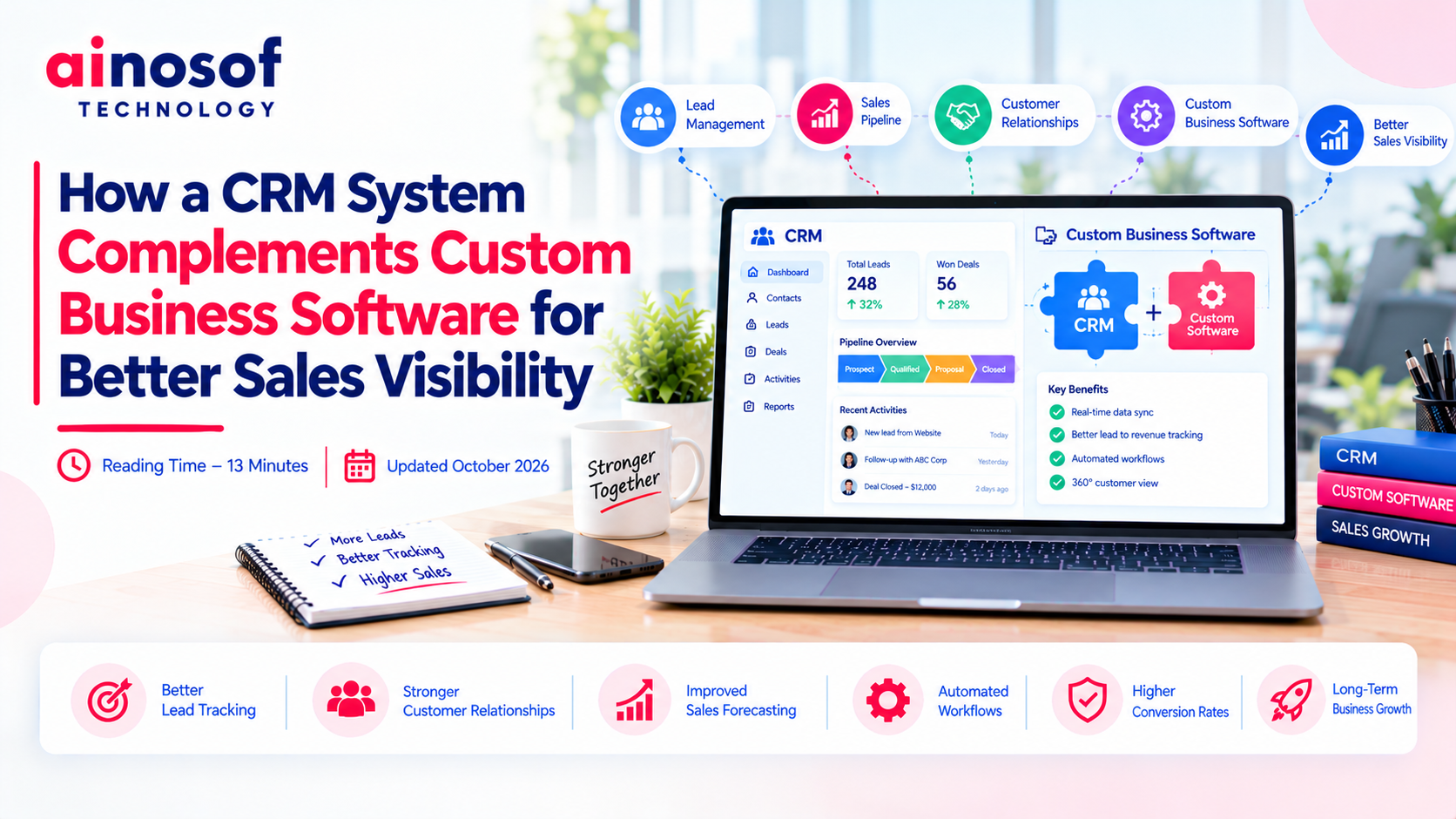 How a CRM System Complements Custom Business Software for Better Sales Visibility
15 Oct, 2026
How a CRM System Complements Custom Business Software for Better Sales Visibility
15 Oct, 2026
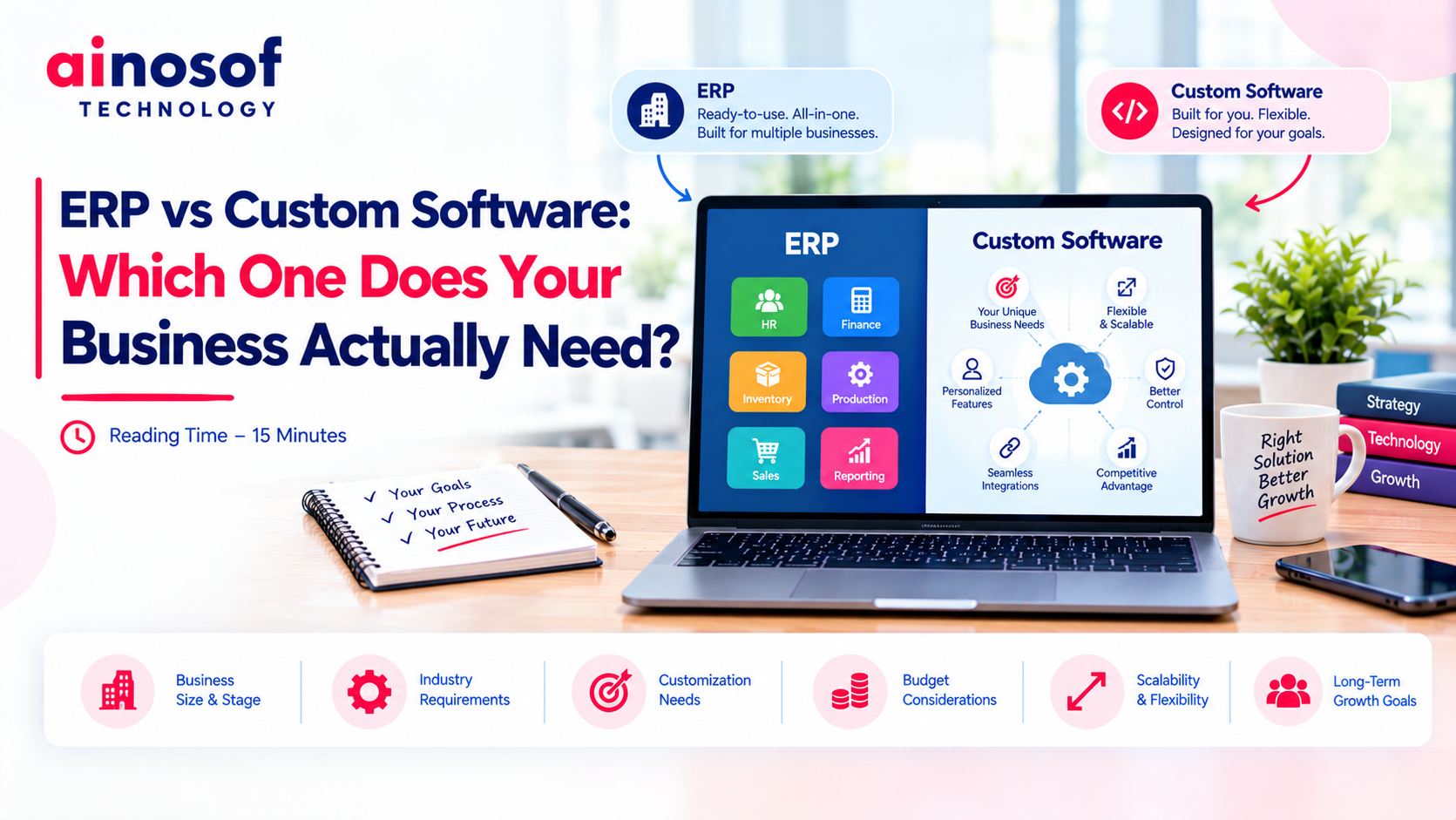 ERP vs Custom Software: Which One Does Your Business Actually Need?
14 Oct, 2026
ERP vs Custom Software: Which One Does Your Business Actually Need?
14 Oct, 2026
 How to Build an SEO Strategy for a B2B SaaS or Software Company
13 Oct, 2026
How to Build an SEO Strategy for a B2B SaaS or Software Company
13 Oct, 2026
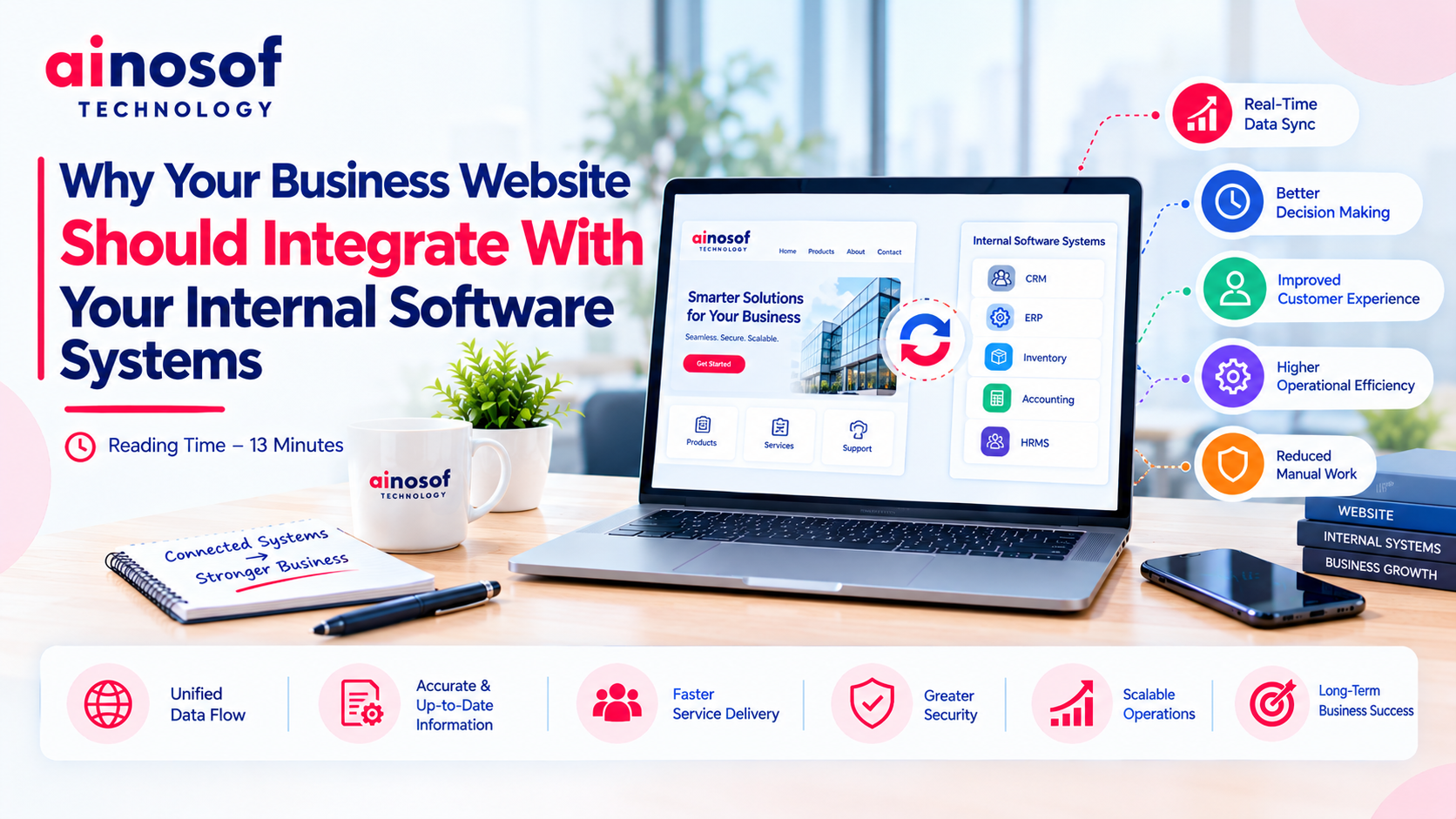 Why Your Business Website Should Integrate With Your Internal Software Systems
12 Oct, 2026
Why Your Business Website Should Integrate With Your Internal Software Systems
12 Oct, 2026
 How AI Agents Are Becoming Part of Custom Business Software in 2026
10 Oct, 2026
How AI Agents Are Becoming Part of Custom Business Software in 2026
10 Oct, 2026
Comment with an expert and get our answer.
Comment with an expert and get our answer.
Explore more insights related to this topic and discover useful perspectives, ideas and strategies from our latest articles.