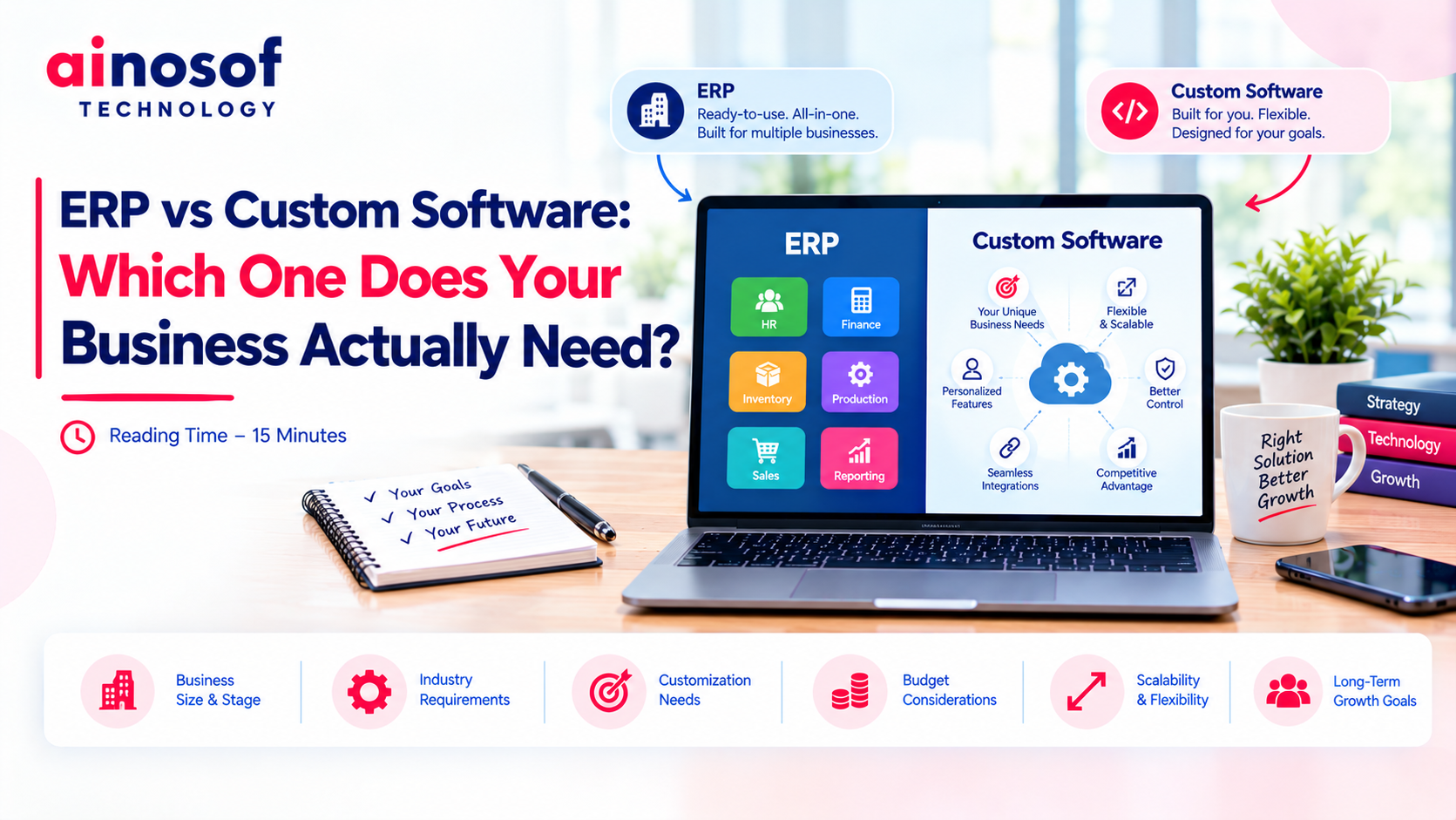
ERP vs Custom Software: Which One Does Your Business Actually Need?
 Iram
Iram


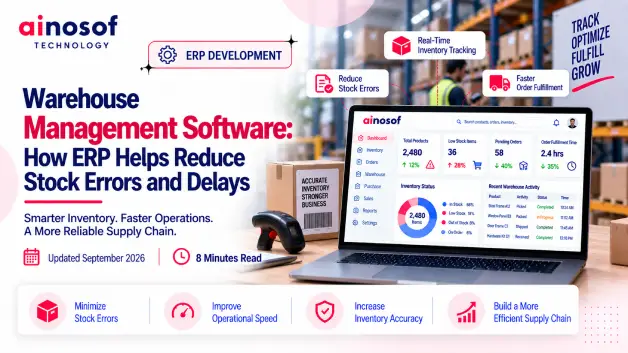
As a business grows, its warehouse rarely stays as simple as it was in the beginning. More products, orders, suppliers, employees, and storage locations mean more stock movements happening every day. What once took a few manual entries can eventually require constant coordination between warehouse, sales, purchasing, and accounts teams.
This is where small errors can become expensive. A wrong stock entry, delayed receiving update, misplaced item, or missed warehouse transfer can lead to incorrect availability, unnecessary purchases, delayed dispatches, and unhappy customers. The problem is not always a lack of effort from the warehouse team—it is often the result of disconnected processes and outdated inventory information.
As these issues increase, simply adding more spreadsheets or asking employees to double-check every transaction may not be enough. Businesses need a better way to keep warehouse information accurate while moving products through receiving, storage, picking, transfers, and dispatch without unnecessary delays.
That is why choosing the right warehouse management software ERP deserves a business-focused approach. The goal should be to understand where errors and delays are coming from and then determine whether an ERP warehouse module can address those problems without adding unnecessary complexity.
In this guide, you will learn how ERP can improve warehouse accuracy, prevent common stock errors, reduce operational delays, connect warehouse activities with sales and purchasing, support multiple warehouses, and what to check before selecting a solution for your growing business.
As warehouse operations expand, the number of products, transactions, people, and stock movements increases with them. A process that worked well for a small warehouse can become difficult to control when the business starts handling thousands of items, frequent dispatches, or multiple storage locations.
The challenge is that warehouse problems rarely stay inside the warehouse. A stock error can affect sales, while a receiving delay can affect purchasing and customer deliveries. Understanding where these problems begin is the first step toward deciding whether warehouse management software ERP is actually needed.
Most warehouse stock errors are not caused by one major mistake. They usually come from small issues repeated across daily operations.
Common causes include:
For example, imagine a distributor receiving 100 units of a product. The warehouse team physically receives the goods, but the stock record is updated several hours later. During that gap, the sales team may assume the product is unavailable and delay an order. If the quantity is entered incorrectly, the problem can continue until someone notices the discrepancy.
This is why improving warehouse accuracy is not only about asking employees to be more careful. Businesses need structured processes and reliable stock records that reduce opportunities for mistakes.
A strong warehouse system should help prevent errors where possible rather than simply showing a report after the error has already happened.
Manual processes can work when inventory volumes are low and the warehouse team is small. The problem begins when the amount of work grows faster than the team's ability to maintain accurate records.
You may be reaching this point when employees regularly have to:
Consider a business operating one warehouse with a limited number of products. Manual tracking may still be manageable. If the same business opens three additional warehouses and doubles its daily orders, those manual processes can quickly create bottlenecks.
The real warning sign is not simply the number of employees or products. It is when manual warehouse management starts slowing other business functions down.
If sales cannot trust stock information, purchasing cannot plan replenishment properly, or management cannot get a reliable inventory position quickly, the warehouse has become a wider business problem.
Warehouse accuracy depends on knowing what came in, where it is stored, what moved, what was picked, and what was dispatched. When these activities are recorded separately, it becomes harder to maintain one reliable view of inventory.
An ERP can bring these activities into a connected workflow. Instead of relying on separate records, the ERP warehouse module can link warehouse transactions with the broader inventory system.
The objective is simple: make the right stock information available at the right time and reduce unnecessary manual entry.
An ERP warehouse module can provide a centralized view of inventory across relevant products and locations. When warehouse transactions are recorded in the system, teams can use the same underlying information instead of maintaining separate records.
Depending on the system and configuration, businesses may be able to track:
For example, if a product is transferred from Warehouse A to Warehouse B, the system should reflect the movement instead of leaving one warehouse's spreadsheet to be updated separately.
This gives managers better visibility into where stock is located and how it is moving.
Good visibility also reduces the need for employees to spend time searching for information before making routine decisions.
The strongest value of ERP is not simply recording warehouse errors. It can help create controlled workflows that make common mistakes less likely.
For example, a structured receiving process can connect an incoming purchase with the quantity actually received. A picking workflow can connect products with the relevant sales order. A transfer process can record stock leaving one warehouse and entering another.
This can help reduce errors such as:
Imagine an employee needs to dispatch 20 units from a warehouse. Instead of manually checking a spreadsheet and then changing the quantity afterward, the ERP can connect the dispatch with the relevant order and inventory record.
The important distinction is between error detection and error prevention. A report that shows a discrepancy is useful, but a workflow that reduces the chance of creating that discrepancy in the first place is more valuable.
This is where ERP can have a direct operational impact.
Warehouse teams often lose time waiting for information. If stock updates happen hours later, employees may need to call another person or check multiple records before deciding what to do.
With timely inventory data, teams can make decisions using a more current picture of stock.
For example, a warehouse manager may need to know whether:
Suppose the sales team receives an urgent order. If the warehouse and sales teams are working from connected information, they can check availability much faster than they could by exchanging messages or manually comparing spreadsheets.
Real-time data does not simply make information faster. It reduces the time employees spend finding and confirming information.
That can improve response times across the business.
Warehouse delays are often created by unnecessary steps rather than difficult tasks. Employees may spend time entering information, waiting for approvals, checking stock, confirming orders, or communicating with another department.
The right warehouse management software ERP can simplify these workflows by connecting related activities and reducing repetitive manual work.
The goal is not to automate everything. It is to remove avoidable work so warehouse employees can focus on the activities that actually require their attention.
The exact level of automation depends on the ERP, but many routine warehouse activities can be structured or simplified.
These may include:
For example, when purchased goods are received, the system can update the relevant inventory records instead of requiring employees to maintain separate stock sheets.
Similarly, when products are dispatched against a sales order, the related inventory information can be updated through the connected workflow.
The benefit is not just saving a few minutes per transaction. When the same manual task happens hundreds or thousands of times, even a small reduction in effort can create meaningful operational savings.
Warehouse teams need information from other departments, and those departments need information from the warehouse.
Sales needs to know what can be delivered. Purchasing needs to know what needs replenishment. Accounts may need transaction information. Management needs a reliable view of inventory.
An ERP can connect these activities so that information does not have to be manually passed between separate systems.
For example:
Sales → Warehouse: Order information helps the warehouse prepare the correct products.
Warehouse → Sales: Updated stock information helps sales understand availability.
Purchasing → Warehouse: Expected purchases help warehouse teams prepare for incoming stock.
Warehouse → Purchasing: Low stock levels and movement information can support replenishment decisions.
Warehouse → Management: Centralized data supports inventory and operational reporting.
This connected approach can reduce the delays created when one team is waiting for another team to send or confirm information.
The result is a more coordinated flow from purchase to storage to sale to dispatch.
Managing multiple warehouses creates a different level of complexity. A product may be available in one location but unavailable in another. Transfers need to be recorded correctly, and managers need to understand total stock without manually combining separate records.
ERP can provide a centralized structure for managing these locations.
Businesses can use it to support:
For example, if a customer order is received for a product that is unavailable at the nearest warehouse but available at another location, centralized inventory information can help the business decide whether to transfer the product or fulfil the order from the other warehouse.
Without connected information, employees may have to make several calls or check different files before reaching the same decision.
For a growing business, multi-warehouse visibility is therefore not simply a convenience. It can become essential for controlling inventory and maintaining reliable fulfilment.
Not every ERP will solve every warehouse problem in the same way. Some systems may be designed for relatively simple inventory operations, while others may support complex warehouses, multiple locations, high transaction volumes, and detailed workflows.
Before choosing warehouse management software ERP, test the system against your actual operation rather than relying on a long feature list.
The best choice should fit your current warehouse requirements while leaving enough room for future growth.
Start with your most important warehouse workflows and ask the ERP provider to demonstrate them.
Test areas such as:
Do not simply ask whether the software “supports” these functions.
Ask the vendor to show exactly how they work.
For example, if receiving stock is currently a major source of errors, use a real receiving scenario during the demonstration. Check how many steps employees need to complete, how quantities are validated, and how the inventory record changes afterward.
This approach gives you a much clearer idea of whether the software can solve your actual warehouse problems.
A system that works for your current warehouse may not remain suitable as the business expands.
Before choosing an ERP, consider your expected growth in:
For example, a business currently managing 500 SKUs from one warehouse may plan to reach 5,000 SKUs across several locations. The ERP should be evaluated against that direction rather than only today's requirements.
Ask the vendor about system capacity, additional users, additional warehouses, integrations, reporting, and future configuration options.
You should also consider whether the system can adapt when your business processes change.
Growth can introduce new sales channels, approval levels, warehouse locations, or operational workflows. An ERP that requires major redevelopment every time the business changes may become difficult to maintain.
The right solution should provide room to grow without forcing the business into unnecessary complexity.
Treat the ERP demo as a practical test rather than a sales presentation.
Prepare real warehouse scenarios before the demo and ask the vendor to walk through them from beginning to end.
Check:
Also pay attention to usability. A powerful system can still fail if warehouse employees find it difficult to use.
Ask about implementation, data migration, training, integrations, technical support, upgrades, and customization before making the final decision.
A successful demo should leave you with an answer to one practical question:
Will this ERP make our warehouse more accurate, faster, and easier to control as the business grows?
Improving warehouse operations can be one part of a larger business automation strategy. Once warehouse, inventory, sales, purchasing, and finance processes become connected, businesses can gain better control over their overall operations.
Explore relevant Ainosof resources and services related to:
The right technology decision should always begin with the operational problem your business wants to solve and the level of control it needs as it grows.
Warehouse errors and delays are rarely isolated warehouse problems. When stock information is inaccurate or slow to update, the impact can reach sales, purchasing, customer service, and management decisions.
The right warehouse management software ERP can help businesses create more connected processes, improve stock visibility, prevent common errors, and reduce avoidable delays. But the software should be selected based on the actual operation—not simply because it has a long list of features.
Before making a decision, evaluate your inventory complexity, warehouse workflows, integrations, scalability, implementation requirements, data migration, training, vendor support, and total cost of ownership. Most importantly, test the system using real situations your warehouse team handles every day.
For a growing business, the best ERP is not necessarily the most powerful or the cheapest option. It is the one that provides the right level of control today and can continue supporting the business as its products, transactions, warehouses, and operational demands increase.
Choose warehouse ERP based on the problems you need to solve and the business you are building—not simply the software you can buy.
As warehouse operations become more complex, businesses naturally have questions about whether an ERP can actually solve their stock accuracy and delay-related problems. These answers focus on the practical decisions businesses should consider before investing in warehouse management software ERP.
Warehouse management software ERP helps businesses manage warehouse activities such as receiving, stock tracking, transfers, picking, dispatch, adjustments, and reporting through a connected system. It can also connect warehouse information with sales, purchasing, and other business processes.
ERP can reduce stock errors by creating structured workflows for receiving, picking, transfers, dispatch, and stock adjustments. Centralized records, user permissions, validations, and timely stock updates can reduce duplicate entries and other common sources of discrepancies.
An ERP warehouse module should support the processes your business actually needs. Depending on the operation, this may include stock tracking, receiving, picking, dispatch, transfers, warehouse-wise inventory, batch or serial tracking, stock adjustments, reporting, and integration with sales and purchasing.
Yes. ERP can reduce delays by simplifying repetitive tasks, connecting departments, reducing manual data entry, and making inventory information available more quickly. The actual improvement depends on how well the system matches the warehouse's workflows.
Many ERP systems can manage multiple warehouses, but capabilities vary. Before choosing one, check whether it supports warehouse-wise stock visibility, transfers, location-based reporting, user permissions, replenishment, and centralized management of multiple locations.
ERP connects these functions through shared business data. For example, a sales order can trigger warehouse activity, while a dispatch can update inventory records. Purchasing can also be connected with incoming stock, giving teams better visibility across the sales, purchasing, inventory, and warehouse processes.
Yes, if the business has warehouse processes that are becoming difficult to manage manually. A small business does not necessarily need a highly complex system, but it should choose software that solves its current problems without creating unnecessary complexity or cost.
The cost depends on factors such as users, modules, warehouses, implementation, customization, integrations, data migration, training, and ongoing support. Instead of comparing only the initial price, businesses should consider the total cost of ownership and the cost of continuing with inefficient warehouse processes.
Yes. A well-designed ERP can help prevent warehouse errors through structured workflows, validation, permissions, connected transactions, and controlled stock adjustments. This is more valuable than simply discovering discrepancies after they have already affected operations.
Start by identifying your main warehouse problems and their causes. Then evaluate inventory complexity, receiving and dispatch workflows, integrations, multi-warehouse requirements, scalability, usability, implementation support, data migration, and total cost. Test the ERP using real warehouse scenarios before making the final decision.
 Why Custom Software Companies Need Strong Branding to Win Enterprise Clients
16 Oct, 2026
Why Custom Software Companies Need Strong Branding to Win Enterprise Clients
16 Oct, 2026
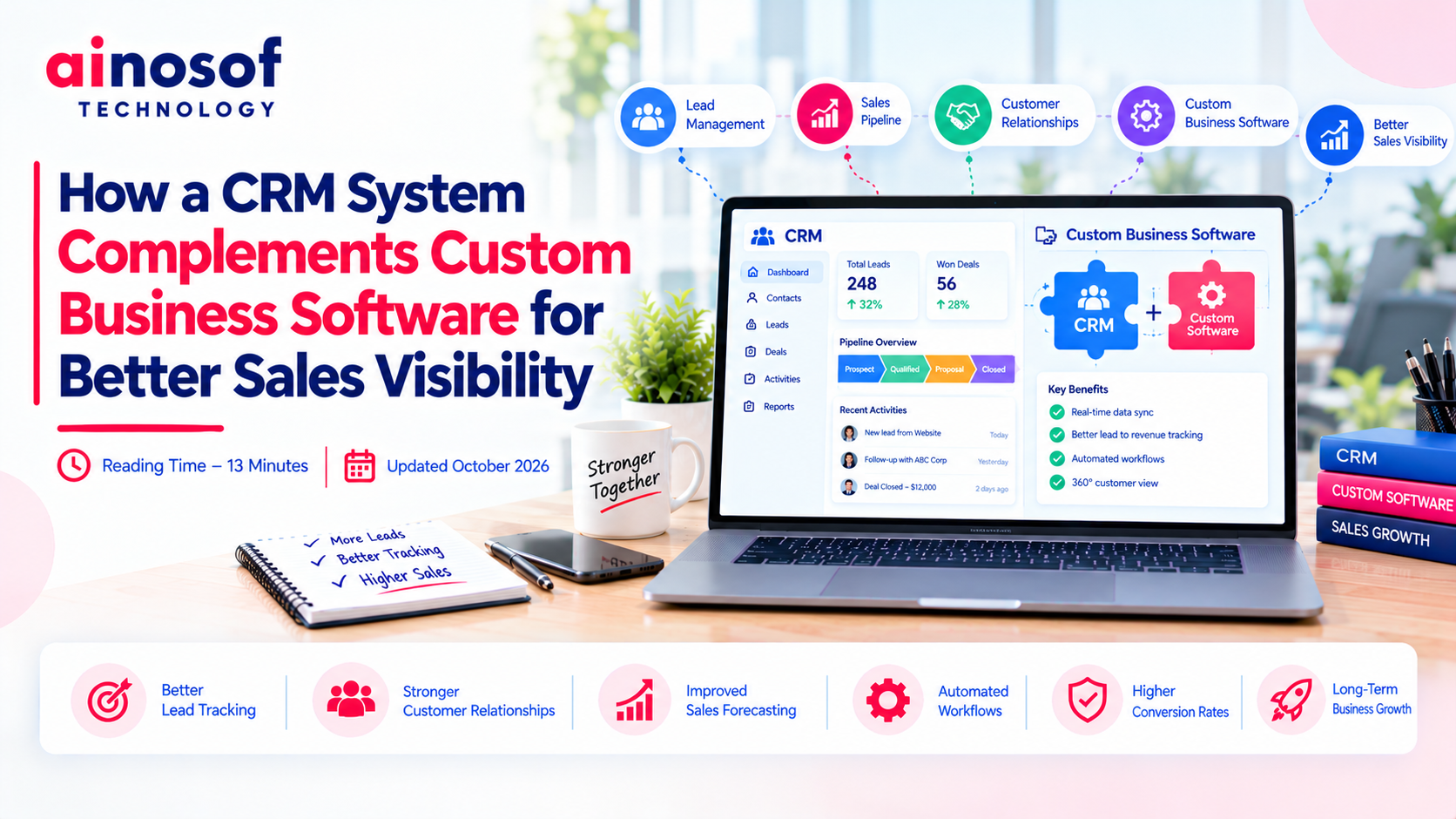 How a CRM System Complements Custom Business Software for Better Sales Visibility
15 Oct, 2026
How a CRM System Complements Custom Business Software for Better Sales Visibility
15 Oct, 2026
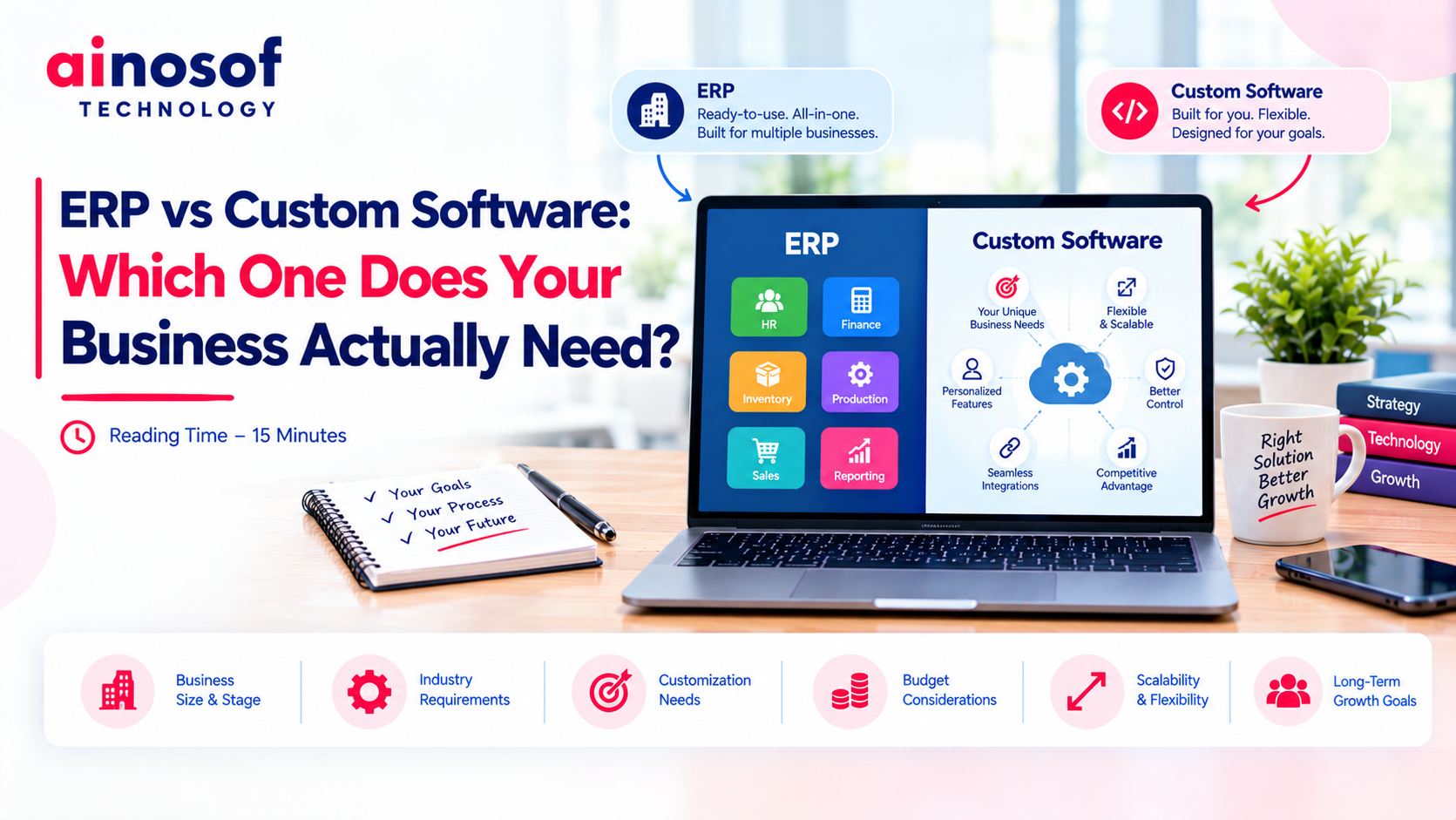 ERP vs Custom Software: Which One Does Your Business Actually Need?
14 Oct, 2026
ERP vs Custom Software: Which One Does Your Business Actually Need?
14 Oct, 2026
 How to Build an SEO Strategy for a B2B SaaS or Software Company
13 Oct, 2026
How to Build an SEO Strategy for a B2B SaaS or Software Company
13 Oct, 2026
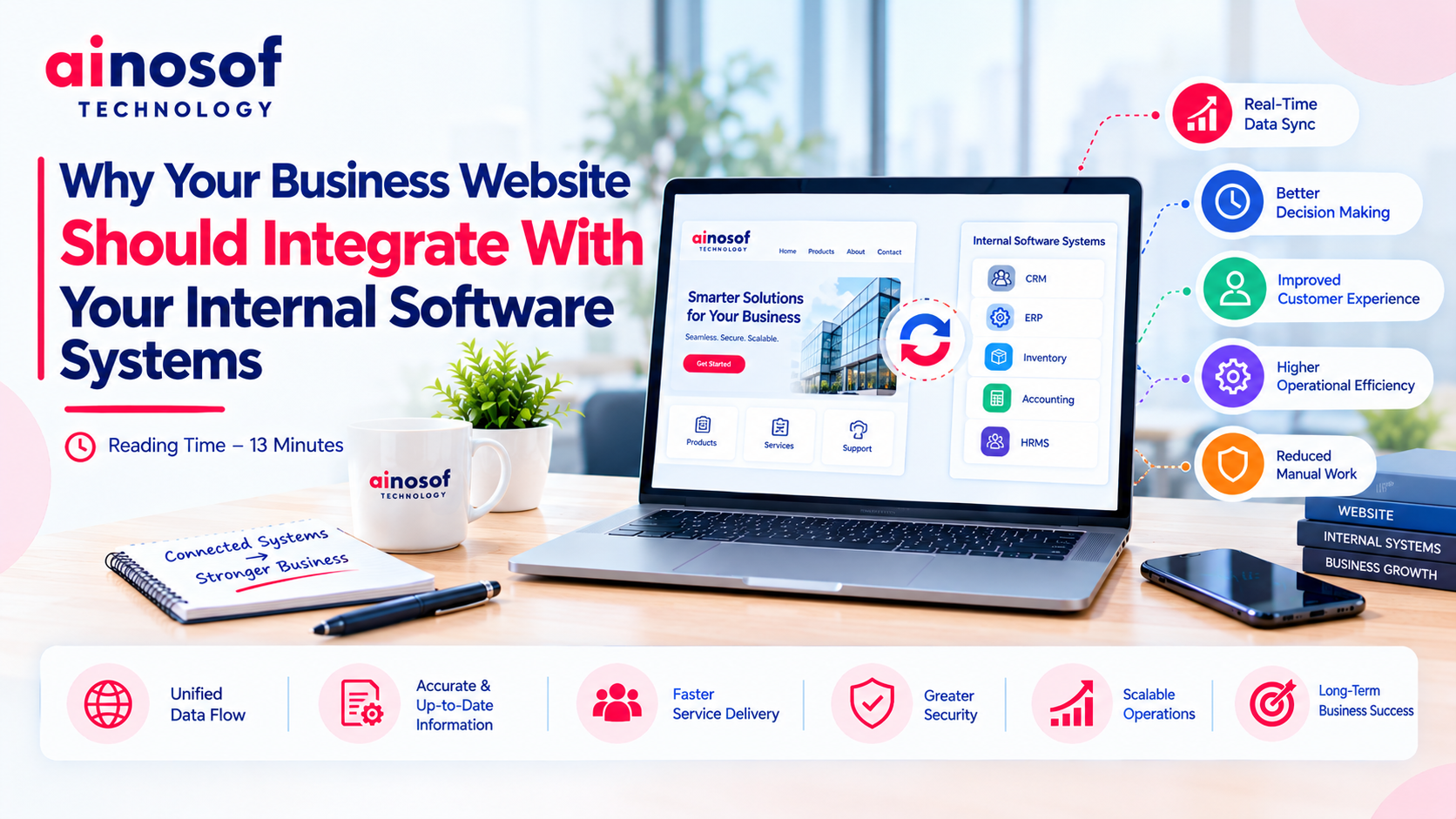 Why Your Business Website Should Integrate With Your Internal Software Systems
12 Oct, 2026
Why Your Business Website Should Integrate With Your Internal Software Systems
12 Oct, 2026
 How AI Agents Are Becoming Part of Custom Business Software in 2026
10 Oct, 2026
How AI Agents Are Becoming Part of Custom Business Software in 2026
10 Oct, 2026
Comment with an expert and get our answer.
Comment with an expert and get our answer.
Explore more insights related to this topic and discover useful perspectives, ideas and strategies from our latest articles.