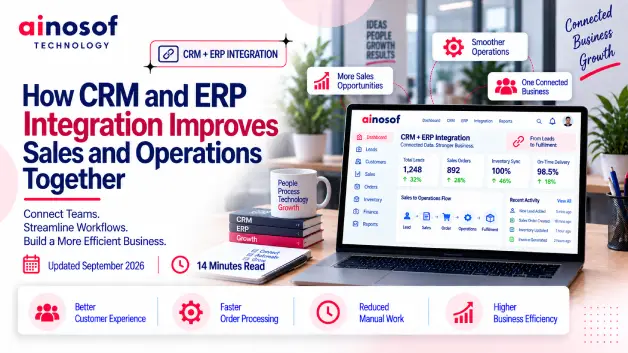
How CRM and ERP Integration Improves Sales and Operations Together
 Iram
Iram


When a business grows, managing customer relationships becomes more complicated. Sales teams handle enquiries, follow-ups, quotations, and negotiations, while other departments manage orders, inventory, billing, and delivery. If these activities happen across disconnected systems, managers can struggle to understand which opportunities are progressing, which customers need attention, and where sales are getting delayed.
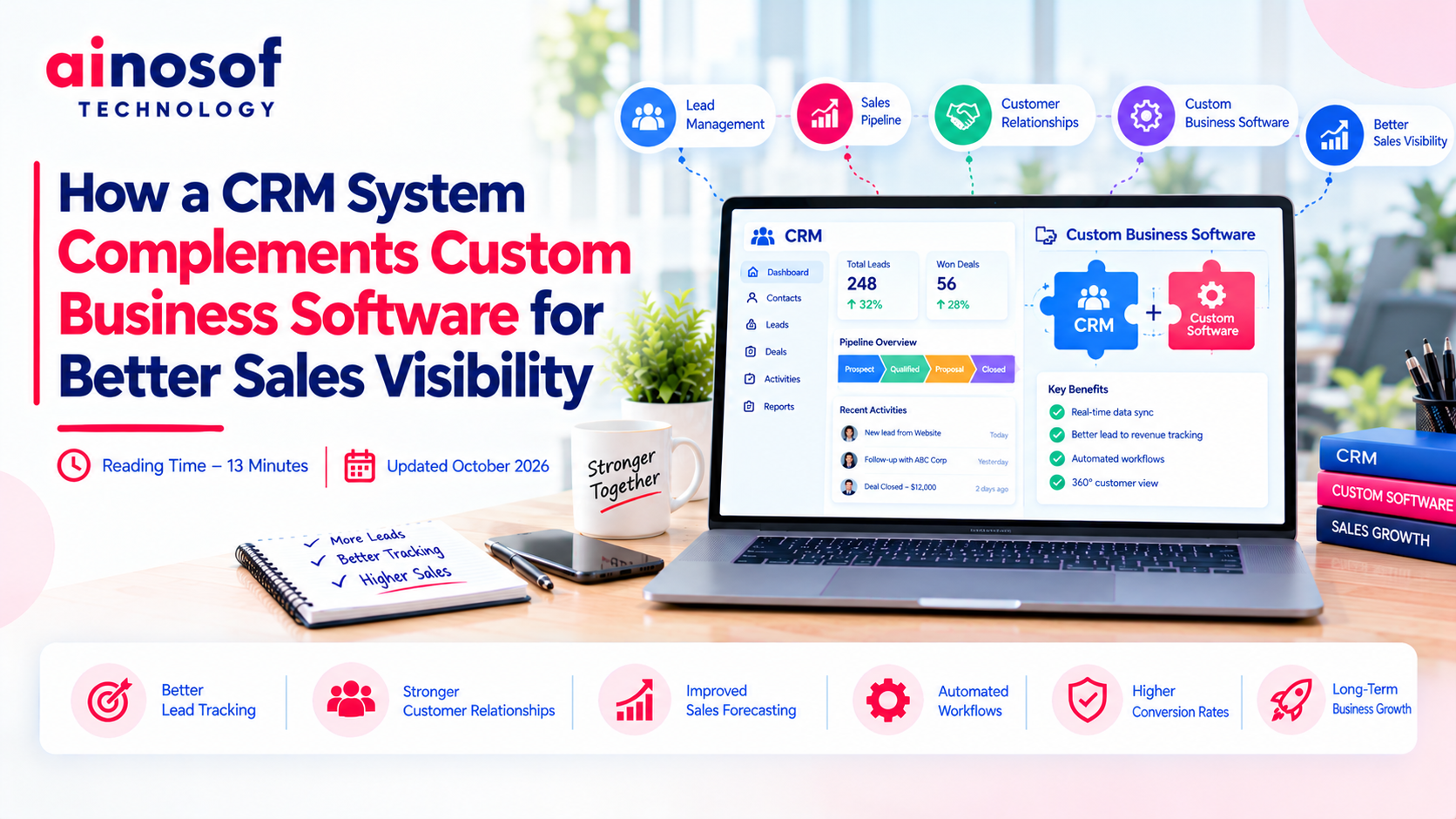
A Customer Relationship Management (CRM) system can organize customer information and sales activities, while custom business software supports the workflows that make each company different. When these systems work together, businesses can gain a clearer picture of their sales pipeline and connect customer interactions with actual business operations.
The goal is not to add more software. It is to make business information easier to access, more reliable, and more useful for decision-making.
Sales visibility depends on having accurate, timely information about customers, opportunities, and business activities. When that information is scattered across spreadsheets, email conversations, accounting tools, and separate applications, teams often spend more time collecting updates than acting on them.
Imagine a sales representative receives an enquiry, shares a quotation, and discusses requirements with a potential customer. The order team manages availability separately, while the accounts team records payments in another application.
If these systems do not share information, the sales representative may not know whether the quotation has been approved, whether stock is available, or whether an earlier invoice remains unpaid. Managers may receive updates through messages or spreadsheets instead of viewing the latest information directly.
This fragmentation can lead to missed follow-ups, duplicate customer records, delayed responses, and inaccurate sales forecasts. It can also make it difficult to identify why opportunities are being lost.
A connected system reduces the need to gather updates manually. Sales teams can spend more time engaging customers, while managers can make decisions using information that reflects the current state of the business.
A shared customer view helps employees understand what has happened before they contact a prospect or existing customer.
Depending on the business requirements, this view may include enquiry history, previous conversations, quotations, scheduled follow-ups, open opportunities, order status, and relevant service requests.
It also improves coordination between employees. If a sales representative is unavailable, another authorized team member can review the interaction history and continue the conversation without asking the customer to repeat everything.
For managers, a shared view makes it easier to review pipeline stages, identify stalled opportunities, and understand whether follow-up activities are happening on time.
However, shared visibility requires clear data ownership and access permissions. Businesses should decide which system maintains each record and which employees can view or update it. This prevents integration from creating another layer of conflicting information.
CRM and custom business software have complementary roles. A CRM focuses on customer relationships and sales activities, while custom software can manage the operational processes unique to the organization. Integrating them allows relevant information to move between teams without requiring every system to perform every task.
A CRM typically helps businesses manage leads, customer contacts, sales opportunities, communication history, follow-up reminders, and pipeline stages. Depending on the platform, it may also support quotation workflows, sales reports, and marketing integrations.
For example, when a new enquiry arrives, the CRM can record the prospect's details, assign the lead to a sales representative, and schedule a follow-up. As discussions progress, the representative updates the opportunity stage and records important interactions.
Managers can then review how many opportunities are open, which deals require attention, and how the pipeline is developing.
The exact configuration should reflect the company's sales process. A business with a short online sales cycle may need a relatively simple pipeline, while a B2B company with multiple decision-makers and long negotiations may require more detailed stages and approval workflows.
The purpose is to make sales activities consistent and visible without creating unnecessary administrative work.
Custom business software can extend the CRM beyond customer tracking by connecting sales activities with operational information.
Consider a distributor that receives enquiries through its website. Its CRM records the lead and tracks the sales conversation. Once the customer confirms an order, the connected order management or ERP system handles the relevant operational process. Inventory software provides stock information, while billing software manages invoices.
With appropriate integration, authorized users can access relevant updates without manually transferring the same information between applications.
Common integration opportunities include:
Not every system needs a direct connection. Businesses should prioritize integrations that remove repeated work, reduce errors, or improve decisions.
Data synchronization rules, error handling, access controls, and system ownership should be defined before implementation. Otherwise, integration may simply transfer inconsistent information faster.
Customization becomes relevant when a standard CRM cannot adequately support an important business workflow.
For example, a manufacturer may need a quotation process based on product specifications, production capacity, customer-specific pricing, and approval limits. A standard CRM may manage the customer and opportunity records, but a separate application could be needed to calculate technical quotations or check production requirements.
In this situation, businesses can retain the CRM for relationship management and connect it with custom software for specialized operations.
Before commissioning development, assess whether the requirement can be handled through existing CRM settings, an available integration, or a supported extension. Custom development is more justified when the gap affects essential processes and simpler options cannot meet the requirement reliably.
Ainosof Technology can be considered when evaluating custom business software and integration requirements. The appropriate solution should be based on the company's actual workflows, existing systems, and implementation priorities.
Businesses do not all need the same CRM architecture. The right approach depends on the systems already in use, the complexity of the sales process, the quality of existing data, and the level of customization required.
There are three practical approaches to consider.
|
Approach |
When it may be suitable |
Main consideration |
|
Standalone CRM |
Sales tracking and customer management are the main requirements |
May not provide visibility into operational systems |
|
CRM integrated with existing software |
The business needs customer data connected with orders, inventory, or billing |
Integration reliability and data consistency |
|
Customized CRM or connected custom application |
Important workflows cannot be handled adequately by standard tools |
Development, testing, maintenance, and upgrade responsibilities |
A standalone CRM may be sufficient for a small business that primarily needs to organize leads and follow-ups. A company with established ERP, billing, and inventory systems may benefit more from integration.
A customized solution may be appropriate when the sales process depends on specialized calculations, approvals, customer portals, or operational data that standard tools cannot handle effectively.
The decision should follow a requirements assessment rather than a preference for either standard or custom software. Businesses should also consider implementation effort, employee adoption, ongoing support, and the consequences of system downtime.
A suitable crm software development company should understand how the sales process connects with the wider business before recommending a technical solution.
During the evaluation, ask the provider to explain how it will:
Businesses comparing a crm software development company in India should also assess relevant experience, communication, project scope, delivery methodology, and transparency around costs.
Do not evaluate a provider solely by the number of features it proposes. Ask how its recommendation will solve a specific problem, such as reducing missed follow-ups, improving quotation visibility, or helping managers identify stalled opportunities.
A well-planned CRM Software Development project should make work easier to manage, not introduce unnecessary complexity. Ainosof Technology may be considered as a potential technology partner when assessing these requirements, alongside other providers that fit the project's scope and budget.
Improving sales visibility is often part of a wider effort to connect business operations. Explore relevant Ainosof Technology resources on custom software development, ERP software development, and business process automation to understand how customer management can work alongside other business systems.
Before investing in a new CRM or integration project, identify the information your sales team needs but cannot currently access easily. Then prioritize the connections that will reduce manual work, improve customer response, and help managers make more informed decisions.
A CRM system and custom business software do not need to compete. CRM helps organize customer relationships and sales activities, while custom applications support the processes that make a business unique. When the systems exchange accurate, relevant information, sales teams can gain better visibility into opportunities and coordinate more effectively with other departments.
The best approach depends on your existing technology, workflow complexity, reporting requirements, and long-term goals. Start by identifying the information gaps that affect sales decisions, then determine whether a standalone CRM, integration, or customized solution can address them.
If you are evaluating a crm software development company or exploring CRM Software Development, focus on the provider's ability to understand your business processes and deliver a maintainable solution. Ainosof Technology can be considered as one potential partner when exploring ways to connect sales activities with wider business operations.
CRM software manages customer information, leads, sales opportunities, and communication history. Custom business software is developed around specific operational requirements, such as order processing, specialized approvals, or production workflows. The two can work together through integrations.
CRM provides a structured view of leads, customer interactions, follow-up activities, and pipeline stages. When connected to relevant business systems, it can also give sales teams access to information such as order status or product availability, subject to permissions and integration capabilities.
Yes, provided the systems support suitable APIs, connectors, or other integration methods. The implementation should define data ownership, synchronization frequency, error handling, and access permissions to maintain consistent information across applications.
Custom development may be useful when a company's essential sales workflows cannot be supported adequately through standard CRM configuration or available integrations. Examples include specialized quotation calculations, complex approval processes, or customer-specific workflows.
Yes. SMEs can begin with a CRM for lead management and add integrations as their needs grow. The best starting point is usually the smallest practical solution that addresses the most important visibility or coordination problems.
Businesses should identify the processes to improve, the systems involved, the data each system owns, and the reports employees need. They should also evaluate integration costs, security, data quality, testing, maintenance, and how employees will use the connected system.
Evaluate relevant experience, requirements analysis, integration capabilities, security practices, project transparency, support arrangements, and the ability to explain technical decisions in business terms. Compare proposals against defined outcomes rather than feature counts alone.
It can give managers a clearer view of opportunity stages, follow-up activity, conversion patterns, and relevant order information. Reliable connected data supports more informed forecasting and prioritization, although the quality of decisions still depends on accurate records and appropriate reporting.
 ERP vs Custom Software: Which One Does Your Business Actually Need?
14 Oct, 2026
ERP vs Custom Software: Which One Does Your Business Actually Need?
14 Oct, 2026
 How to Build an SEO Strategy for a B2B SaaS or Software Company
13 Oct, 2026
How to Build an SEO Strategy for a B2B SaaS or Software Company
13 Oct, 2026
 Why Your Business Website Should Integrate With Your Internal Software Systems
12 Oct, 2026
Why Your Business Website Should Integrate With Your Internal Software Systems
12 Oct, 2026
 How AI Agents Are Becoming Part of Custom Business Software in 2026
10 Oct, 2026
How AI Agents Are Becoming Part of Custom Business Software in 2026
10 Oct, 2026
 Why Manual Attendance Tracking Is Costing Your Business Time and Money
09 Oct, 2026
Why Manual Attendance Tracking Is Costing Your Business Time and Money
09 Oct, 2026
 How to Build a Client Portal That Improves Customer Experience and Reduces Support Load
08 Oct, 2026
How to Build a Client Portal That Improves Customer Experience and Reduces Support Load
08 Oct, 2026
Comment with an expert and get our answer.
Comment with an expert and get our answer.
Explore more insights related to this topic and discover useful perspectives, ideas and strategies from our latest articles.