How to Choose the Right HRMS Software for Your Growing Team
 Iram
Iram


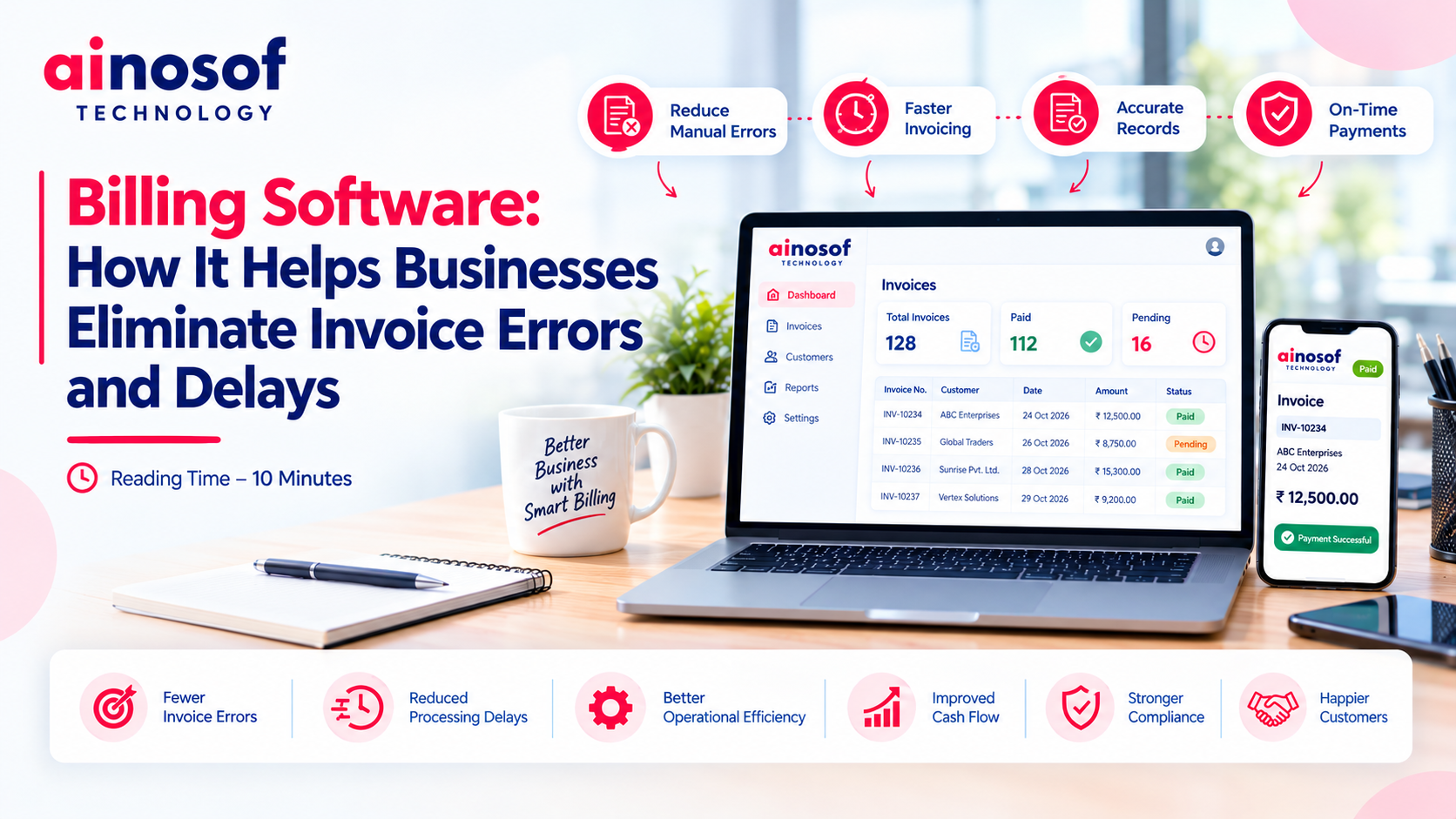
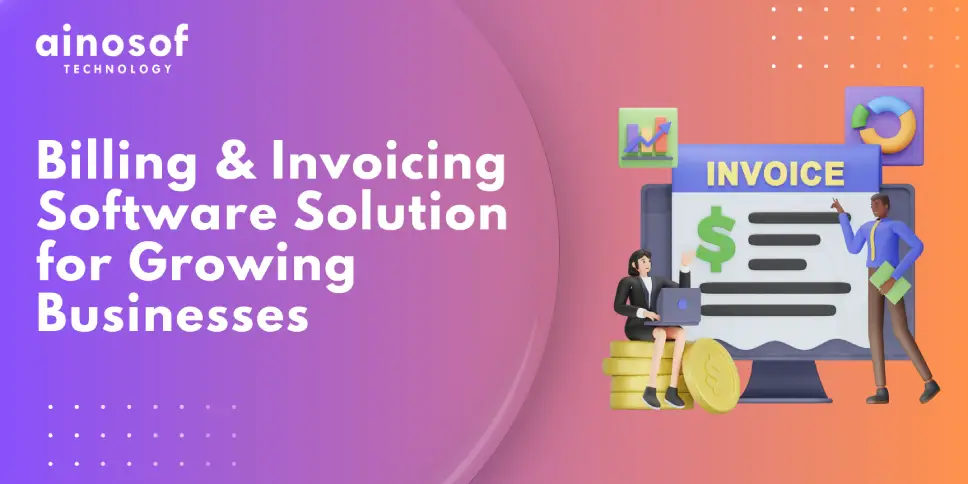
As a business grows, the number of invoices it handles often increases alongside customers, orders, and daily transactions. What once took a few minutes can become a time-consuming process involving repeated data entry, price verification, tax calculations, payment tracking, and invoice corrections. When billing depends heavily on manual work, even a small mistake can create delays across the entire payment cycle.
The bigger problem is that invoice errors do not remain limited to the billing department. Incorrect amounts, missing details, duplicate invoices, or delayed invoice generation can lead to customer disputes, additional administrative work, and slower payments. As transaction volumes increase, these issues can become harder to identify and resolve, affecting cash flow and the time employees can spend on more valuable business activities.
Choosing the right billing solution is therefore an operational decision, not just a way to generate invoices. The right system should help businesses maintain accurate billing records, reduce repetitive tasks, improve payment visibility, and connect invoicing with existing accounting, inventory, or customer management processes. For businesses with specialized requirements, business automation software and customized billing workflows may also be worth evaluating.
This guide explains how billing software can reduce invoice errors and delays, which billing processes businesses should automate first, what to evaluate before choosing a solution, and when integration or customization may be necessary. The goal is to help you identify the right approach to make billing more accurate, efficient, and manageable as your business grows.
Manual billing can become difficult to manage when employees must collect information from multiple sources, verify calculations, prepare invoices, and follow up on payments separately. Each additional step creates an opportunity for mistakes or delays.
For example, a distributor may receive an order through a sales team, verify product quantities in an inventory spreadsheet, calculate applicable taxes, and prepare the invoice using a separate application. If the order quantity or product price changes but the invoice data is not updated, the customer may receive an incorrect bill.
The issue is not simply that employees make mistakes. It is that disconnected processes often depend on repeated data entry, manual verification, and individual follow-ups. Businesses need to identify where these problems originate before deciding which billing tasks should be automated.
Several common billing errors can increase administrative work and delay transactions.
These errors have different causes and may require different solutions. A pricing mismatch might be addressed through centralized product data, while duplicate invoices may require transaction validation and a clearer approval process.
Billing software can reduce the risk of these problems when it uses reliable source data, applies configured calculation rules, and provides appropriate validation controls. However, automation cannot guarantee error-free billing if the underlying information is inaccurate or the system is configured incorrectly.
The business should therefore evaluate both the software and the process that feeds information into it.
Invoice accuracy and invoice timing both influence how efficiently a business collects payments.
When an invoice contains incorrect details, employees may need to investigate the discrepancy, issue a correction, and communicate with the customer. This can delay payment and increase the time spent resolving administrative issues.
Delayed invoice generation creates another problem. Even when a customer is ready to pay, the payment process cannot progress properly until the invoice has been prepared and delivered according to the agreed process.
Common consequences include:
Businesses should distinguish between billing delays and payment delays. Accurate, timely invoicing can remove some administrative obstacles, but it cannot guarantee when a customer will pay. Payment terms, customer approval procedures, disputes, and broader financial circumstances also matter.
To understand the actual impact, track the time between fulfilment and invoice generation, the frequency of invoice corrections, and the time taken to collect payments. These measurements help determine whether billing improvements are likely to address a meaningful operational problem.
Billing software can reduce repetitive work by bringing customer records, product information, pricing rules, invoice generation, and payment tracking into a more organized process.
Instead of preparing every invoice from scratch, employees can use verified records and configured billing rules. Depending on the system, invoices may be generated from approved orders, completed services, or other transaction records.
The value comes from reducing unnecessary manual steps while maintaining appropriate checks. Businesses should evaluate how information moves from the original transaction to the final invoice, rather than judging a solution only by how quickly it creates a document.
Several billing activities can be automated or partially automated, depending on the software and business workflow.
|
Billing activity |
How automation can help |
What the business should verify |
|
Customer and product data |
Reuses saved records instead of repeated entry |
Records are accurate and regularly updated |
|
Invoice generation |
Creates invoices from approved transaction details |
Required fields and invoice rules are configured |
|
Pricing and calculations |
Applies configured prices, discounts, and tax rules |
Rules reflect the actual transaction and applicable requirements |
|
Invoice validation |
Flags missing information or inconsistent entries |
Validation rules cover relevant error scenarios |
|
Invoice delivery |
Supports digital sharing or automated delivery workflows |
The invoice reaches the correct recipient |
|
Payment tracking |
Records payment status and outstanding balances |
Payment information is updated and reconciled correctly |
|
Payment reminders |
Helps schedule follow-ups for overdue invoices |
Reminder timing and communication are appropriate |
|
Billing reports |
Summarizes invoices, outstanding amounts, and transaction activity |
Reports reflect accurate and current data |
For example, a service company that invoices customers every month may use approved service records and predefined billing rates to prepare invoices more consistently. Employees can then review exceptions instead of manually rebuilding every bill.
A retailer or distributor may benefit from connecting invoices with product and order records, reducing the need to enter quantities and prices repeatedly.
However, automation should not eliminate necessary checks. Unusual discounts, disputed orders, changes to customer terms, and other exceptions may still require human approval. The objective is to reduce avoidable errors while preserving accountability.
Before selecting a solution, establish which billing problems the software must solve.
Invoice creation and accuracy: Check whether the software supports your invoice formats, pricing rules, discounts, tax calculations, and correction procedures.
Customer and product records: Determine whether customer details, product information, and agreed prices can be maintained consistently without duplicate entry.
Payment visibility: Verify whether employees can identify paid, partially paid, outstanding, and overdue invoices through a clear workflow.
Reporting and reconciliation: Assess whether the system can produce the billing and receivables reports your finance team needs.
Usability: Test common tasks, including creating an invoice, correcting an error, recording a payment, and identifying overdue amounts.
Security and permissions: Review how the system restricts access to financial records and tracks important changes.
Integration and expansion: Confirm whether the software can connect with existing accounting, inventory, CRM, or ERP applications and support expected transaction growth.
Total cost: Include software fees, implementation, data migration, training, integrations, maintenance, and support.
A useful way to evaluate the results is to compare performance before and after implementation.
Track invoice correction rates, time required to prepare invoices, time between fulfilment and invoicing, and the number of overdue invoices. These measures can show whether the new system is improving billing operations rather than simply changing the way invoices are created.
Integration becomes important when billing depends on information maintained by other departments or applications.
Consider a distributor that manages customer orders through a CRM, stock through an inventory application, and invoices through separate billing software. If these systems do not exchange information, employees may need to enter the same order details several times.
This creates opportunities for inconsistent records, incorrect quantities, and delays while departments verify information.
Connecting the systems can help establish a more consistent workflow:
Integration does not necessarily mean replacing existing software. A business may be able to keep its current applications and connect them through supported interfaces or APIs.
Before proceeding, verify which system is responsible for each important data field, how updates are synchronized, how failed transfers are handled, and how duplicate transactions are prevented.
If standard integrations cannot support the required workflow, customized integration or software development may be worth evaluating. The decision should be based on a specific operational requirement and the cost of maintaining the connection.
The right billing solution depends on the complexity of your transactions, the systems you already use, and the level of control your business needs.
A small service provider issuing straightforward invoices may need only reliable invoice generation, customer records, and payment tracking. A distributor handling multiple warehouses, negotiated pricing, and high transaction volumes may need deeper integration with inventory and accounting systems.
The aim is to choose a solution that addresses current billing problems without creating unnecessary costs or complexity.
Standard billing software is generally a sensible choice when its existing capabilities match your invoicing requirements.
It may be sufficient when:
Customization deserves consideration when standard software cannot support important business processes adequately.
Examples include customer-specific pricing rules, specialized approval workflows, industry-specific billing calculations, or integrations with proprietary business systems.
A company that handles recurring service contracts, for example, may need billing based on approved work, contract terms, service frequency, and additional charges. If available software cannot accommodate these requirements without repeated manual adjustments, a tailored workflow may be more practical.
Before building a completely new system, evaluate three options:
Custom development brings greater flexibility but also introduces responsibilities for testing, maintenance, security, and future enhancements. It should be selected when the expected business value justifies those responsibilities.
A billing solution should be evaluated against its expected total cost and measurable operational value.
Start by calculating how much time employees currently spend creating invoices, correcting errors, reconciling records, and following up on payments. Estimate the cost of that work and identify the delays or recurring problems that a new system could reasonably address.
Then compare the available options.
|
Evaluation factor |
Questions to ask |
|
Initial cost |
What are the setup, configuration, and implementation charges? |
|
Recurring cost |
Are there subscription, licence, hosting, or support fees? |
|
Automation |
Which manual tasks will actually be reduced? |
|
Accuracy controls |
Can the system validate required fields and configured calculations? |
|
Scalability |
Can it handle expected growth in transactions, customers, and users? |
|
Integration |
Will existing systems connect without excessive manual work? |
|
Maintenance |
Who manages updates, troubleshooting, and future changes? |
|
Business value |
How will improvements in accuracy, speed, or visibility be measured? |
A practical evaluation should also account for employee training, data migration, and the time needed to adjust existing processes.
For businesses considering business automation software, billing is often a useful starting point because the workflow has identifiable inputs, outputs, and performance measures. However, broader automation should follow only when there is a clear operational reason to connect additional processes.
Businesses evaluating a software development service should document the required functionality, integration points, expected deliverables, and support responsibilities before requesting proposals. When comparing software development services in India, assess requirement analysis, technical expertise, project transparency, testing, documentation, and ongoing support—not just the quoted development price.
Ainosof Technology can be considered when a business needs to evaluate customized billing workflows or integrations beyond the capabilities of standard software. The first step should be to establish the business requirement and determine whether customization is genuinely necessary.
Improving billing is one step toward building more efficient business operations. Depending on your current challenges, the next opportunity may involve connecting billing with other systems or automating additional workflows.
Explore these related areas:
Ainosof Technology can be considered when standard billing solutions do not adequately support your business requirements and you need to evaluate custom development or system integration.
The objective is not to automate every process. It is to identify where technology can remove unnecessary work, improve information accuracy, and support better business decisions.
Invoice errors and billing delays can create problems that extend beyond the accounts department. They can increase administrative workload, create customer disputes, delay payment processing, and reduce visibility into outstanding receivables.
The right billing software can help address these challenges through structured invoice generation, consistent calculation rules, validation controls, payment tracking, and integration with existing business systems.
Before choosing a solution, identify the causes of your billing problems, measure the time and effort involved, and prioritize the capabilities that address those problems directly. Standard software may be sufficient for straightforward invoicing, while businesses with specialized workflows may need integration or customized development.
For businesses evaluating business automation software, billing can be a practical starting point because improvements can be measured against invoice accuracy, processing time, and administrative effort. If standard products cannot meet essential requirements, Ainosof Technology can be considered when evaluating a suitable software development service.
Ultimately, the right billing solution is not simply the one that generates invoices. It is the one that helps your business maintain accurate records, reduce avoidable delays, and manage increasing transaction volumes without adding unnecessary operational complexity.
Billing software can reduce invoice errors by reusing customer and product records, applying configured pricing and calculation rules, validating required information, and reducing repeated manual data entry. Accuracy still depends on correct source data, appropriate configuration, and suitable review procedures.
Yes. Billing software can reduce the time required to prepare invoices by using saved records, predefined templates, and approved transaction details. Integration with order or service records can further reduce manual work. The actual improvement depends on the existing process and the capabilities of the selected system.
Many billing solutions support payment status tracking and reminders for outstanding invoices. Some can schedule follow-ups based on configured payment terms. Businesses should verify these capabilities before purchasing and ensure that payment records are reconciled correctly.
Integration is useful when billing depends on information maintained in accounting, inventory, CRM, or ERP applications. It can reduce duplicate data entry and improve consistency between departments. The need for integration depends on transaction volume, workflow complexity, and the systems already in use.
Custom billing software may be appropriate when standard products cannot support essential pricing rules, approval workflows, specialized calculations, or required integrations. Before investing in custom development, evaluate whether configuration or integration can solve the problem more economically.
Billing automation software can help growing businesses process invoices more consistently, reduce repetitive administrative work, track outstanding payments, and improve visibility into billing operations. Its value should be measured through indicators such as invoice correction rates, processing time, and payment follow-up efficiency.
 How to Choose the Right HRMS Software for Your Growing Team
05 Oct, 2026
How to Choose the Right HRMS Software for Your Growing Team
05 Oct, 2026
 Custom Software vs Off-the-Shelf Software: Which Is Right for Your Business in 2026?
03 Oct, 2026
Custom Software vs Off-the-Shelf Software: Which Is Right for Your Business in 2026?
03 Oct, 2026
 Business Process Automation in 2026: How AI is Helping Companies Cut Manual Work by Half
01 Oct, 2026
Business Process Automation in 2026: How AI is Helping Companies Cut Manual Work by Half
01 Oct, 2026
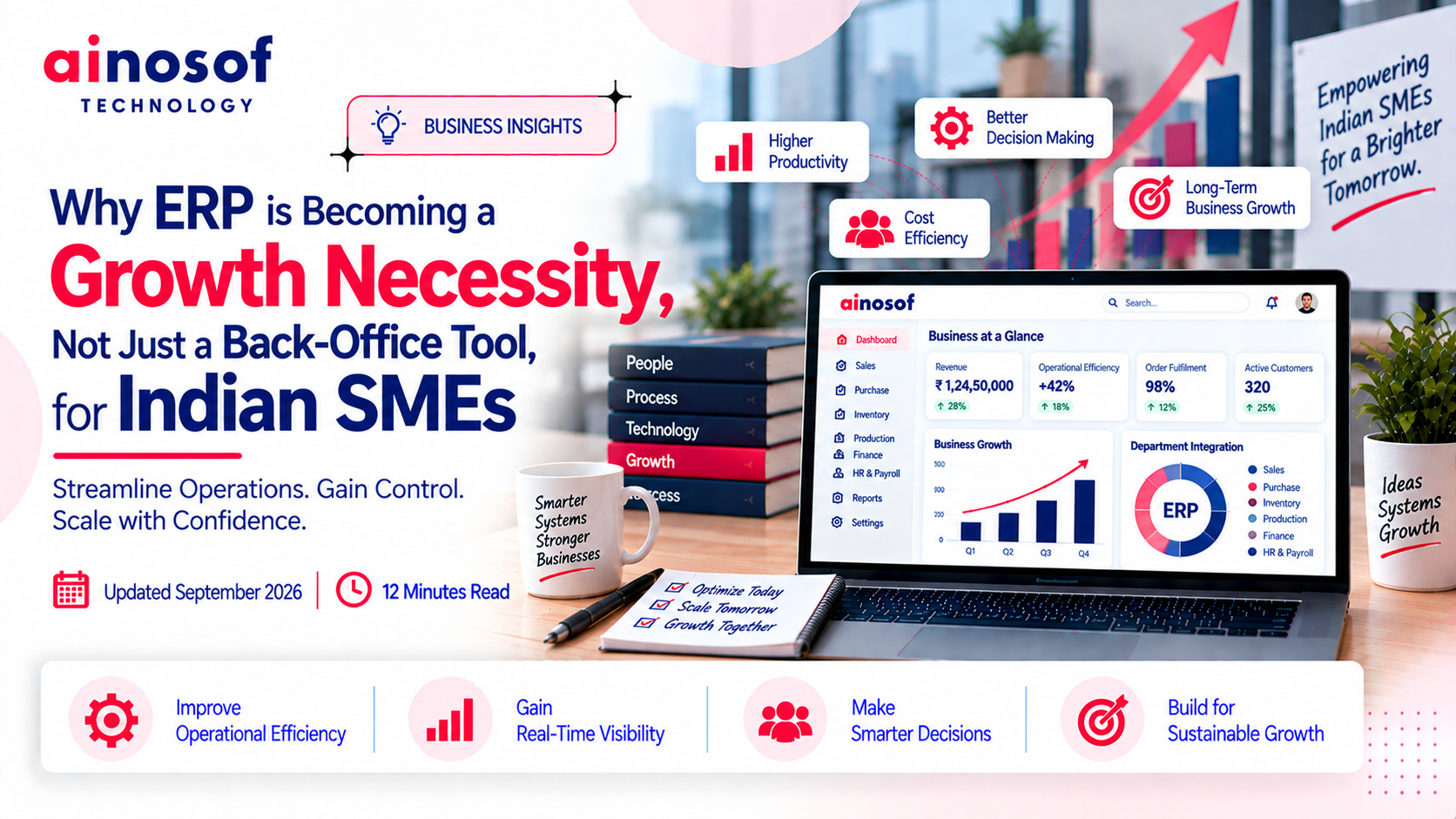 Why ERP is Becoming a Growth Necessity, Not Just a Back-Office Tool, for Indian SMEs
29 Sep, 2026
Why ERP is Becoming a Growth Necessity, Not Just a Back-Office Tool, for Indian SMEs
29 Sep, 2026
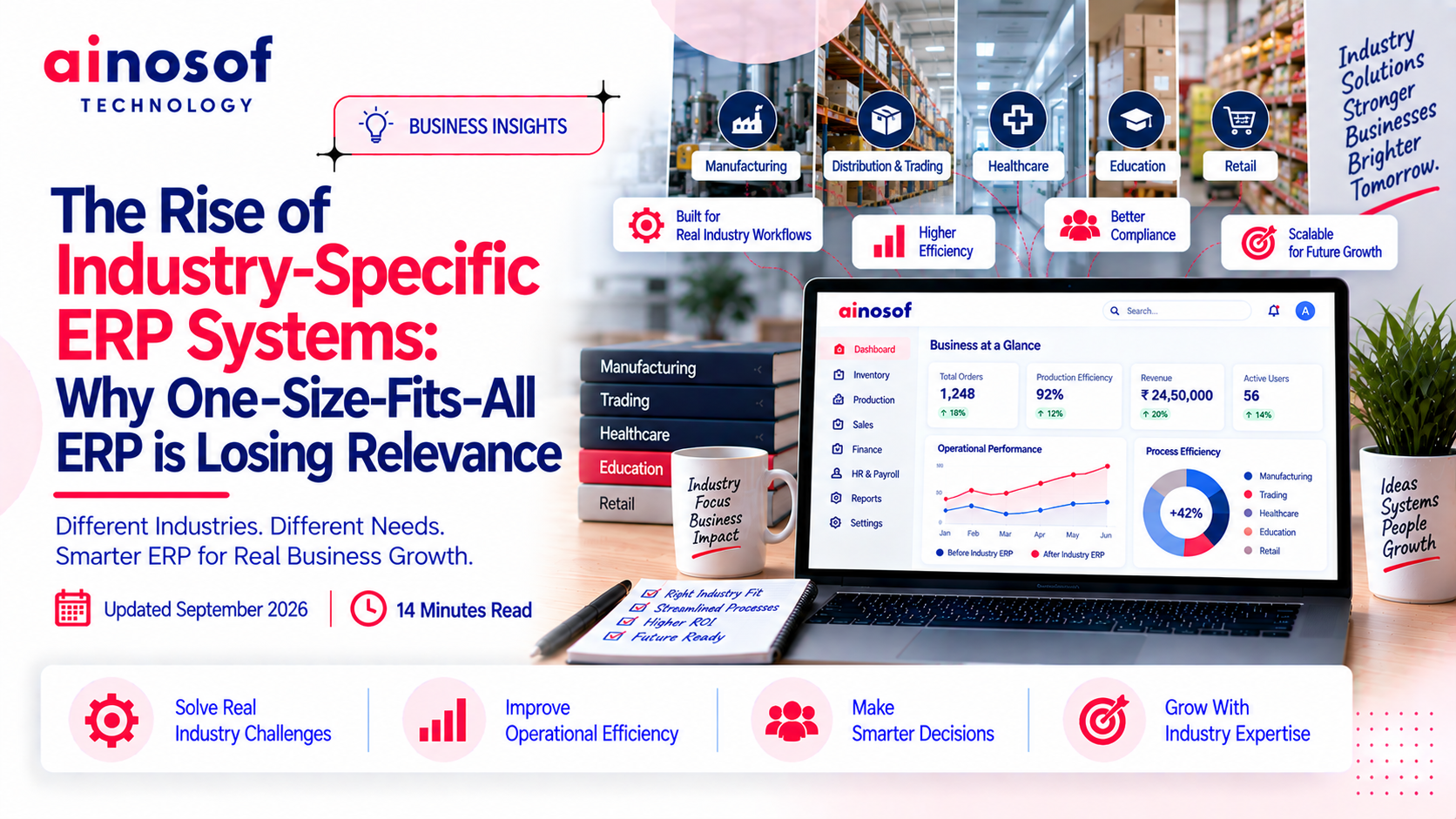 The Rise of Industry-Specific ERP Systems: Why One-Size-Fits-All ERP is Losing Relevance
28 Sep, 2026
The Rise of Industry-Specific ERP Systems: Why One-Size-Fits-All ERP is Losing Relevance
28 Sep, 2026
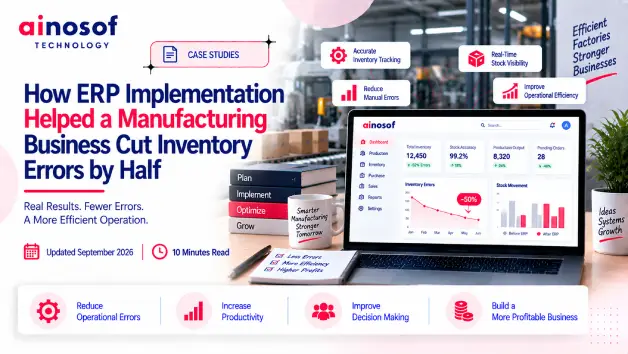 How ERP Implementation Helped a Manufacturing Business Cut Inventory Errors by Half
26 Sep, 2026
How ERP Implementation Helped a Manufacturing Business Cut Inventory Errors by Half
26 Sep, 2026
Comment with an expert and get our answer.
Comment with an expert and get our answer.
Explore more insights related to this topic and discover useful perspectives, ideas and strategies from our latest articles.