Why Consultants and Agencies Need Custom Software to Manage Projects and Clients
 Iram


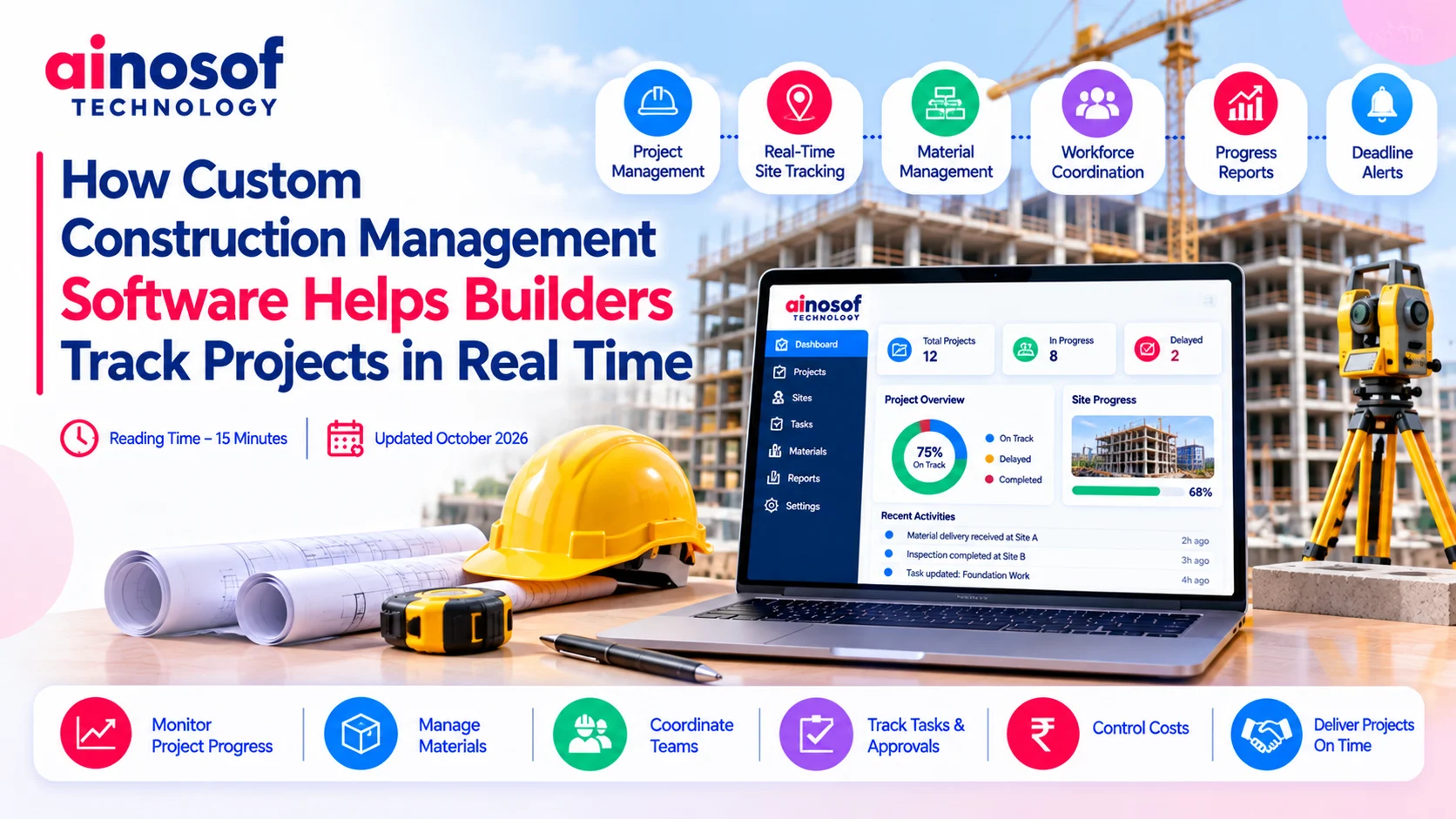
Construction projects rarely follow a perfectly predictable schedule. Material deliveries get delayed, site conditions change, contractors wait for approvals, and work planned for one day can shift to the next. When a construction company manages several sites at once, even a small delay in receiving an update can affect planning, costs, and delivery commitments.
The challenge becomes more difficult when site engineers report progress through phone calls, supervisors maintain separate spreadsheets, and project managers rely on messages to understand what is happening on the ground. By the time this information reaches management, the situation may have already changed.
Custom construction management software can help builders connect site activities, workforce updates, material information, and project reporting in one system. The goal is not simply to digitise paperwork. It is to help decision-makers access reliable project information and respond to issues before they become larger operational problems.
Construction management depends on timely information from several people and locations. Project managers need to know whether work is progressing according to schedule, whether materials are available, and whether contractors can complete their assigned activities.
When these updates remain scattered across different tools, managers spend more time collecting information and less time acting on it.
Consider a builder managing three construction sites. One site has a material shortage, another is waiting for an inspection, and the third is behind schedule because a contractor has not completed the previous activity.
If each site supervisor reports updates separately, the project manager must collect the information, verify its accuracy, and prepare a consolidated status report. During this process, an important issue may remain unnoticed until it begins affecting other activities.
Disconnected project tracking can create several problems:
These challenges are not always caused by poor employee performance. Often, teams are working with systems that do not provide a shared, dependable view of project activity.
Real-time project tracking helps address this gap by making updates available when they are recorded, subject to connectivity, data quality, and the system's configuration. Managers can then identify emerging issues earlier instead of relying entirely on retrospective reports.
Standard construction management tools can be useful for scheduling, task assignments, document sharing, and routine project reporting. For a smaller contractor with straightforward requirements, an existing platform may be sufficient.
The limitations become apparent when the company's operations require workflows that standard tools cannot support effectively.
For example, a builder may need to connect daily site progress with material consumption, contractor bills, purchase requests, quality inspections, and management approvals. If these activities are managed separately, employees may continue entering the same information into multiple systems.
A company operating across several locations may also need different approval rules, reporting formats, or project stages for different types of construction work.
Custom software becomes worth evaluating when:
However, custom development is not automatically the best answer. Builders should first identify the actual gaps in their current processes and determine whether an existing product, better configuration, or integration can resolve them at a lower cost.
A construction management system becomes more useful when it connects the information that managers need to make decisions. Rather than treating scheduling, materials, workforce activity, and reporting as isolated functions, a custom solution can bring them together according to the company's operational requirements.
This is where enterprise software development solutions can be relevant. A carefully planned system can support multiple departments, project sites, and management levels without forcing every team to follow an unsuitable standard workflow.
A real-time dashboard can give project managers a consolidated view of important construction activities. Site engineers can submit progress updates, supervisors can record completed tasks, and authorised employees can update material or workforce information through the relevant interface.
Depending on the system's design, this information can feed into dashboards, notifications, and reports.
For example, when a site engineer records that a scheduled activity is incomplete, the project manager could review the reason, check whether another activity depends on it, and assign the necessary follow-up action. If the issue concerns material availability, the purchasing team could receive a notification to review the requirement.
A custom construction management solution may include the following capabilities:
The system should also account for practical site conditions. Some construction locations may have unreliable internet access, so offline data entry and later synchronisation may be important requirements. Similarly, different users should see only the information appropriate to their roles.
It is important to distinguish real-time visibility from automatic accuracy. A dashboard is only as reliable as the information being captured, the integrations feeding it, and the processes used to verify updates. Good software makes reporting easier, but it cannot replace proper site supervision and data discipline.
Builders should consider a tailored enterprise solution when their operational complexity creates problems that cannot be resolved efficiently with existing tools.
A small contractor managing a limited number of straightforward projects may need only a standard scheduling and reporting platform. A larger construction company managing multiple sites, subcontractors, procurement activities, and internal approval processes may have more complex requirements.
For such businesses, custom software can help connect workflows that would otherwise remain separate.
For instance, project progress could be connected to procurement planning, inventory records, contractor coordination, and financial reporting. Management could review whether a delay is linked to labour availability, pending approvals, material shortages, or another recorded issue.
A construction company may also need specific dashboards for different users. A site engineer may need task-level information, a project manager may require milestone and resource visibility, and senior management may focus on project-level performance and cost indicators.
Custom software can accommodate these different requirements within a connected system.
Before investing, businesses should consider the scale of their operations, the frequency of current reporting problems, integration requirements, implementation budget, and expected business value. The objective is to solve meaningful operational challenges rather than build a large platform with unnecessary features.
Selecting construction management software requires more than comparing feature lists. Builders should understand which information they need, who will enter it, how quickly it must become available, and which decisions depend on it.
A clear requirements assessment helps businesses determine whether they need a ready-made product, an integrated solution, or custom development.
Before approaching a software development partner, map the project's current workflow from planning and resource allocation to execution, inspection, reporting, and handover.
Identify where delays occur, which records are duplicated, and which decisions depend on information that is difficult to obtain.
Then evaluate the following areas:
It is equally important to evaluate the people who will use the system. If the interface is difficult to operate or reporting takes too much time, employees may continue relying on informal communication channels.
A phased rollout can reduce implementation risk. A builder might begin with site progress reporting and project dashboards, then introduce material tracking, approval workflows, and integrations after the initial system has been tested.
Businesses evaluating an enterprise software development services company should look for a clear discovery process, documented requirements, realistic timelines, transparent cost estimates, testing procedures, and an ongoing support plan.
The development partner should understand the operational problem before proposing the technical solution.
The total investment includes more than software development. It may cover requirements analysis, design, development, testing, data migration, integrations, training, hosting, security, maintenance, and future enhancements.
Construction companies should compare these costs against the practical limitations of their current processes.
|
Decision factor |
Standard construction software |
Custom construction software |
|
Initial investment |
Often lower |
Usually higher |
|
Implementation |
Generally faster |
Requires planning, development, and testing |
|
Workflow flexibility |
Depends on available configuration |
Can be designed around business-specific processes |
|
Integrations |
Limited to supported options and connectors |
Can be developed for required systems |
|
Reporting |
Uses available reporting capabilities |
Can support tailored dashboards and reports |
|
Ongoing maintenance |
Core product maintained by vendor |
Requires a defined support and maintenance arrangement |
|
Best fit |
Common requirements and standard workflows |
Complex workflows or significant integration gaps |
Builders should also assess whether the proposed system can accommodate future projects, additional sites, new departments, and changing reporting requirements without requiring a complete redesign.
Data ownership, backup arrangements, recovery procedures, access controls, and integration reliability should be included in the evaluation. These considerations are especially important when project information is used for commercial decisions or contractual reporting.
A practical approach is to compare three options: improve the current tools, adopt a suitable construction management platform, or commission custom development. The business should choose the option that addresses its most important problems at a reasonable total cost.
Ainosof Technology can be considered as a potential partner for custom enterprise software development services when a construction business needs software aligned with its specific workflows. The initial discussion should focus on site reporting, project visibility, integration requirements, budget, and measurable outcomes before deciding which capabilities to build.
Improving construction project visibility starts with identifying where information becomes delayed, inconsistent, or difficult to access. Once these gaps are understood, builders can make a more informed decision about improving their current systems or investing in a tailored solution.
Explore relevant Ainosof Technology resources on custom software development, ERP software development, business process automation, and mobile app development to understand how connected technology can support project coordination and business operations.
Construction companies need timely, reliable information to manage schedules, coordinate site teams, monitor resources, and respond to problems. When project updates remain scattered across disconnected tools, management can lose valuable time collecting information instead of addressing issues.
Custom construction management software can bring important workflows together, making project progress easier to monitor and responsibilities clearer. However, custom development is most useful when it addresses specific operational gaps that existing solutions cannot resolve effectively.
Builders should begin by defining their requirements, evaluating the cost of current inefficiencies, and comparing standard tools with tailored options. The right solution is one that improves project visibility, fits the company's working practices, and supports growth without introducing unnecessary complexity.
Custom construction management software is a system developed around a construction company's specific workflows and reporting requirements. Depending on the scope, it can connect project scheduling, site progress, workforce coordination, material records, approvals, and management dashboards.
It allows authorised users to submit project updates and makes the recorded information available through dashboards, notifications, or reports. The speed and accuracy of updates depend on connectivity, user practices, and the system's integrations.
Yes. A suitably designed system can consolidate progress reports, milestones, resource information, and pending tasks from multiple sites. Role-based dashboards can help site teams, project managers, and senior management access the information relevant to their responsibilities.
Standard software provides predefined capabilities that may be configurable. Custom software is developed around specific business processes and can support tailored workflows and integrations. Standard tools may be sufficient for common requirements, while custom development can be useful when significant gaps remain.
They can connect information and workflows across site operations, procurement, inventory, project management, and reporting. This helps authorised teams work with more consistent information and reduces dependence on repeated manual data entry.
Builders should assess the provider's requirements-gathering process, technical capabilities, integration planning, security practices, testing approach, project communication, pricing transparency, and post-launch support. The provider should be able to explain how the proposed solution addresses specific operational problems.
Costs depend on the number of workflows, user roles, integrations, mobile requirements, reporting complexity, security controls, and maintenance expectations. A clearly documented requirements assessment is necessary to estimate the investment accurately.
Yes, where the existing systems provide suitable integration options or APIs. Integration can reduce duplicate data entry and help connect project activities with purchasing, stock records, financial information, and other business processes. The exact scope depends on system compatibility and security requirements.
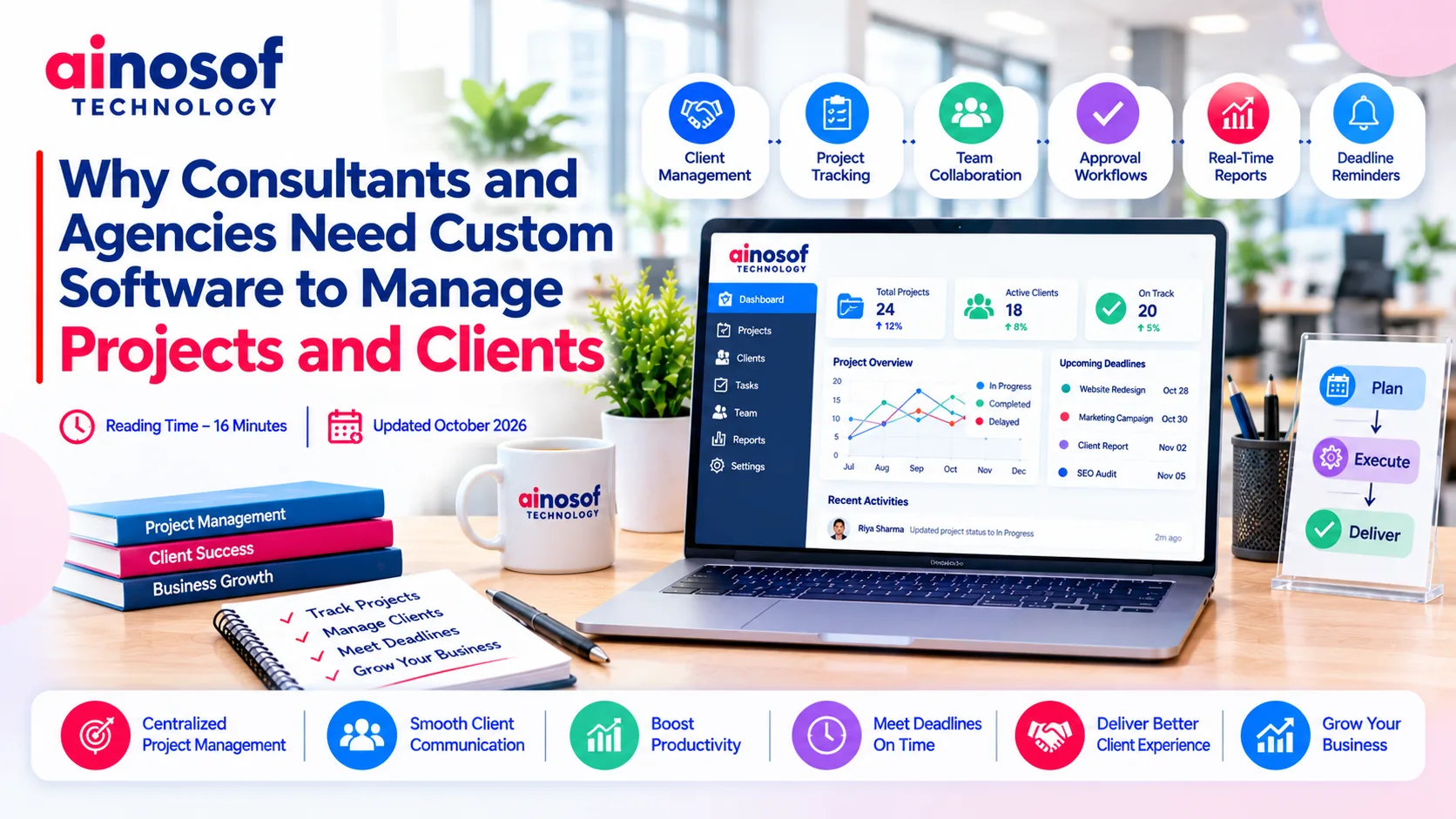 Why Consultants and Agencies Need Custom Software to Manage Projects and Clients
23 Oct, 2026
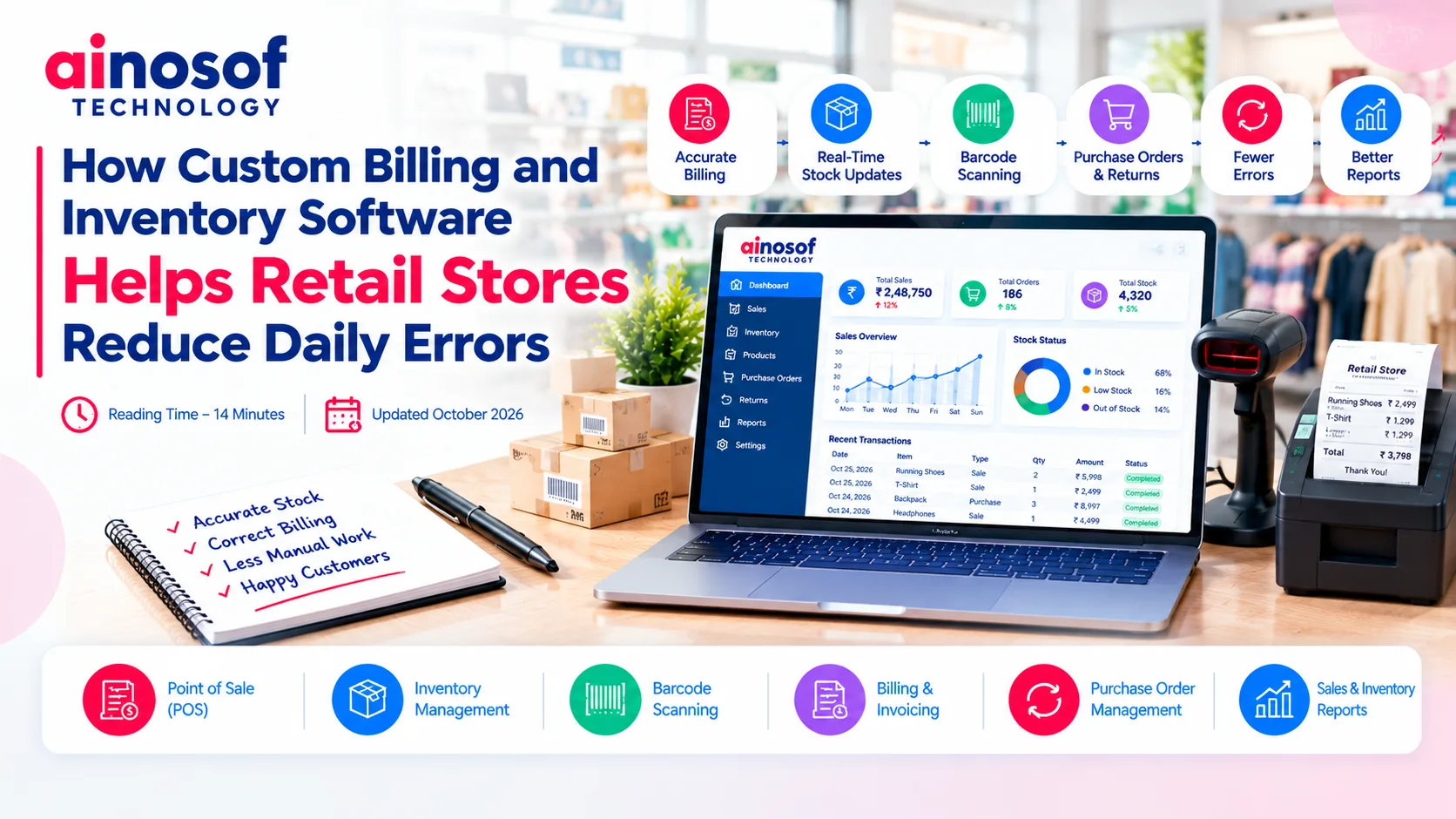 How Custom Billing and Inventory Software Helps Retail Stores Reduce Daily Errors
22 Oct, 2026
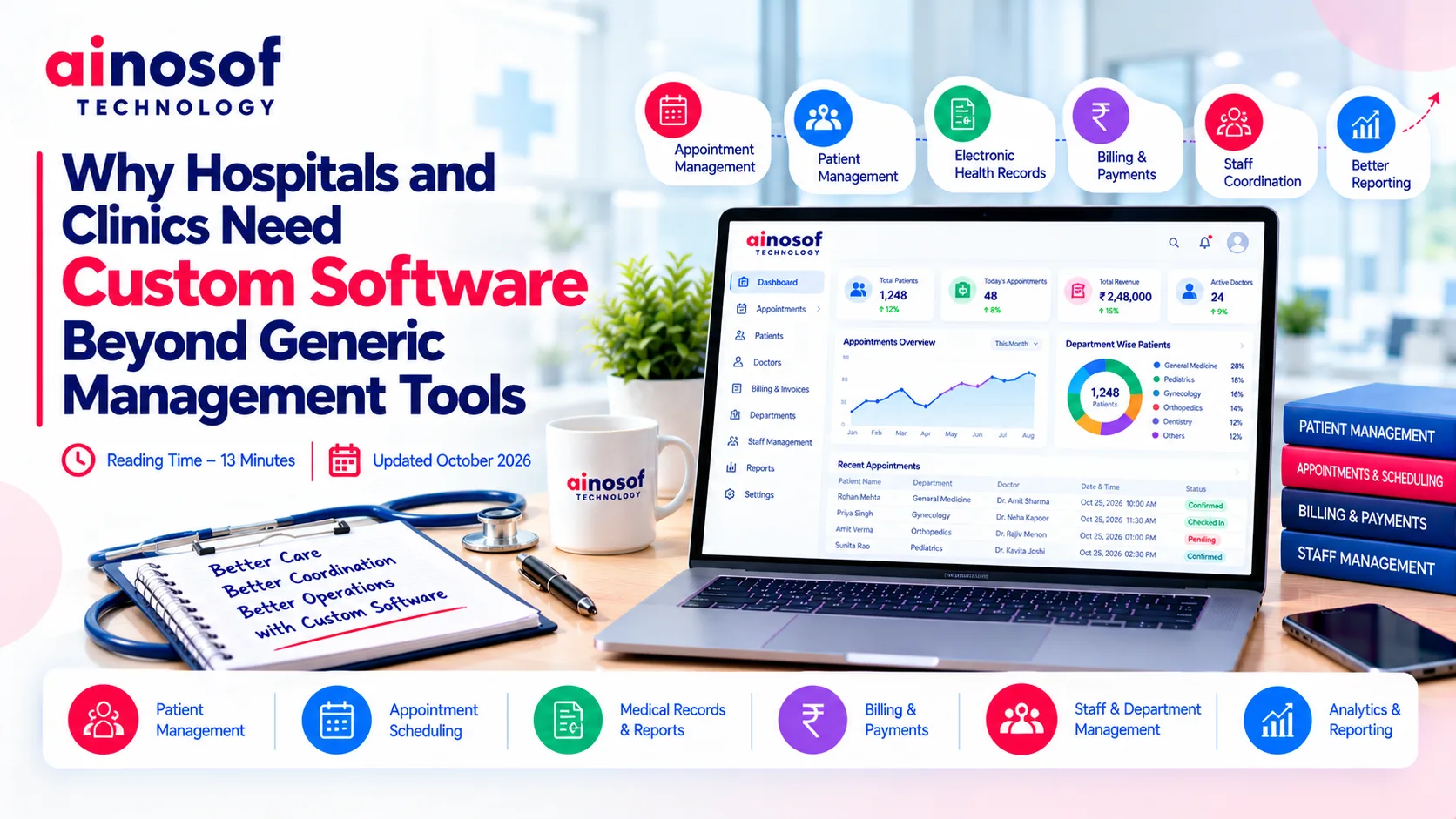 Why Hospitals and Clinics Need Custom Software Beyond Generic Management Tools
21 Oct, 2026
 Why Businesses Are Moving From Web Portals to Custom Mobile Apps for Internal Teams
20 Oct, 2026
 Why Growing Ecommerce Brands Eventually Need Custom Software Beyond Shopify
19 Oct, 2026
 How Custom Learning Platforms Are Replacing Generic LMS Software for Institutes
17 Oct, 2026
Comment with an expert and get our answer.
Comment with an expert and get our answer.
Continue exploring with related articles, practical guides and insights covering similar subjects. Discover more information, useful perspectives and ideas to help you learn about the topics that matter to your business.