How Custom Billing and Inventory Software Helps Retail Stores Reduce Daily Errors
 Iram
Iram


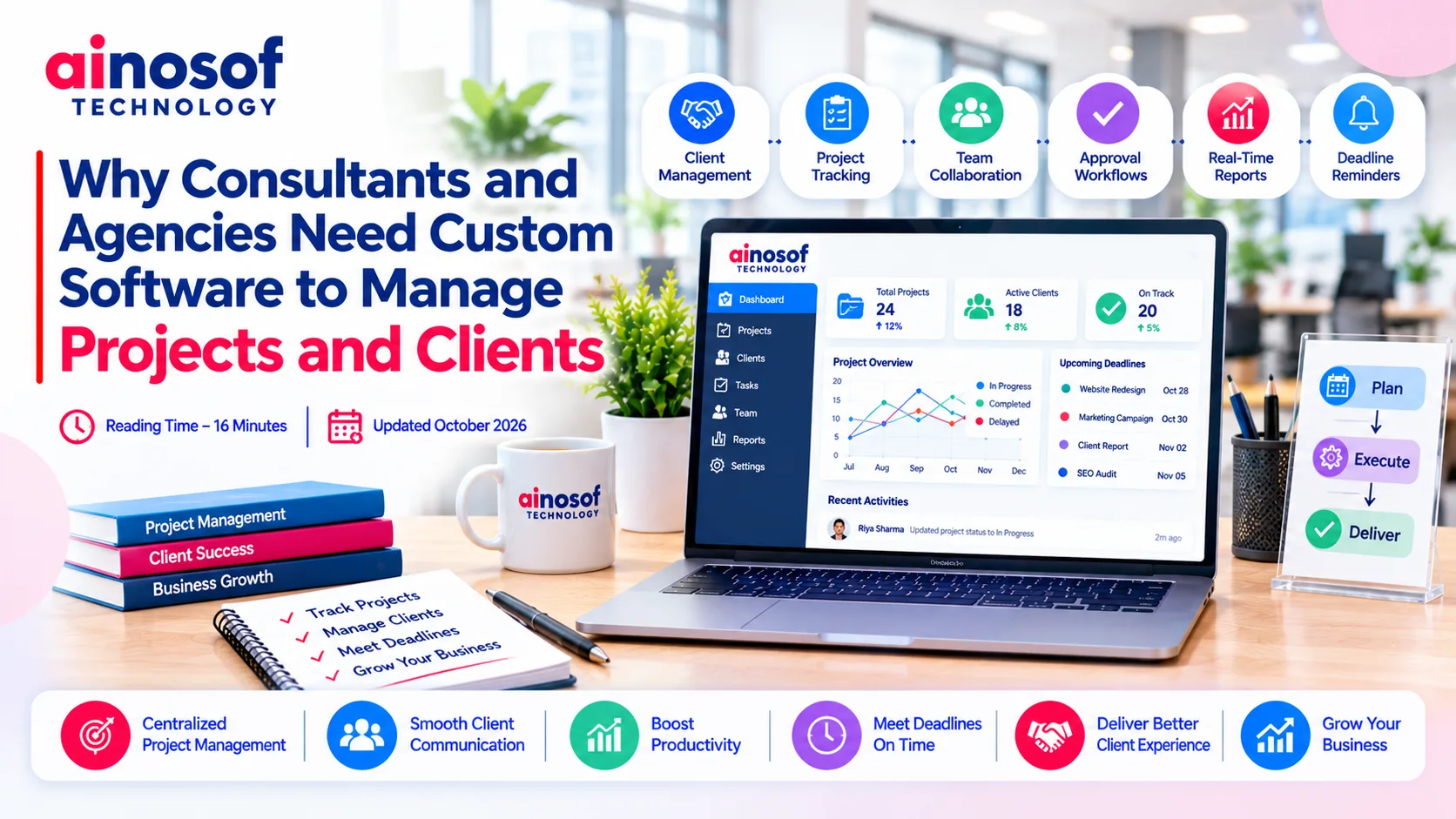
Consultants and agencies rarely struggle because they lack work. The real challenge often begins when several clients, projects, deadlines, approvals, and team members need attention at the same time. A spreadsheet tracks tasks, email handles approvals, chat applications carry client discussions, and separate tools store project information. Gradually, managing the work becomes almost as demanding as delivering it.
For a growing service business, these gaps can affect more than internal productivity. They can lead to delayed deliverables, unclear responsibilities, repeated follow-ups, and inconsistent client experiences. The solution is not always to purchase another subscription. Sometimes, the business needs a better way to connect its existing processes.
This is where custom workflow management software can make a difference. By aligning technology with actual business operations, consultants and agencies can build a more organised approach to managing projects, clients, and teams.
When a consulting firm or agency handles only a few projects, basic tools may be sufficient. However, as the number of clients grows, information starts moving between different systems. Employees spend time checking updates, managers follow up on pending work, and clients may need to ask for progress reports that should already be available.
The problem is not necessarily the number of tools being used. It is whether those tools work together to support the complete project lifecycle.
Consider a digital agency managing website development, SEO, and advertising campaigns for multiple clients. Each service has its own tasks, approval stages, deadlines, and reporting requirements. If these activities are managed separately, a project manager may need to check several applications before understanding the actual project status.
The same challenge affects consultants who manage client assessments, reports, meetings, recommendations, and follow-up activities. Without a connected workflow, even a small delay in one task can affect the next stage.
Common problems include:
These problems become more expensive as the business grows. Additional employees and clients increase coordination requirements, but adding more tools does not automatically create a better process.
A connected workflow should make it clear what needs to happen, who is responsible, what is waiting for approval, and which deadlines require attention.
Ready-made workflow management software can be a sensible starting point. It often provides task boards, reminders, project timelines, collaboration features, and standard reporting without requiring a custom development project.
The limitations appear when the software cannot accommodate important business-specific processes without complicated workarounds.
For example, an accounting consultancy may need a recurring client compliance calendar, document collection, review stages, and internal approval workflows. A legal firm may require matter-based task tracking, document review, deadline reminders, and restricted access to sensitive case information. A marketing agency may need to connect client onboarding with campaign execution, content approvals, and monthly reporting.
A generic tool may support some of these activities but still leave gaps between them.
Customisation becomes worth evaluating when teams repeatedly duplicate data, maintain separate spreadsheets, rely on manual reminders, or struggle to generate reports from different systems. However, if an existing platform already handles the business's requirements effectively, replacing it may create unnecessary expense.
The goal should be to resolve genuine operational gaps, not to build custom software simply because it is possible.
Custom software allows a business to organise its workflows around how its employees actually work. Instead of forcing every department into the same rigid process, the system can reflect the stages, approvals, responsibilities, and reporting requirements of the organisation.
For consultants and agencies, this can mean connecting client onboarding, project planning, task allocation, delivery, feedback, and reporting within a single operational environment.
A well-planned workflow can connect activities that otherwise require repeated manual coordination.
For example, when a new client signs an agreement, the system could create a client record, initiate onboarding tasks, assign responsibilities, and schedule the first project milestones. As the work progresses, employees could update task statuses, submit deliverables for approval, and record client feedback in the relevant project.
Managers could then review project progress without collecting updates from every employee individually.
Depending on business requirements, a custom solution may include:
These capabilities should be selected according to actual business needs. A smaller consultancy may need reliable task tracking and client records, while a larger agency may require multiple departments, approval hierarchies, and more detailed reporting.
Custom software can also support better management decisions. When project data is recorded consistently, business owners can identify recurring delays, understand resource constraints, and determine which processes need improvement.
Automation should still include sensible controls. Important financial decisions, legal reviews, and client commitments may require human approval rather than automatic execution.
Some professional service businesses follow processes that require more than general task management. Their workflows may depend on recurring deadlines, document handling, review procedures, confidentiality, and industry-specific responsibilities.
In these situations, specialised workflow management software may be more suitable than a general-purpose project tool.
Accounting and financial consulting firms may need workflows for document collection, bookkeeping reviews, recurring reporting, client follow-ups, and tax-related deadlines. The best workflow management software for accountants should support the firm's actual service processes, provide appropriate reminders, and help employees track outstanding client information.
Legal firms and legal service providers may need matter-based workflows, case-related task assignments, document review, hearing or filing reminders, and access restrictions. Legal workflow management software should be evaluated for its ability to organise these activities while protecting confidential information and supporting the firm's established procedures.
Consulting firms may prioritise client onboarding, research assignments, assessment stages, report preparation, review cycles, and follow-up recommendations.
Creative and digital agencies may focus on campaign planning, content production, design approvals, client feedback, and performance reporting.
These requirements do not automatically mean that a business needs fully custom software. An industry-specific product may already cover most of the workflow. Custom development becomes more attractive when critical processes remain unsupported or when integration between existing systems is creating substantial friction.
The right decision depends on the complexity of the workflow, the cost of current inefficiencies, the sensitivity of the information involved, and the level of flexibility required.
Choosing software should begin with a clear understanding of the operational problem. Buying a platform because it offers numerous features can leave a business paying for capabilities it rarely uses while its most important requirements remain unresolved.
Consultants and agencies should first map how work moves from the initial client enquiry to project completion. This helps identify where information gets lost, approvals slow down, employees repeat tasks, or management lacks visibility.
Once those gaps are clear, businesses can compare ready-made platforms, industry-specific solutions, and custom development more objectively.
Start by documenting the workflows that have the greatest effect on client delivery and profitability. Avoid attempting to automate every process at once.
Evaluate the following areas:
It is also important to assess usability. A technically advanced platform will deliver limited value if employees find it difficult to use or continue maintaining separate records outside the system.
A phased implementation can reduce this risk. Businesses may begin with client records, project tracking, and essential notifications, then introduce additional integrations and automation after the core workflow has been tested.
Before development starts, define measurable outcomes. These might include reducing overdue tasks, shortening approval cycles, improving reporting accuracy, or reducing the time managers spend collecting project updates.
Clear targets make it easier to evaluate whether the investment is delivering practical value.
The cost of workflow software extends beyond the initial purchase or development fee. Businesses should consider implementation, employee training, data migration, integrations, ongoing maintenance, support, and future enhancements.
A ready-made platform may have a lower initial cost and faster setup. However, subscription fees, user limits, add-ons, and workarounds should be considered when estimating its long-term cost.
Custom software generally requires greater upfront planning and investment. In return, it can provide workflows and integrations tailored to the organisation's needs. That flexibility is valuable only when the business has clearly defined requirements and is prepared to maintain the system over time.
|
Decision factor |
Ready-made software |
Custom software |
|
Initial investment |
Usually lower |
Usually higher |
|
Setup time |
Often faster |
Requires discovery, development, and testing |
|
Workflow flexibility |
Limited to available configuration |
Can be designed around specific processes |
|
Integrations |
Depends on supported connectors and APIs |
Can be developed for required systems |
|
Ongoing responsibility |
Vendor manages the core product |
Business needs a maintenance and support plan |
|
Best suited for |
Common workflows with limited customisation needs |
Distinct workflows or significant integration gaps |
Before selecting a solution, estimate the cost of the current problem as well. Include time spent on manual reporting, duplicate data entry, repeated follow-ups, delayed delivery, and avoidable administrative work. These costs help establish whether a proposed investment is commercially justified.
A useful approach is to compare three options: improve the existing tools, adopt a more suitable ready-made platform, or develop a custom solution. Choose the least complex option that reliably meets the business's requirements.
For businesses considering custom development, Ainosof Technology can be evaluated as a potential partner for planning and building software around their project, client management, and workflow requirements. The discussion should begin with operational needs, integrations, security, budget, and measurable outcomes rather than a predetermined list of features.
Better project management starts with understanding where work slows down and why. Once consultants and agencies identify the gaps between client communication, team responsibilities, and delivery processes, they can make a more informed decision about improving their existing tools or investing in a tailored solution.
Explore relevant resources from Ainosof Technology to learn more about custom software development, CRM software development, ERP software development, and business process automation. These areas can help businesses evaluate ways to connect their operations and build workflows that support their long-term goals.
Consultants and agencies need more than a collection of task lists to manage growing client portfolios. They need reliable processes that connect people, projects, deadlines, approvals, and business information.
Ready-made workflow management software remains a practical choice when standard features meet the business's needs. Custom software becomes worth considering when unique workflows, disconnected systems, or repeated manual work begin affecting delivery and growth.
The most effective decision is not necessarily to build more software. It is to choose an approach that solves the business's actual problems, fits its budget, and remains manageable as the organisation grows.
Workflow management software helps businesses organise tasks, responsibilities, deadlines, approvals, and recurring processes. For consultants and agencies, it can improve project visibility, reduce manual follow-ups, and help teams deliver client work more consistently.
An agency may need custom software when standard tools cannot support its project stages, approval processes, client requirements, or integrations. If a ready-made platform already meets these needs, custom development may not be necessary.
It can centralise project updates, record client feedback, track pending approvals, and notify responsible employees about important deadlines. This helps teams respond more consistently and gives managers a clearer view of project progress.
Businesses should evaluate workflow flexibility, task tracking, automation, reporting, integration options, security, usability, scalability, and total cost. The best solution is the one that meets their actual operational requirements rather than simply offering the most features.
It can be. Accounting firms may need recurring client deadlines, document collection, review stages, compliance-related reminders, and secure financial information handling. A specialised or customised solution may support these workflows better than a general project management tool.
Legal workflow management software can organise matter-related tasks, document reviews, filing reminders, responsibilities, and internal approvals. Law firms should also assess confidentiality controls, access permissions, auditability, and how the software fits their established procedures.
Yes, custom workflow software can be designed to integrate with compatible CRM, billing, accounting, document management, and reporting systems. The available integration depends on the systems involved, their APIs, security requirements, and the scope of development.
The cost depends on workflow complexity, user roles, integrations, security requirements, reporting, and ongoing support. A solution with a few essential workflows will generally require less investment than a multi-department platform with extensive automation. A requirements assessment is the best starting point for a realistic estimate.
 How Custom Billing and Inventory Software Helps Retail Stores Reduce Daily Errors
22 Oct, 2026
How Custom Billing and Inventory Software Helps Retail Stores Reduce Daily Errors
22 Oct, 2026
 Why Hospitals and Clinics Need Custom Software Beyond Generic Management Tools
21 Oct, 2026
Why Hospitals and Clinics Need Custom Software Beyond Generic Management Tools
21 Oct, 2026
 Why Businesses Are Moving From Web Portals to Custom Mobile Apps for Internal Teams
20 Oct, 2026
Why Businesses Are Moving From Web Portals to Custom Mobile Apps for Internal Teams
20 Oct, 2026
 Why Growing Ecommerce Brands Eventually Need Custom Software Beyond Shopify
19 Oct, 2026
Why Growing Ecommerce Brands Eventually Need Custom Software Beyond Shopify
19 Oct, 2026
 How Custom Learning Platforms Are Replacing Generic LMS Software for Institutes
17 Oct, 2026
How Custom Learning Platforms Are Replacing Generic LMS Software for Institutes
17 Oct, 2026
 Why Custom Software Companies Need Strong Branding to Win Enterprise Clients
16 Oct, 2026
Why Custom Software Companies Need Strong Branding to Win Enterprise Clients
16 Oct, 2026
Comment with an expert and get our answer.
Comment with an expert and get our answer.
Continue exploring with related articles, practical guides and insights covering similar subjects. Discover more information, useful perspectives and ideas to help you learn about the topics that matter to your business.