

How Custom Learning Platforms Are Replacing Generic LMS Software for Institutes
 Iram
Iram


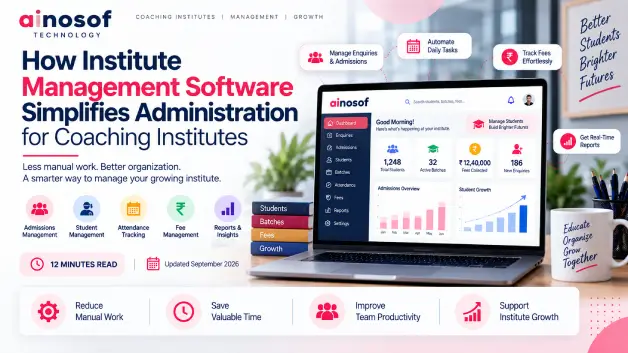
A coaching institute can have good teachers, strong courses, and a growing number of students, yet its daily administration can become difficult to control as the institute expands. Admissions, student records, batch allocation, attendance, fee collection, parent communication, faculty coordination, and reporting all generate information that staff need to manage every day.
The problem usually starts when this information is spread across registers, Excel sheets, WhatsApp conversations, separate files, and different tools. A staff member may need to check one place for a student's admission details, another for attendance, and another for fee status. As student numbers and batches increase, these small administrative tasks consume more time and create more opportunities for missing or incorrect information.
This is why choosing institute management software for coaching institutes should not begin with a list of software features. The more important question is whether the institute's current way of working is still practical. If staff are repeatedly entering the same information, searching for records, following up manually, or preparing reports from different sources, the administrative process itself may need to change.
The right system can bring important information into one connected workflow, helping staff spend less time managing records and more time managing the institute. In this article, we will explore where manual administration starts creating problems, how student management software can simplify everyday processes, how coaching institute software India can support growing institutes, when customization may be necessary, and what to evaluate before making a software decision.
A coaching institute can manage its administration fairly easily when it has a small number of students, batches, and staff. As the institute grows, however, the amount of information that needs to be recorded, updated, checked, and shared increases quickly. Admissions, enquiries, student records, attendance, fees, batches, faculty details, and parent communication all become part of the daily workload.
The real difficulty is not simply having more students. It is having more information moving between different people and processes. When that information is managed through registers, spreadsheets, messages, and separate files, administrative work can become slower and harder to control.
The first signs usually appear in everyday activities. Staff may spend a significant amount of time searching for records, checking spreadsheets, confirming information with another employee, or updating the same details in different places.
Common signs include:
For example, an institute with 100 students may be able to manage these activities manually. Once it reaches 500 or 1,000 students across several batches, the same approach can create considerably more administrative work.
Growth therefore exposes weaknesses that may not have been noticeable when the institute was smaller.
If staff are spending increasing amounts of time searching, copying, checking, and confirming information, the institute may need to improve its administrative process rather than simply add more manual effort.
Repetitive work can begin before a student even joins the institute. An enquiry may be recorded by one employee, counselling details kept somewhere else, and admission information later entered into a register or spreadsheet.
The same student's information may then be required for batch allocation, attendance, fee tracking, communication, and reporting.
For example, a student's name, phone number, course, batch, fee amount, and admission date may first be recorded during admission. If these details are not connected, staff may need to enter the same information again for fee records, attendance sheets, batch lists, or communication.
This creates unnecessary work and increases the possibility of inconsistent information.
The problem becomes even more visible when information changes. If a student's phone number, batch, or fee arrangement changes, staff may need to update several separate records. Missing even one of them can leave the institute with conflicting information.
Student management software can reduce this repetition by keeping relevant student information connected and accessible to authorized staff.
The purpose is not to automate every administrative task. It is to reduce the repeated work that does not require staff to manually recreate information.
Institute management needs a clear view of what is happening across admissions, students, batches, attendance, fees, and branches. When this information is spread across different sources, even simple questions can require considerable effort to answer.
A director may want to know how many students have joined a particular course, which batches have available capacity, how much fee is pending, or how different branches are performing. If every answer requires information from a different spreadsheet or employee, decision-making becomes slower.
For example, admissions may be increasing, but management may not immediately know whether the new students have completed their fee payments, which batches are becoming overcrowded, or whether attendance is changing.
The problem is not a lack of data. It is the lack of connected and accessible information.
A centralized administrative process allows management to understand different parts of the institute together and make decisions without repeatedly collecting information from multiple teams.
An institute does not operate through isolated administrative tasks. An enquiry can become a counselling opportunity, then an admission, followed by batch allocation, attendance, fee collection, communication, and reporting.
Institute management software for coaching institutes can connect these activities so that information captured at one stage can support the next stage. This can reduce unnecessary handoffs and give staff a more organized way to manage the student's journey.
Information that is frequently updated or required by multiple teams is generally the most useful to centralize.
This can include:
For example, when a student completes admission, the system can maintain the student's details along with the selected course and batch. That information can then support attendance, fee management, communication, and reporting without requiring staff to create a separate record for every activity.
Centralization also makes it easier for authorized users to work with consistent information.
The objective is not to put every possible detail into one place. It is to make important information available where staff actually need it.
The administrative process can follow the student's actual journey:
Enquiry → Counselling → Admission → Student Record → Course/Batch → Attendance → Fees → Communication → Reporting
An enquiry can begin as a prospective-student record. Once the student is admitted, the relevant information can become part of the student profile. The student can then be assigned to a course or batch, with attendance and fee information connected to that profile.
For example, if a student changes batches, staff should be able to update the relevant record without maintaining several unrelated lists. Similarly, when a fee payment is recorded, the student's payment status can be updated for authorized staff.
This creates continuity between administrative activities instead of treating every task as a separate process.
A connected workflow allows information to move with the student throughout their journey, reducing the need to recreate the same information at every stage.
Many delays occur when one employee has to pass information to another before the next task can begin.
These handoffs can include:
For example, after admission, an employee may send student details through email or messaging before another employee creates a separate record. A connected system can make the relevant information available to authorized users without requiring the same details to be communicated repeatedly.
Not every task needs to be automated. Staff may still need to approve admissions, assign batches, review payments, or make other decisions. The purpose of automation is to remove unnecessary information transfers around those decisions.
When software reduces repetitive handoffs, employees can spend more time handling students and institute operations instead of moving information from one place to another.
Students are at the center of a coaching institute, so administrative systems need to make their information easy to find and maintain. Student management software can bring student records, batch details, attendance, and communication-related information into a more organized process.
This becomes increasingly important when an institute is managing hundreds or thousands of students.
Staff should not need to search through several files to answer a basic question about a student. A centralized record can bring relevant information together in one place.
Depending on the institute's requirements, this may include:
For example, if a parent calls about a student's attendance, the staff member can access the relevant record instead of searching through a physical register and separate spreadsheet.
This also reduces the possibility of staff relying on outdated information.
Faster access to accurate records makes routine administration easier and helps staff respond to students and parents with greater confidence.
Attendance becomes harder to manage when different batches follow different recording methods. One faculty member may use a register, another may use a spreadsheet, while the administration team later has to combine the information.
A consistent digital process can record attendance against the correct student and batch.
The same approach can be applied to batch information and relevant academic records. When a student changes batches or a new batch is created, authorized staff can update the central record rather than maintaining several independent lists.
For example, management may want to identify students with repeated attendance issues. When attendance is consistently connected to student and batch records, identifying such patterns becomes easier.
This is not simply about replacing a paper attendance register. It is about creating consistent student information across connected administrative processes.
As the institute adds more batches, faculty members, or branches, this consistency becomes increasingly valuable.
Communication becomes difficult when staff do not know what has already been communicated or which students need attention.
A more organized system can help manage communication around admissions, attendance, fees, schedules, batch changes, reminders, and other administrative updates.
For example, if fee reminders are handled manually, staff may have to create a list of students with pending payments and separately track who has already been contacted. When communication is connected to student and fee records, this process becomes easier to organize.
The same applies when a batch schedule changes or an important institute announcement needs to reach a specific group of students.
Better communication starts with better information. When student records and administrative activities are connected, staff can communicate with more context and less repetitive work.
As a coaching institute grows, administration extends beyond student records. Management also needs to understand fee collection, batch coordination, faculty allocation, branch activity, and overall institute performance.
Coaching institute software India can support these areas by connecting financial and operational information with student records and other administrative processes.
Fee management can become complicated when students have different fee structures, instalments, discounts, payment schedules, or outstanding amounts.
Staff may maintain payment information in registers or spreadsheets and manually check these records before contacting students or parents.
A connected system can associate fee information with the relevant student record and provide a clearer view of:
For example, if management wants to know which students have pending fees in a particular batch, staff should not have to compare a student list with a separate payment spreadsheet.
When payment information is connected to student and batch records, follow-up becomes more organized and management gets a clearer picture of fee collection.
Fee management therefore becomes more than a record-keeping activity. It becomes part of the institute's wider administrative control.
Coordination becomes more difficult as an institute adds more faculty members, batches, classrooms, courses, or branches.
Without connected information, management may maintain separate lists for faculty, classrooms, batches, and students. When something changes, staff then have to update several records and communicate the change manually.
For example, if a faculty member is reassigned to another batch, the institute may need to update the faculty list, batch information, classroom schedule, and student communication separately.
A connected system can provide authorized users with a central view of the relevant assignments and batch information.
For multi-branch institutes, management may also need branch-wise student, attendance, batch, and fee information while ensuring that employees only access the information relevant to their roles.
As the organization expands, reducing these separate administrative lists can make coordination easier and reduce avoidable confusion.
Management decisions become easier when important information is available without waiting for staff to manually prepare several reports.
Depending on the software setup, management may be able to review:
For example, management may want to compare two branches and understand whether differences in admissions are also reflected in attendance and fee collection. If these records are stored separately, preparing that comparison can take considerable time.
With centralized information, management can review relevant data more quickly and identify areas that require attention.
The value of institute management software for coaching institutes is therefore not simply the number of features it provides. Its real value lies in helping the institute manage students, staff, finances, branches, and information through a more organized process.
For a growing coaching institute, the right system can turn administration from a collection of disconnected tasks into a coordinated workflow that is easier to manage and scale.
Not every coaching institute needs dedicated software from day one. A small institute with a limited number of students and simple administrative processes may manage effectively with basic tools. The need becomes clearer when manual work starts taking too much staff time, information becomes difficult to track, and routine tasks depend on several people or files.
The decision should therefore be based on the institute's actual workload and administrative challenges rather than simply on its student count.
Spreadsheets can be useful when an institute is small and its processes are simple. The difficulty starts when the same spreadsheet is being used for too many purposes or when several people need to update information at the same time.
Warning signs can include:
For example, an institute may begin with one Excel file containing student names and phone numbers. Later, separate files are created for fees, attendance, batches, and admissions. Eventually, staff have to compare these files whenever management needs a complete student record.
At that point, adding another spreadsheet may not solve the underlying problem.
The more administrative information an institute has, the more important it becomes to have a consistent way of storing, updating, and accessing it.
When separate tools start creating more coordination work than they save, dedicated institute management software for coaching institutes becomes worth evaluating.
An institute does not have to digitize every process at the same time. The better approach is to start where manual work is creating the biggest delay, error, or administrative burden.
A practical starting point can be:
For example, if an institute is losing track of prospective students, enquiry and admission management should be addressed first. If the main problem is pending fees, payment tracking may deserve higher priority.
Similarly, an institute with several branches may first need centralized student and branch reporting before introducing more advanced automation.
The right sequence depends on where the institute is currently losing the most time or control.
Digitization works best when it begins with a real administrative problem rather than an attempt to automate everything at once.
Generic software can work well when an institute's processes closely match the workflows already provided by the platform. However, some coaching institutes operate with specific admission processes, fee structures, batch systems, branch requirements, faculty workflows, or reporting needs.
Customization becomes worth considering when the institute repeatedly has to change its processes just to fit the software.
For example, a coaching organization may need different fee structures for different courses, branch-specific permissions, customized reports, special batch rules, or a particular admission workflow. If a generic system cannot handle these requirements without multiple workarounds, a tailored solution may be more practical.
Before choosing custom development, the institute should identify exactly what is different about its workflow and whether those differences are important enough to justify customization.
The question is not whether custom software sounds more advanced. The question is whether the institute's unique processes require a level of flexibility that a generic product cannot provide.
For institutes with specific or evolving requirements, custom institute management software can provide greater control over how administrative processes work.
Choosing software should begin with the institute's workflow, not with a feature list. Two coaching institutes may have similar student numbers but completely different requirements because their courses, fee structures, branches, batch systems, and administrative responsibilities differ.
Before selecting coaching institute software India, management should understand what the software needs to support today and what it may need to support as the institute grows.
Start by mapping who will use the system and what each person actually needs to do.
Users may include:
Each user does not necessarily need access to the same information.
For example, an admission counsellor may need enquiry and admission information, while an accounts employee may need fee and payment records. A branch manager may need information about students and batches within their branch, while the director may require an institute-wide view.
The software should also support the institute's actual workflows for admissions, student management, batches, attendance, fees, communication, and reporting.
For multi-branch organizations, management should check whether the system can provide both branch-level control and centralized visibility.
A suitable system should fit the way the institute operates instead of forcing every department into the same workflow.
Moving from registers, spreadsheets, or older software creates another important question: what happens to the institute's existing data?
Before implementation, the institute should review:
For example, an institute may have the same student listed twice in different spreadsheets with slightly different phone numbers. Moving both records directly into the new system could create confusion instead of solving it.
Data should therefore be reviewed and cleaned before migration wherever necessary.
Security is equally important because institute systems may contain student contact details, parent information, payment records, academic information, and other sensitive data.
A new system cannot automatically fix poor-quality data. The quality of the information being moved into it is just as important as the software itself.
A careful migration and clear access controls can help the institute build a reliable administrative foundation.
Software should solve today's problems without creating limitations for tomorrow. An institute that currently manages one branch may eventually add more courses, batches, faculty members, students, or locations.
Before choosing a system, management should consider:
For example, a system may work well for 200 students but become difficult to manage when the institute reaches 2,000 students across several branches. Choosing software only for its current requirements can create another technology change later.
Future growth does not mean buying the most complex system available. It means choosing a solution that can reasonably adapt to the institute's expected direction.
The best software decision is not necessarily the system with the largest feature list. It is the system that fits the institute's current workflow while leaving enough room for practical growth.
A thoughtful evaluation helps ensure that institute management software for coaching institutes becomes a long-term administrative system rather than another tool the institute eventually has to replace.
Managing a growing coaching institute requires more than handling student records and daily administrative tasks. As the institute expands, areas such as admission management, student management, fee tracking, batch coordination, communication, reporting, and business process automation also need to work together.
Once an institute identifies where manual processes are consuming time or creating errors, the next step is to look at the wider technology requirements of the business. Exploring solutions such as CRM software, ERP software, custom software development, workflow automation, and billing software can help management understand which processes should be connected next.
For example, an institute may begin by improving student and fee management and later connect enquiry follow-ups, admissions, branch reporting, or other internal workflows as the organization grows.
The important point is to build technology around the institute's actual business requirements rather than adding software simply because it has more features.
A practical technology strategy can help a coaching institute create stronger administrative systems while keeping future growth in mind.
Running a coaching institute becomes more complex as the number of students, batches, faculty members, fees, enquiries, and branches increases. Processes that were manageable through registers and spreadsheets can gradually become time-consuming and difficult to coordinate.
Institute management software for coaching institutes can bring these activities into a more organized workflow. From enquiries and admissions to student management, attendance, fees, communication, batch coordination, and reporting, connected information can reduce repetitive work and make important records easier to access.
However, software should not be selected simply because an institute has grown. Management should first identify where administrative problems are occurring, decide which processes need to be digitized, and evaluate whether a generic platform can support those requirements. Where an institute has unique workflows or more complex requirements, custom institute management software may provide greater flexibility.
The right system should also support secure data management, appropriate user access, reliable reporting, and future growth. Its value should ultimately be measured through practical improvements such as less administrative work, faster processing, fewer errors, and better management visibility.
For coaching institutes considering coaching institute software India, the goal should be simple: use technology to make administration more organized today while creating a foundation that can support the institute's growth tomorrow.
It is software designed to help coaching institutes manage administrative activities such as admissions, student records, batches, attendance, fees, communication, and reporting through a more connected system.
For example, instead of maintaining separate files for student details, batches, and fees, an institute can manage related information through one platform.
It can reduce repetitive data entry, organize student information, simplify fee and attendance tracking, improve communication workflows, and make reports easier to access.
The exact improvements depend on which administrative problems the institute is trying to solve.
Student management software can help maintain student profiles, admission information, batch details, attendance, fee status, and other relevant records.
It can give authorized staff a more organized way to access student information instead of searching through multiple registers or spreadsheets.
Yes, provided the software matches the institute's actual requirements and budget.
A small institute may not need a highly complex system. It can begin with essential processes such as admissions, student records, attendance, and fees and expand its software requirements as the institute grows.
Many institute-management solutions can support these processes, but the exact workflow depends on the software.
An institute should check whether the system supports its particular admission process, attendance requirements, fee structures, instalments, discounts, and reporting needs before selecting it.
Existing data can often be migrated, but the process should be planned carefully.
Student records may need to be cleaned, duplicate entries removed, missing information reviewed, and important historical data identified before migration.
The institute should also confirm how the software provider will handle data security during the migration.
An institute can consider customized software when its workflows have specific requirements that generic software cannot handle effectively.
This may include unique admission processes, complex fee structures, multi-branch permissions, specialized reports, custom batch workflows, or integrations with other business systems.
Yes, a suitable system can support multi-branch administration, depending on its design.
Management may need centralized visibility across branches while allowing branch staff to access only the information relevant to their responsibilities.
Institutes should use role-based access, secure authentication, controlled permissions, reliable backups, and appropriate security practices.
For example, faculty may need student and attendance information but may not need access to financial records.
Access should be based on the user's actual responsibilities.
The institute should compare measurable administrative outcomes before and after implementation.
Useful measures include admission processing time, administrative hours saved, fee follow-up workload, attendance reporting time, student-record retrieval time, report preparation time, data-entry errors, and communication response time.
If the software reduces manual work and improves administrative control in the areas that originally caused problems, the institute has a clearer basis for evaluating its value.
 Why Consultants and Agencies Need Custom Software to Manage Projects and Clients
23 Oct, 2026
Why Consultants and Agencies Need Custom Software to Manage Projects and Clients
23 Oct, 2026
 How Custom Billing and Inventory Software Helps Retail Stores Reduce Daily Errors
22 Oct, 2026
How Custom Billing and Inventory Software Helps Retail Stores Reduce Daily Errors
22 Oct, 2026
 Why Hospitals and Clinics Need Custom Software Beyond Generic Management Tools
21 Oct, 2026
Why Hospitals and Clinics Need Custom Software Beyond Generic Management Tools
21 Oct, 2026
 Why Businesses Are Moving From Web Portals to Custom Mobile Apps for Internal Teams
20 Oct, 2026
Why Businesses Are Moving From Web Portals to Custom Mobile Apps for Internal Teams
20 Oct, 2026
 Why Growing Ecommerce Brands Eventually Need Custom Software Beyond Shopify
19 Oct, 2026
Why Growing Ecommerce Brands Eventually Need Custom Software Beyond Shopify
19 Oct, 2026
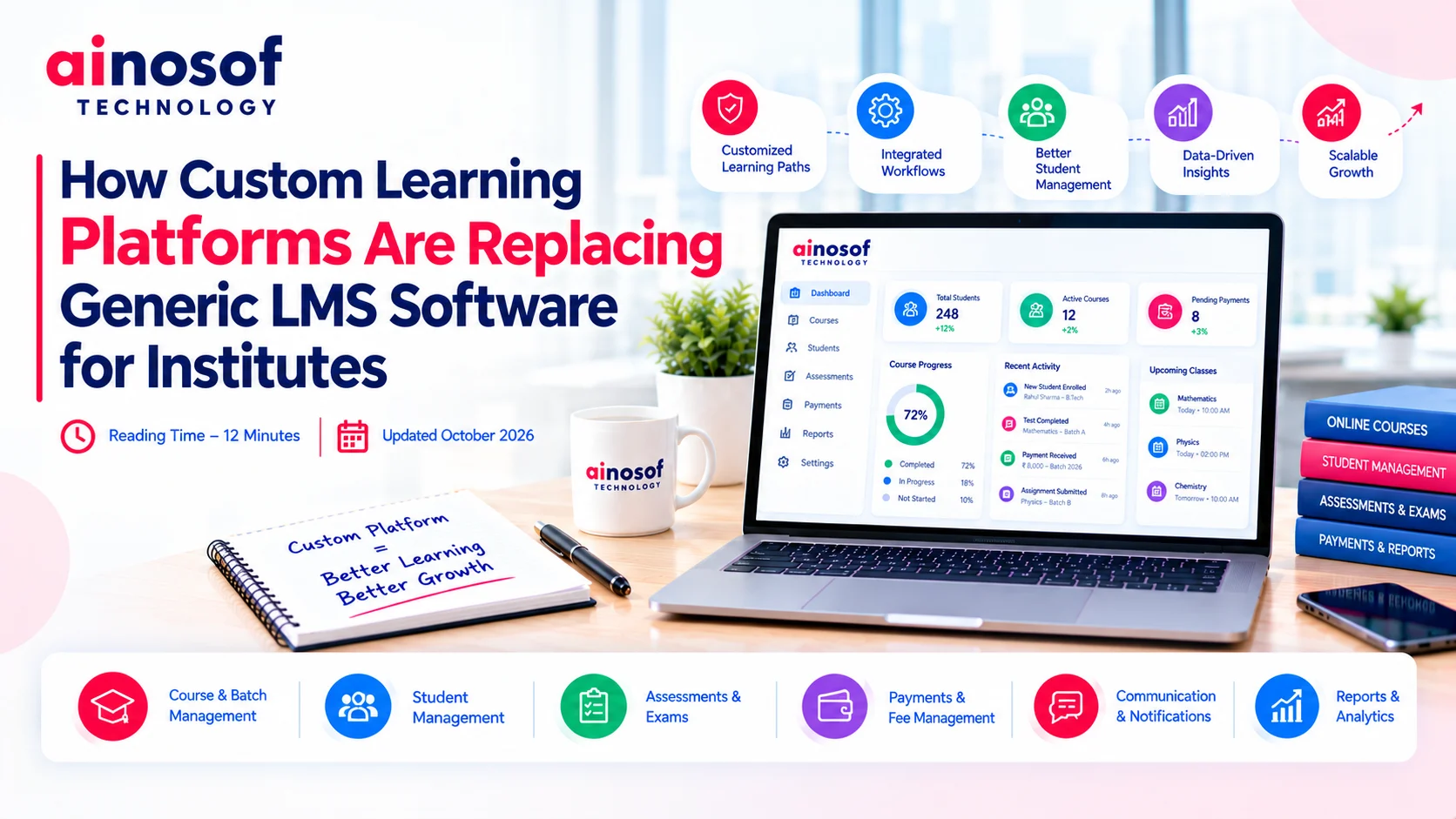 How Custom Learning Platforms Are Replacing Generic LMS Software for Institutes
17 Oct, 2026
How Custom Learning Platforms Are Replacing Generic LMS Software for Institutes
17 Oct, 2026
Comment with an expert and get our answer.
Comment with an expert and get our answer.
Continue exploring with related articles, practical guides and insights covering similar subjects. Discover more information, useful perspectives and ideas to help you learn about the topics that matter to your business.