What Is an MIS and Why Growing Businesses Can't Scale Without One
 Iram
Iram


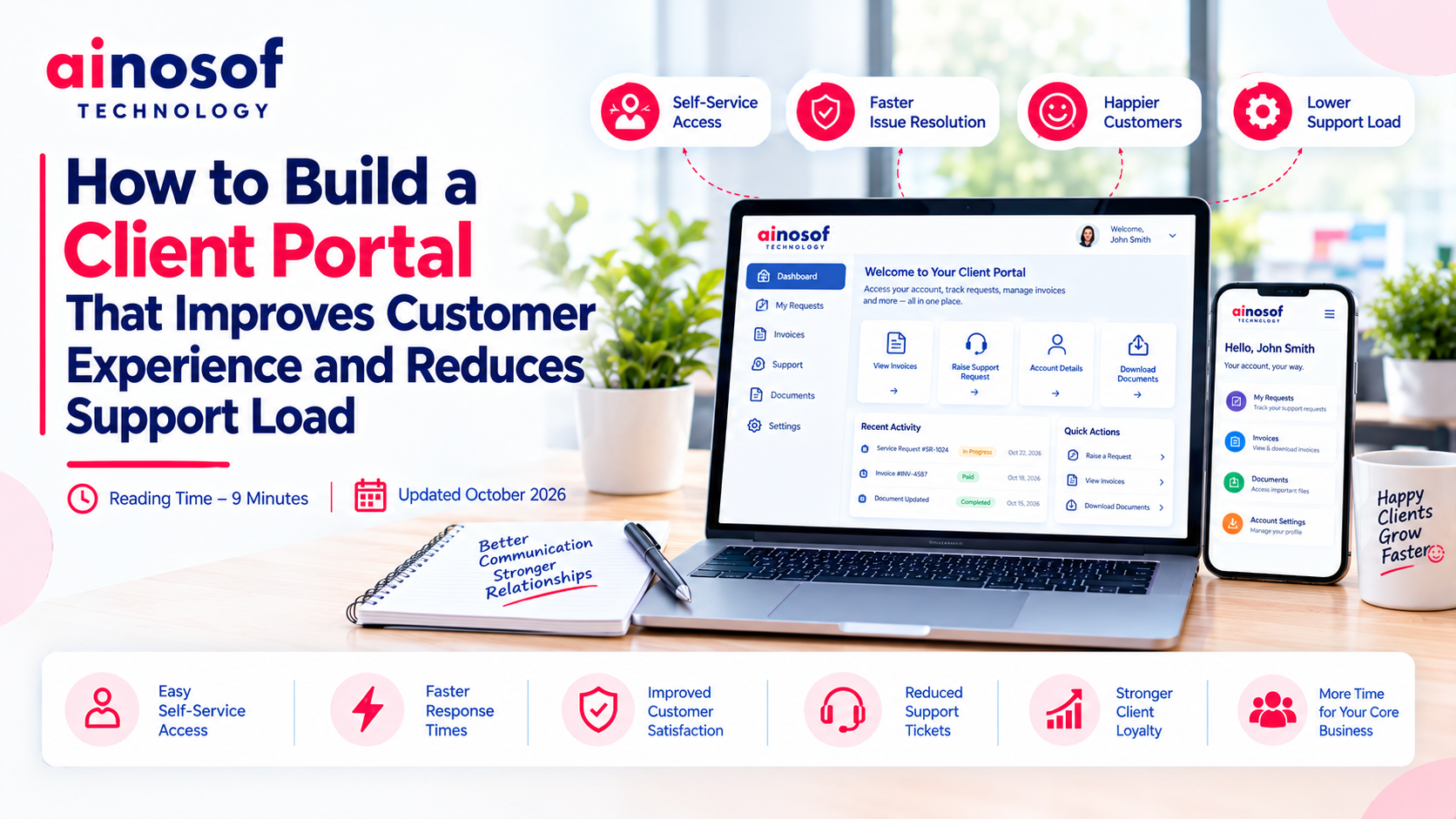
As a business grows, managing client relationships becomes more demanding. Customers want quick answers about project progress, order status, invoices, documents, and service requests. When every update requires an email, phone call, or manual response from an employee, even routine communication can consume a significant amount of time.
The problem is not simply the number of customer enquiries. It is the dependency on employees for information that clients could access themselves. Support teams spend time answering repetitive questions, customers wait for updates, and important requests can get lost among ongoing conversations. As the client base expands, maintaining the same level of service becomes increasingly difficult without improving how information is shared.
A client portal can address this challenge by giving customers a secure, centralized place to access relevant information, submit requests, and track progress. However, building a portal is not just about adding a login page or displaying documents. It requires understanding what clients need, which processes should be self-service, and how the portal should connect with existing business systems.
This guide explains how to build a client portal around actual customer needs, which capabilities to prioritize, how to integrate it with existing software, and when enterprise custom software development may be appropriate. The goal is to help you create a portal that improves customer experience while allowing your support team to focus on issues that require human attention.
When a business serves a small number of clients, employees can often manage requests through email, phone calls, and direct messages. As the client base expands, the same approach can become difficult to maintain.
Customers may contact different employees for the same update, request documents that have already been shared, or follow up repeatedly because they cannot see the status of an ongoing request. Employees then spend time searching through conversations and internal systems before responding.
A better client communication process should make routine information accessible without removing the option to contact a real person when assistance is needed.
The most suitable requests for self-service are generally those that follow a predictable process and require clients to access information already maintained by the business.
Common examples include:
These interactions may appear minor individually, but their combined effect can be significant when the business serves many clients.
Before building a portal, review support emails, call records, and recurring enquiries to identify which requests consume the most time. Determine whether the information already exists in a business system and whether clients can safely access it themselves.
Not every request should be automated. Complaints, sensitive discussions, unusual billing disputes, and complex technical problems may still require direct assistance.
The objective is to remove unnecessary communication steps without making customer support less accessible.
Self-service improves customer experience when it gives clients convenient access to useful information without forcing them to wait for routine updates.
For example, a client working with a software development company may want to review project milestones, download approved documents, submit change requests, and check the status of reported issues. If these activities can be completed through a portal, the client does not need to contact the project manager for every update.
A well-designed portal can improve the experience by providing:
However, self-service should complement human support rather than replace it.
Clients should still have a clear way to ask questions, report problems, or escalate requests when automated workflows are insufficient. The portal should also explain what happens after a request is submitted and when the client can reasonably expect a response.
The most effective approach is to automate predictable interactions while keeping human assistance available for situations that require judgment, empathy, or specialized expertise.
A client portal should be designed around the tasks customers need to complete, not around the number of features a development team can build.
Start by identifying the most common client journeys. Determine what information clients need, which actions they should be able to perform independently, and which activities require approval or assistance from your team.
This creates a practical foundation for deciding what to build first and prevents the project from becoming unnecessarily complicated.
Prioritize capabilities that address recurring customer problems and reduce avoidable support work.
|
Portal capability |
How it helps clients |
Business value |
|
Secure client login |
Provides access to relevant account information |
Protects client-specific information |
|
Document access |
Allows clients to view or download approved files |
Reduces repeated document requests |
|
Request submission |
Gives clients a structured way to report issues or request services |
Organizes incoming support requests |
|
Request status tracking |
Shows progress and relevant updates |
Reduces status-related enquiries |
|
Project or order updates |
Makes available progress information easier to access |
Improves visibility |
|
Invoice and payment information |
Provides access to relevant billing records |
Reduces routine billing questions |
|
Notifications |
Alerts clients to important changes or required actions |
Reduces the need for manual follow-ups |
|
Communication history |
Keeps relevant interactions accessible in one place |
Makes ongoing coordination easier |
The right combination depends on your business model.
A professional services firm may prioritize document sharing, project milestones, and service requests. A distributor may need order tracking, invoices, and delivery updates. A software company may focus on support tickets, technical documentation, and issue status.
Do not build every capability at the beginning. Identify the few client journeys that create the greatest friction, implement those first, and expand based on customer feedback and measurable results.
Also define what each client can view or change. A portal must display only the information that the authenticated user is authorized to access.
A client portal becomes more useful when it can retrieve current information from the systems the business already uses.
Without integration, employees may need to update both the portal and internal applications manually. This can create the same duplication and inconsistency that the portal was intended to eliminate.
Consider the role of each system:
Not every portal requires every integration. Select connections according to the client workflows you intend to support.
Before implementation, determine which system is the authoritative source for each type of information. Define how records will be synchronized, how errors will be handled, and how access permissions will be enforced across connected applications.
For example, if invoice information comes from accounting software, the portal should retrieve or synchronize the relevant records through an appropriate integration rather than rely on employees to repeatedly upload updated figures.
Depending on the existing systems, integration may use supported APIs, connectors, or other technical approaches. The appropriate method depends on compatibility, security requirements, and the complexity of the workflow.
An existing client portal platform may be sufficient when the business needs standard document sharing, request tracking, and account access.
Custom development becomes worth evaluating when the portal must support specialized client journeys, connect several internal systems, or enforce business-specific rules that standard platforms cannot accommodate adequately.
Consider custom development when:
For example, a B2B service company may need a portal where clients can review project milestones, approve deliverables, submit change requests, download invoices, and track support issues. If these activities span multiple internal systems, a tailored portal may provide a more coherent experience.
However, custom development also brings responsibilities for testing, security, maintenance, hosting, and future enhancements.
Before committing to a complete custom build, compare three options:
Enterprise software development services can be relevant when the project requires more than a standalone interface and involves secure integrations, complex permissions, or business-specific workflows.
Ainosof Technology can be considered when evaluating customized portal development or integration requirements that standard solutions cannot meet adequately. The decision should start with the client's actual needs and the business outcomes the portal is expected to deliver.
Selecting a development approach requires more than comparing quotations or reviewing interface designs. The business must consider how the portal will fit into its operations, how client information will be protected, and whether the solution can evolve as customer requirements change.
A portal that looks attractive but creates duplicate work for employees or makes routine tasks difficult for clients will not achieve its purpose.
When evaluating an enterprise software development agency, focus on its ability to translate business requirements into a secure, usable, and maintainable solution.
Assess the following areas before making a decision.
Requirement analysis: Can the agency identify recurring client problems, map important workflows, and distinguish essential capabilities from optional features?
Integration experience: Can the proposed solution connect with your CRM, ERP, billing, project management, or support systems where required?
Security and access control: Can the portal ensure that each client sees only authorized information? Review authentication, permissions, data protection, and relevant audit records.
User experience: Can clients find information, submit requests, and track progress without unnecessary steps? Ask to review wireframes or prototypes before full development.
Scalability: Can the system accommodate additional clients, records, workflows, and integrations as the business grows?
Testing and maintenance: Does the proposal include functional testing, security checks, documentation, deployment, and ongoing support?
Project transparency: Are the scope, milestones, acceptance criteria, responsibilities, and costs clearly documented?
Before signing a contract, ask the agency to demonstrate how it would handle realistic client scenarios. For example, show how a client submits a support request, how an employee processes it, and how the updated status becomes visible in the portal.
This helps determine whether the proposed solution supports the complete workflow rather than only its front-end appearance.
Ainosof Technology can be evaluated as a potential development partner when your requirements involve enterprise software development, customized workflows, or integration with existing business systems. As with any provider, assess the proposed scope, technical approach, deliverables, and support arrangements before proceeding.
A portal should be evaluated using measurable outcomes rather than the number of registered users or available features alone.
Establish a baseline before launch, then compare performance after clients have had enough time to adopt the new system.
|
Measurement |
What it helps you understand |
|
Repetitive support enquiries |
Whether clients need fewer manual updates |
|
First response time |
Whether support teams can respond more effectively |
|
Request resolution time |
Whether the overall handling process is improving |
|
Self-service completion rate |
Whether clients can complete intended tasks independently |
|
Portal adoption |
Whether clients are using the portal regularly |
|
Customer satisfaction |
Whether the experience meets client expectations |
|
Duplicate enquiries |
Whether clients need fewer follow-ups for the same issue |
Interpret these measurements together. A reduction in support enquiries may indicate successful self-service, but it could also mean clients are struggling to find help. Adoption and customer satisfaction should therefore be monitored alongside support workload.
Similarly, a portal may initially increase support requests because clients are learning a new system. Provide onboarding guidance, collect feedback, and improve confusing workflows before judging its long-term performance.
A practical implementation approach is to launch the most valuable workflows first, measure their results, and expand the portal based on actual client behaviour.
A client portal can be an important step toward improving how your business manages customer relationships and delivers services. Depending on your requirements, the next opportunity may involve integrating systems, automating support workflows, or developing other business applications.
Explore these related areas:
Ainosof Technology can be considered when your business needs customized software development or system integration to support its client portal requirements.
The right next step depends on whether your primary challenge is repetitive communication, fragmented information, disconnected workflows, or a combination of these problems.
A client portal should make it easier for customers to access information, complete routine tasks, and track requests without repeatedly contacting your team. For the business, it should reduce avoidable support work while preserving the human assistance clients need for complex issues.
Start by identifying recurring enquiries and understanding which client journeys can be improved through self-service. Prioritize useful capabilities, define security and integration requirements, and decide whether an existing platform can meet your needs before investing in custom development.
If standard solutions cannot support your workflows, enterprise custom software development may provide a more suitable approach. Ainosof Technology can be considered when evaluating tailored client portals and integrations that align with your business operations.
Ultimately, a successful client portal is not the one with the most features. It is the one that makes client interactions simpler, information more accessible, and support operations more efficient as your business grows.
A client portal is a secure online space where customers can access authorized information, documents, updates, and services. It can improve customer experience by making important information easier to find, reducing unnecessary waiting, and providing a consistent way to manage client interactions.
A client portal can reduce repetitive enquiries by allowing clients to access documents, check request status, review available updates, and retrieve relevant account information independently. The impact depends on whether the portal addresses common customer needs and remains easy to use.
Common capabilities include secure login, document access, request submission, status tracking, notifications, and relevant invoice or project information. The right selection depends on the business model, customer expectations, and existing systems. Start with the workflows that create the most repetitive support work.
An existing platform may be sufficient when standard portal capabilities meet the business requirements. Custom development may be appropriate when specialized workflows, permissions, or integrations cannot be supported adequately by available products. Compare implementation costs, maintenance responsibilities, flexibility, and long-term needs before deciding.
Yes, a client portal can integrate with CRM, ERP, billing, project management, and support systems when compatible integration methods are available. These connections can help provide consistent information and reduce duplicate work. The required integrations and permissions should be defined during planning.
Evaluate the agency's requirement-analysis process, integration capabilities, security practices, user experience design, testing approach, project transparency, and ongoing support. Request a clear scope, implementation milestones, acceptance criteria, and cost estimate. Choose a partner based on its ability to address your business requirements, not just its quoted price.
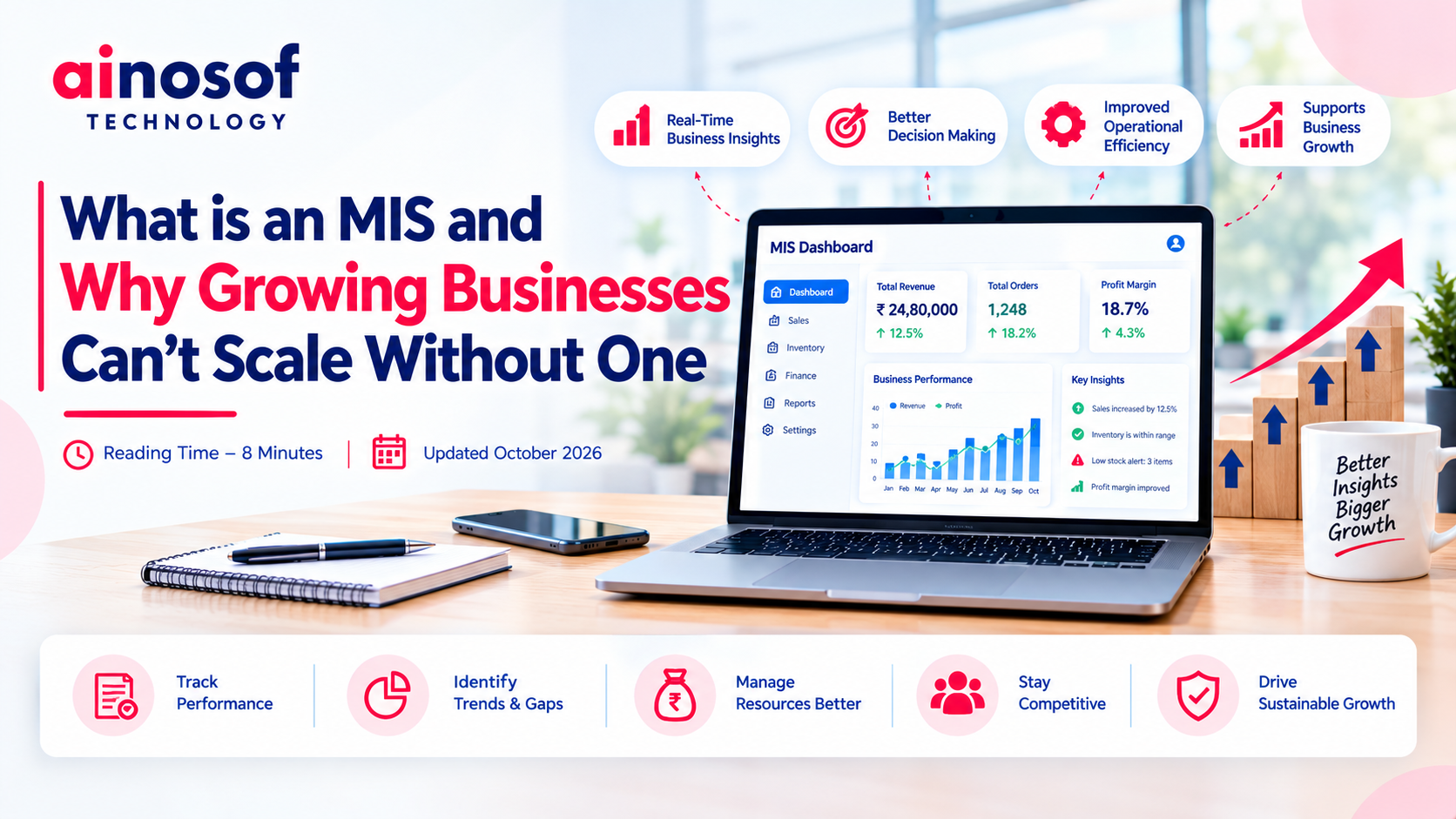 What Is an MIS and Why Growing Businesses Can't Scale Without One
07 Oct, 2026
What Is an MIS and Why Growing Businesses Can't Scale Without One
07 Oct, 2026
 Billing Software: How It Helps Businesses Eliminate Invoice Errors and Delays
06 Oct, 2026
Billing Software: How It Helps Businesses Eliminate Invoice Errors and Delays
06 Oct, 2026
 How to Choose the Right HRMS Software for Your Growing Team
05 Oct, 2026
How to Choose the Right HRMS Software for Your Growing Team
05 Oct, 2026
 Custom Software vs Off-the-Shelf Software: Which Is Right for Your Business in 2026?
03 Oct, 2026
Custom Software vs Off-the-Shelf Software: Which Is Right for Your Business in 2026?
03 Oct, 2026
 Business Process Automation in 2026: How AI is Helping Companies Cut Manual Work by Half
01 Oct, 2026
Business Process Automation in 2026: How AI is Helping Companies Cut Manual Work by Half
01 Oct, 2026
 Why ERP is Becoming a Growth Necessity, Not Just a Back-Office Tool, for Indian SMEs
29 Sep, 2026
Why ERP is Becoming a Growth Necessity, Not Just a Back-Office Tool, for Indian SMEs
29 Sep, 2026
Comment with an expert and get our answer.
Comment with an expert and get our answer.
Explore more insights related to this topic and discover useful perspectives, ideas and strategies from our latest articles.