How AI Lead Scoring in CRM Helps Sales Teams Focus on Leads Most Likely to Convert
 Iram


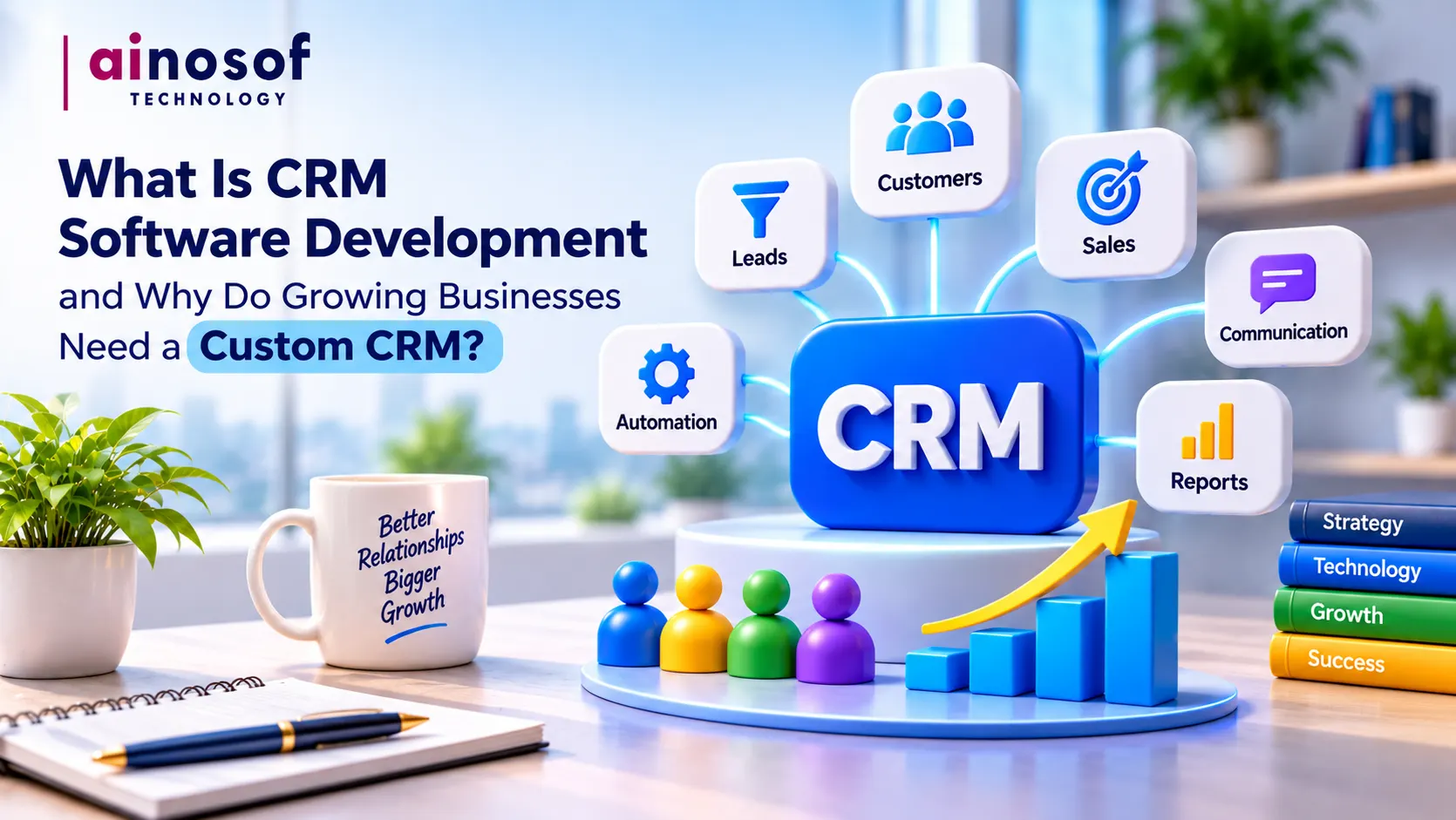
As a business grows, managing customer relationships becomes more demanding. Enquiries arrive through websites, phone calls, WhatsApp, email, referrals and other channels. Sales teams speak with multiple prospects, prepare quotations, schedule follow-ups and coordinate with other departments. When this information is maintained in separate spreadsheets, inboxes or applications, it becomes difficult to see the complete customer journey.
This is where CRM software becomes important. A Customer Relationship Management (CRM) system brings customer information, sales activities and communication records into one organised platform. It helps teams manage enquiries, track opportunities and maintain a consistent view of customer interactions.
However, not every business works in the same way. A standard CRM may cover common sales activities, but a growing company may have specific workflows, approval processes, reporting needs or integrations that require additional flexibility.
CRM Software Development helps businesses create or extend CRM solutions around these requirements. The objective is not simply to add more features. It is to make customer management fit the way the business actually operates.
CRM software development is the process of planning, designing, building and maintaining software that helps a business manage its relationships with existing and potential customers.
A CRM system typically stores customer details, enquiry records, communication history, sales opportunities, follow-up activities and other relevant information. Employees can use this shared information to understand customer requirements, coordinate sales activities and manage ongoing relationships.
Custom CRM software development takes this a step further. Instead of relying entirely on a predefined system, the software is designed or extended according to the company's business processes.
For example, a B2B company may need to record enquiries, assign them to sales representatives, track quotations, manage approval stages and monitor order progress. Another business may need customer service records, renewal reminders or dealer management.
The CRM should support the processes that matter to that particular business.
It is also useful to understand the difference between CRM as a business practice and CRM software. Customer relationship management refers to the overall approach a company takes to managing customer interactions. CRM software provides the technology to organise and support those activities.
A CRM system creates a structured record of customer-related activities so that authorised employees can access relevant information without depending on separate files or individual memory.
A typical CRM workflow may look like this:
Depending on the business requirements, a CRM may also connect with billing software, ERP systems, email platforms, websites or other applications.
This gives employees a more organised way to manage customer information and understand what needs to happen next.
A business may manage customer information manually when it has a small team and a manageable number of enquiries. As the number of customers, employees and daily interactions increases, informal methods become harder to maintain.
Here are some common reasons growing businesses consider CRM software.
Customer details may be scattered across Excel sheets, email conversations, phone records and individual employee files. When someone needs an updated customer history, they may have to collect information from several sources.
A CRM centralises relevant customer records, making it easier for authorised team members to review contact details, previous interactions and current requirements.
Sales opportunities often depend on timely communication. When follow-up dates are maintained manually, an employee may forget to contact a prospect or overlook an important discussion.
A CRM can help organise follow-up activities through reminders, tasks and workflow-based notifications. The exact automation depends on how the system is configured.
Business owners and sales managers need to understand how enquiries are progressing, which opportunities require attention and how the sales team is performing.
Without organised records, they may depend on manual updates from employees.
CRM dashboards and reports can provide visibility into lead status, sales activity, opportunity stages and other relevant business information.
Sales, marketing and customer support teams may each maintain their own records. This can create duplicate information and make it difficult to understand a customer's complete history.
A shared CRM can help departments work with consistent customer information, subject to appropriate access permissions.
As a company expands, its customer-management process may involve multiple sales teams, branches, approval levels, products or service categories.
A CRM can organise these activities into defined workflows instead of relying on informal coordination.
Custom CRM software development involves creating a CRM solution around the specific customer-management requirements of a business.
A ready-made CRM is designed to serve a wide range of organisations. It generally provides standard functions such as contact management, lead tracking, sales pipelines and reporting.
A custom CRM, on the other hand, can be planned around the company's own data structure, business rules, employee roles, approval processes and integrations.
Consider a business that receives enquiries from several channels and follows a multi-stage sales process. Its representatives may need to record product requirements, prepare quotations, obtain internal approvals and coordinate with the operations team.
If the existing CRM cannot support these steps efficiently, custom modules or a purpose-built CRM may be considered.
The important point is that custom development should solve a genuine business requirement. It should not be selected simply because a business wants software with its own branding.
Both approaches can be suitable. The right choice depends on how closely the available software matches the company's processes and what it needs to manage over time.
|
Evaluation area |
Ready-made CRM |
Custom CRM |
|
Initial setup |
Usually quicker to configure |
Requires planning and development |
|
Standard features |
Common features are generally available |
Features are selected according to requirements |
|
Workflow flexibility |
Depends on platform configuration |
Can be designed around specific workflows |
|
Integrations |
Uses available connectors and APIs |
Integrations can be developed for required systems |
|
Reporting |
Uses available reports and customisation options |
Reports can reflect specific business metrics |
|
Maintenance |
Core platform updates are handled by the vendor |
Requires an agreed maintenance arrangement |
|
Cost structure |
Often subscription-based |
Includes development and ongoing operating costs |
There is also a third option: extending an existing CRM. A business may retain its current platform while adding custom integrations, modules or dashboards to address specific gaps.
Choose a ready-made CRM when your sales and customer-management processes are relatively standard and the available features meet your needs.
Consider extending an existing CRM when the platform works well but requires additional integrations or selected custom workflows.
Consider custom CRM development when important business processes cannot be supported efficiently through available platforms and extensions.
This decision should be based on actual requirements, total cost of ownership, technical support capacity and long-term business priorities.
CRM features should be selected according to how employees manage customers and sales activities. A business does not necessarily need every available module.
Some commonly useful capabilities include:
A shared database stores customer details, contact information, enquiry records and interaction history. It helps employees access relevant information instead of searching through multiple files.
Lead management helps businesses record incoming enquiries, assign them to the appropriate employees and track their progress.
A sales pipeline organises opportunities into stages, such as new enquiry, contacted, qualified, quotation sent, negotiation and closed. The stages should reflect the company's actual sales process.
Follow-up reminders and task assignments help employees keep track of pending activities, scheduled calls and important customer discussions.
Different employees need different levels of access. Role-based permissions can control who can view, create, update or approve particular customer records and activities.
Managers may need reports covering lead sources, sales performance, conversion stages, employee activity or pending opportunities. A custom CRM can organise these reports around the information management needs.
A CRM may need to exchange information with websites, email services, communication platforms, ERP software, billing applications or other business systems.
Integration requirements should be assessed before development so that information flows reliably between applications.
A well-planned CRM supports more than the sales department.
The value comes from making relevant customer information available to the right people at the right time. The system should also avoid unnecessary data entry that makes employees less likely to use it.
A successful CRM project begins with understanding the business rather than immediately selecting features or designing screens.
A typical custom CRM development process includes:
Planning the project in phases can also help a business begin with essential CRM functions and expand the system as its needs become clearer.
The cost of CRM software development depends on the scope and complexity of the project. A system for managing basic customer records and sales enquiries will have different requirements from a CRM involving multiple departments, approval workflows, external integrations and advanced reporting.
Important cost factors include:
Businesses should request an estimate after the requirements have been documented. Comparing proposals only by the number of features or initial development price can overlook important costs related to integration, support and future changes.
Choosing a development partner is an important part of a CRM project because the provider needs to understand both the software requirements and the business processes behind them.
When evaluating a CRM software development company in India, consider the following:
Business requirement understanding: Does the company take time to understand how your sales and customer-management processes work?
Custom development capability: Can it develop the workflows, modules, reports and integrations your business actually requires?
Integration experience: Can it assess your existing website, ERP, billing software or other applications before recommending an approach?
Data security and access control: Does the proposed system include appropriate user permissions, data protection practices and backup arrangements?
Project transparency: Are the scope, deliverables, development stages and responsibilities clearly explained?
Ongoing support: Is there a defined arrangement for maintenance, technical assistance, bug fixes and future enhancements?
A suitable development partner should be able to explain why a particular feature or technical approach is needed. Avoid selecting a provider simply because it promises the largest number of features.
Custom CRM development is worth considering when your existing customer-management process has become difficult to manage through standard tools.
It may be relevant when your business has specialised sales workflows, multiple teams, specific approval requirements, complex reporting needs or important integrations that available CRM platforms cannot handle adequately.
However, if your requirements are limited to storing customer details, tracking standard sales opportunities and scheduling follow-ups, an established CRM may be a more practical starting point.
The best decision is the one that solves your current business problems without introducing unnecessary software complexity.
If you are evaluating CRM Software Development, begin by documenting how enquiries are received, how customers are managed, where information is stored and which activities consume the most manual effort. This gives a development partner a clearer basis for recommending a suitable solution.
Ainosof Technology develops CRM and connected business software solutions around business requirements. Its CRM and ERP software portfolio includes a custom CRM solution for Bhagya Achievers, designed to support lead, order and team incentive management.
Businesses exploring a CRM solution can also review Ainosof's ERP, CRM and Billing Software Development services in India to understand the wider business software capabilities.
As a business grows, managing customer relationships requires more than maintaining contact details or tracking sales enquiries. Businesses need a structured way to manage leads, coordinate follow-ups, monitor sales activities, and maintain visibility across customer interactions.
CRM software development helps bring these processes together. While ready-made CRM platforms can work well for standard requirements, custom CRM software becomes valuable when a business needs workflows, features, integrations, and reporting aligned with its own operations.
The right approach depends on your business size, existing systems, sales process, and future requirements. Before investing in a CRM, identify the operational challenges you want to solve and the processes the software needs to support.
If your business is considering custom CRM development, Ainosof Technology can help you evaluate your requirements and plan a CRM solution around your business processes, customer management needs, and growth objectives.
Explore our CRM and ERP software development services or discuss your CRM requirements with Ainosof.
CRM software development is the process of creating or extending software that helps businesses manage customer information, enquiries, sales activities, communication and customer relationships. Custom development adapts the system to specific business workflows and requirements.
A CRM software development company analyses business requirements, plans CRM workflows, designs the application, develops required modules, integrates existing systems and provides agreed technical support after deployment.
Growing businesses often handle more enquiries, customers, employees and sales activities. CRM software helps organise customer records, track opportunities, manage follow-ups and provide better visibility into customer-related work.
Ready-made CRM software provides standard features that businesses configure according to their needs. Custom CRM software is developed around specific business processes, data structures, workflows and integration requirements.
Yes. Custom CRM software can often integrate with websites, ERP systems, billing applications, email platforms and other tools, depending on their available integration methods and technical requirements.
It can be suitable for a small business with specialised workflows or requirements that standard CRM tools cannot support. However, a ready-made CRM may be more practical when the business only needs basic customer and sales management.
Evaluate the company's requirement analysis process, custom development experience, integration capabilities, security practices, project transparency and ongoing support arrangements. The provider should understand your business processes before proposing a solution.
Yes. A CRM can be designed with an architecture that supports future modules, users, integrations and reporting requirements. Scalability depends on the initial planning, technical architecture and ongoing maintenance.
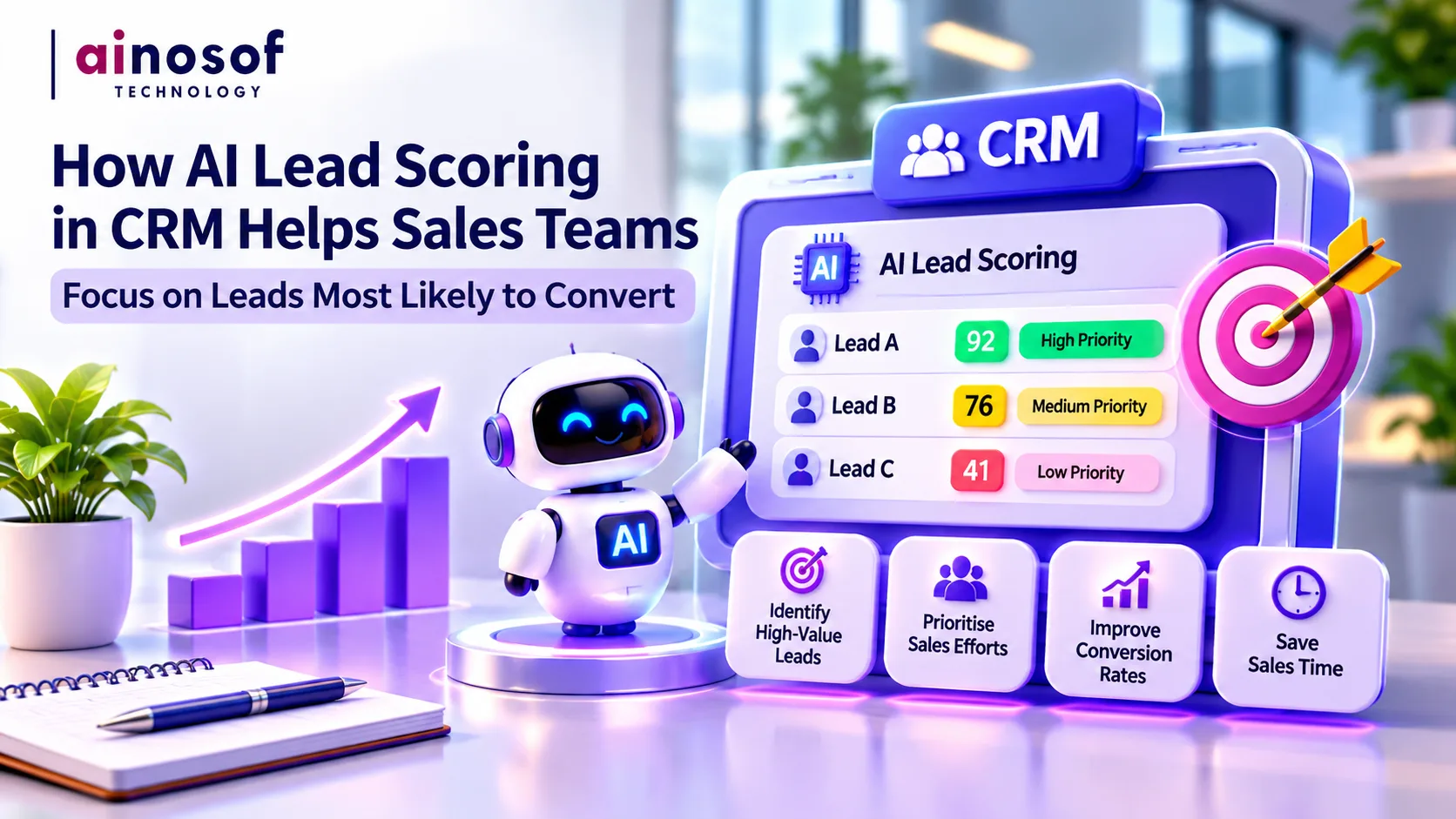 How AI Lead Scoring in CRM Helps Sales Teams Focus on Leads Most Likely to Convert
03 Nov, 2026
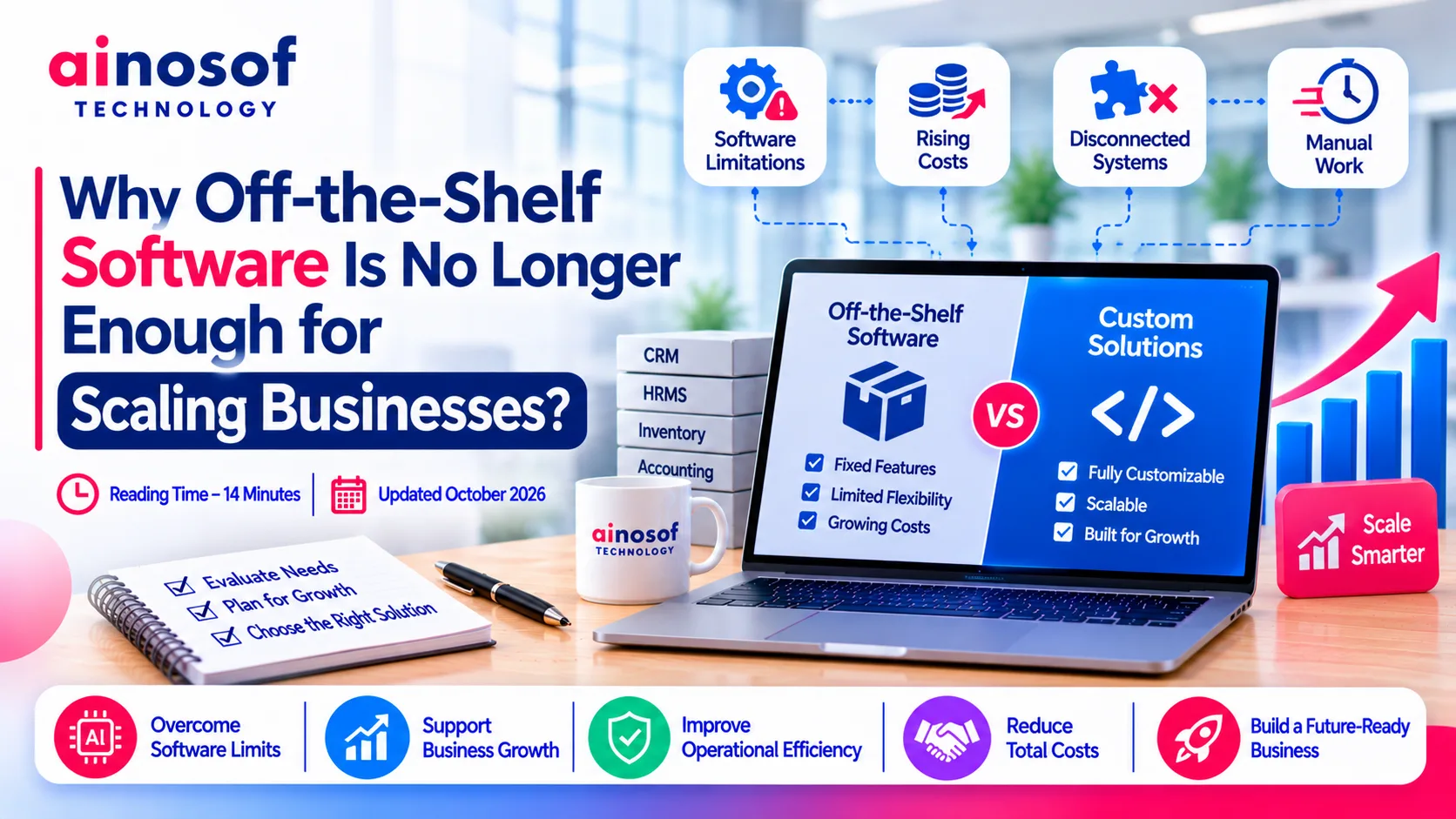 Why Off-the-Shelf Software Is No Longer Enough for Scaling Businesses
31 Oct, 2026
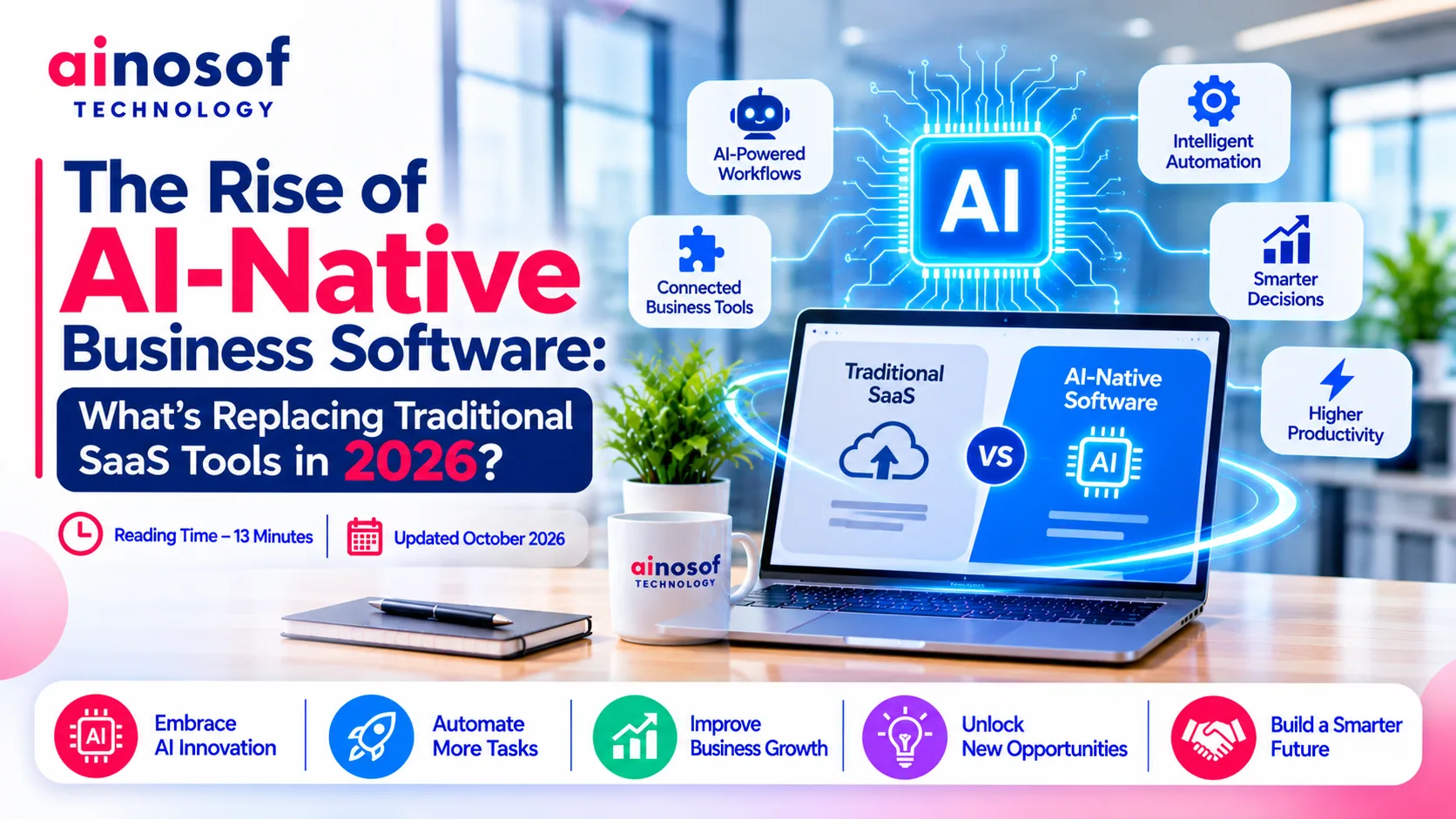 The Rise of AI-Native Business Software: What's Replacing Traditional SaaS Tools in 2026
30 Oct, 2026
 How Custom Software Helped a Business Automate Operations and Cut Costs: A Case Study
28 Oct, 2026
 Custom Software vs SaaS: Which Gives Better Long-Term ROI?
27 Oct, 2026
 Custom Software Development Cost in India 2026: What Businesses Should Expect to Pay
26 Oct, 2026
Comment with an expert and get our answer.
Comment with an expert and get our answer.
Continue exploring with related articles, practical guides and insights covering similar subjects. Discover more information, useful perspectives and ideas to help you learn about the topics that matter to your business.