How Custom Software Helped a Business Automate Operations and Cut Costs: A Case Study
 Iram


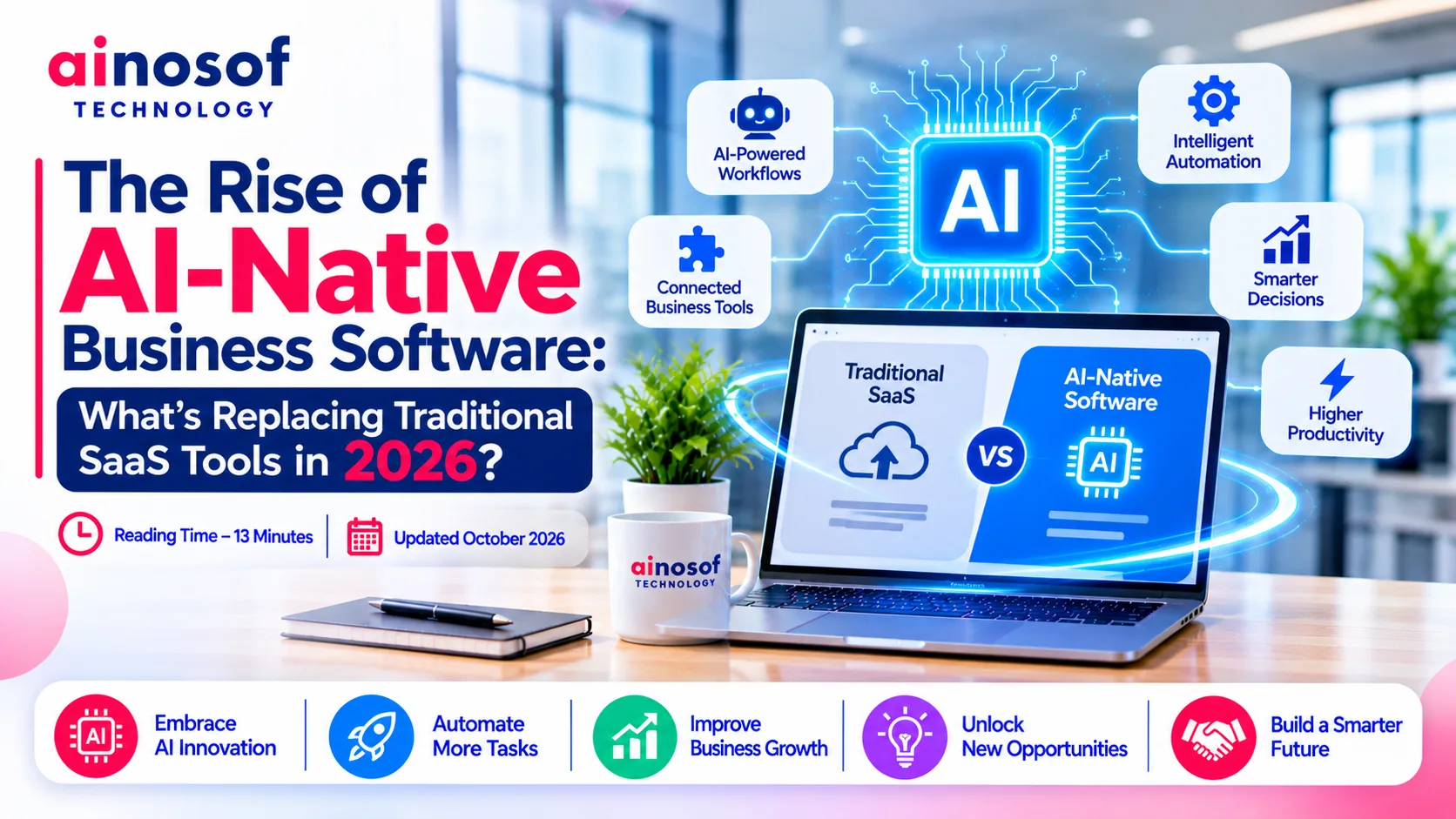
For years, businesses have relied on SaaS applications to manage sales, accounting, customer relationships, employee activities, inventory, and daily operations. These tools made business software easier to access without requiring companies to build and maintain every application themselves.
But business requirements are changing.
Companies no longer want software that simply stores information, displays reports, or waits for employees to complete every step manually. They increasingly expect software to understand business context, connect information across applications, automate repetitive tasks, and help teams make faster decisions.
This shift is driving the rise of AI-native business software.
Unlike traditional SaaS platforms that may add AI features to existing products, AI-native applications are designed around artificial intelligence as a central part of how the software works. They can use AI models, intelligent workflows, and AI agents to support tasks that previously required employees to switch between multiple tools.
This does not mean traditional SaaS is disappearing in 2026. Instead, the way businesses interact with software is evolving. Understanding this shift can help business owners decide whether their existing applications are still sufficient or whether more intelligent, connected systems could improve operations.
Traditional SaaS applications have helped businesses digitise their operations. However, using more software does not always make a business more efficient.
A company may use one application for customer management, another for accounting, a third for employee activities, and separate tools for reporting and communication. Each application may work properly on its own, but employees still need to connect the information and manage the complete workflow.
As business operations become more complex, this dependency on manual coordination can become a limitation.
Many growing businesses purchase SaaS applications to solve individual operational problems.
For example, a sales team may use a CRM, the accounts department may use billing software, the HR team may use an employee management platform, and management may rely on separate reporting tools.
The problem begins when these applications do not communicate effectively.
An employee may need to copy customer information from the CRM into another application, check payment status separately, update order records, and then notify another department.
This creates several challenges:
Consider a company receiving hundreds of customer enquiries every month. Its CRM records customer information, but employees still manually qualify leads, assign follow-ups, prepare proposals, and update sales activities.
The CRM stores information, but the surrounding workflow continues to depend on employee effort.
This is where businesses begin looking beyond traditional SaaS functionality.
They want applications that can help complete tasks, not just provide another place to manage them.
Traditional business applications generally follow predefined workflows. Employees select options, enter information, trigger actions, and move records through different stages.
AI-native software introduces a different interaction model.
Instead of requiring users to manage every individual step, the application can use AI to interpret instructions, analyse relevant information, recommend actions, and execute approved tasks.
For example, an employee could ask an AI-powered business application to identify pending customer payments, prepare a follow-up list, and draft reminders.
Depending on the system's integrations and permissions, it may be able to retrieve relevant records, prepare the drafts, and send them after approval.
This changes how employees interact with software.
The application becomes more than a digital record-keeping system. It can become an active part of the business workflow.
However, AI capabilities should not be confused with complete automation. AI-generated recommendations may require verification, and sensitive actions such as financial transactions, employee decisions, or changes to customer records should have appropriate approval controls.
The business opportunity lies in reducing repetitive work while keeping people responsible for important decisions.
AI-native software is changing the relationship between employees, applications, and business processes.
Instead of using separate tools for every activity, businesses can build more connected workflows in which AI models, business data, existing applications, and automation systems work together.
The objective is not simply to add a chatbot to an existing application. It is to make software more capable of understanding context and supporting complete business processes.
AI-native applications can combine several technologies to support business operations.
1. AI models for understanding business information
AI models can interpret natural-language instructions, summarise documents, extract information, classify requests, and generate responses.
For example, a customer support application can analyse an incoming message, identify the issue, and suggest an appropriate response based on available company information.
2. AI agents for completing tasks
AI agents can use connected tools and defined permissions to perform multi-step tasks.
A sales agent, for example, could review incoming enquiries, retrieve relevant customer records, prepare a lead summary, and recommend the next follow-up action.
The exact level of autonomy depends on the system design, available integrations, and approval requirements.
3. Workflow automation for coordinating activities
Traditional automation follows predefined rules, such as sending a notification when an order is created.
AI-supported workflows can add interpretation and decision support to these processes. For example, an application may classify a customer request before routing it to the appropriate department.
4. Business integrations for accessing information
AI-native software becomes more useful when it can securely access relevant business information.
Integrations with CRM, ERP, accounting, inventory, communication, and document management systems can help the application work with the information employees already use.
5. Human approval and monitoring
Not every AI-generated action should happen automatically.
Businesses should define which tasks AI can complete independently, which require employee approval, and which must remain under direct human control.
The following table illustrates how traditional SaaS and AI-native software differ in their approach.
|
Comparison Factor |
Traditional SaaS |
AI-Native Business Software |
|
Primary purpose |
Manage specific business functions |
Manage functions with AI-supported intelligence and automation |
|
User interaction |
Forms, menus, dashboards, predefined actions |
Natural-language instructions alongside conventional interfaces |
|
Task execution |
Mainly user-driven or rule-based |
Can include AI-supported multi-step task execution |
|
Data processing |
Structured workflows and predefined reports |
Can analyse structured and unstructured information |
|
Automation |
Rule-based triggers and workflows |
Rule-based automation combined with AI capabilities |
|
Integrations |
APIs and third-party connectors |
Integrations that can also provide context to AI workflows |
|
Decision support |
Reports and predefined analytics |
AI-assisted summaries, recommendations, and analysis |
|
Human involvement |
Employees perform most application tasks |
Employees can supervise and approve selected AI actions |
|
Control requirements |
User permissions and workflow controls |
Permissions, audit trails, AI safeguards, and human oversight |
The difference is not that traditional SaaS cannot include AI. Many established SaaS products already offer AI-powered features.
The important distinction is whether AI is an additional feature or a central part of how the application delivers value.
Not every business needs a completely new AI-native application.
An existing SaaS platform may be sufficient when its functionality, integrations, and automation capabilities already meet operational requirements.
However, custom development becomes worth evaluating when the business needs AI capabilities that standard products cannot provide effectively.
Consider these situations:
For example, a manufacturing company may want an AI-powered system that connects purchase orders, inventory, production updates, and supplier communication.
The application could analyse incoming purchase requests, identify relevant inventory information, flag potential shortages, and prepare recommendations for procurement teams.
However, approving purchases or making financial commitments may still require authorised employees.
This is where enterprise software development solutions can help businesses build systems around their own processes rather than adapting every workflow to a standard application.
Ainosof Technology can be considered when a business needs to evaluate custom software architecture, system integrations, and automation requirements as part of a broader technology solution.
The key is to begin with the operational problem and then determine where AI genuinely adds value.
How Should Businesses Choose Between Traditional SaaS and AI-Native Software?
The shift towards AI-native software does not mean businesses should replace every existing application.
A company may continue using traditional SaaS for accounting, communication, or standard business functions while introducing AI-powered applications for more complex workflows.
The right decision depends on the business's requirements, data environment, integration needs, and expected return on investment.
Custom AI-powered software becomes relevant when standard applications cannot deliver the required combination of workflow control, integrations, and intelligent automation.
Businesses should evaluate the following requirements.
1. Complex operational workflows
If a process involves multiple departments, business rules, documents, approvals, and applications, a custom solution may provide better coordination.
2. Business-specific information
Companies with specialised products, internal policies, pricing rules, or operational knowledge may need AI systems that work with their own approved data.
3. Repetitive information processing
Businesses that regularly process invoices, purchase orders, customer enquiries, reports, or documents may benefit from AI-assisted information extraction and classification.
4. Connected application requirements
If employees repeatedly move information between CRM, ERP, inventory, accounting, and other applications, a connected AI-powered system may reduce manual coordination.
5. Greater control over AI behaviour
Businesses may need control over access permissions, approval workflows, audit records, and the actions AI agents can perform.
6. Long-term scalability
A custom system can be designed around expected users, data volumes, integrations, and business growth. However, scalability depends on architecture and ongoing technical management, not simply on choosing custom development.
The following comparison can help businesses identify where each approach fits.
|
Business Requirement |
Traditional SaaS |
AI-Native or Custom AI Software |
|
Standard accounting |
Often suitable |
Useful when specialised automation is required |
|
Basic CRM management |
Often suitable |
Useful for advanced lead workflows and AI assistance |
|
Customer support |
Suitable for standard ticket management |
Useful for intelligent classification and multi-step assistance |
|
Document processing |
May require add-ons or integrations |
Can be designed around specific document workflows |
|
Complex internal approvals |
Depends on platform flexibility |
Can be tailored to business rules |
|
Cross-department automation |
May require multiple integrations |
Can connect workflows around business requirements |
|
AI-assisted reporting |
Depends on available features |
Can be designed around specific data and reporting needs |
|
Specialised business operations |
May require workarounds |
Can support organisation-specific processes |
A business should also consider the total cost of ownership.
Custom development involves planning, development, testing, hosting, security, maintenance, and future improvements. AI-powered applications may also introduce model usage costs, data processing expenses, and third-party service charges.
The decision should be based on whether the expected operational value justifies the complete investment.
Developing AI-native business software requires more than connecting an AI model to an application.
The development partner must understand how the business operates, where data is stored, which systems need integration, and what level of automation is appropriate.
Before hiring an enterprise software development services company, evaluate these areas:
Businesses should also ask how the proposed application will handle incorrect AI outputs.
AI systems can generate inaccurate information, misunderstand instructions, or produce unsuitable recommendations. A reliable implementation should include validation, appropriate permissions, monitoring, and human review where necessary.
When evaluating custom enterprise software development services, focus on the development partner's ability to translate business requirements into a secure and manageable solution.
A technically advanced application is not automatically a successful business investment. Its value depends on whether employees can use it effectively and whether it improves the processes it was designed to support.
AI-native software is only one part of the wider shift towards connected and intelligent business operations. Explore these related topics to understand how technology can support your organisation:
The rise of AI-native business software represents a shift in what companies expect from their technology.
Traditional SaaS applications helped businesses digitise individual functions. AI-native systems are taking the next step by
AI-native business software is designed with artificial intelligence as a central part of its functionality. It can use AI models, intelligent automation, and AI agents to interpret information, support decisions, and perform selected business tasks through connected workflows.
Traditional SaaS generally provides predefined applications for specific business functions. AI-native software places AI capabilities at the centre of the application, allowing it to understand instructions, process information, and support more dynamic workflows. Both approaches can include automation and AI features.
AI agents are changing how employees interact with business applications, but they are not replacing all SaaS platforms. Many businesses still depend on traditional SaaS for essential functions. AI agents increasingly work alongside these platforms to automate tasks and connect workflows.
AI-native software can automate multiple steps in a workflow when it has the required data access, integrations, permissions, and safeguards. However, sensitive activities such as financial approvals, legal decisions, and important employee-related actions may still require human supervision.
Yes. MSMEs can use AI-native software for customer support, document processing, reporting, lead management, and repetitive administrative activities. The investment should match the business's operational needs and available budget rather than introducing unnecessary AI complexity.
Businesses should use existing SaaS tools when standard functionality meets their requirements. Custom AI software is worth evaluating when specialised workflows, integrations, data requirements, or automation needs cannot be handled effectively through available platforms.
Potential risks include inaccurate AI outputs, data privacy concerns, security vulnerabilities, integration failures, unexpected usage costs, and excessive dependence on automated decisions. Businesses should establish access controls, validation processes, monitoring, and human approval mechanisms.
Businesses should evaluate the provider's experience in custom software, AI integration, system architecture, data security, workflow automation, and ongoing support. They should also review project scope, ownership terms, testing methods, and how the solution's business performance will be measured.
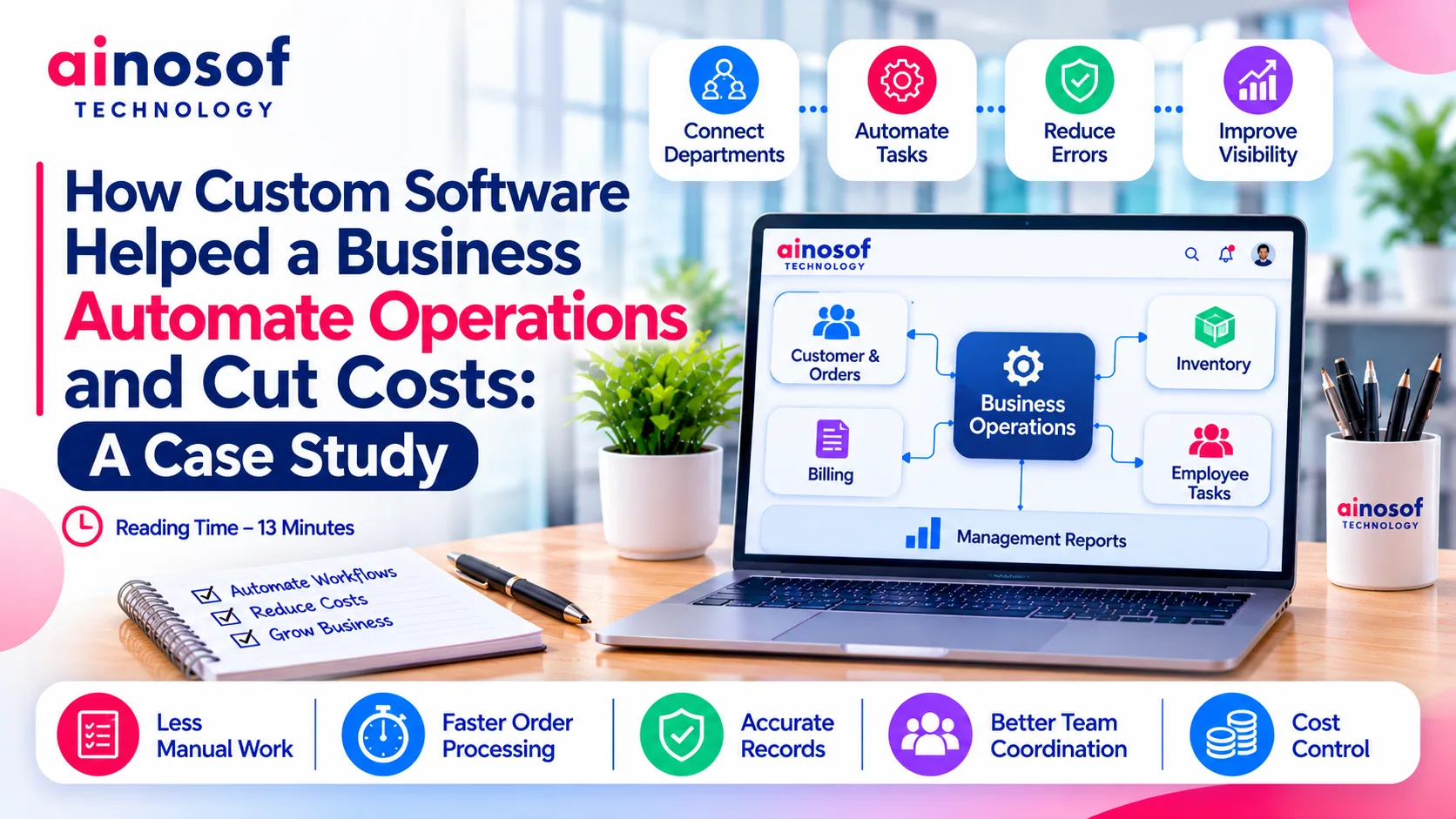 How Custom Software Helped a Business Automate Operations and Cut Costs: A Case Study
28 Oct, 2026
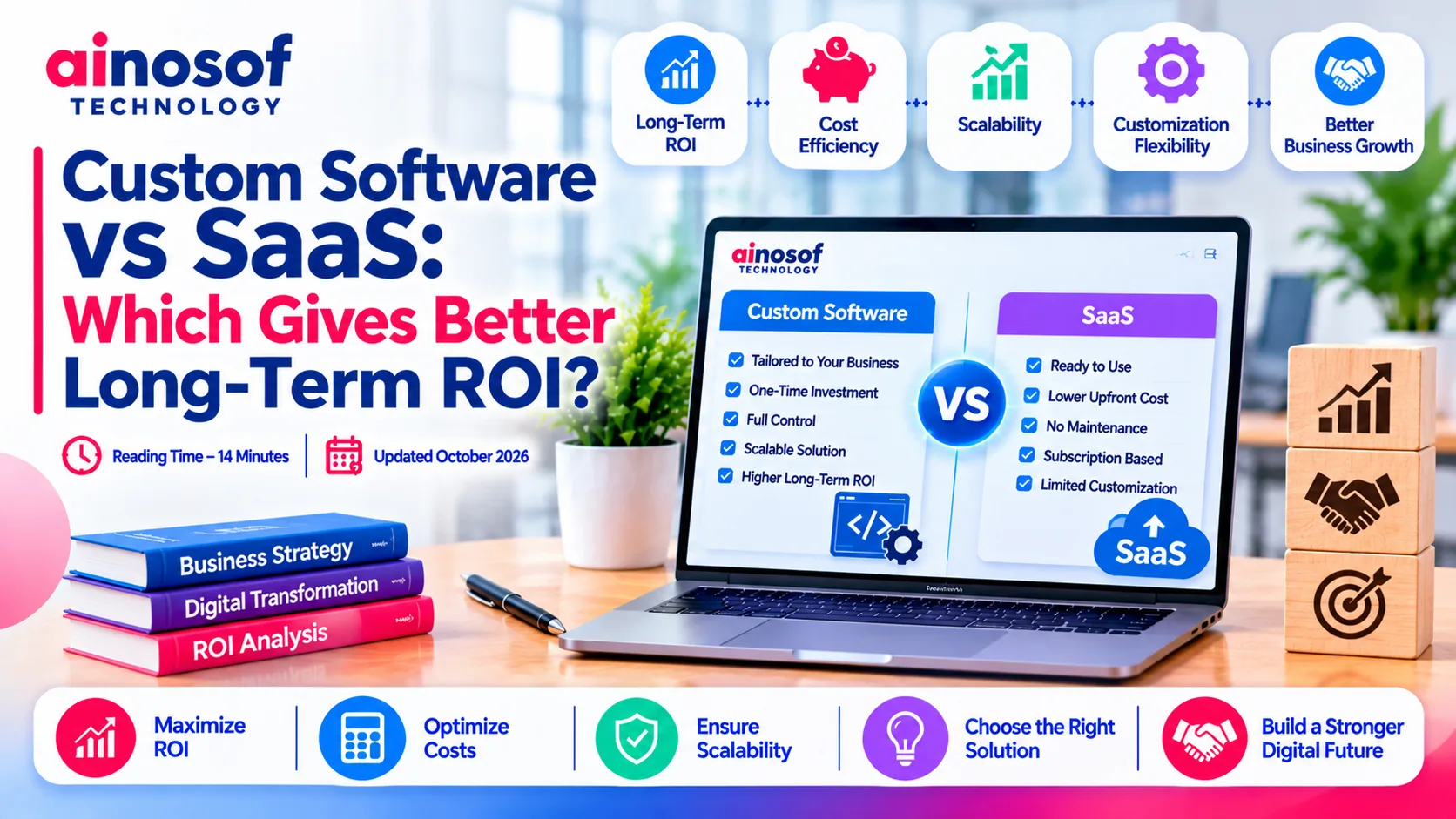 Custom Software vs SaaS: Which Gives Better Long-Term ROI?
27 Oct, 2026
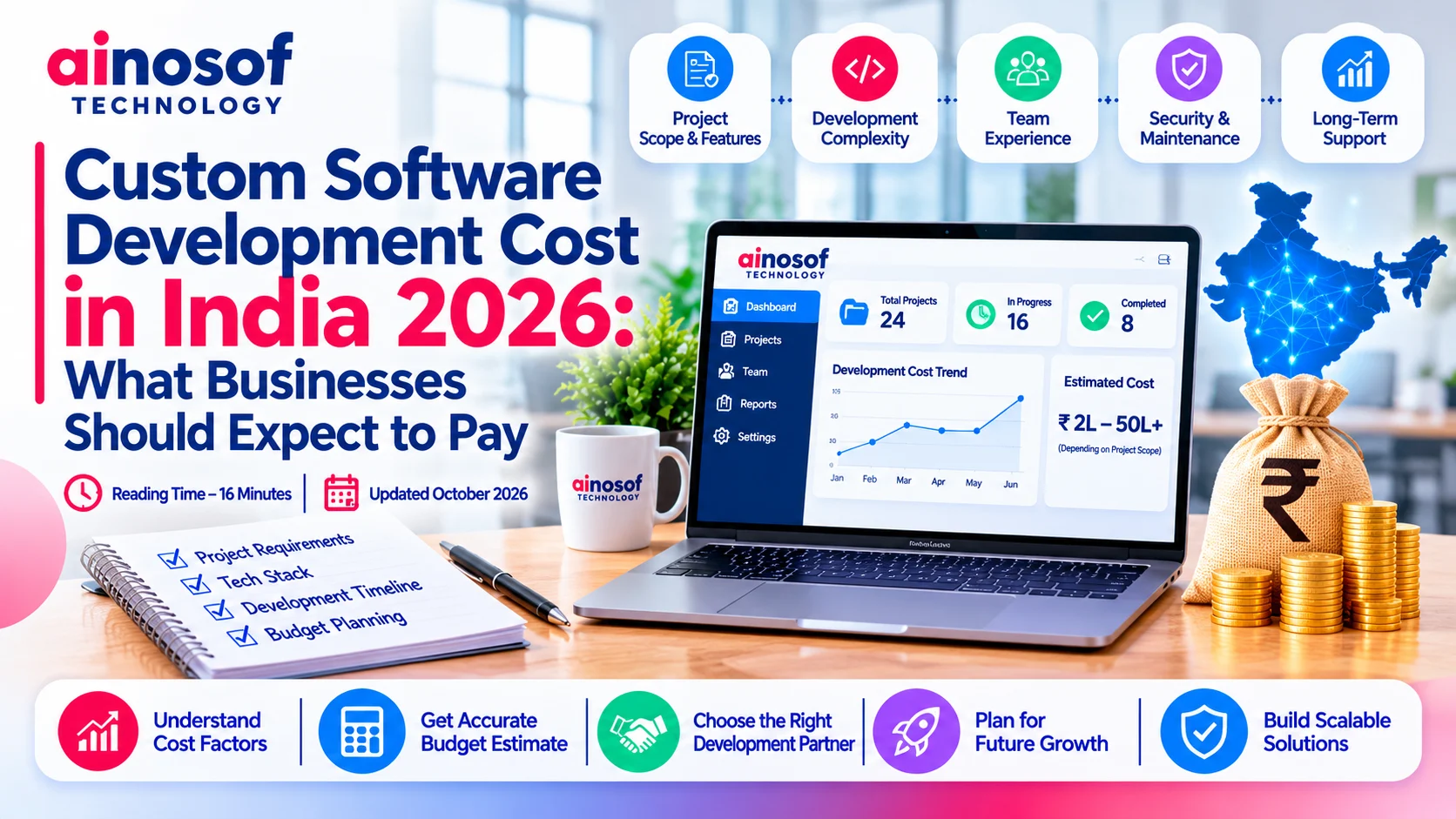 Custom Software Development Cost in India 2026: What Businesses Should Expect to Pay
26 Oct, 2026
 How Custom Construction Management Software Helps Builders Track Projects in Real Time
24 Oct, 2026
 Why Consultants and Agencies Need Custom Software to Manage Projects and Clients
23 Oct, 2026
 How Custom Billing and Inventory Software Helps Retail Stores Reduce Daily Errors
22 Oct, 2026
Comment with an expert and get our answer.
Comment with an expert and get our answer.
Continue exploring with related articles, practical guides and insights covering similar subjects. Discover more information, useful perspectives and ideas to help you learn about the topics that matter to your business.