The Rise of AI-Native Business Software: What's Replacing Traditional SaaS Tools in 2026
 Iram


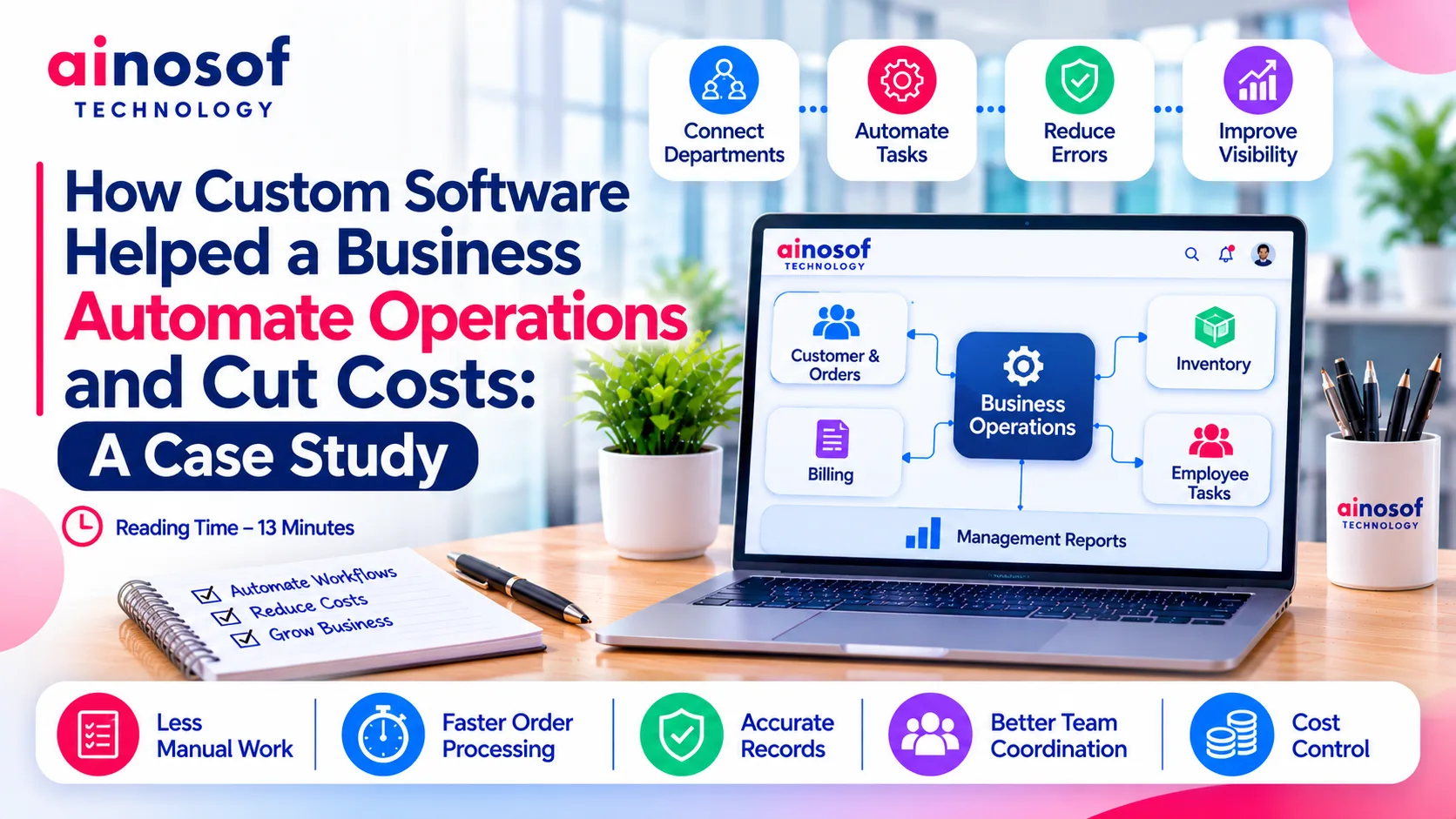
As a business grows, managing daily operations often becomes more complicated than managing sales. More customers mean more orders, more employees, more records, and more coordination between departments. Processes that once worked through spreadsheets and manual communication can gradually become expensive and difficult to control.
Many businesses respond by purchasing additional software or hiring more employees to manage the workload. However, adding more tools does not always solve the underlying problem. When applications operate independently and employees repeatedly enter the same information, operational complexity continues to increase.
Custom software offers another approach: connecting business processes through a system designed around the organisation's actual workflows.
This case study examines a representative business scenario in which a company moves from manual and disconnected operations towards an integrated custom software solution. It explains the operational challenges, the automation approach, and the business outcomes that organisations should measure when evaluating such an investment.
Case-study note: The example below is an illustrative business scenario, not a claim about a named Ainosof Technology client or a verified project outcome. Actual savings and performance improvements depend on the business, implementation scope, and measured results.
Imagine a growing distribution business managing customer orders, inventory, employee activities, billing, and reporting through separate spreadsheets and applications.
Initially, these tools seem sufficient. But as order volumes increase and more employees become involved, the company starts facing operational difficulties.
Employees spend time updating records, managers follow up with different departments, and important information remains scattered across multiple systems.
The business is not necessarily short of employees or software. Its real problem is that the systems and processes are not connected.
In this business scenario, different departments manage their responsibilities independently.
The sales team records customer orders, warehouse employees update stock information, accounts staff prepare invoices, and management collects reports from different sources.
Because these activities are not connected, the same information often needs to be entered more than once.
This creates several problems:
These problems may appear small individually, but their combined impact can increase operational expenses.
For example, if an employee spends several hours every week transferring information between applications, that time represents a recurring business cost. When similar work is repeated across multiple departments, the overall impact becomes significant.
The company needs to examine how its processes operate together rather than simply adding another application.
The existing tools were selected to solve individual problems, not to manage the complete business workflow.
A spreadsheet could record inventory, a billing application could generate invoices, and a separate tool could manage customer information. However, none of these systems provided a complete operational picture.
As the business expanded, its requirements became more connected.
For instance, confirming a customer order could require checking stock, verifying pricing, reviewing payment information, and coordinating dispatch. When these activities happen across separate systems, employees must manually connect the information.
The business also needed more control over its internal processes.
Standard software may offer predefined workflows, but those workflows do not always match a company's approval structure, pricing rules, reporting requirements, or department responsibilities.
The company therefore needed a solution that could:
At this stage, the question was no longer whether the company needed another software subscription. It was whether an integrated system could improve the way the entire business operated.
Instead of managing each operational problem separately, the business scenario called for a centralised software solution.
The proposed approach was to understand the company's existing processes, identify repetitive activities, and develop a system that could connect the most important business functions.
This is where custom software development becomes valuable. Rather than forcing employees to adjust every process to a ready-made platform, the software can be planned around the company's actual requirements.
The first step was to identify the processes that created the most manual work and operational delays.
For this scenario, the proposed system connected customer management, order processing, inventory, billing, employee activities, and management reporting.
The automation approach included the following areas:
1. Customer and order management
Customer records and order information were maintained within a central system. Employees could access relevant information without repeatedly searching through separate files.
The system could also support order status updates and internal notifications when an order moved to another stage.
2. Inventory management
Stock information was connected with order processing.
When an order was recorded, the system could check product availability and update relevant inventory records according to the configured workflow. This helped reduce dependence on repeated manual stock updates.
3. Billing and financial workflows
Order and customer information could be used to support invoice generation and billing workflows.
This reduced the need to enter the same details repeatedly and helped employees work with more consistent information.
4. Employee task management
Managers could assign responsibilities, monitor task progress, and review pending activities through a central interface.
This improved visibility into work distribution and helped reduce unnecessary follow-ups.
5. Management dashboards and reporting
Instead of collecting information from different departments, managers could review consolidated operational data.
Depending on the system configuration, dashboards could display order status, inventory position, pending tasks, and other relevant business indicators.
The objective was not to automate every activity simply because technology made it possible. The priority was to automate processes that consumed significant employee time, created repeated errors, or delayed business decisions.
The biggest opportunity in this scenario came from connecting information that was previously scattered across departments.
With enterprise software development solutions, businesses can build applications that support multiple functions through a connected system.
For the distribution business, this meant that an order could become part of a wider workflow rather than remaining an isolated entry in a spreadsheet.
For example:
The exact workflow depends on the company's policies and technical requirements. Some activities may be fully automated, while others may require employee approval.
This distinction is important. Good business automation does not remove necessary human decision-making. It reduces repetitive administrative work and gives employees the information they need to make decisions faster.
An integrated system can also improve management control by making operational information easier to access.
Instead of waiting for individual departments to prepare reports, management can review relevant data through a common platform.
For a growing organisation, this can support better coordination, faster responses, and more informed planning.
The value of custom software should be evaluated through changes in business operations, not simply through the number of features developed.
In the illustrative scenario, the expected improvements came from reducing duplicate work, connecting information, and creating more consistent workflows.
The actual financial impact would need to be established by comparing operational performance before and after implementation.
Automation can reduce costs by addressing the activities that repeatedly consume employee time and create operational friction.
For the distribution business, the potential improvements can be evaluated across several areas.
|
Operational Area |
Before Automation |
After Custom Software Implementation |
|
Customer records |
Maintained across separate files |
Centralised customer information |
|
Order processing |
Manual coordination between departments |
Connected order workflows |
|
Inventory updates |
Repeated manual entries |
System-supported stock updates |
|
Billing |
Re-entering customer and order details |
Connected billing information |
|
Employee activities |
Manual follow-ups |
Centralised task tracking |
|
Reporting |
Collecting information from different sources |
Consolidated operational dashboards |
|
Management visibility |
Delayed updates |
Easier access to current information |
These improvements can influence business expenses in several ways.
Reduced administrative workload: Employees spend less time transferring information between systems and can focus on higher-value activities.
Fewer manual errors: Connected records and automated validations can reduce errors caused by repeated data entry.
Better resource utilisation: Managers can identify workload distribution and allocate employees more effectively.
Improved operational coordination: Departments can access relevant information without depending entirely on manual communication.
Better cost visibility: Consolidated reporting can help management identify recurring expenses, delays, and process inefficiencies.
However, automation does not automatically guarantee lower costs. Software development, employee training, infrastructure, maintenance, and process changes also require investment.
The real objective is to ensure that the financial and operational value generated by automation justifies these costs.
A business should establish performance benchmarks before implementing custom software. Without a baseline, it becomes difficult to determine whether automation has actually improved operations.
The following indicators can help measure the results:
|
Business Metric |
What It Helps Measure |
|
Average order processing time |
Whether workflows are becoming faster |
|
Employee hours spent on manual tasks |
Whether repetitive work is decreasing |
|
Data entry error rate |
Whether information accuracy is improving |
|
Inventory discrepancies |
Whether stock records are becoming more reliable |
|
Invoice processing time |
Whether billing workflows are more efficient |
|
Report preparation time |
Whether management receives information faster |
|
Cost per transaction |
Whether operational expenses are decreasing |
|
Task completion time |
Whether internal coordination is improving |
Businesses can also calculate the financial return on their software investment.
ROI (%) = [(Total Financial Benefits − Total Investment Cost) ÷ Total Investment Cost] × 100
For a practical calculation, include development expenses, implementation, hosting, maintenance, employee training, and future upgrades in the total investment cost.
Financial benefits may include reduced overtime, fewer errors, lower administrative expenses, and savings from replacing unnecessary software subscriptions.
For example, if a company measures the number of employee hours saved each month, it can estimate the financial value of that time using actual labour costs. It should then compare those savings with the total cost of implementing and operating the system.
Businesses should also monitor non-financial improvements, such as faster customer responses, better management visibility, and more consistent operations.
For companies considering custom development, choosing an experienced enterprise software development services company is equally important. The development partner should understand business workflows, recommend practical automation opportunities, and establish measurable project objectives.
Ainosof Technology approaches custom software development with a focus on business requirements, connected workflows, and operational needs. The right solution should address the company's actual problems rather than introduce unnecessary complexity.
Automating one business process can improve efficiency, but connecting multiple functions can create greater operational value. Explore these related topics to understand how technology can support different areas of business growth:
If your business is still managing important activities through spreadsheets and disconnected applications, reviewing your workflows can be a practical first step towards identifying automation opportunities.
Business growth should not mean increasing operational complexity and administrative expenses at the same rate.
When employees spend too much time transferring information, coordinating departments, correcting errors, and preparing reports, the business needs to examine whether its existing systems are supporting or slowing down operations.
Custom software can help address these challenges by connecting business processes, automating repetitive activities, and improving access to operational information.
However, successful automation begins with understanding the business problem. Companies should identify their most time-consuming workflows, establish measurable objectives, evaluate implementation costs, and select a development partner capable of translating business requirements into a practical solution.
For organisations exploring custom enterprise software development services, the focus should remain on long-term operational value rather than the number of features or the initial development quotation.
A well-planned software investment should make everyday business operations easier to manage, help employees work more effectively, and give management better control over costs and growth.
Custom software automates repetitive business activities by connecting workflows, applications, and departmental information. It can support order processing, inventory updates, billing, employee task management, approvals, and reporting according to the organisation's requirements.
Yes, custom software can reduce operating costs by limiting repetitive manual work, reducing data entry errors, improving employee productivity, and connecting disconnected applications. The actual savings depend on implementation costs, business processes, and measurable operational improvements.
Businesses can automate customer management, order processing, inventory tracking, billing, purchase approvals, employee workflows, reporting, and internal communication. The processes selected for automation should depend on the company's operational challenges and priorities.
Implementation time depends on application complexity, required integrations, number of modules, data migration, testing, and project scope. A focused business application may take less time than a large enterprise platform involving multiple departments and complex workflows.
Yes. Small and medium-sized businesses can benefit from custom software when standard applications cannot support their workflows or when disconnected tools create recurring operational problems. The project should be planned according to current requirements, available budget, and expected growth.
Businesses should evaluate the company's experience, requirement analysis process, technical capabilities, integration expertise, security practices, project documentation, software ownership terms, and ongoing support. It is also important to compare proposals based on business outcomes rather than development price alone.
Custom enterprise software development services focus on building applications around a company's specific workflows, integrations, and operational requirements. Ready-made software provides predefined functionality for a wider customer base. Custom development offers greater flexibility, while ready-made platforms generally require less initial investment.
 The Rise of AI-Native Business Software: What's Replacing Traditional SaaS Tools in 2026
30 Oct, 2026
 Custom Software vs SaaS: Which Gives Better Long-Term ROI?
27 Oct, 2026
 Custom Software Development Cost in India 2026: What Businesses Should Expect to Pay
26 Oct, 2026
 How Custom Construction Management Software Helps Builders Track Projects in Real Time
24 Oct, 2026
 Why Consultants and Agencies Need Custom Software to Manage Projects and Clients
23 Oct, 2026
 How Custom Billing and Inventory Software Helps Retail Stores Reduce Daily Errors
22 Oct, 2026
Comment with an expert and get our answer.
Comment with an expert and get our answer.
Continue exploring with related articles, practical guides and insights covering similar subjects. Discover more information, useful perspectives and ideas to help you learn about the topics that matter to your business.