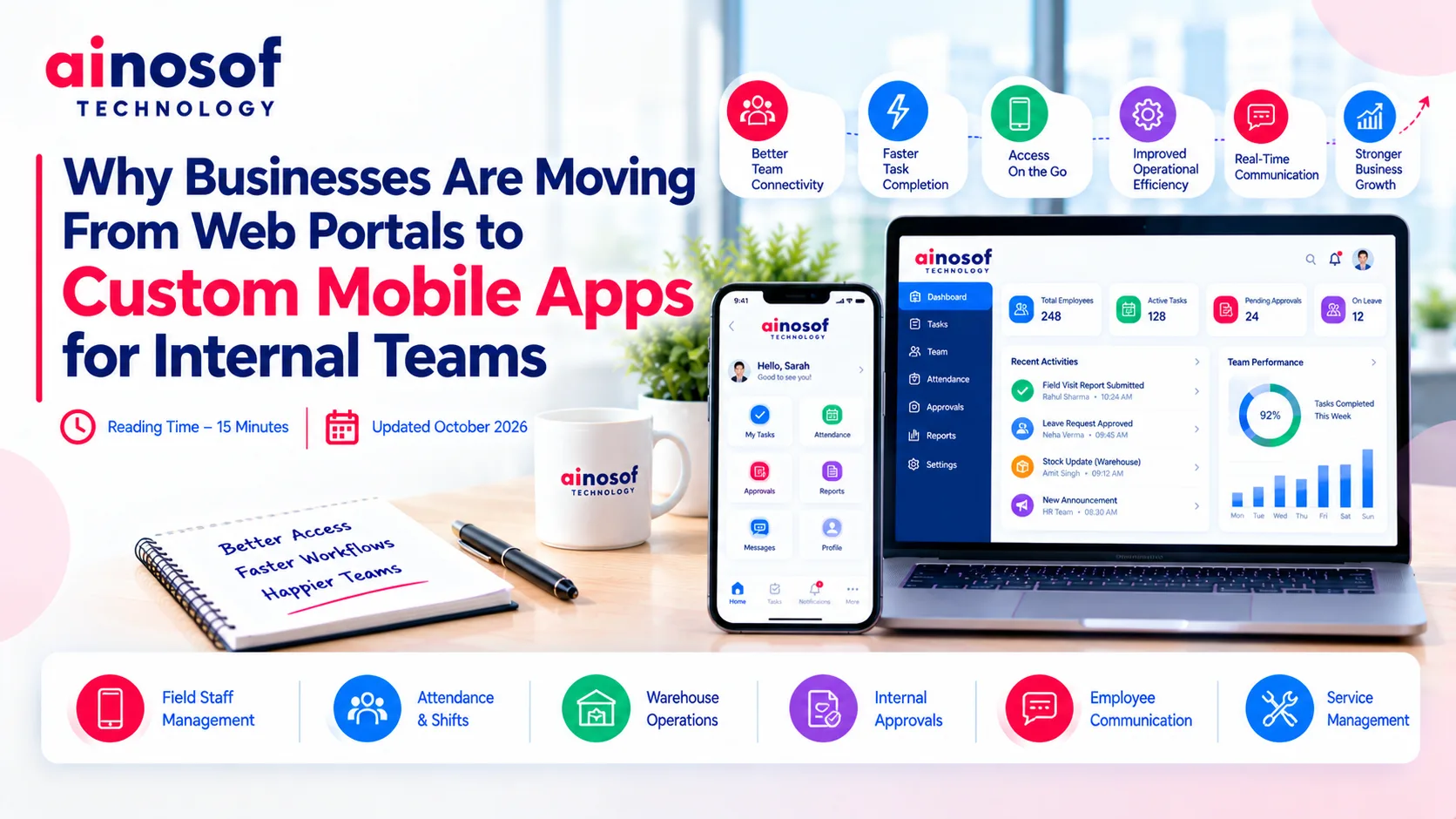
Why Businesses Are Moving From Web Portals to Custom Mobile Apps for Internal Teams
 Tarun Rajput


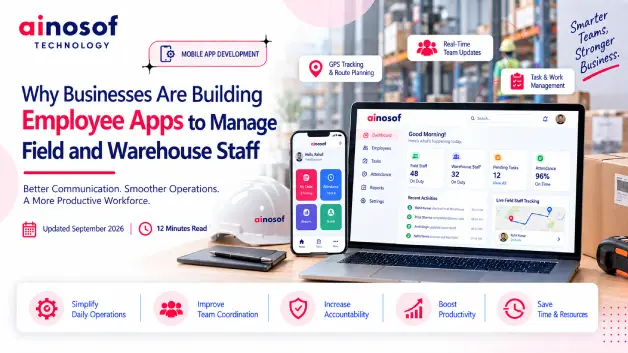
Managing employees becomes a very different challenge when the workforce is spread across customer locations, warehouses, project sites or different operating areas. A manager may need to know who has reported for work, which tasks have been completed, where field teams are working, what is happening inside the warehouse and which issues need immediate attention. When all of this information moves through phone calls, WhatsApp messages, spreadsheets and manual reports, keeping everyone aligned becomes increasingly difficult.
The problem becomes more visible as the business grows. More employees mean more attendance records, more tasks, more field visits and more updates to coordinate. Managers can end up spending a significant part of their day following up with employees instead of managing operations. At the same time, employees may have to repeatedly send updates or wait for instructions that could have been available to them directly.
This is why businesses are increasingly looking at an employee app for field and warehouse staff as part of their operational strategy. The objective is not simply to track employees. It is to create a more organized way to assign work, capture updates, manage attendance, coordinate teams and give managers better visibility into daily operations.
But an app is only useful when it solves a genuine business problem. A small business with a straightforward workforce may need only basic employee management, while a company managing field teams, warehouse operations and multiple locations may require task management, location-based attendance, reporting and customized workflows.
In this article, we will look at why manual workforce management starts becoming difficult, how an employee management app India solution can change daily operations, when field staff tracking app capabilities are actually useful, and what businesses should evaluate before adopting or building an employee management system.
Managing a small team can often be done through direct communication. A manager may know where employees are working, which tasks are pending and what has been completed simply by speaking to them during the day. But this becomes much harder when employees are spread across different field locations and warehouse operations.
As the workforce grows, the business needs a reliable way to maintain visibility without increasing manual follow-ups at the same rate. This is where the need for a structured employee app for field and warehouse staff can become more practical.
Calls and WhatsApp messages are convenient, but they can quickly become difficult to manage when they are being used for every attendance update, task assignment, field visit and work report.
A manager may receive employee updates through different conversations while attendance remains in a spreadsheet and task information is maintained somewhere else. Important details can become scattered, making it difficult to get one clear view of the workforce.
Common gaps include:
For example, a company with 30 field employees may receive dozens of WhatsApp updates every day. By the end of the day, a manager may still need to go through different conversations to understand which visits were completed and which employees still have pending work.
The problem is not the communication channel itself. The problem is that communication is being used as the primary system for managing operational information.
When workforce information is scattered, visibility becomes dependent on manual follow-up.
The challenge is greater when managers are not physically present where the work is happening.
A field employee may have several customer visits scheduled for the day. A warehouse employee may have picking, packing, loading or stock-related tasks to complete. If updates are shared only through calls or messages, managers may know what employees say has happened but may not have a consistent record of the complete workflow.
This can make it difficult to answer simple operational questions:
Imagine a warehouse manager receiving updates from different supervisors throughout the day. One person reports completed dispatches by message, another sends a spreadsheet and another gives a verbal update. The manager may eventually have the information, but putting it together takes time.
A structured workforce system can bring these updates into a consistent process, making it easier to identify gaps before they become larger operational problems.
The more distributed the workforce becomes, the more difficult manual visibility becomes to maintain.
Once workforce management becomes difficult to coordinate manually, the next question is how employees and managers can work through one connected process.
An employee app for field and warehouse staff can provide a common digital space for everyday activities such as task assignment, attendance, work updates and communication. Instead of keeping different activities across calls, messages and spreadsheets, businesses can bring relevant information into one workflow.
The objective is not to add another layer of administration. It is to reduce unnecessary coordination and make routine work easier for both managers and employees.
Managers can use an employee app to assign work with relevant details such as the task description, employee responsibility, location, priority and expected completion time.
Employees can then access their assigned work through the app and update its status as they progress.
For example, a service company may assign five field visits to an employee for the day. Instead of calling the employee with each instruction, the manager can provide the day's tasks through the app. The employee can see the assigned work and submit updates as tasks are completed.
The same approach can work inside a warehouse. A supervisor can assign activities such as stock checking, order preparation or dispatch-related tasks and receive status updates through the same system.
This gives managers a clearer operational view while reducing the need for repeated calls.
A good workforce system turns task communication into a trackable workflow rather than a chain of messages.
Employees also need a simple way to communicate what they have done.
An app can allow them to update task status, submit work reports, add notes or provide other information required by the business. The exact process can be designed around the type of work being performed.
For a field employee, this might mean updating a customer visit after completing it. For a warehouse employee, it could mean marking a task as completed and submitting an operational update.
Consider a field technician who previously had to call a supervisor after every service visit. If the app allows the technician to update the completed task directly, the information becomes available to the relevant manager without another phone call.
This can save time on both sides.
Employees get a clearer way to report their work, while managers spend less time collecting routine updates manually.
Even a technically capable employee app will not deliver much value if employees find it difficult to use.
Field and warehouse teams often work in practical, fast-moving environments. They may not have time to navigate complicated screens or enter lengthy reports for simple tasks.
The app should therefore make common activities easy to understand and quick to complete.
For example, if an employee normally needs only a few seconds to mark attendance or update a completed task, the app should not turn that action into a long process.
Employee adoption also depends on explaining why the system is being introduced. Employees should understand how it helps them receive instructions, report work and avoid repeated follow-up.
The goal should be to make the app part of the normal working process rather than treating it as an additional administrative burden.
Technology works best when the people using it can see practical value in their everyday work.
Attendance and field visibility become more complicated when employees do not work from one fixed office.
A business may need to know when employees start work, whether scheduled field visits are taking place and whether employees are completing assigned activities. An employee management app India solution can bring these activities into a structured digital workflow.
However, tracking should only be used where it serves a genuine operational purpose. The objective should be better coordination and accountability, not unnecessary monitoring.
Location-based attendance or a field staff tracking app becomes more relevant when an employee's work depends on being present at a particular customer site, project location or service area.
For example, a company with field sales representatives may need to verify visits to customer locations. A maintenance company may need visibility into whether technicians have reached assigned sites. A delivery or installation business may need location information as part of its operational workflow.
In these situations, location information can support attendance or task verification.
But not every employee needs location tracking. A warehouse employee working at a fixed facility may have little operational need for continuous location monitoring.
The right approach is to identify where location data solves a real business problem and avoid collecting information that is not necessary for the employee's work.
A field employee can use the app to record relevant visits or work activities as part of the assigned workflow.
Instead of calling employees throughout the day to ask where they are or whether a visit has been completed, managers can review the information available through the system.
For example, a sales representative with several customer visits can update each visit as it happens. The manager can then see which scheduled activities have been completed and which remain pending.
This can be especially useful when a manager is responsible for a large field team. Manual calls become difficult to maintain as the number of employees increases, while a centralized system can provide a clearer operational picture.
The purpose is not to watch every movement. It is to give managers the information needed to coordinate work without constant interruptions.
Businesses should first determine why location tracking is needed and what specific work process it supports.
Important considerations include:
For example, a field-service business may need location information when employees attend customer sites, but continuous tracking outside working activities may not be necessary for its operational purpose.
A thoughtful field staff tracking app should therefore balance business visibility with responsible data handling.
The purpose of employee tracking should be clear, limited and connected to a genuine operational requirement.
Field teams and warehouse teams may work in different locations, but their activities can be closely connected.
A field employee may need products from the warehouse. A warehouse team may need information about upcoming field requirements. Managers may need to coordinate both sides to avoid delays.
When these updates are handled separately, information can move slowly between teams. An employee management system can create a more connected workflow.
Warehouse employees can use an app to receive assigned tasks and provide updates as work progresses.
Depending on the business, tasks may include stock checks, order preparation, packing, loading, dispatch coordination or other warehouse activities.
For example, a supervisor can assign a stock-check task to a warehouse employee. The employee can update the task after completing it, allowing the manager to see its status without waiting for a separate verbal or spreadsheet-based report.
This creates a simple record of what has been assigned and what has been completed.
For businesses with multiple warehouse employees or shifts, this can make daily coordination easier because managers do not have to depend entirely on informal updates.
The real value appears when field and warehouse activities depend on each other.
Suppose a field technician has a customer installation scheduled for tomorrow. The required equipment may need to be prepared by the warehouse today. If the two teams work independently, the technician may discover a missing item only when the customer visit is approaching.
A connected workflow can allow relevant information to move between teams earlier.
The field requirement can be recorded, the warehouse task can be assigned, and the completion status can be made visible to the responsible manager.
This helps turn separate employee activities into one operational process.
Instead of asking, “Has the warehouse prepared it?” through a call, the manager can check the relevant task status.
Managers often need a quick view of what is happening across employees and locations.
A centralized employee system can bring together information such as:
For example, if several field visits are pending because required materials have not been prepared, centralized information can help the manager identify the dependency instead of discovering the issue through a late phone call.
The value of reporting is therefore not simply producing more reports. It is helping managers identify where work is progressing, where it is delayed and where intervention may be required.
As workforce operations become more distributed, having one reliable source of operational information can make everyday management considerably easier.
An employee management app makes sense when managing people manually starts taking more time than the business can reasonably afford. The decision should not be based on workforce size alone. It should be based on whether the current process gives managers enough visibility and employees a simple way to complete and report their work.
For some businesses, an existing standard application may solve the problem. Others may have workflows that require a more customized approach.
The clearest signs usually appear in everyday operations.
A business may need to consider an employee app when:
For example, a company with 15 field employees may manage everything through calls and WhatsApp without much difficulty. But when the team grows to 60 employees across different locations, the same process can create a much larger management burden.
The important signal is not simply having more employees. It is losing operational visibility as the workforce grows.
A standard employee management app can be enough when the business has straightforward workforce requirements.
For example, a company may only need attendance, leave management, task assignment, basic employee records, work updates and simple reporting. If these processes are already well defined and do not require unusual rules, a ready-made solution may provide what the business needs.
A standard solution can also be practical when the business wants to start digitizing without investing heavily in custom development.
Before choosing one, however, the business should check whether the application supports its actual working process. A lower initial cost does not help if employees and managers have to create workarounds for important daily activities.
The right standard app is one that fits the existing workflow without forcing the business to compromise on essential processes.
Customized employee management software becomes more relevant when the business has workflows that standard applications cannot handle properly.
This may include:
For example, a service company may need field technicians to receive location-based assignments, submit visit reports, record service details and trigger follow-up tasks. At the same time, its warehouse team may need to prepare equipment against those field assignments.
If the business workflow is this interconnected, a customized application may be more practical than trying to fit everything into a generic employee app.
The decision should come from workflow complexity and integration requirements, not from the assumption that custom software is always better.
Choosing an employee app should start with the business process, not the software demonstration.
A platform may offer dozens of functions, but the important question is whether those functions solve the problems employees and managers actually face every day.
Businesses should therefore evaluate the app against their workforce structure, operating locations, reporting requirements and future plans.
Start by mapping a normal working day.
Consider how employees receive instructions, mark attendance, travel to locations, complete tasks, submit updates and communicate with managers. Then examine how warehouse activities connect with field operations.
For example, if a field technician requires equipment from the warehouse before visiting a customer, the system should support the workflow between those activities rather than treating them as completely separate processes.
Similarly, if employees work in shifts, different locations or different roles, the app should accommodate those working patterns.
A useful question is:
“Can our employees use this app as part of their normal work, or will we have to change our business process just to fit the app?”
The closer the technology fits the real workflow, the easier it is likely to be adopted.
The next step is to check whether the app covers the functions the business actually needs.
Depending on the workforce, this may include:
A business should not select an app simply because it has a long feature list. Each function should connect to a real operational requirement.
For example, if field tracking is important, the business should understand exactly how location information is collected and used. If reporting is important, managers should be able to access the information they need without manually combining data from multiple sources.
The evaluation should always come back to one question:
Does this capability remove a real operational problem?
An employee app should be evaluated for tomorrow's workforce as well as today's.
A company may begin with 20 field employees and one warehouse, but later add new branches, larger teams, additional roles or more complex workflows.
The platform should be able to handle that growth without becoming difficult to manage.
Businesses should consider whether they can add employees, roles, locations and workflows easily. They should also check whether the system can connect with other software as operational needs change.
For example, a business may initially need only attendance and task management. Later, it may want ERP integration, advanced reporting or automated workflows. A scalable system should provide a practical path for those future requirements.
The best technology decision is one that solves today's workforce problem without creating tomorrow's technology limitation.
Digitizing employee management can be one part of a wider business transformation. Once workforce activities are organized, businesses can look at how employee data connects with ERP, CRM, HR and other business software.
The next step is to identify where employees and managers currently spend the most time on repetitive coordination. Those processes can then be evaluated for mobile access, automation, integration or custom software development.
For businesses with field and warehouse teams, the objective should be simple: create a system that helps employees work clearly and helps managers make decisions with reliable operational information.
Ainosof Technology can support businesses that need custom employee management app development, mobile applications and integrated business software designed around their specific workflows.
Managing field and warehouse employees becomes more difficult when workforce size, locations and daily activities increase. Calls, WhatsApp messages and spreadsheets may work initially, but they can eventually make attendance, task progress, field visits and reporting harder to control.
An employee app for field and warehouse staff can bring these activities into a more structured system. Employees can receive and update work, while managers can gain clearer visibility into attendance, tasks and operational progress.
But adopting an app should not be treated as a technology decision alone. Businesses should first identify the problem they are trying to solve, understand what their employees actually need and determine whether a standard application can support those workflows.
Where requirements are straightforward, a standard solution may be sufficient. Where the business depends on specialized processes, multiple locations, field and warehouse coordination or software integrations, customized employee management software may provide a more suitable long-term approach.
The right goal is not simply to put employee management on a mobile device. It is to build a workforce process that is easier to manage, easier for employees to use and capable of supporting business growth.
Q1. What is an employee app for field and warehouse staff?
An employee app for field and warehouse staff is a mobile-based system that helps businesses manage everyday workforce activities such as attendance, task assignment, work updates, field visits, communication and reporting.
The exact functions depend on the business. A field-service company may need location and visit tracking, while a warehouse may need task and shift management.
It can give field employees a central place to receive tasks, mark attendance, submit work updates and report completed visits.
For managers, it can provide better visibility into assigned and completed work without requiring constant phone calls and WhatsApp follow-ups.
Yes, a suitable field staff tracking app can support location-based attendance and field activity tracking when these functions are relevant to the employee's role.
Businesses should clearly define why location information is needed, what data is collected, who can access it and how it will be used.
Yes. A properly designed system can support different employee groups within the same application.
For example, field employees can manage visits and assigned tasks, while warehouse employees can manage stock-related or dispatch tasks. Managers can then view relevant information through a centralized system.
Yes. An employee management app India solution can be useful for small businesses when manual attendance, task management or employee coordination is already becoming difficult.
A small business does not necessarily need a complex system. It can start with the functions that solve its immediate operational problems and expand later if required.
A field staff tracking app is most relevant when employees regularly work at customer locations, project sites or different field locations and managers need legitimate operational visibility.
Businesses should use tracking for a clear work-related purpose rather than collecting location information without a defined need.
A standard app can be suitable when workforce requirements are straightforward and the available workflows match the business.
A customized solution may make more sense when the business has complex attendance rules, field and warehouse coordination, specialized workflows, multiple integrations or industry-specific requirements.
The decision should be based on business workflow, integration needs and future scalability.
 How Custom Construction Management Software Helps Builders Track Projects in Real Time
24 Nov, 2026
How Custom Construction Management Software Helps Builders Track Projects in Real Time
24 Nov, 2026
 Why Consultants and Agencies Need Custom Software to Manage Projects and Clients
23 Oct, 2026
Why Consultants and Agencies Need Custom Software to Manage Projects and Clients
23 Oct, 2026
 How Custom Billing and Inventory Software Helps Retail Stores Reduce Daily Errors
22 Oct, 2026
How Custom Billing and Inventory Software Helps Retail Stores Reduce Daily Errors
22 Oct, 2026
 Why Hospitals and Clinics Need Custom Software Beyond Generic Management Tools
21 Oct, 2026
Why Hospitals and Clinics Need Custom Software Beyond Generic Management Tools
21 Oct, 2026
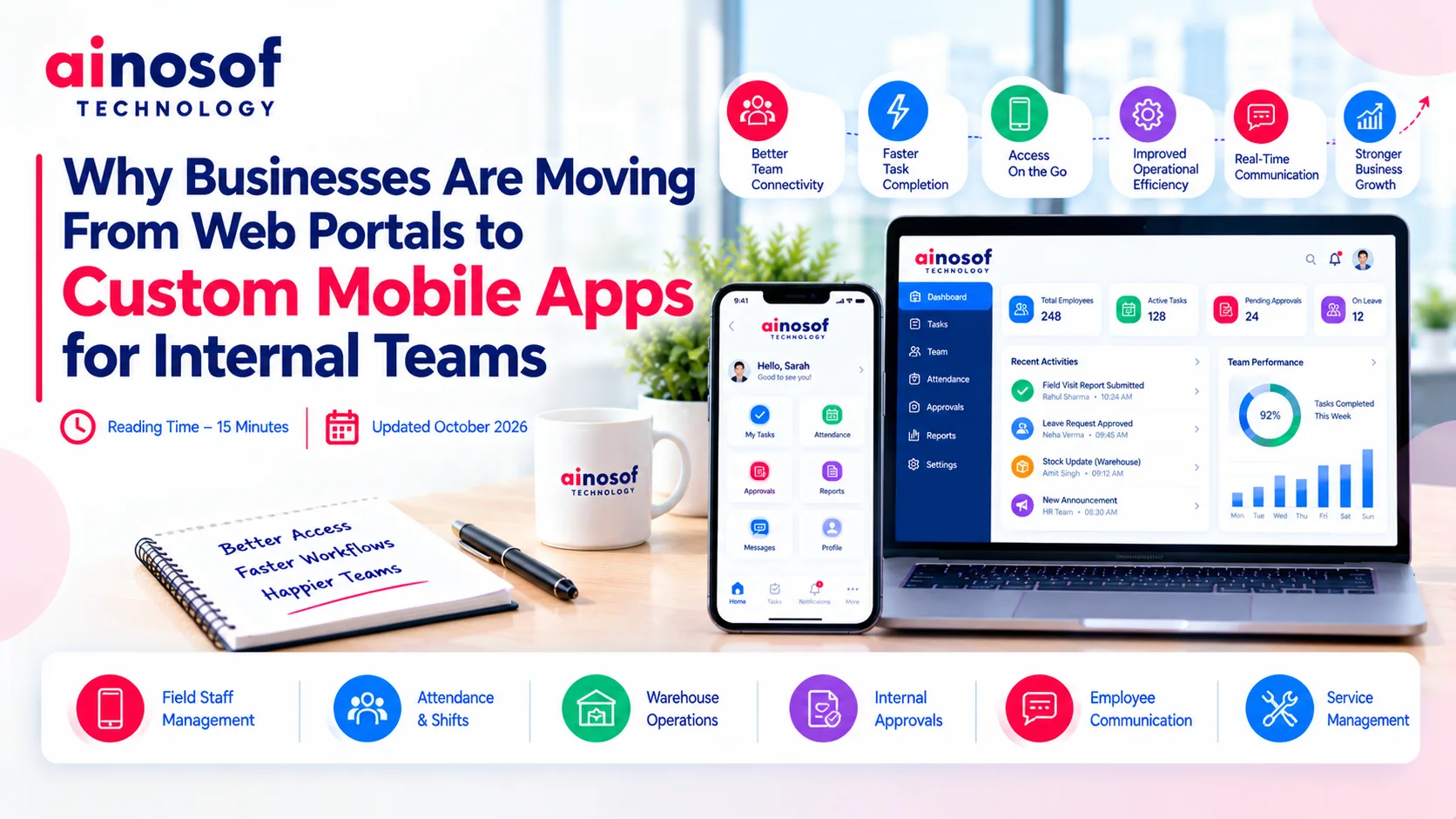 Why Businesses Are Moving From Web Portals to Custom Mobile Apps for Internal Teams
20 Oct, 2026
Why Businesses Are Moving From Web Portals to Custom Mobile Apps for Internal Teams
20 Oct, 2026
 Why Growing Ecommerce Brands Eventually Need Custom Software Beyond Shopify
19 Oct, 2026
Why Growing Ecommerce Brands Eventually Need Custom Software Beyond Shopify
19 Oct, 2026
Comment with an expert and get our answer.
Comment with an expert and get our answer.
Continue exploring with related articles, practical guides and insights covering similar subjects. Discover more information, useful perspectives and ideas to help you learn about the topics that matter to your business.