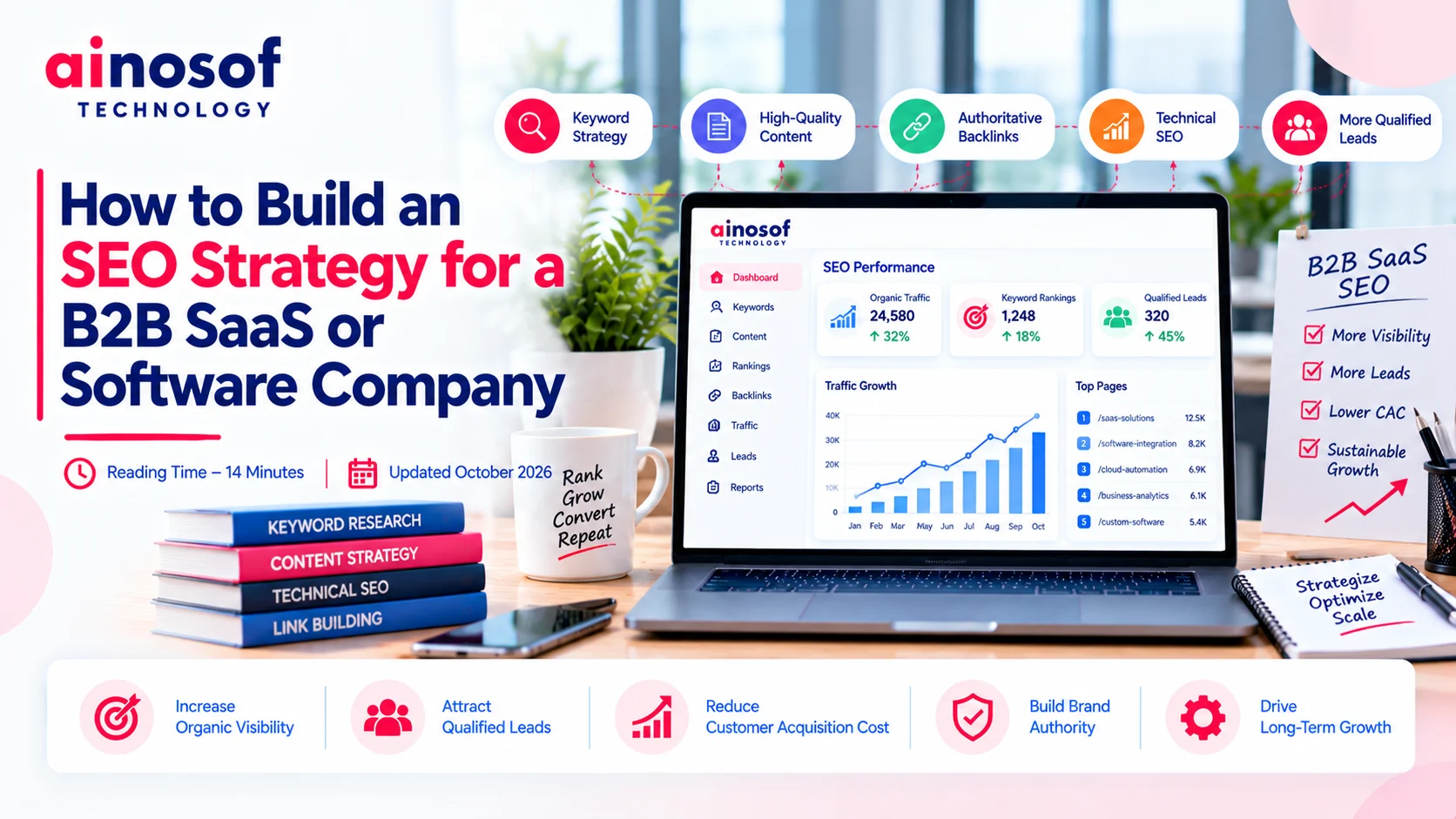

How to Build an SEO Strategy for a B2B SaaS or Software Company
 Aakil Khan


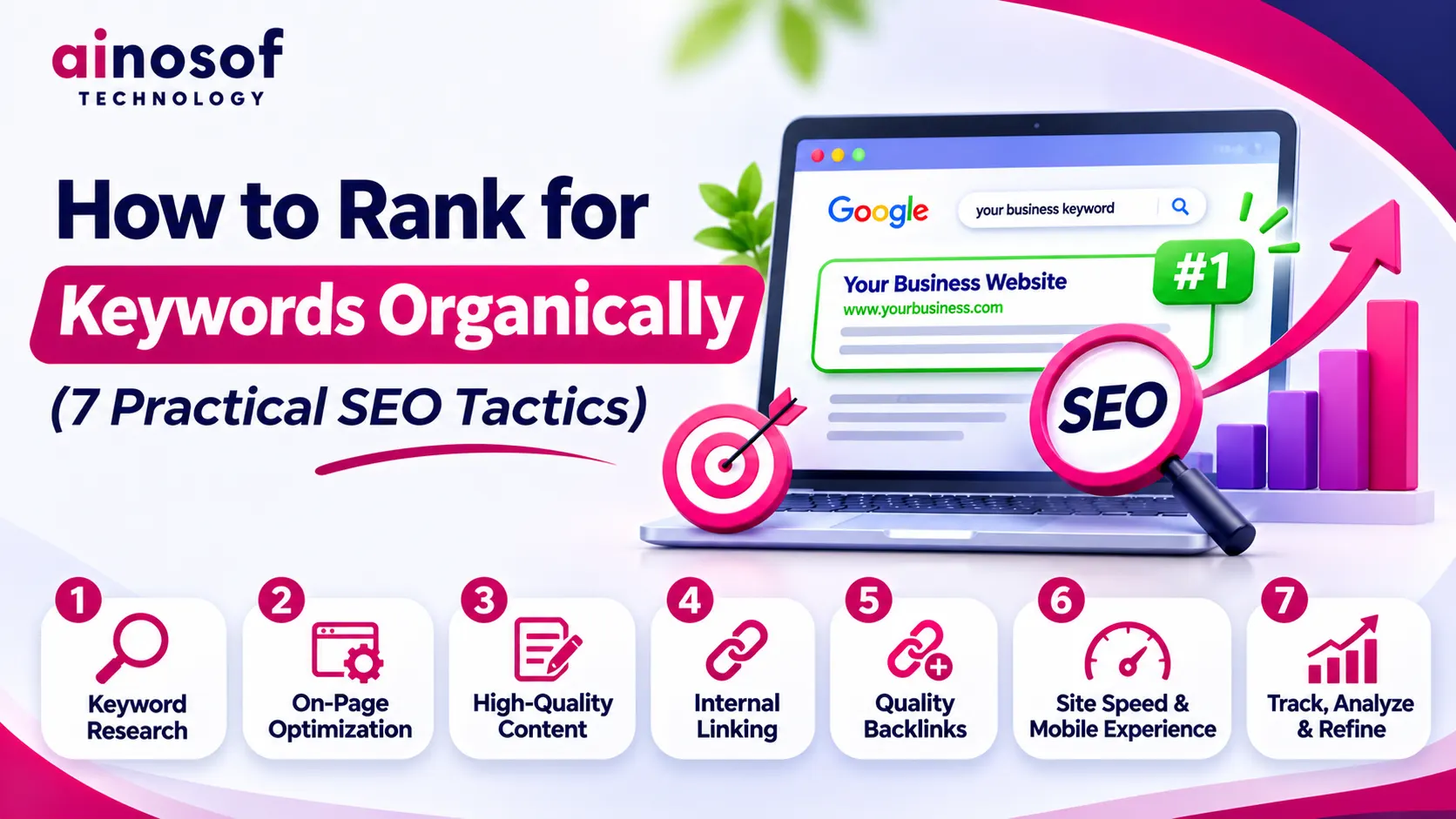
Getting your website to rank on Google for relevant keywords can bring consistent organic traffic and help potential customers discover your business without relying entirely on paid advertising.
However, ranking organically is not simply about finding keywords with high search volume and adding them to your website. You need to understand what people are searching for, create pages that match their intent, optimize your website structure and continuously evaluate performance.
The challenge is that many businesses target keywords that are either too competitive, irrelevant to their services or mapped to the wrong pages.
In this guide, we will explore seven practical SEO tactics to help your website rank for relevant keywords organically, along with actionable steps and examples you can apply to your own website.
Keyword research is the starting point of an effective organic SEO strategy. It helps you understand what your potential customers search for, which topics are relevant to your business and which opportunities are worth targeting.
Instead of selecting keywords only by search volume, consider their relevance, search intent, competition and potential business value.
Start by identifying the products, services, problems and questions your target audience searches for.
Think about the different stages of their decision-making process. Someone looking for information may use a broad query, while a person ready to hire a service provider may search for a more specific phrase.
Example:
For a business offering website development, relevant searches may include:
Each query represents a different search requirement and may need a different type of page.
Use keyword research tools to discover related search terms, estimated search volumes, competition and keyword variations.
Some commonly used tools include:
You can also use Google's autocomplete suggestions and related searches to discover how people phrase their queries.
Do not treat keyword tool metrics as exact predictions. Use them to compare opportunities and understand search demand.
Search intent explains what a person expects to find after entering a query into Google.
The main intent categories include:
Choose keywords according to the purpose of the page you want to rank.
Long-tail keywords are more specific search phrases that often reveal a clearer user requirement.
For example, "SEO services" is broad, whereas "SEO services for manufacturing companies" describes a more specific need.
These keywords may have lower search volumes, but they can attract visitors with more relevant requirements.
Also, do not automatically ignore keywords showing zero or very low search volume in research tools. Some specific queries may still represent valuable customer needs. Validate them through search results, customer questions and business relevance rather than assuming they will generate traffic.
Search your target keywords on Google and examine the pages already ranking.
Look at:
Example: If Google mainly displays service pages for "custom software development company", writing a general blog about software development may not match the search intent. A dedicated service page is likely to be more appropriate.
Once you have completed keyword research, group related keywords and assign them to the most relevant pages. This prevents multiple pages from competing for the same search intent.
Finding the right keywords is only the first step. You also need to place them naturally within your website's content and important HTML elements.
The goal is to help search engines understand each page while keeping the content clear and useful for visitors.
Your SEO title should clearly communicate the subject of the page. Include the primary keyword naturally and make the title relevant to what users will find.
Example:
Instead of:
"Welcome to Our Company"
Use:
"Custom Software Development Company | Ainosof"
Keep titles descriptive and concise. There is no fixed character limit that guarantees Google will display your entire title.
The H1 should clearly describe the main topic of the page. It should align with the SEO title and the content that follows.
For example:
Use one clear primary heading to establish the page's main subject.
Introduce the main topic early so readers can understand what the page covers.
You can use the primary keyword in the introduction where it fits naturally. Avoid forcing it into the first sentence if doing so makes the writing awkward.
Related terms help organise content around different aspects of the main topic.
For example, an article about organic keyword rankings may include headings such as:
Use headings to explain the content that follows, not simply to insert more keyword variations.
Include relevant keywords and related concepts where they genuinely help explain the topic.
For example, a page about local SEO services may naturally discuss Google Business Profile, local search visibility, location pages, customer reviews and local citations.
Do not repeat the same phrase unnecessarily. Google can understand related language and the overall subject of a page without requiring every keyword variation to appear word for word.
Internal links connect related pages on your website and help visitors explore additional information.
For example, a blog explaining keyword research can link to your SEO service page when discussing professional SEO support.
Use descriptive anchor text that tells readers what they can expect from the linked page. Avoid using the exact same keyword-rich anchor text repeatedly across unrelated pages.
Images can support your content and improve the reading experience when they add useful information.
Use descriptive image file names, relevant alt text and compressed image files. Add suitable captions where they help explain the visual.
Structured data can also help search engines understand specific types of page information when implemented correctly. However, schema markup does not guarantee rich results or higher rankings.
Example: For an article about website development, a supporting diagram could explain the development process. A descriptive file name and accurate alt text help communicate what the image represents.
Publishing optimized content is not the end of SEO. You need to monitor how your pages perform, identify changes and improve your strategy based on actual search data.
Keyword ranking tools can help, but ranking position should not be your only performance measure.
Google Search Console is one of the most useful tools for understanding how your website performs in Google Search.
Its Performance report provides information about:
You can filter the report by query or page to understand which keywords are generating visibility for specific URLs.
Tools such as Ahrefs, Semrush and Ubersuggest can help monitor keyword ranking trends and compare your website with competitors.
Use them to identify:
Remember that ranking tools provide estimates and may show different positions depending on location, device and tracking settings.
A keyword ranking improvement is useful only when it contributes to your website's wider objectives.
Use Google Analytics 4 or another analytics platform to understand organic visits and the actions users take after arriving on your website.
Depending on your business, these actions may include:
Example: Suppose a service page starts receiving more organic clicks but enquiries remain unchanged. This may indicate that the page attracts visitors but does not communicate the service clearly or provide an effective next step.
In that situation, review the page content, trust signals, enquiry process and calls to action instead of focusing only on keyword positions.
Compare performance over suitable periods rather than making decisions based on daily ranking fluctuations.
A practical review can include:
Treat SEO as an ongoing process of measurement, learning and improvement.
Even after investing time in keyword research and website optimisation, certain mistakes can prevent pages from performing as expected.
Here are common issues to avoid.
A keyword may look valuable because of its search volume, but the content you create must match what users expect.
For example, a blog about "what is CRM software" may not satisfy someone searching for a CRM development company.
Choose the right page type for each search intent.
New or smaller websites may struggle to compete immediately for broad, highly competitive search terms.
Build relevant content around specific topics and long-tail searches while gradually developing the website's authority and coverage.
Repeating the same keyword in every paragraph, heading and image description makes content difficult to read.
Use the primary keyword where relevant and include related terms naturally. Content should be written for people, not to achieve a particular keyword density.
When multiple pages target the same search intent, Google may have difficulty determining which page is the best result to show.
Map keywords to relevant URLs and give each important page a clear purpose. Review overlapping pages and consolidate or differentiate them where appropriate.
Adding more words does not automatically make a page better. A useful page should answer the reader's questions, provide relevant details and offer something valuable beyond generic explanations.
Focus on completeness, accuracy and original insights instead of following a fixed word-count target.
Important pages can become difficult for visitors and search engines to discover when they are not connected properly.
Build logical links between related blogs, service pages, industry pages and other useful resources.
Not all backlinks are valuable. Buying links for ranking purposes, participating in excessive link exchanges or using automated link-building schemes can violate Google's spam policies.
Focus on earning relevant links through useful resources, genuine industry relationships, digital PR and original content.
A page may rank for several keywords but still fail to generate enquiries or sales.
Monitor clicks, impressions, relevant traffic and conversions together to understand whether your SEO strategy is contributing to business objectives.
Ranking for keywords organically requires more than adding search terms to website pages. It involves understanding your audience, selecting relevant keywords, creating useful content, building a logical website structure and continuously improving performance.
Start with keywords that closely match your business and customer requirements. Optimise the right pages, connect related content and monitor how visitors interact with your website.
Most importantly, focus on attracting relevant visitors rather than chasing rankings for keywords that have little connection to your business.
Want to improve your website's organic search visibility? Ainosof Technology helps businesses with keyword research, on-page SEO, technical optimisation, content strategy and ongoing SEO improvements. Explore our SEO services to understand how a structured SEO approach can support your business growth.
Start with relevant keyword research, understand search intent and create a page that satisfies the user's requirement. Optimise the SEO title, H1, content and internal links, resolve technical issues and monitor performance through Google Search Console. Consistent improvements can support organic visibility, but rankings are never guaranteed.
There is no fixed timeline for ranking a keyword. It depends on competition, website history, content quality, search intent, technical health and the effort invested in SEO. Some less competitive queries may gain visibility sooner, while highly competitive terms can take considerably longer.
There is no fixed number of keywords a page must target. Focus on one clear primary topic and naturally cover related search terms that share the same intent. Avoid creating separate pages for every minor keyword variation when one useful page can address them all.
Yes, pages can rank without actively acquiring backlinks, particularly for less competitive searches where the content closely matches user intent. However, relevant backlinks and external references can help establish authority and may be important in competitive markets.
Google Search Console helps monitor queries, impressions, clicks, CTR and average position. Tools such as Ahrefs, Semrush and Ubersuggest offer additional keyword tracking, competitor analysis and ranking reports.
No. Use exact-match keywords where they fit naturally, particularly in important page elements such as the title and main heading. Other headings can use descriptive variations and related topics that accurately represent the content.
Possible reasons include mismatched search intent, strong competition, weak content, technical indexing issues, overlapping pages or insufficient topical coverage. Review Google Search Console data and compare your page with current search results to identify what needs improvement.
Long-tail keywords are often more specific and may have less competition than broad search terms. However, this is not guaranteed. Their difficulty depends on the topic, search intent and websites already ranking for those queries.
There is no ideal keyword density that guarantees better rankings. Repeating keywords unnaturally can make content difficult to read and may become keyword stuffing. Focus on clear language, relevant topics and useful information.
Review your SEO performance regularly, such as weekly or monthly, depending on your website and campaign. Use longer comparison periods to understand trends and avoid making unnecessary changes based on temporary ranking fluctuations.
 Why Off-the-Shelf Software Is No Longer Enough for Scaling Businesses
31 Oct, 2026
 The Rise of AI-Native Business Software: What's Replacing Traditional SaaS Tools in 2026
30 Oct, 2026
 How Custom Software Helped a Business Automate Operations and Cut Costs: A Case Study
28 Oct, 2026
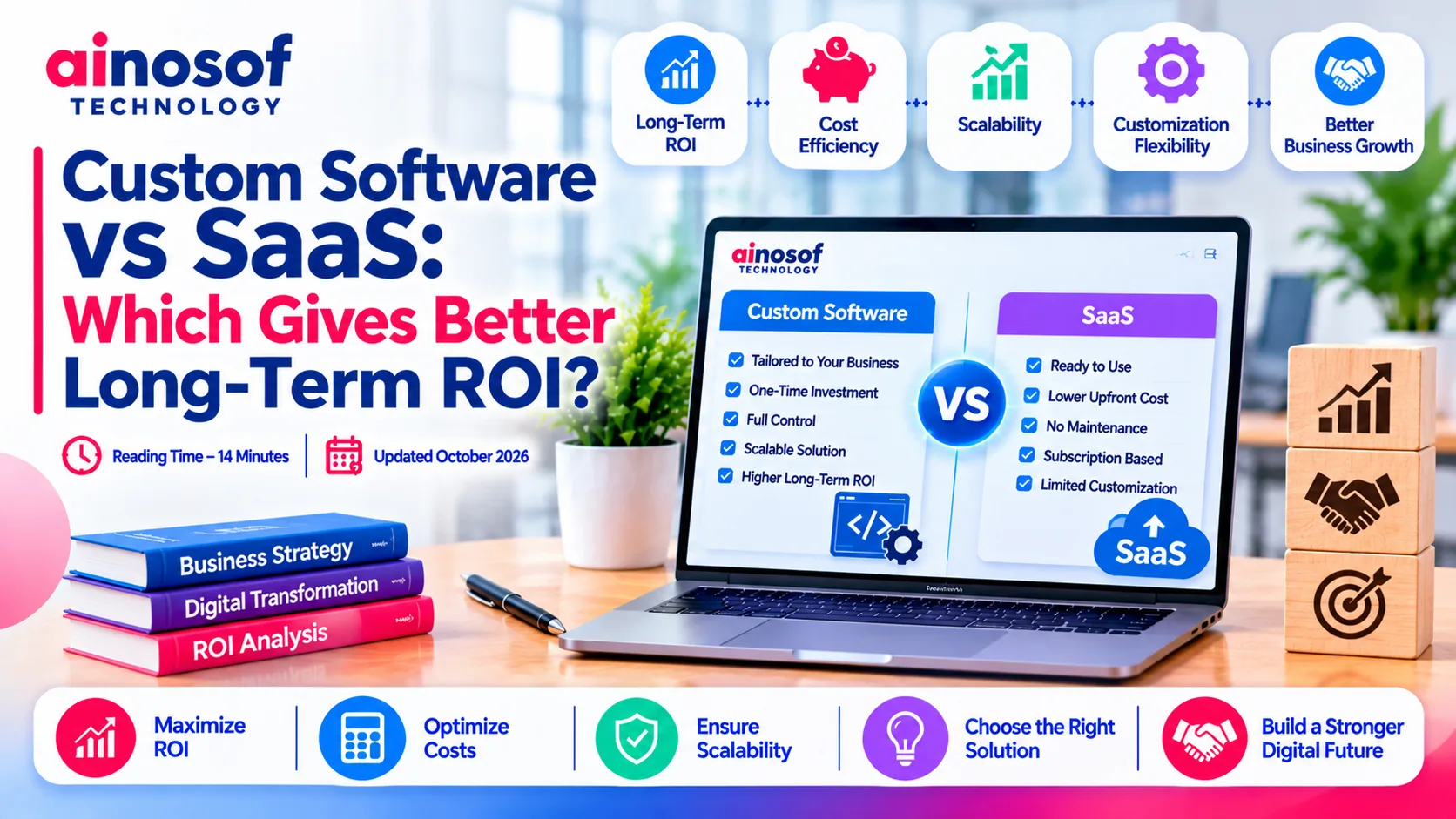 Custom Software vs SaaS: Which Gives Better Long-Term ROI?
27 Oct, 2026
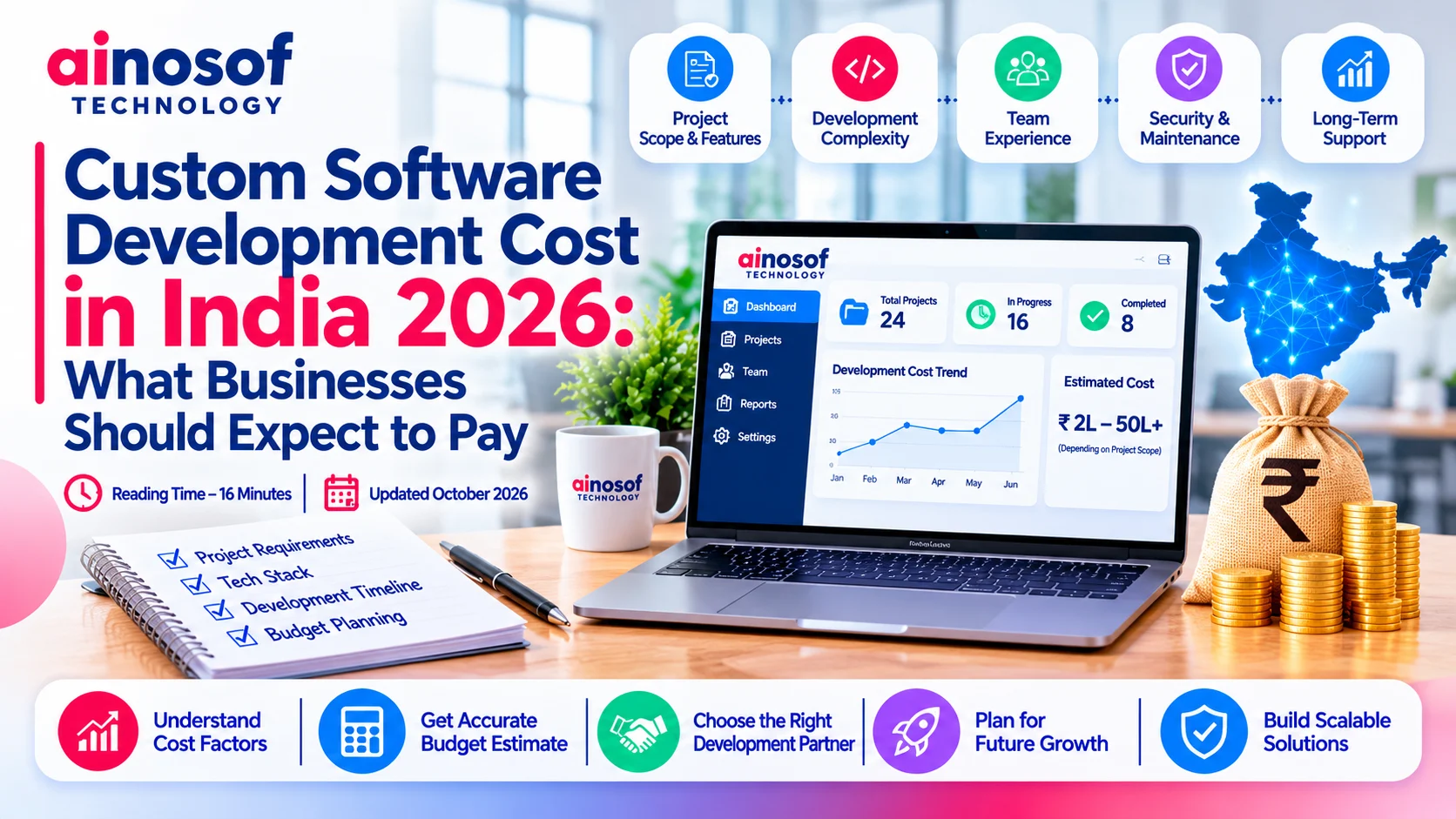 Custom Software Development Cost in India 2026: What Businesses Should Expect to Pay
26 Oct, 2026
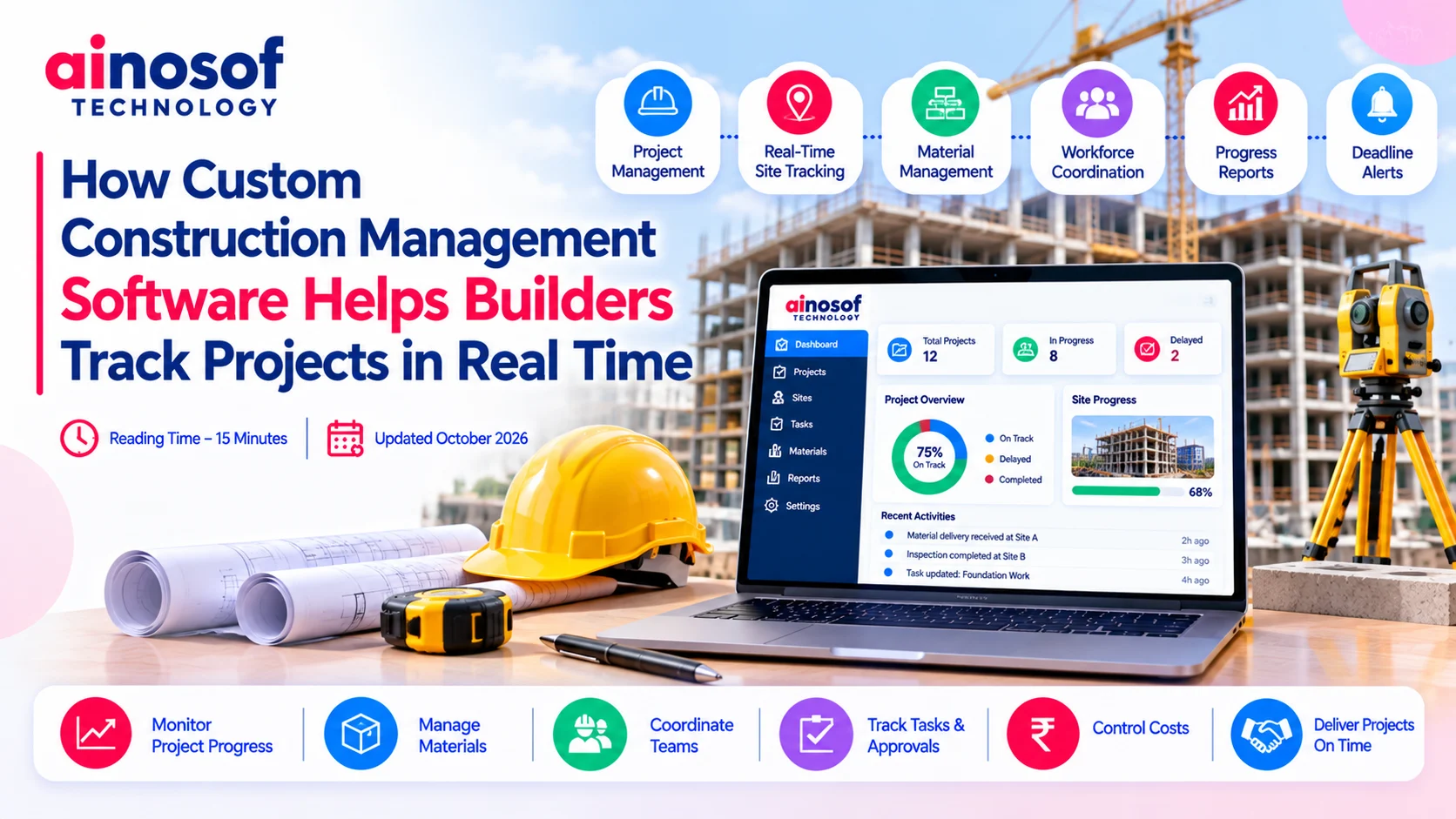 How Custom Construction Management Software Helps Builders Track Projects in Real Time
24 Oct, 2026
Comment with an expert and get our answer.
Comment with an expert and get our answer.
Continue exploring with related articles, practical guides and insights covering similar subjects. Discover more information, useful perspectives and ideas to help you learn about the topics that matter to your business.