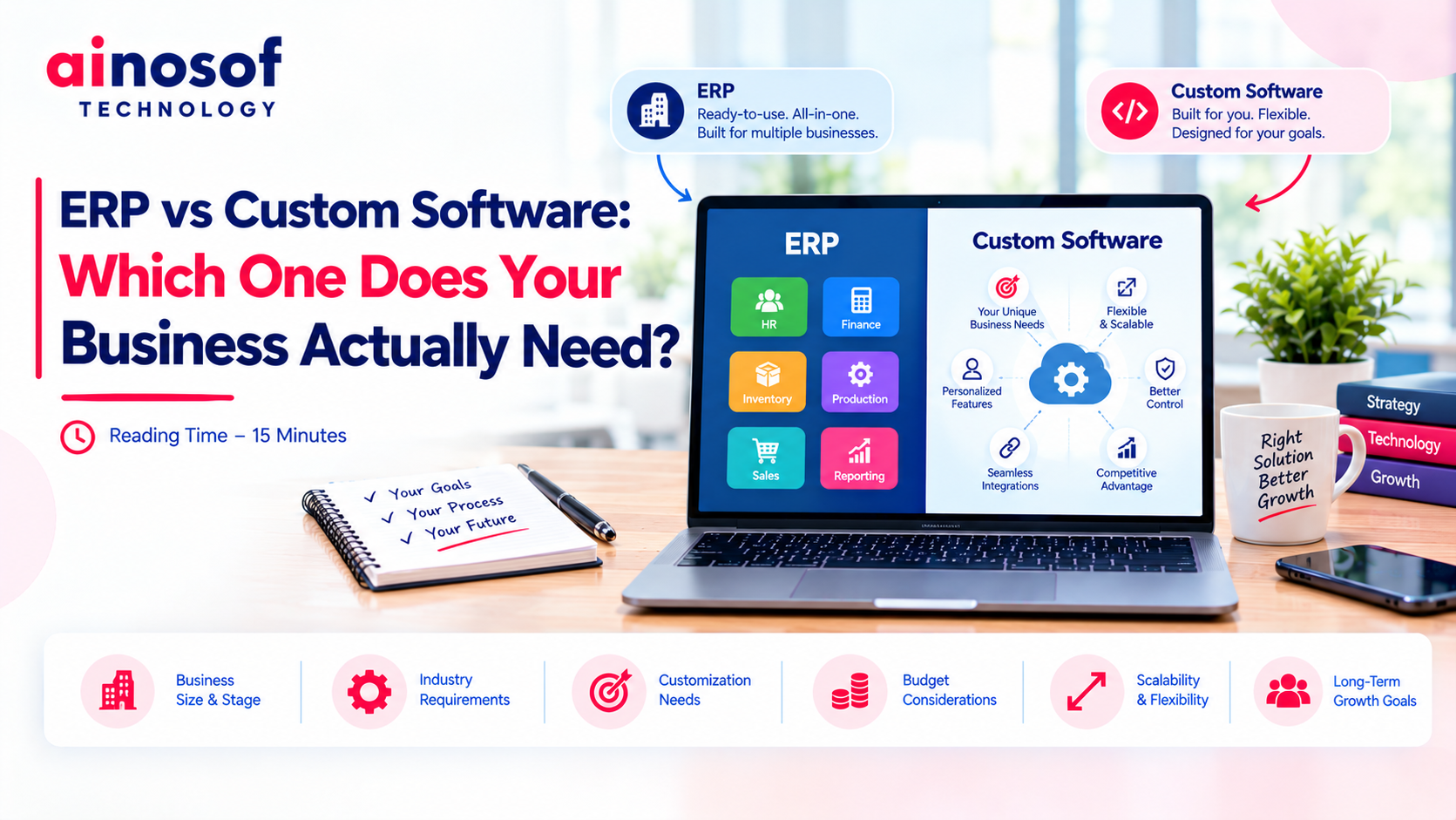
ERP vs Custom Software: Which One Does Your Business Actually Need?
 Iram
Iram



A growing business does not usually notice its inventory problems all at once. They appear gradually—stock numbers start differing from physical counts, purchase decisions take longer, warehouse teams depend on manual updates, and sales teams cannot always see what is actually available. What worked when the business had fewer products, orders, and locations can become difficult to manage as operations expand.
The bigger challenge is that choosing an inventory ERP is not simply about finding software with more features. A system that looks impressive in a demo may still be a poor fit if it does not match your workflows, inventory complexity, integrations, or future growth plans. On the other hand, choosing only on the basis of price can leave a business with limitations that become expensive to fix later.
That is why choosing an inventory ERP should be approached as a business decision, not just a software purchase. The right choice can improve stock visibility, reduce operational friction, connect key processes, and give management better control as the business grows. The wrong choice can create new workarounds, increase implementation costs, and make everyday operations more complicated.
In this guide, you will learn how to assess your actual inventory requirements, compare ERP options, evaluate demonstrations, consider inventory ERP software in India, assess implementation and data migration, calculate long-term costs, and determine whether a system is capable of supporting your next stage of growth.
Business growth changes the way inventory needs to be managed. When product volumes, orders, suppliers, warehouses, and employees increase, the inventory process that once worked smoothly can start creating delays and errors. A business may still be selling successfully, but the lack of reliable inventory visibility can make daily decisions harder.
One of the first problems is that inventory information becomes difficult to keep accurate. Stock may be updated in different spreadsheets, billing systems, warehouse records, or separate software. As a result, the sales team may see one stock figure while the warehouse has another.
Businesses can also face:
For example, a distributor that manages 100 products from one warehouse may be able to track stock manually. As the business expands to 1,000+ products across three warehouses, manually maintaining the same information becomes much harder. Even a small stock-entry mistake can affect purchasing, sales commitments, and customer service.
The issue is not simply that there is “too much data.” The real problem is that growing inventory requires better coordination between people, processes, and systems.
A growing business therefore needs an inventory ERP when its existing approach starts limiting operational control rather than supporting it.
Your existing system may no longer be enough when employees regularly depend on spreadsheets, manual reconciliation, duplicate data entry, or separate tools to complete basic inventory tasks.
A clear warning sign is when managers cannot quickly answer questions such as:
Consider a business that has started adding new warehouses. If employees must call different locations or combine multiple spreadsheets to understand total stock, the problem is no longer just an inventory-reporting issue. It is becoming a business visibility problem.
At this stage, adding more spreadsheets or small tools may only create another layer of complexity. The better decision is to examine whether an inventory ERP can bring these processes into one connected system.
The right time to change is not necessarily when inventory becomes impossible to manage. It is when the existing system starts creating enough friction that growth becomes harder to control.
Choosing an ERP should begin with your business rather than the software vendor's feature list. Before comparing different systems, you need to understand how your inventory currently moves through the business, where problems occur, and what your operation will look like as it grows.
This prevents a common mistake: buying an ERP because it offers many capabilities that your business may never use while overlooking the few capabilities that are critical to daily operations.
Not every business needs the same level of inventory control. A company selling a small number of standardized products may have relatively simple requirements, while a manufacturer, distributor, or multi-location retailer may deal with thousands of SKUs, different units, batches, serial numbers, warehouses, and frequent stock movements.
Start by assessing factors such as:
For example, a trading company selling 200 standard products may not need the same inventory structure as a manufacturer managing raw materials, work-in-progress, finished goods, and multiple production-related stock movements.
This assessment helps you understand the level of inventory complexity your ERP must handle today.
It also prevents overbuying. The best inventory management ERP for one business may be unnecessarily complicated for another.
Once you understand your inventory complexity, identify the processes that need better control.
Depending on the business, an ERP may need to support:
The important question is not, “Does this ERP have inventory features?”
Instead, ask, “Can this ERP handle the way our inventory actually moves?”
For example, if your purchasing team receives materials, the warehouse verifies them, the accounts team processes the purchase, and the sales team later sells the finished products, the ERP should help connect those activities rather than forcing employees to enter the same information repeatedly.
A system becomes more valuable when it reduces manual coordination between departments and gives each team access to the information it needs.
Inventory rarely operates as an isolated business function. Sales orders affect stock. Purchases increase stock. Warehouse movements change availability. Accounting needs transaction information. That makes system integration an important part of ERP selection.
Before choosing software, map the systems and departments that need to exchange information.
For example:
Sales → Inventory: Confirm available stock before accepting orders.
Purchases → Inventory: Update expected and received stock.
Inventory → Accounting: Connect relevant inventory transactions with financial records.
Warehouse → Inventory: Track receipts, transfers, adjustments, and dispatches.
ERP → Reporting: Give management a consistent view of business data.
Suppose a sales employee promises a product to a customer based on outdated stock information. The problem may appear to be a sales mistake, but the underlying issue could be that sales and inventory systems are not properly connected.
This is why inventory ERP software India should be evaluated not only for its inventory capabilities but also for how well it connects the wider business operation.
The goal is to create a reliable flow of information from purchasing to storage, sales, finance, and management.
Once your requirements are clear, you can begin comparing ERP solutions. At this stage, avoid treating the selection process as a competition between software products based on the number of features each one displays.
A better approach is to test how each option performs against your actual business requirements.
A long feature list does not automatically make an ERP the right choice. What matters is whether the system can solve the operational problems you identified earlier.
Test practical areas such as:
For example, instead of asking whether an ERP “supports warehouse management,” ask the vendor to demonstrate how an employee would receive stock, update quantities, transfer products, and check the resulting inventory position.
This makes the comparison much more meaningful.
A capable ERP should not simply contain the required functions. Those functions should work together in a way that makes your business easier to manage.
This decision depends on how closely your business processes match standard ERP workflows.
An off-the-shelf ERP can be suitable when your inventory processes are relatively standard and you want faster implementation with established functionality.
A customized inventory ERP may make more sense when your business depends on specific workflows, unique approval processes, specialized reporting, unusual inventory rules, or processes that standard software cannot handle efficiently.
For example, a business with straightforward purchasing, sales, and stock management may not need extensive customization. But a business with complex warehouse rules and highly specific approval workflows may lose efficiency if employees have to constantly work around a standard system.
The important question is not whether customization is “better.”
The better question is:
How much does your business need the ERP to adapt to the way you already operate?
Customization should solve meaningful business requirements rather than simply make the software look different.
An ERP demo should be treated as a business test, not a product presentation.
Prepare real scenarios before the demonstration and ask the vendor to show how the system handles them. For example:
Also observe how many steps are required to complete each task. A system may technically support a process but still create unnecessary work if employees must navigate complicated screens or repeatedly enter the same data.
Check whether the system is understandable to the people who will use it every day.
A successful demo should answer a practical question: Will this ERP make our actual inventory operation easier, more accurate, and more controllable?
Selecting inventory ERP software in India requires more than comparing software screens and subscription prices. The system also needs to fit the operational and financial environment in which your business works.
This is where businesses should look beyond the demonstration and examine implementation, data, compliance-related requirements, vendor support, and the practical effort required to move from the current system to the new one.
Indian businesses may have specific requirements around billing, taxation, invoices, financial records, and reporting. These should be checked against your actual business operations before committing to an ERP.
Ask the vendor to demonstrate the relevant workflows rather than relying only on statements such as “GST compliant” or “India-ready.”
Depending on your business, verify areas such as:
For example, if your business operates from multiple locations and has different teams handling purchasing, inventory, sales, and accounts, the ERP should support the required flow of information without creating unnecessary manual work.
The objective is to ensure the system fits your actual Indian business operations, not merely that it is marketed for the Indian market.
Data migration is easy to overlook because most attention goes toward selecting the new software. But poor migration can create inventory problems from the very first day of implementation.
Before selecting an ERP, identify what information needs to move from your existing systems.
This may include:
For example, if product names, units, SKUs, and opening stock quantities are inconsistent across spreadsheets, simply importing the data will not necessarily make it accurate.
Ask the ERP provider:
A strong ERP implementation starts with reliable data. Otherwise, the business may move from one system to another while carrying the same inaccuracies with it.
Buying the software is only one part of an ERP project. Employees need to understand the new workflows, existing data needs to be prepared, and the system needs to be configured correctly.
Before choosing a vendor, clarify:
For example, if an ERP vendor provides the software but leaves your team to handle migration and employee training without adequate guidance, implementation can become much harder than expected.
The vendor therefore matters almost as much as the software itself.
A suitable inventory ERP should come with a realistic implementation plan, reliable support, and a clear understanding of how your business will transition to the new system.
The right ERP decision is ultimately about creating a system that your business can use confidently today and continue relying on as operations become more complex.
Choosing an ERP for today's inventory requirements is only half the decision. A growing business may add more products, customers, employees, warehouses, suppliers, and transactions within a few years. If the system cannot keep up, the business may eventually face the same operational problems it was trying to solve.
A good inventory ERP should therefore be evaluated against both your present requirements and your expected growth. The goal is not to predict every future change, but to make sure the system has enough capacity and flexibility to support the direction in which your business is moving.
Growth can increase inventory complexity very quickly. A business that starts with a few hundred SKUs may eventually manage thousands. More customers can mean more sales transactions, while expansion can introduce additional warehouses and employees.
Before choosing an ERP, ask how the system will handle increasing:
For example, a distributor may currently operate from one warehouse but plan to add two more locations. If the ERP makes multi-warehouse management difficult, the business could face another software change just a few years later.
The right inventory management ERP should have a clear path for scaling users, transactions, products, and locations without forcing the business to redesign its entire operation.
Business growth does not only mean more transactions. The way the business operates can also change.
A company may introduce new approval processes, open another branch, add a new sales channel, change its purchasing workflow, or connect the ERP with another business system. An ERP that works well today can become restrictive if it cannot accommodate these changes.
Look at whether the system provides reasonable flexibility for:
For instance, a business might initially sell through its own sales team and later add an online channel. The inventory system should be capable of maintaining reliable stock information across these different channels rather than creating separate manual processes.
This does not mean every ERP needs unlimited customization. Excessive customization can increase cost and maintenance requirements. The better question is whether the system can adapt to meaningful business changes without creating unnecessary workarounds.
A scalable ERP should support growth while remaining manageable for the people who use it every day.
The cheapest ERP at the beginning may not always be the least expensive option for the business. The real investment can include software costs, implementation, data migration, customization, integrations, training, support, maintenance, and future upgrades.
Before making a decision, calculate the total cost of ownership rather than comparing only the initial software price.
Consider:
For example, an ERP with a lower starting price may require significant customization and additional integration work. Another solution may cost more initially but require fewer modifications and provide better scalability.
The important business question is not simply, “Which ERP costs less?”
It is:
“Which ERP provides the right operational value without creating unnecessary costs as the business grows?”
A good ERP investment should reduce manual work, improve inventory control, support better decisions, and remain commercially sensible as your business expands.
Once inventory becomes connected with purchasing, sales, accounting, and other business processes, ERP can become part of a wider business automation strategy.
Continue exploring Ainosof's resources around:
The next step should always be based on the operational problem your business is trying to solve—not simply on adding another software system.
Choosing an inventory ERP becomes easier when the decision starts with your business rather than the software catalogue. First understand your inventory complexity, then identify the processes the ERP needs to manage and the systems it needs to connect with.
From there, evaluate each option for scalability, usability, integrations, data migration, implementation, training, vendor support, and total cost of ownership. A system that performs well in a demo but cannot support your workflows or future growth may become an expensive limitation.
The right choice is therefore not necessarily the ERP with the most features or the lowest initial price. It is the system that solves your current inventory challenges, fits the way your business operates, and can continue supporting the business as its products, people, transactions, and locations grow.
Choose the ERP your business can grow with—not simply the ERP it can use today.
Start by identifying your current inventory problems, product and transaction volumes, warehouse requirements, integrations, reporting needs, and expected growth. Then compare ERP options against these requirements rather than choosing based only on price or the number of features.
Look for reliable inventory control, support for your business and billing requirements, scalability, integrations, reporting, data migration support, usability, implementation assistance, and ongoing vendor support. The right inventory ERP software India should fit your actual business processes.
The best inventory management ERP is one that matches the business's inventory complexity, connects important departments, provides accurate stock visibility, supports growth, and remains practical for employees to use.
ERP cost varies according to users, modules, implementation, customization, integrations, data migration, support, and deployment model. Instead of comparing only software prices, evaluate the total cost of ownership and the operational value the system can provide.
An off-the-shelf ERP can work well when your processes are relatively standard. A customized solution may be more suitable when your business has specific workflows, approval rules, reporting requirements, or inventory processes that standard software cannot handle efficiently.
It is very important. Incorrect product records, opening stock, warehouse quantities, units, or historical information can create problems immediately after implementation. Ask the vendor how data will be cleaned, migrated, tested, and validated.
Test the ERP using real business situations rather than watching a general presentation. Ask the vendor to demonstrate receiving stock, transferring inventory, checking availability, processing adjustments, tracking batches or serial numbers where required, and generating relevant reports.
Many ERP systems can support multiple warehouses, but the exact capabilities vary. Check how the system handles warehouse-wise stock, transfers, availability, permissions, reporting, and future locations before making a decision.
 Why Custom Software Companies Need Strong Branding to Win Enterprise Clients
16 Oct, 2026
Why Custom Software Companies Need Strong Branding to Win Enterprise Clients
16 Oct, 2026
 How a CRM System Complements Custom Business Software for Better Sales Visibility
15 Oct, 2026
How a CRM System Complements Custom Business Software for Better Sales Visibility
15 Oct, 2026
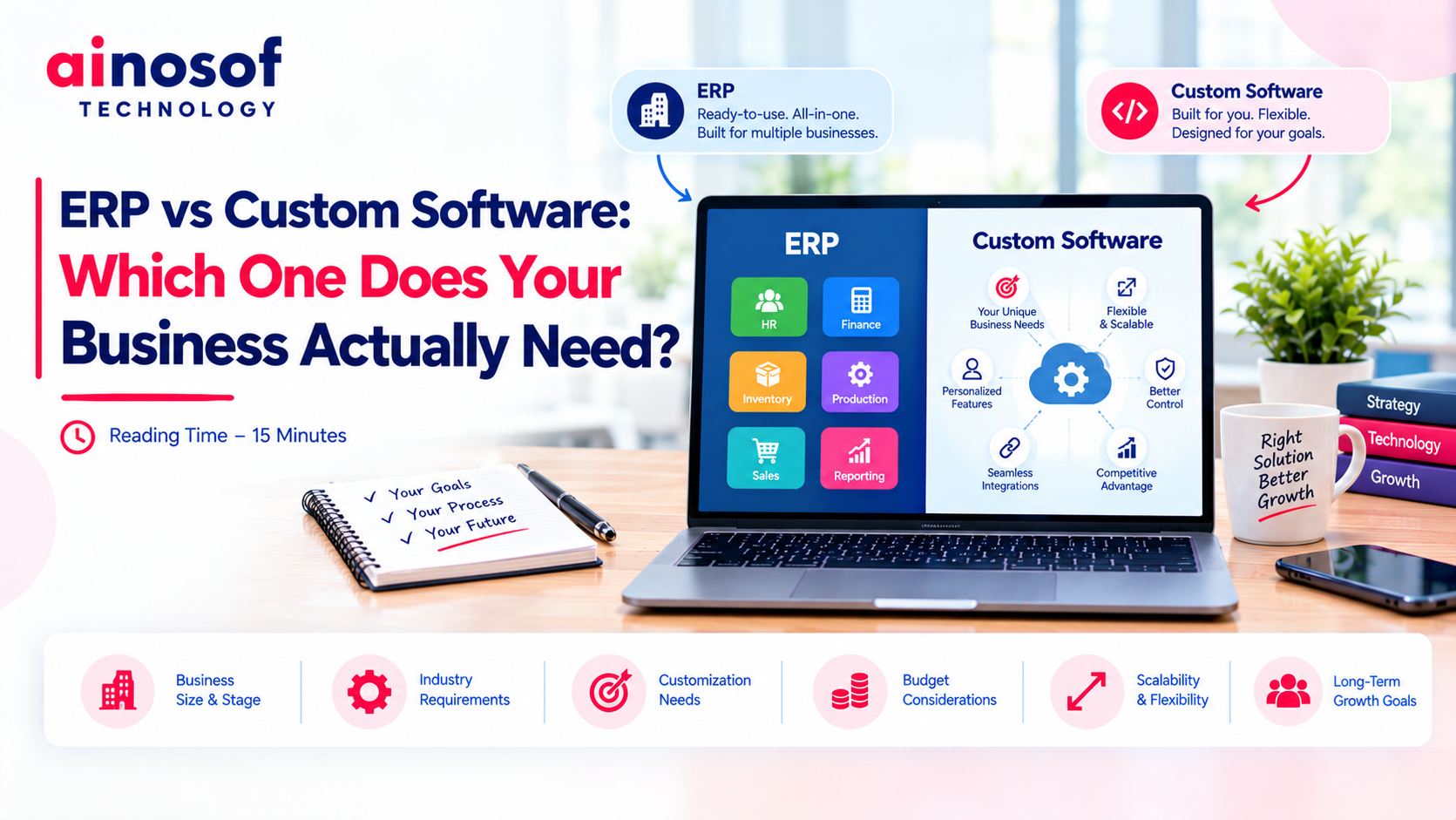 ERP vs Custom Software: Which One Does Your Business Actually Need?
14 Oct, 2026
ERP vs Custom Software: Which One Does Your Business Actually Need?
14 Oct, 2026
 How to Build an SEO Strategy for a B2B SaaS or Software Company
13 Oct, 2026
How to Build an SEO Strategy for a B2B SaaS or Software Company
13 Oct, 2026
 Why Your Business Website Should Integrate With Your Internal Software Systems
12 Oct, 2026
Why Your Business Website Should Integrate With Your Internal Software Systems
12 Oct, 2026
 How AI Agents Are Becoming Part of Custom Business Software in 2026
10 Oct, 2026
How AI Agents Are Becoming Part of Custom Business Software in 2026
10 Oct, 2026
Comment with an expert and get our answer.
Comment with an expert and get our answer.
Explore more insights related to this topic and discover useful perspectives, ideas and strategies from our latest articles.